 mit41301
-
1Software Environment
To build the source code in Windows we need Windows 10 or 11 along with QB64 or DOSBox0.74-3
-
2QuickBASIC COMPILER for 64 bit
We can download the QB64 compiler from the official site
-
3Install DOSBox 0.74-3 for Windows 11
Install the official DOSBox 0.74-3 from DOSBox site
Tested all the GW-BASIC and QBASIC codes with DOSBox and all the program works properly and produces more realistic output screen than QB64 output screen
-
4FLOPPY DISK
![]()
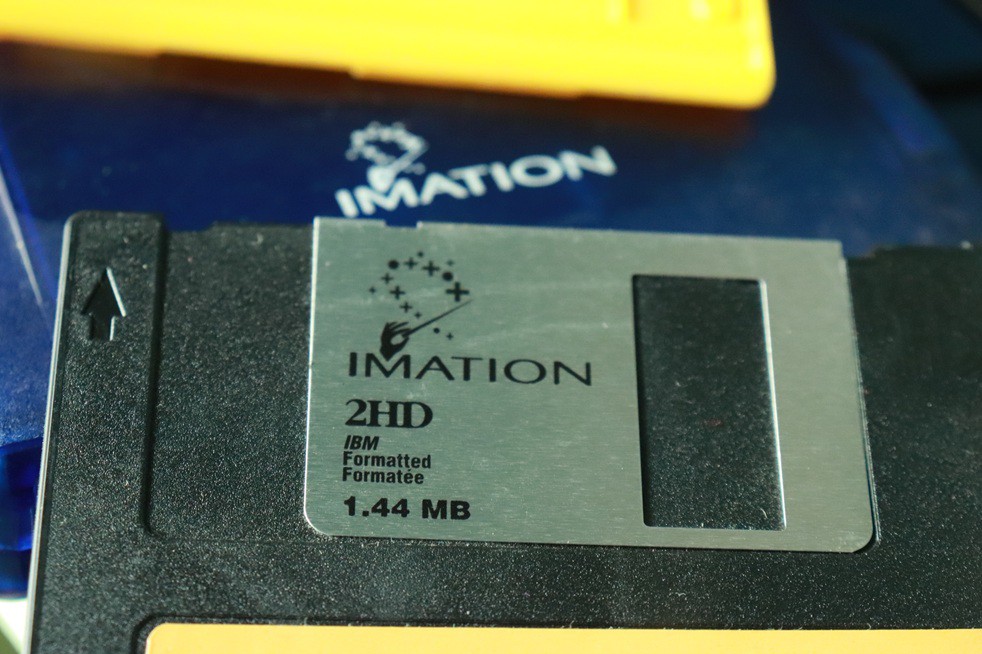
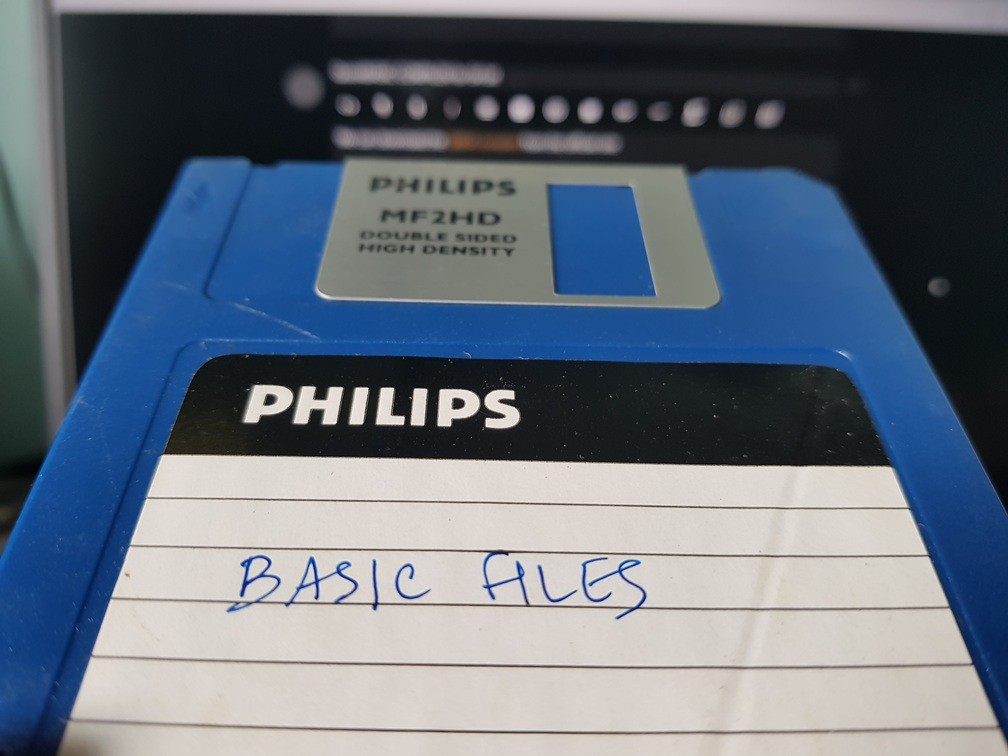
1.44MB is good enough for both source and compiler files. Still working without any reading error.
![]()
Floppy Disk contains both source files and QBasic V4.5 on a single floppy!
-
5FLOPPY DRIVE
![]()
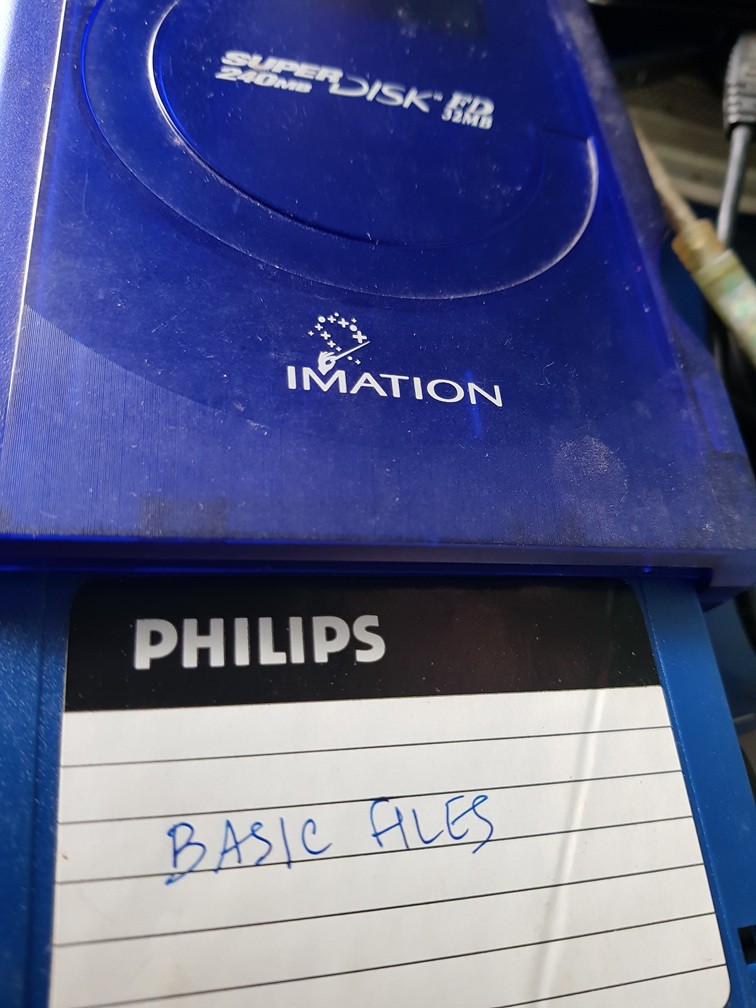
IMATION FD 32 (Super 240MB) Used a IMATION supre DISK FD
-
6MOUNT Floppy drive A: using DOSBox
Mount the Floppy Drive which contains the BASIC source files and QB V4.5 as drive A:
Now we are ready to GO!
-
7LOAD and RUN
Invoke QuickBasic by just typing QB. Press ALT+ENTER for full screen.
Load any desired program and run by pressing F5
The result image will appear on the screen.
-
8RESULTs
The results were verified using an iPOD Touch 4th Generation device.
![]()
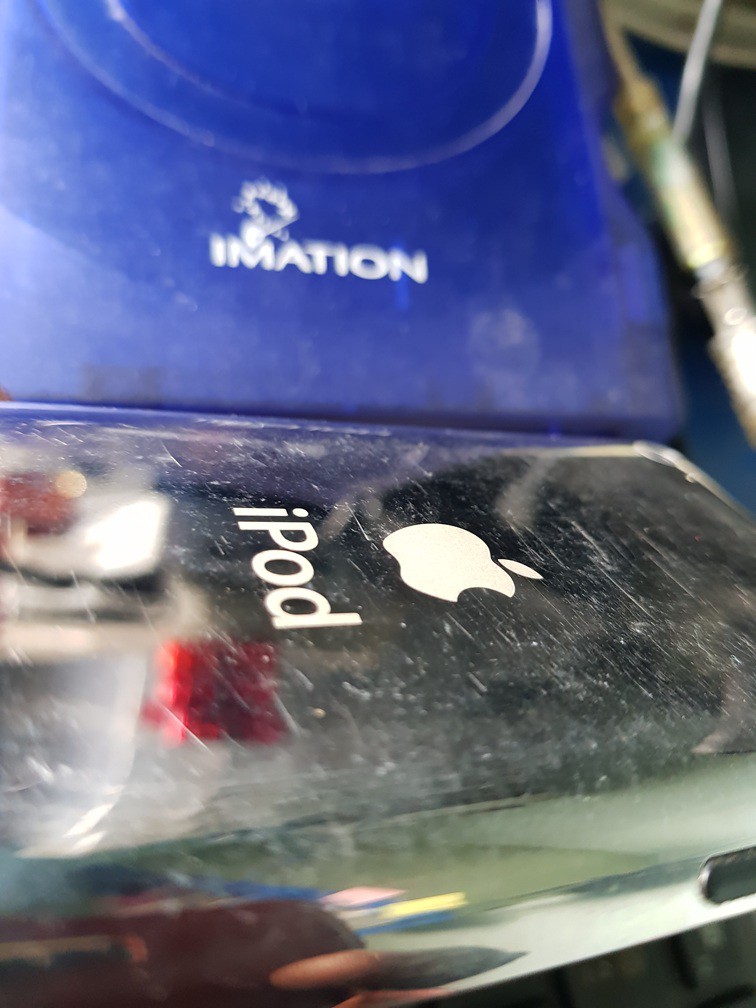
iPod Touch 4th Gen along with the FDD in the background -
9iPod App for Scanner
![]()
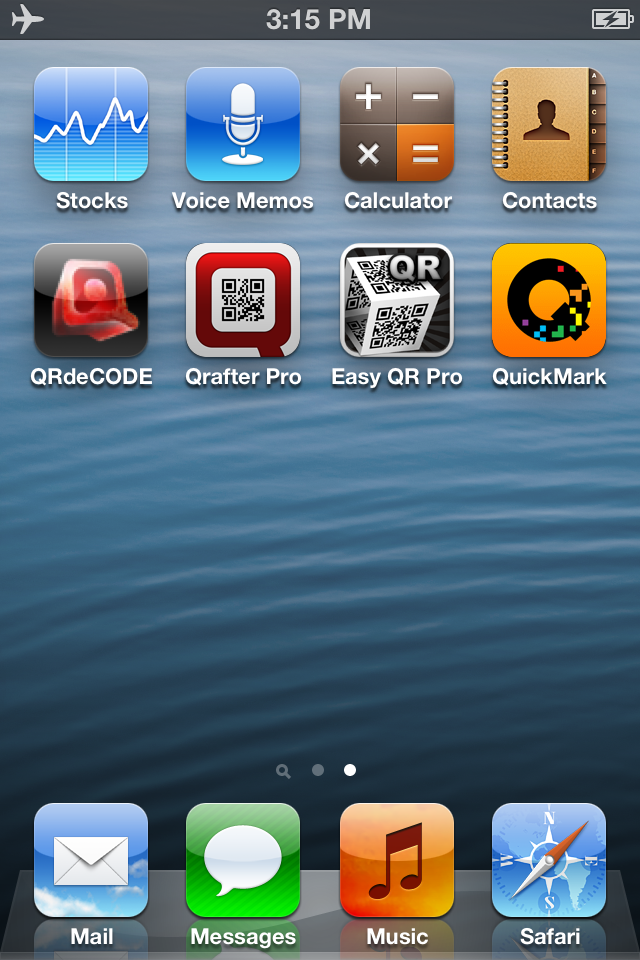
QuickMark and QRafter Pro used for verification ![]()
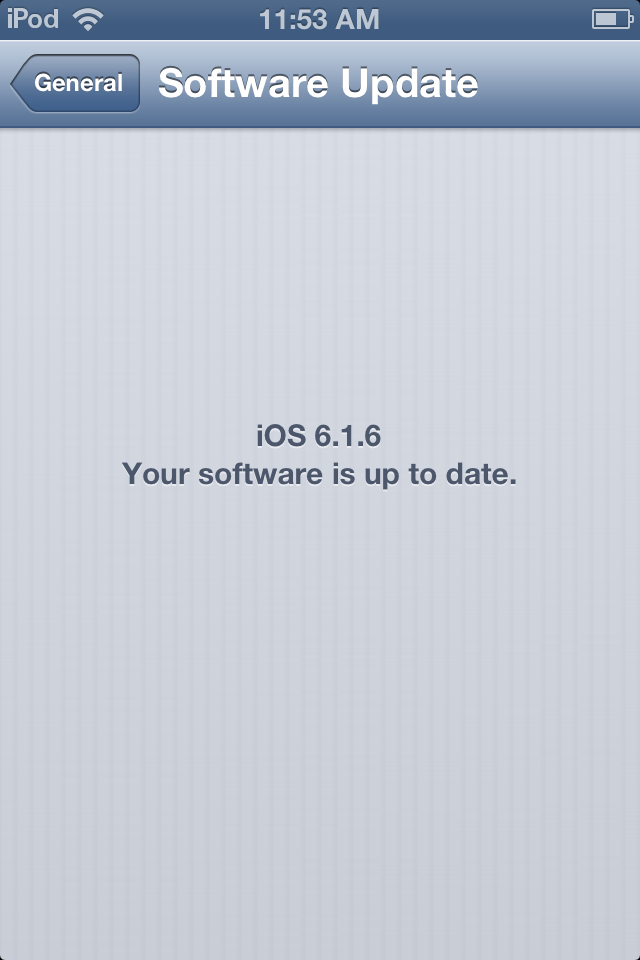
iOS 6.1.6 up to date iPod Touch 4th generation running iOS 6.1.6 used to verify EAN-13, UPC and CODE 39 barcodes. Codabar, Code 25 verified using Android. iPod Touch uses HD 720p up to 30 frames per second for video with back camera.
Scandit demo app for Android OS also usee to cross verify the results.
DynamSoft app for Android OS can be found in play store
BARCODE GENERATOR
UPC, CODABAR, CODE39 and ITF Barcode generator using GW-BASIC and QBASIC. Still we can write code in BASIC with WINDOWS & QB64, DOSBox, etc.
Discussions
Become a Hackaday.io Member
Create an account to leave a comment. Already have an account? Log In.