 mit41301

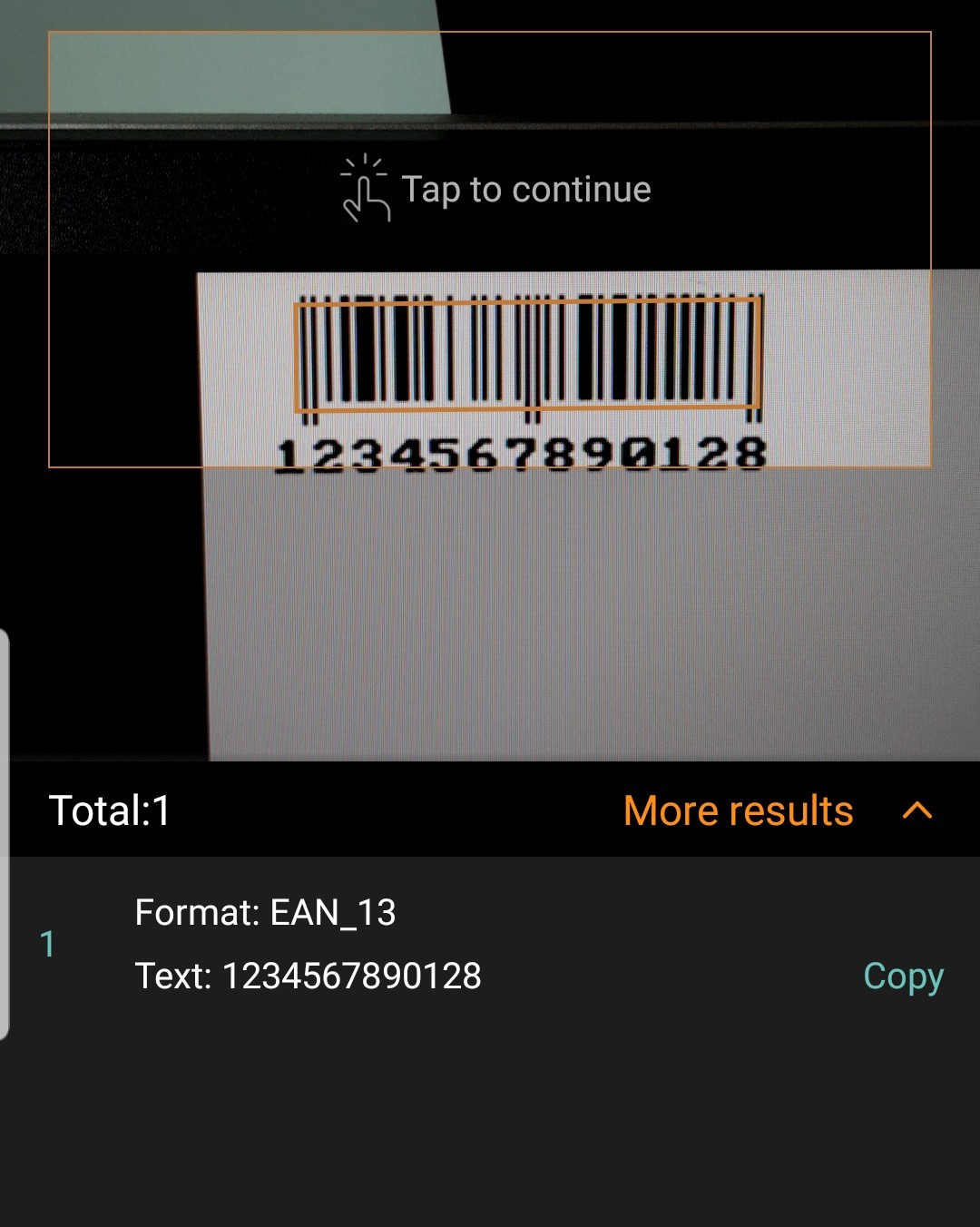
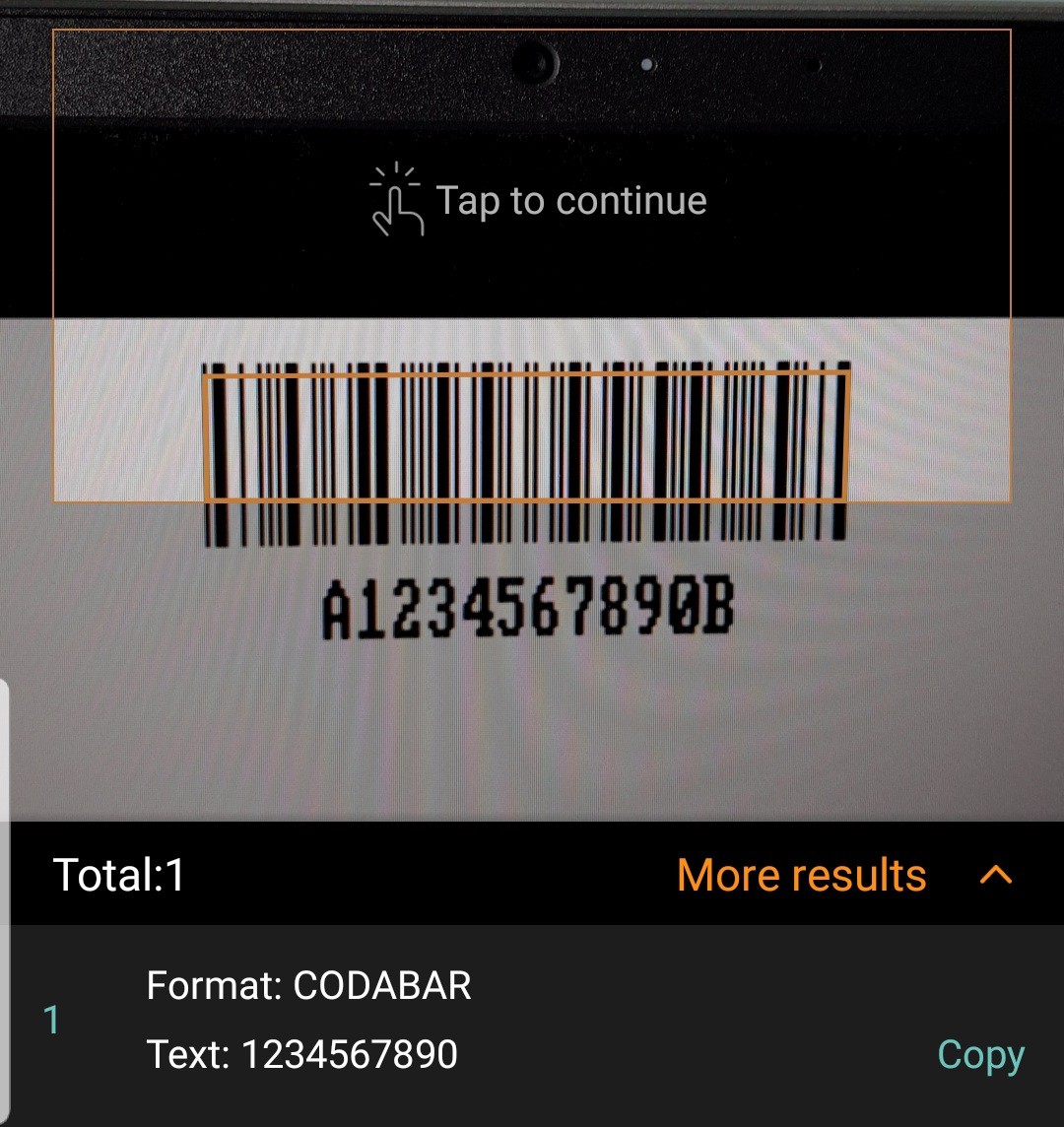
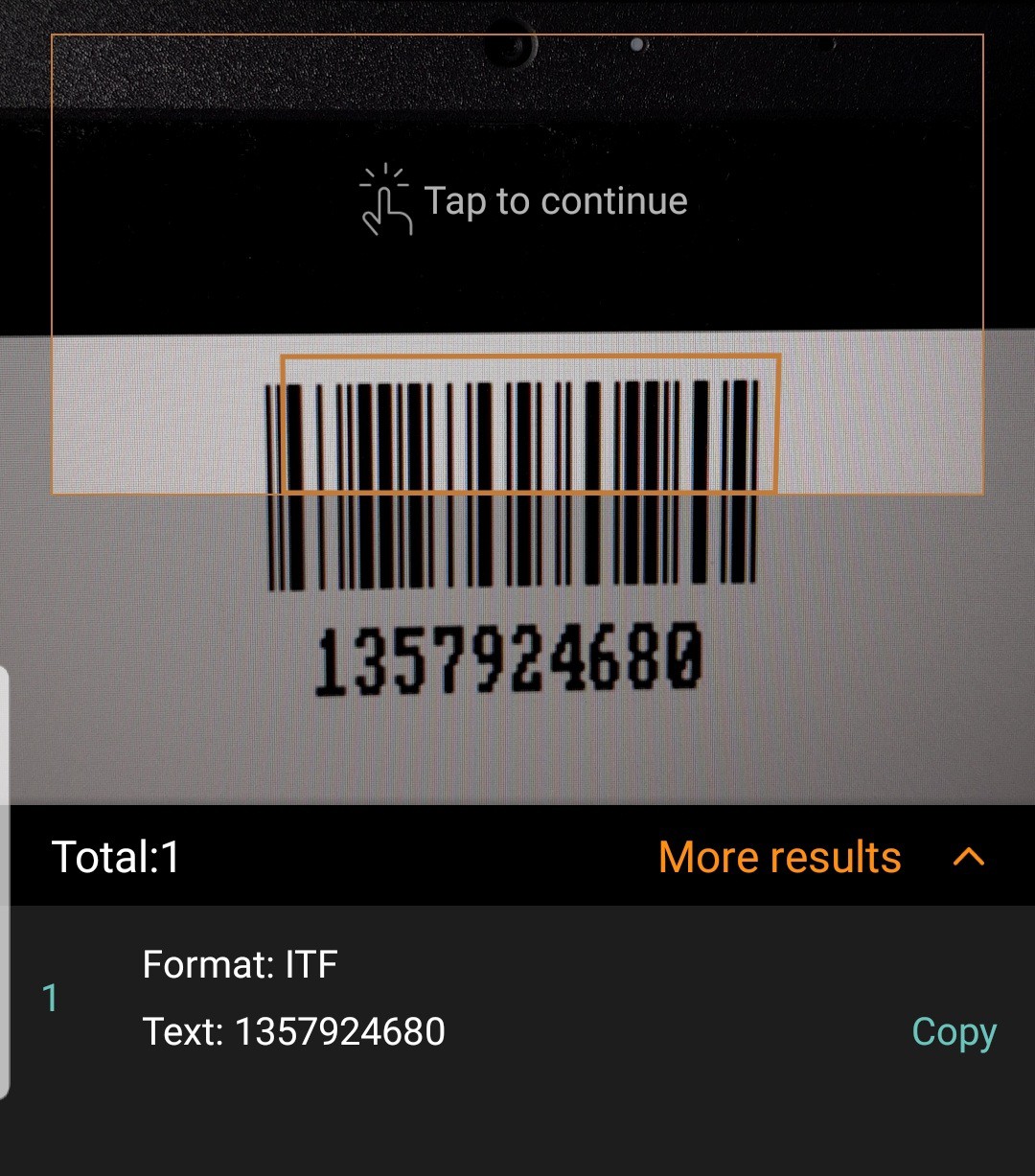
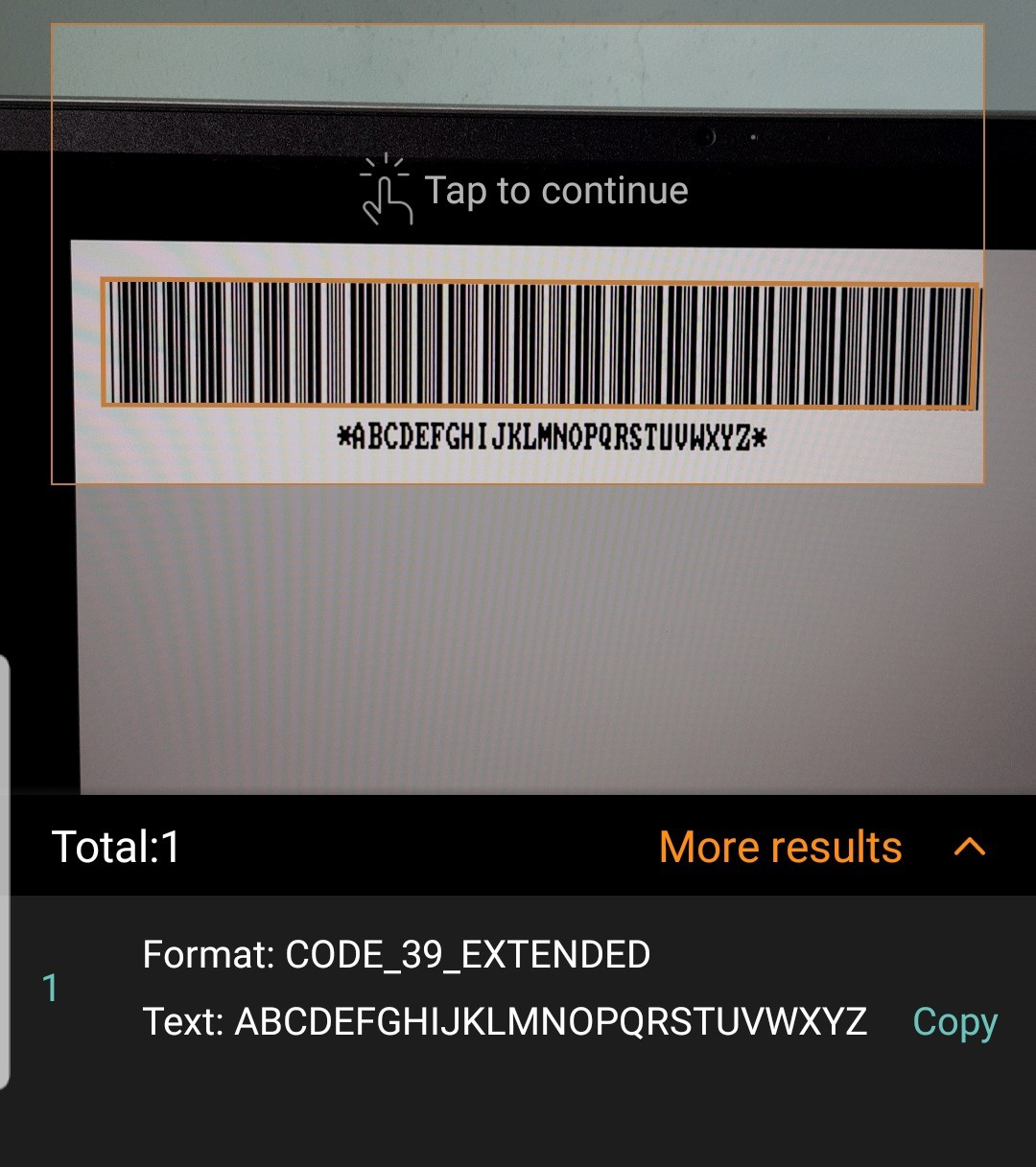
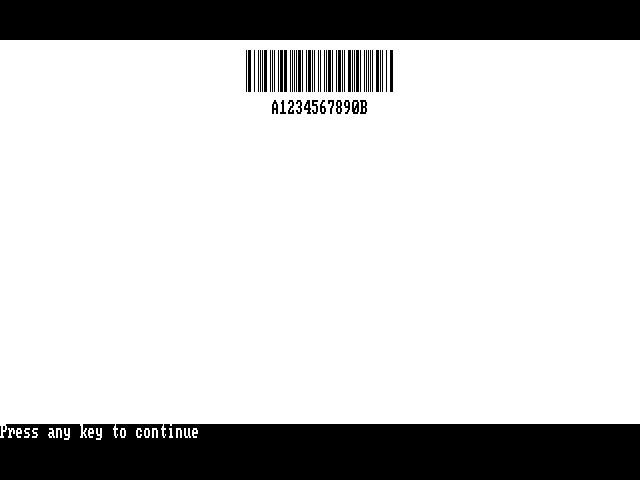
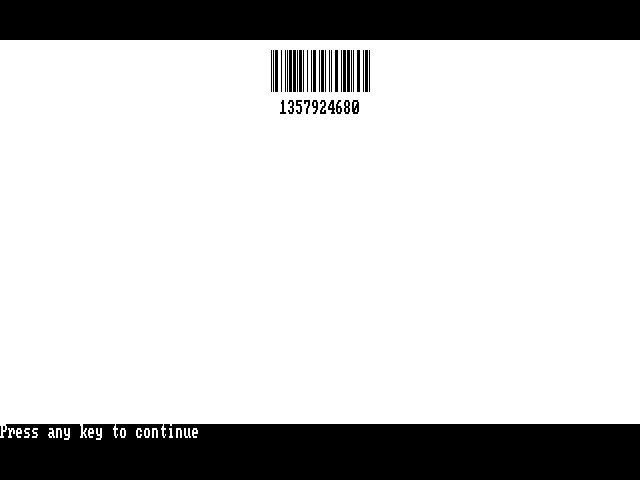
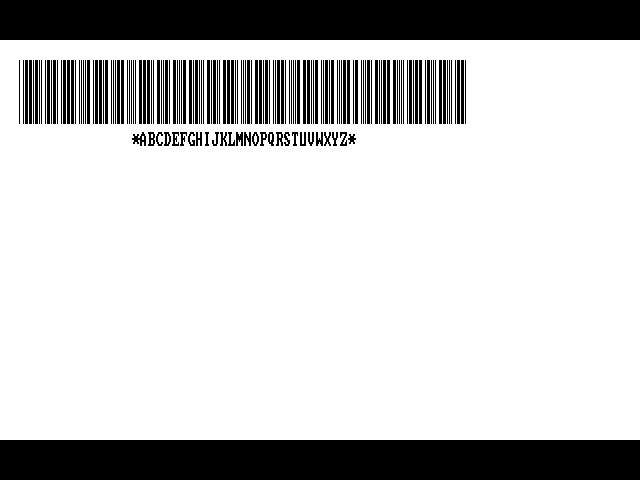
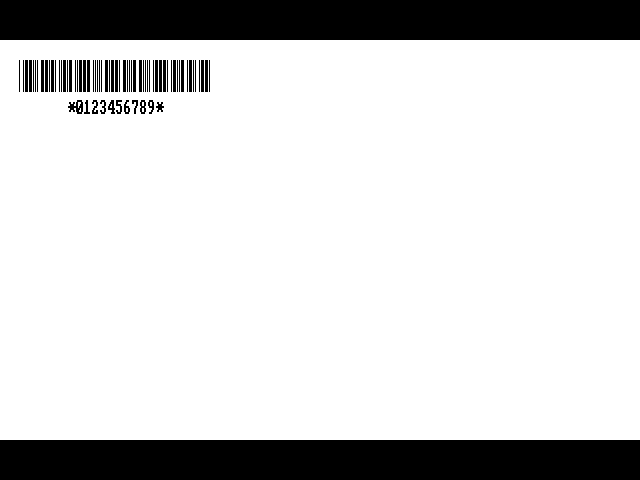
DOSBox environment BARCODE generator running on Windows 11 with scan examples.
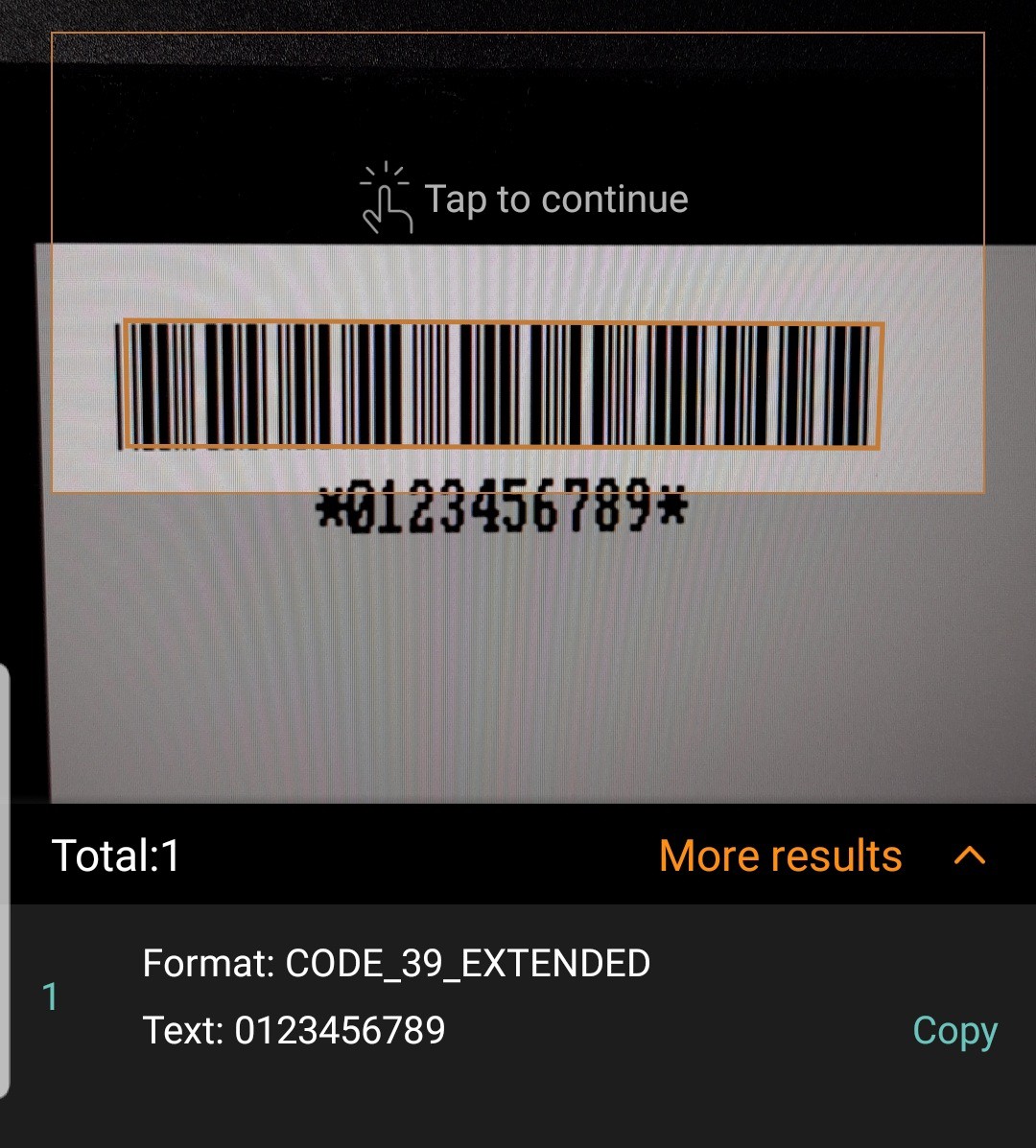
QB64 environment BARCODE generator running on Windows 11 with all scan examples.
INTRO:
Can we write few lines of code and generate any useful barcode?
The answer is YES, we can.
Find the following simple code written in GW-BASIC or QBASIC for four types of commonly used barcodes.
- UPC/EAN barcode
- CODABAR
- Code39
- Code25 or ITF
1. UPC barcode generator
UPC barcode must be the most used and scanned type of barcode globally. Every product bears unique UPC or EAN-13 which is normally printed on the package of the product. During checkout at POS, the scanner quickly reads the barcode on the product and identifies the price and product description from the store database. It is also useful for inventory management.
Everyone must seen the EAN-13 code. But many people may not aware or appreciate the beauty of the barcode. If you are new to UPC or EAN-13 type barcode please refer to the detailed information at International Article Number - Wikipedia
International Article Number, also known as European Article Number (EAN), is a global standard that defines a barcode format and a unique numbering system used in retail and trade. It helps identify specific types of retail products based on their packaging and manufacturer, making it easier to track and manage products in international trade.
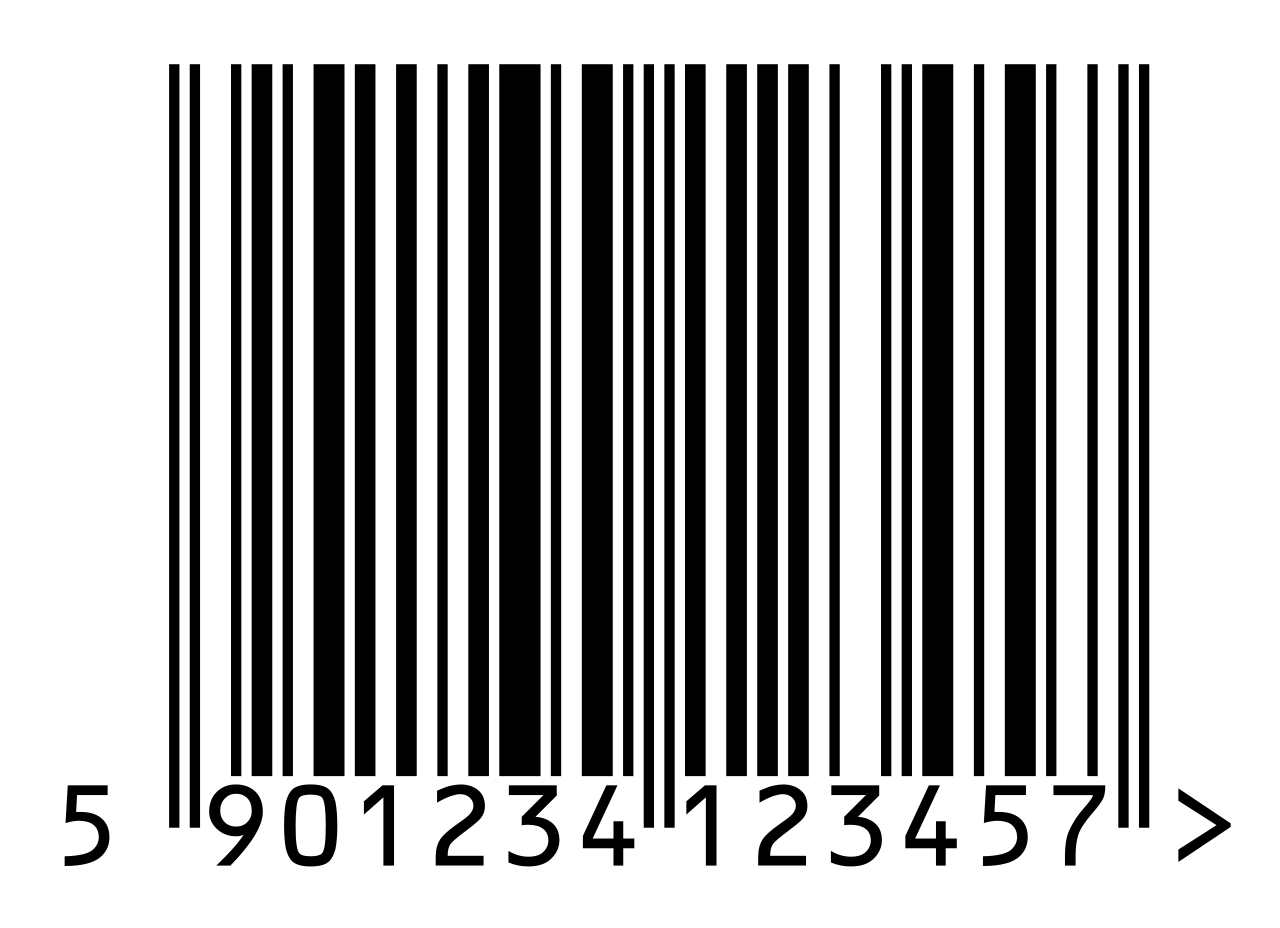
The EAN13 barcode usually encodes 12 digit numbers. After calculating the single digit checksum, the checksum will be appended as 13th digit. Since we are going to encode only 12 digits, the first digit of the original 12 digit number will be discarded.
While reading and decoding the barcode using the scanner, the scanner will generate the first digit after successful decoding of the barcode.
UPC codes with white baground with black lines, black background with white lines are valid. The scanner also capable of reading the code from left to right or right to left.
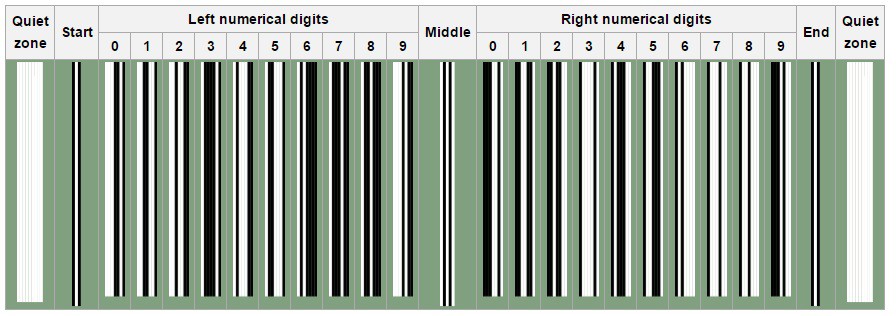
The above code is the example showing the encoding pattern. Each UPC code will have starting, ending and middle guard band. There are 12 digits in the UPC barcode. First 6 digits encoded in the left zone and the next 6 digits encoded in the right zone.
Left 6 digits element pattern comes from L-Code or G-Code depends on the very first digit of the barcode. Next 6 digits always comes from R-Code encoding.
The table below shows the 3 types of pattern used to encode from 0 to 9.
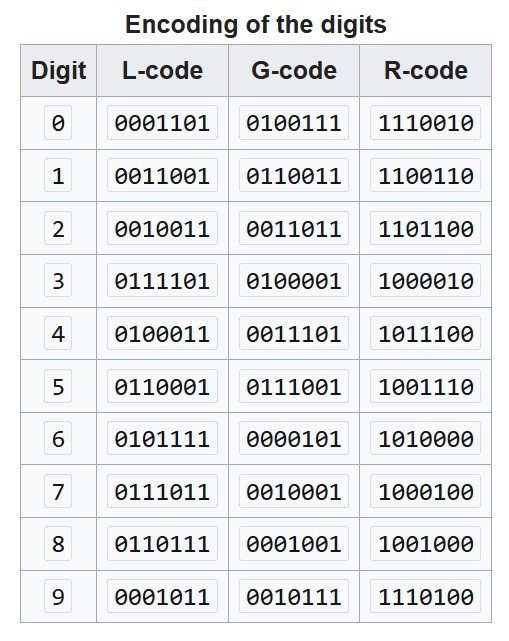
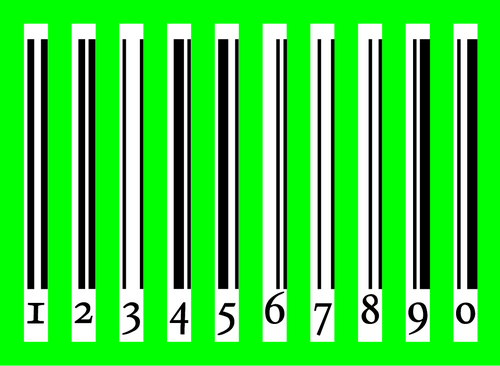
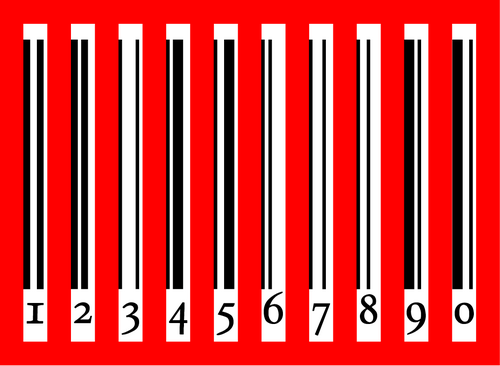
To encode the 13-digit EAN-13 number, the digits are split into 3 groups; the first digit, the first group of 6 and the last group of 6. The first group of 6 is encoded using a pattern whereby each digit has two possible encodings, one of which has even parity (denoted with letter G) and one of which has odd parity (denoted with letter L). The first digit is not represented directly by a pattern of bars and spaces, but is encoded indirectly, by selecting a pattern of choices between these two encodings for the first group of 6 digits, according to the table below. All digits in the last group of 6 digits are encoded using a single pattern RRRRRR, the one also used for UPC. If the first digit is zero, all digits in the first group of 6 are encoded using the pattern LLLLLL used for UPC; therefore, a UPC barcode is also an EAN-13 barcode with the first digit set to zero.
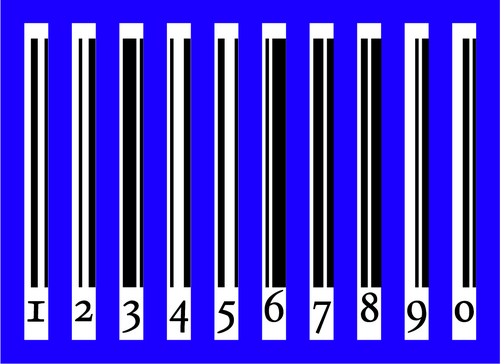
Entries in the R-column are bitwise complements (logical operator: negation) of the respective entries in the L-column. Entries in the G-column are the entries in the R-column in reverse bit order. See pictures of all codes against a colored background.
Left 6 digits and Right 6 digits encoding sequence
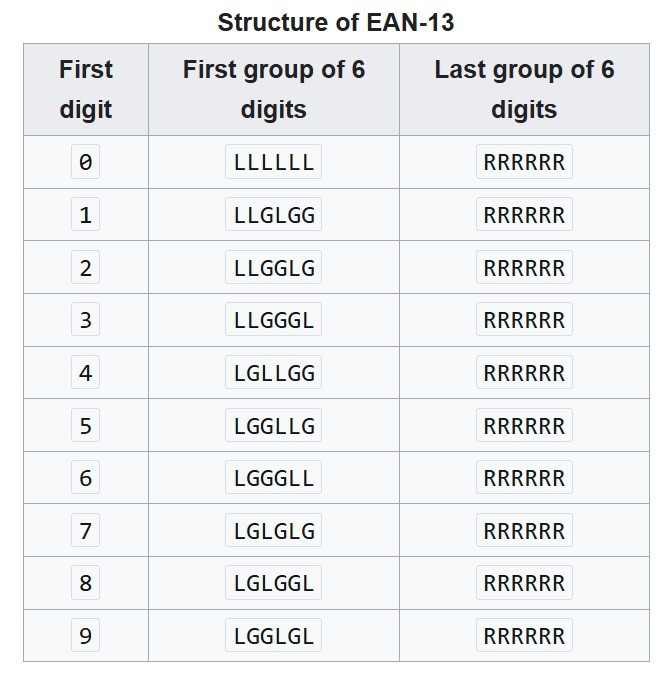
Digits 7 to 12 always encoded from the R-Code Table. But the First 6 digits will be encoded from L-Code and G-Code depends...
Read more »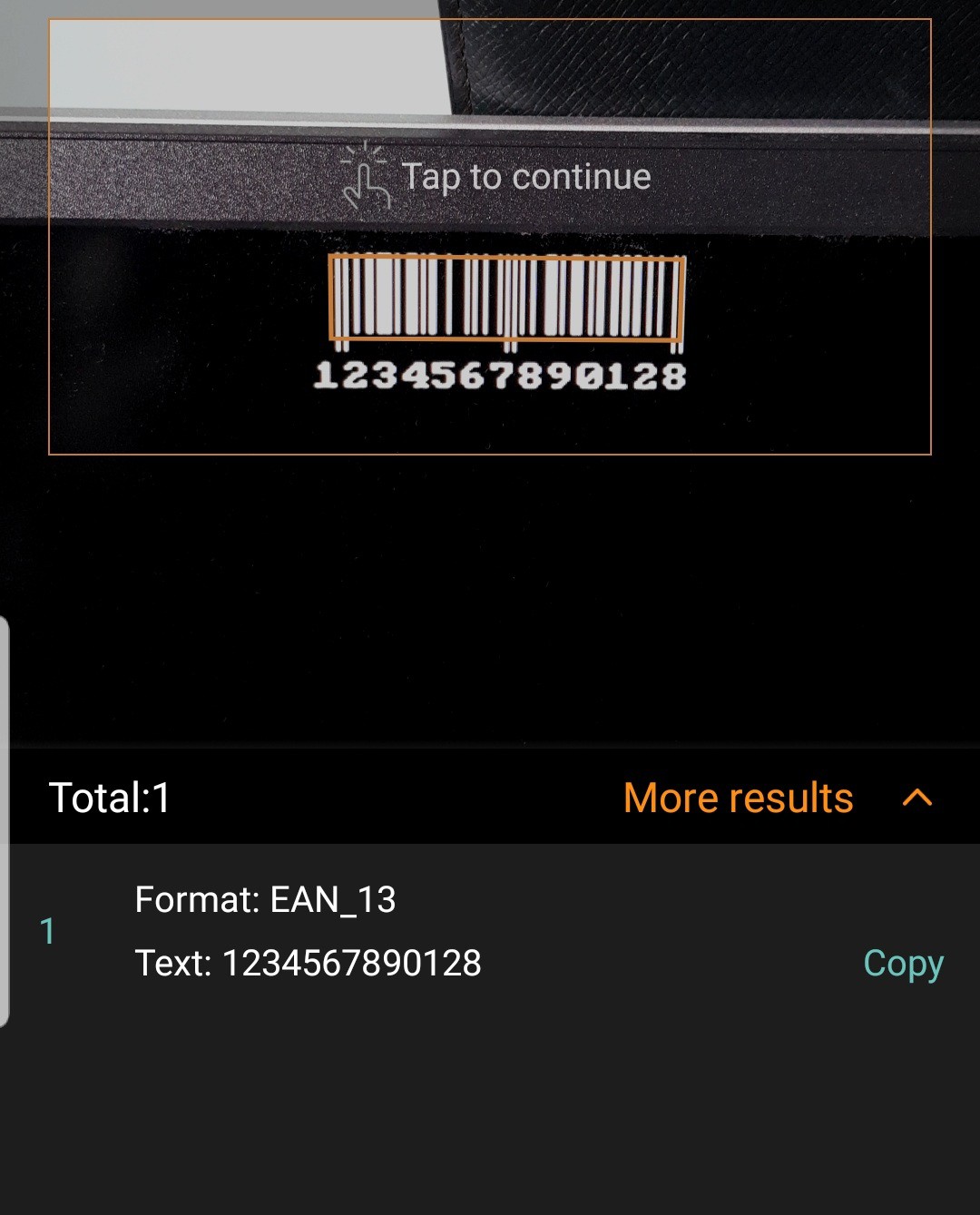



 George I Fomitchev
 Alexander R Pruss
 Melissa LeBlanc-Williams
 heinz
heinz