Yurii
Yurii-
Shipping it, then chasing a few more questions
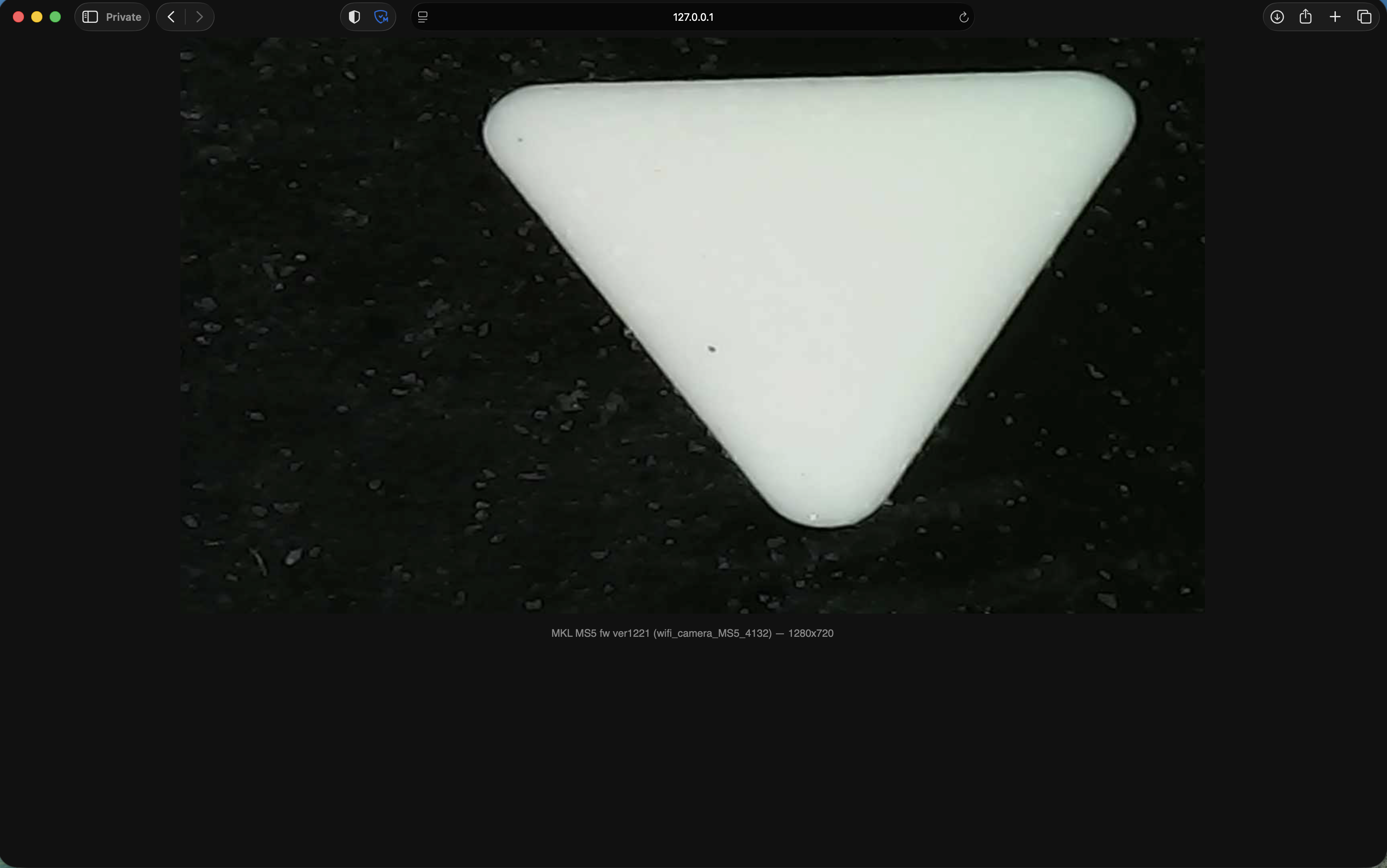
07/01/2026 at 14:30 • 0 commentsWith frames flowing, the rest came together as ms5_viewer.py: a small pure-Python-stdlib server
that does the WiFi handshake, reassembles the JPEG stream, and re-serves it over HTTP so any
browser, VLC, ffplay, or OBS can watch it. No installs, no dependencies, fully offline. Result:
1280×720 at ~25–30 fps — roughly 10× the official app, on the exact same hardware.![]()
A few loose ends were worth chasing before calling it done:
- Resolution control. The protocol has real GetCameraConfig/SetCameraConfig commands, so I
decoded and tested them. Turns out the app's higher-resolution options were never real — anything
above 1280×720 is silently ignored by the camera, and it's already the hardware's ceiling. Lower
resolution (640×480) works but gives no speed benefit, and switching modes at runtime once wedged
the video encoder badly enough that only a power cycle recovered it. Documented, but deliberately
left unused in the shipped viewer — there's no upside and a real downside.
- An iPad PWA, tried and reverted. I added a home-screen-installable PWA so the viewer would
feel native on an iPad. Reverted it — the camera's WiFi access point only allows one connected
client at a time, which makes a casual "grab your device and connect" workflow unworkable
regardless of how the software presents itself.
- Stability pass. Once the stream was running for real, a few practical issues showed up under
load: a too-small UDP receive buffer dropping packets, a stall-recovery routine that blocked far
longer than it should have on reconnect, and a race that could return an error before the very
first frame arrived. All fixed; a follow-up security review of the final code found no
vulnerabilities. -
The real library, and a wall to hit
07/01/2026 at 14:20 • 0 commentsThe library actually driving the MS5 turned out to be libWifiCamera.so, part of a protocol family
called i4season ("Suear") — used not just for microscopes but for a whole range of cheap WiFi
otoscopes and endoscopes sold under many brands. That mattered a lot, because it meant I wasn't
starting from zero: Sean Pesce had already written and open-sourced
Suear-Web-Viewer, a clean client for the same
library targeting a different device (a Suear ear-cleaner). His work decoded most of the wire
framing already — the shift from "guessing" to "confirming and adapting" started here.First proof it applied to the MS5: sending a raw GetDeviceInfo request to UDP :10005 got a real
reply, identifying the camera as vendor MKL, product MS5, firmware ver1221. The camera was
alive and speaking this exact protocol — the earlier "dead device" reading from the bad pcap was
simply wrong.Then came the wall. Sending the OpenVideo command — the one that's supposed to start the stream —
got a clean acknowledgement every time, and not one video packet ever showed up. An ack with no
data is one of the more annoying failure modes to debug, because it rules out almost nothing:
wrong parameters, licensing, timing, session state, all still on the table.The answer came from disassembling proOpenVideo itself (arm64) inside libWifiCamera.so: the
client is expected to announce its own UDP receive port inside the OpenVideo request — bind an
ephemeral port, read it back, and send those two bytes as the payload. Skip that step and the
camera acks happily and then has, quite literally, nowhere to send the video. It's not documented
anywhere; it only shows up by reading the code that builds the request. That one detail is what the
whole project hinged on.Sending OpenVideo with the port produced an immediate 1280×720 MJPEG stream. The first reassembler
had a bug — it grouped chunks by the wrong byte — but once frames were grouped correctly, whole
valid JPEGs came out the other end. -
Two dead ends before anything useful
07/01/2026 at 14:13 • 0 commentsThe obvious first move for reverse-engineering a WiFi protocol is to watch the traffic the app
actually sends. That's harder on iOS without a jailbreak, so I found an Android build of the same
app family instead — same vendor stack, same camera, and WiFi framing that shouldn't care what
phone OS is asking for it. I installed a capture tool called PCAPdroid, which sniffs traffic on
Android without root by routing it through a local VPN interface, connected to the camera's AP, and
recorded a session.The capture was baffling. Instead of anything that looked like a video protocol, I saw a small
heartbeat-looking packet (fe1a…) going out over UDP :8000, and a TCP connection attempt to
:10005 that came back RST — refused outright. No sign of a sustained video stream anywhere. My
first read of this was that the camera itself was in some kind of dead or locked state, refusing the
connection the app needed.That read was wrong, for two independent reasons, and it took a while to untangle both:
1. It was a bad capture, not a working one. The session I recorded happened to be one where the
app itself never got a picture up either — so of course the traffic looked broken. I was
reverse-engineering a failure, not the protocol.
2. The capture tool couldn't see the video path at all, even on a good session. PCAPdroid's
no-root mode works by presenting a VPN interface and letting Android route app traffic through
it. But the camera app doesn't send its video traffic through the device's default route — it
explicitly binds its camera sockets to the WiFi network object (Network.bindSocket, an Android
API for pinning a socket to a specific physical interface). That bind happens *underneath* the
VPN layer, so the video traffic never passes through PCAPdroid's tunnel in the first place. I
wasn't looking at a locked-down camera; I was looking through a window that the real traffic
physically couldn't reach.In other words: two layers of "this isn't the real thing" stacked on top of each other, and both
had to be recognized before the capture became useful for anything. Lesson taken forward: confirm
you're capturing a working session, and confirm your capture tool can actually see the traffic
you're chasing, before trusting what it shows you.With that resolved, a cleaner capture (and some digging into the app's bundled native libraries)
turned up something interesting: the app ships two entirely different camera SDKs. One,
libjh_wifi.so, belongs to a "JoyHonest" GP/GK camera family — its own command set (JHCMD), its
own port (UDP :20000), and its own separate MJPEG-over-HTTP endpoint on :8080. It looked like a
complete, plausible protocol in its own right, and for a while it was the leading theory.It was a dead end. Testing against the MS5 directly, none of the JoyHonest ports or commands got a
response — the MS5 simply isn't driven by that SDK. It's bundled in the app because the app supports
a whole family of the vendor's cameras, and the JoyHonest path belongs to a different product line.
Confirming that and setting it aside completely was necessary before the real path forward became
visible.
Reverse-Engineering a WiFi Microscope MS5
An update broke my WiFi microscope's app entirely, so I reverse-engineered its protocol — now it streams 25-30 fps instead of nothing.