Vlad
Vlad-
Cassette interface
08/19/2026 at 20:05 • 0 commentsTo test the cassette interface, I needed a cassette player, but I don't have one. So I tried using my smartphone as a player. However, this failed because the Spectrum didn't respond to the signal after the LOAD command.
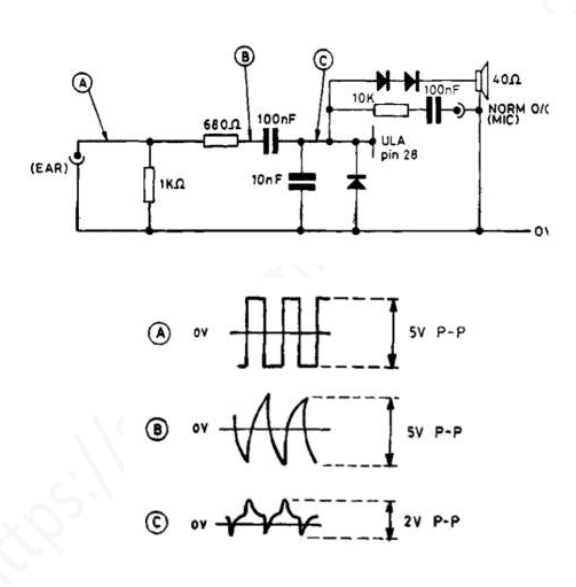
The user manual lists the following input parameters for the cassette interface:
![]()
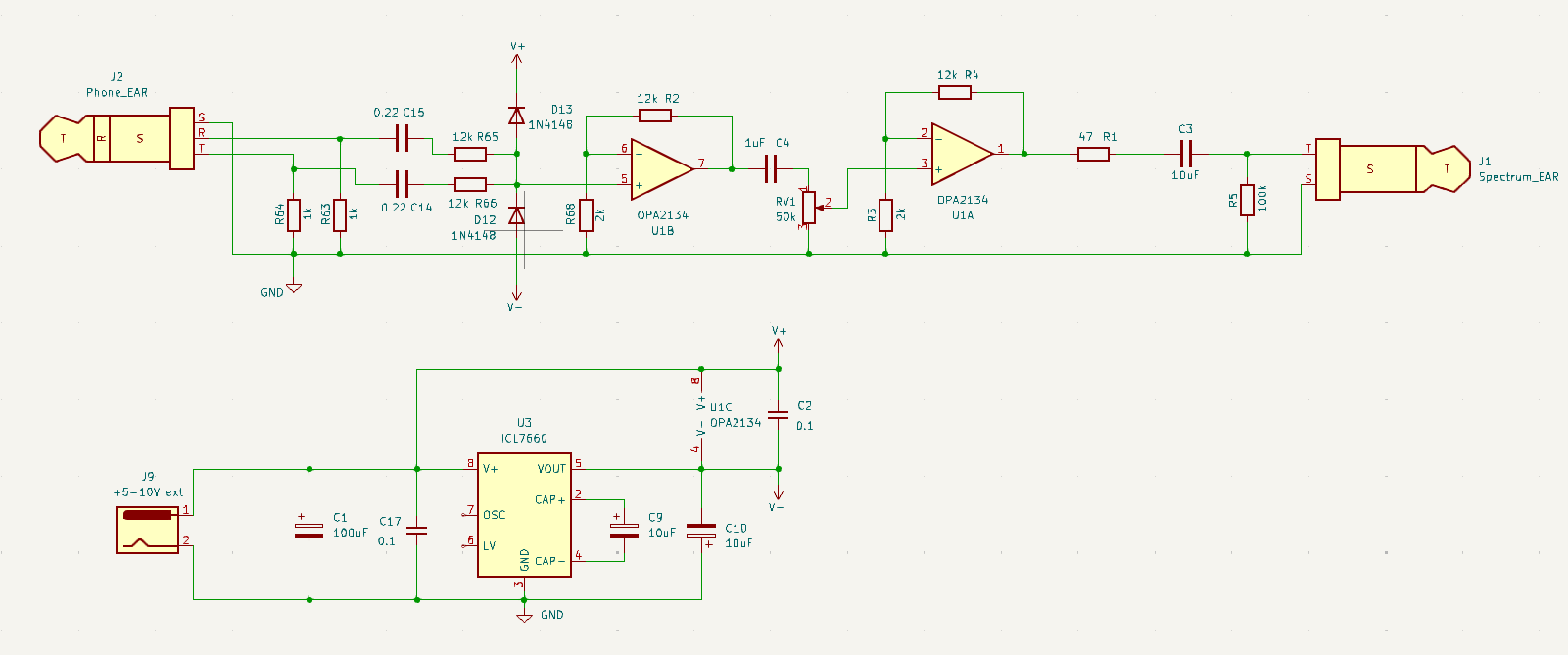
My smartphone obviously couldn't provide 5Vp-p output voltage to the headphone output, so I needed an amplifier and I decided to use op amps as follows:
![]()
It includes a bipolar power supply based on the ICL7660.
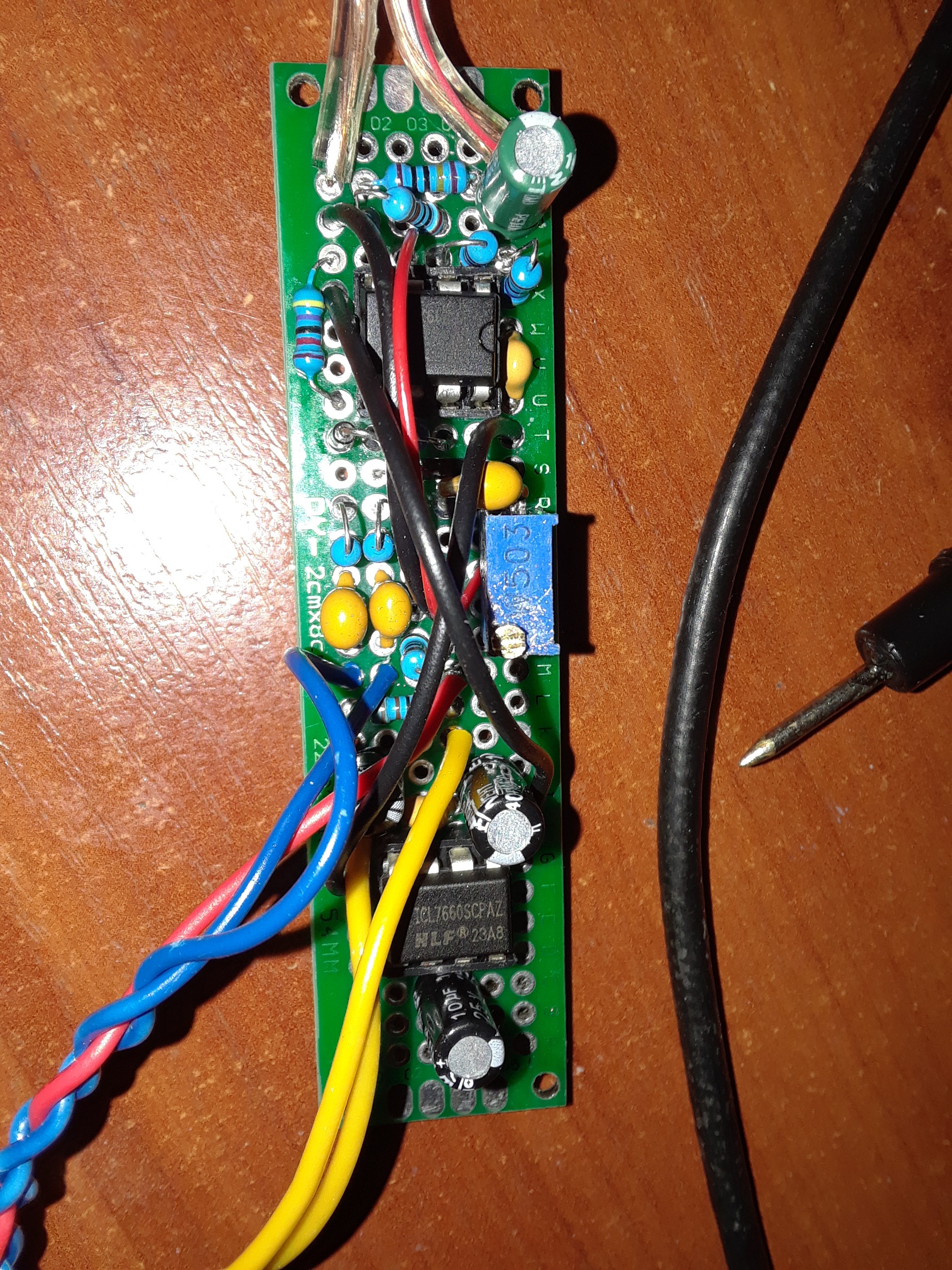
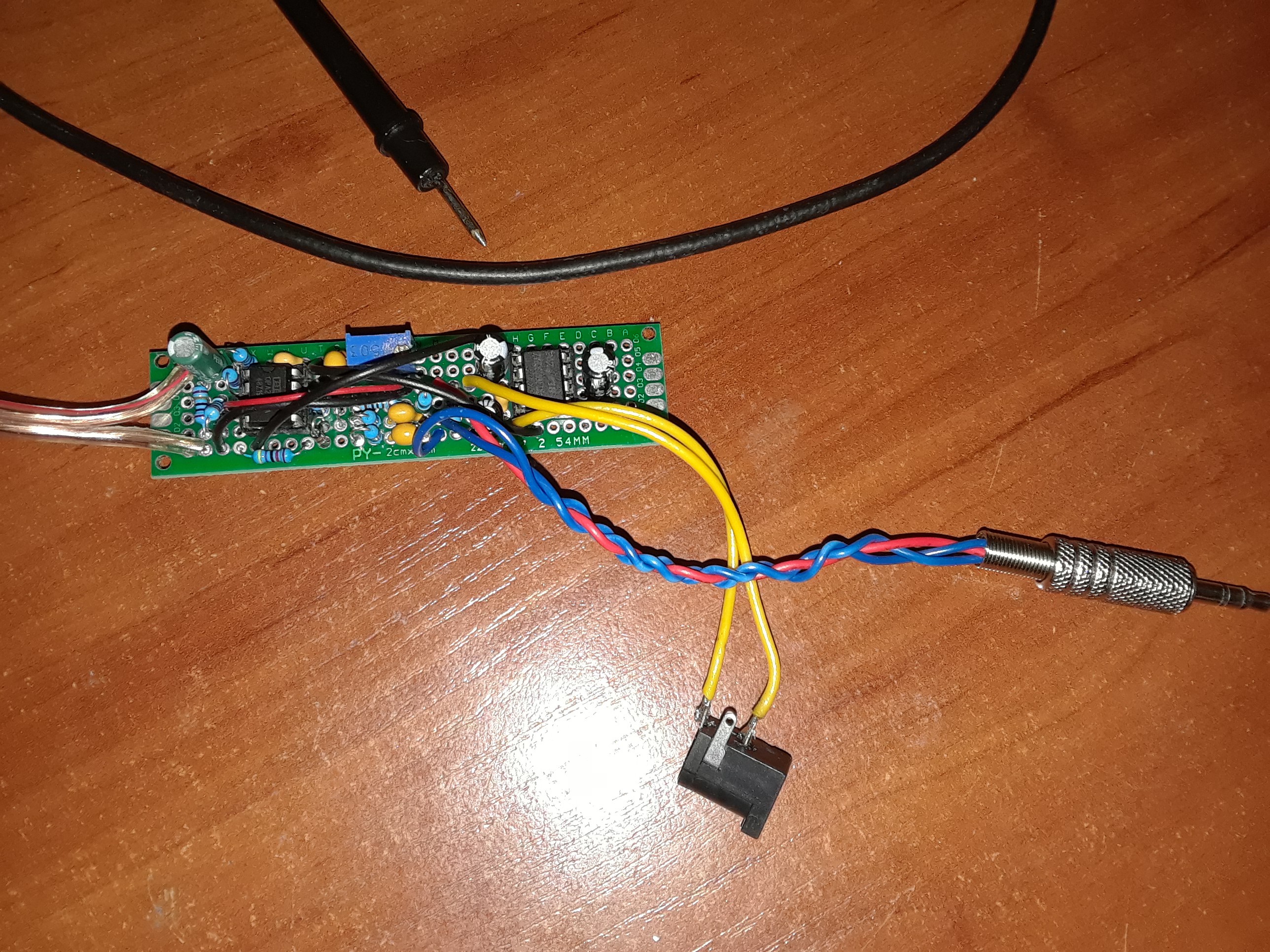
It actually took me a while to figure out this circuit, as it turned out the signal levels specified in the service manual didn't work with this particular ZX Spectrum. Again, likely due to some ULA malfunction... I finally managed to load games by feeding a 7 Vp-p signal to the Spectrum EAR input:
![]()
![]()
![]()
It would definitely have taken a lot less time if I had a real cassette player...
Unfortunately, I haven't tested whether it saves programs to tape... But I checked the Spectrum microphone output with an oscilloscope using the SAVE "test" $SCREEN command and saw some kind of correct signal with an amplitude of 50 mV. Hopefully that's enough for recording.
-
Speaker
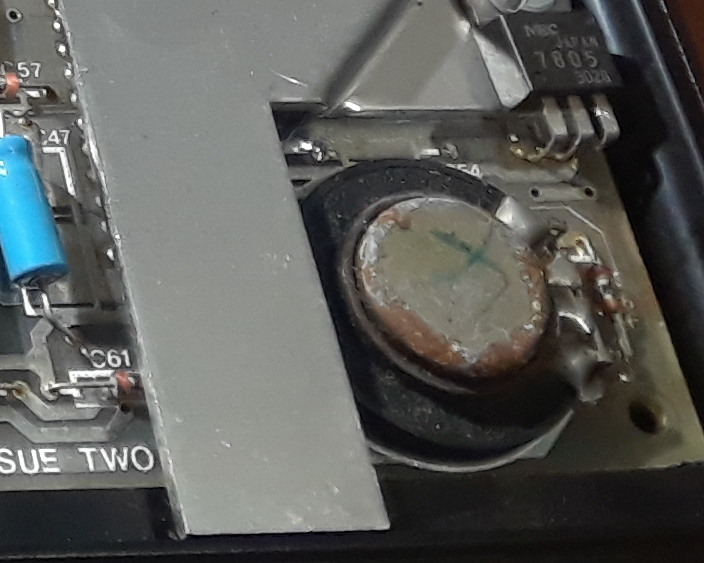
08/05/2026 at 16:36 • 0 commentsThe speaker was rusty, marked with "X" sign by somebody and dead:
![]()
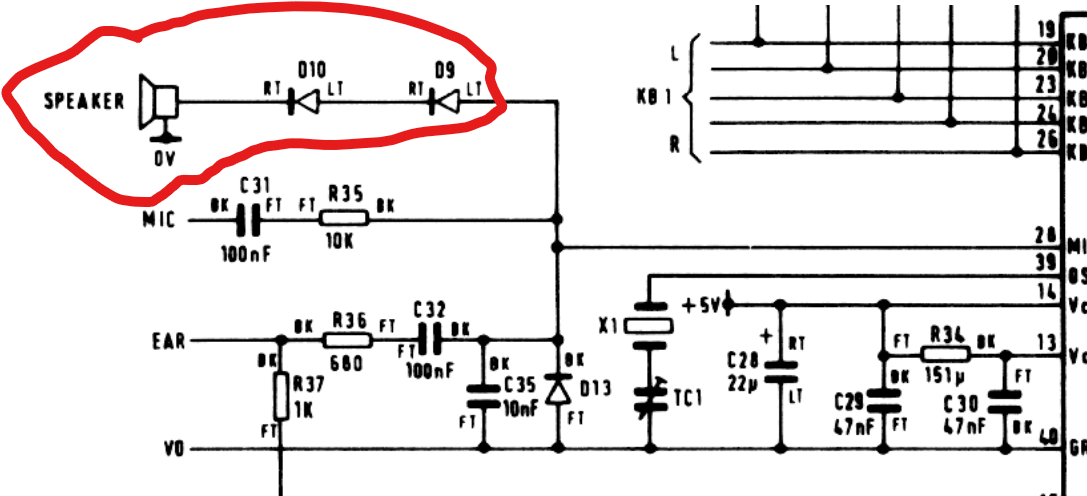
According to the schematic of issue 2, the speaker is driven directly by the ULA output through two diodes to reduce the ULA output voltage, as I understand it:
![]()
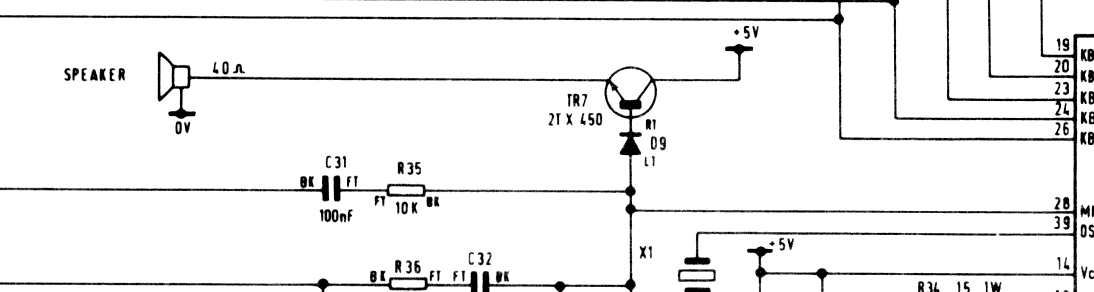
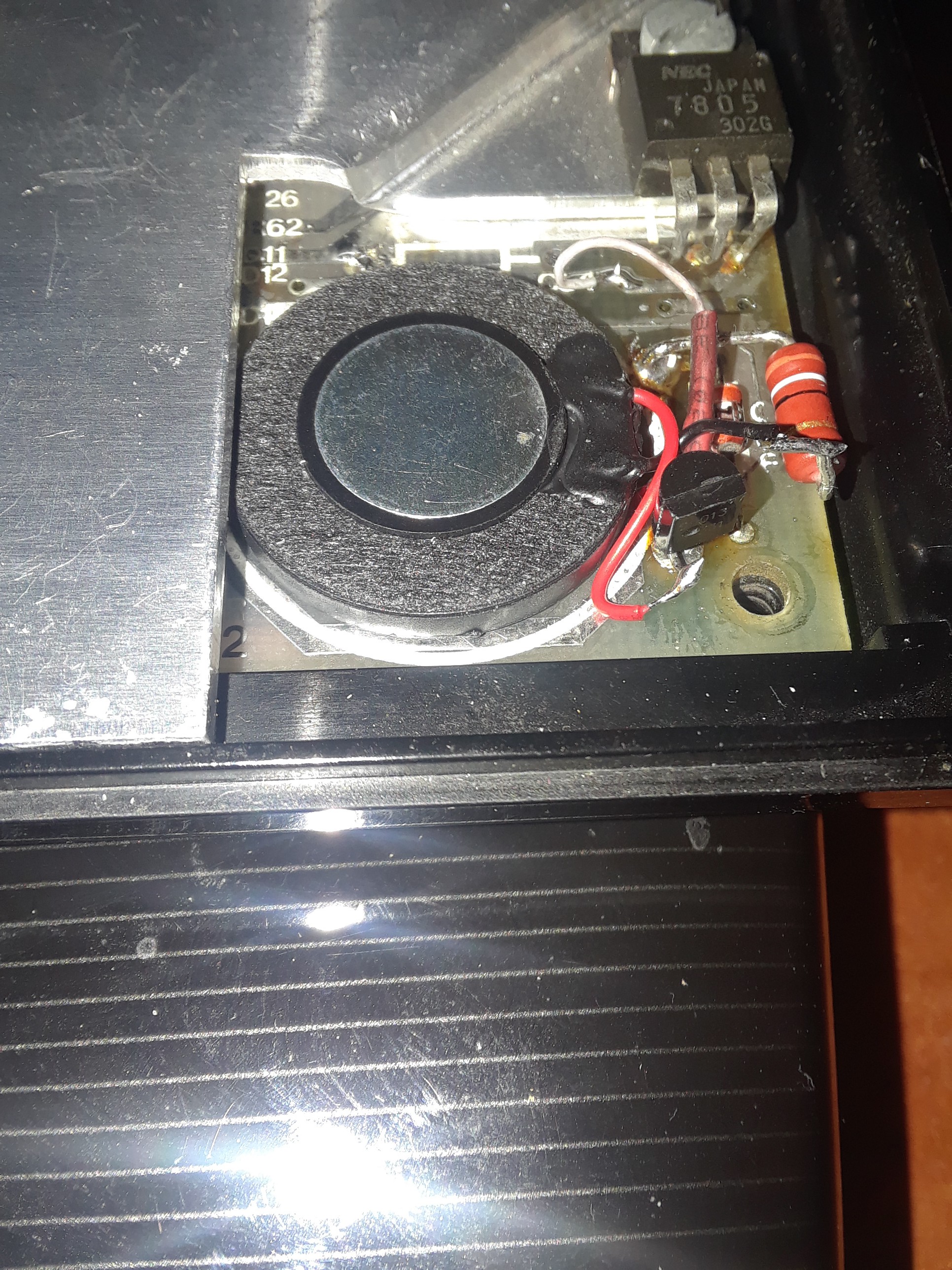
Some sources said the speaker impedance should be 40 ohms, others 200 ohms. In any case, I couldn't find a replacement speaker other than 8 ohms. So I decided to use it in series with a 39 ohm resistor and add an S9013 transistor as an emitter follower, similar to the circuit of issue 3:
![]()
The new speaker and additional elements are a perfect fit:
![]()
The resulting volume level is completely good.
-
Keyboard
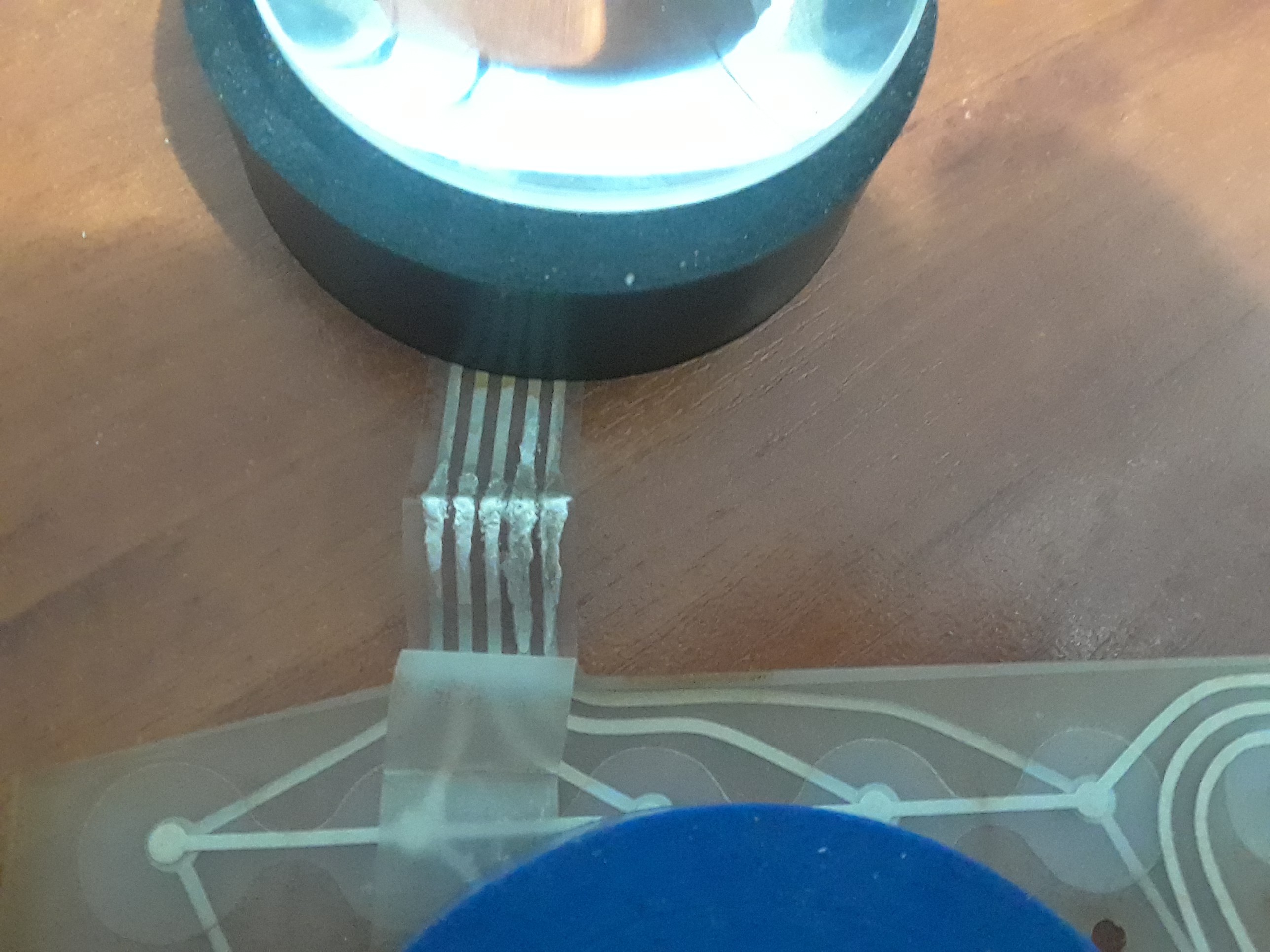
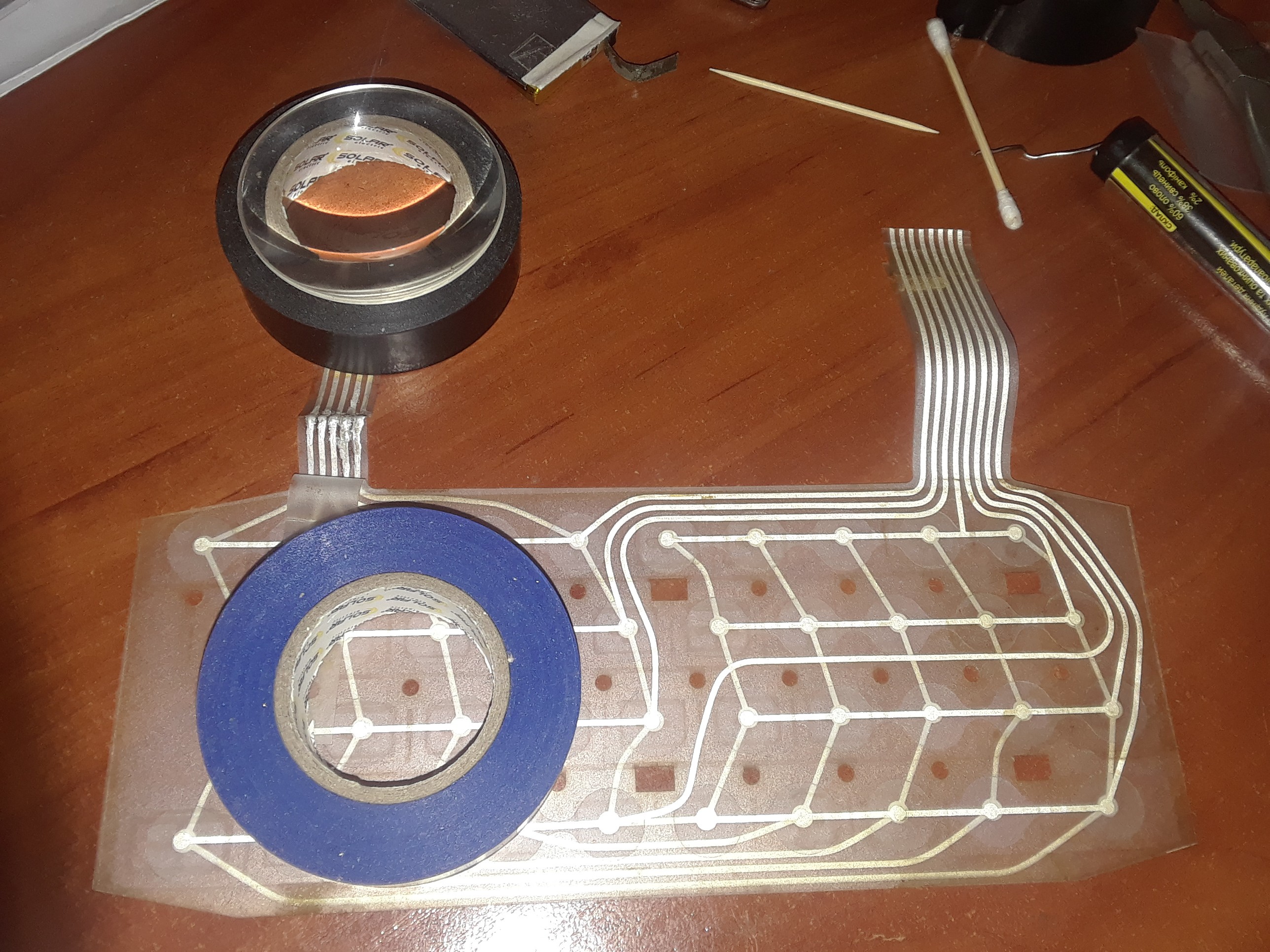
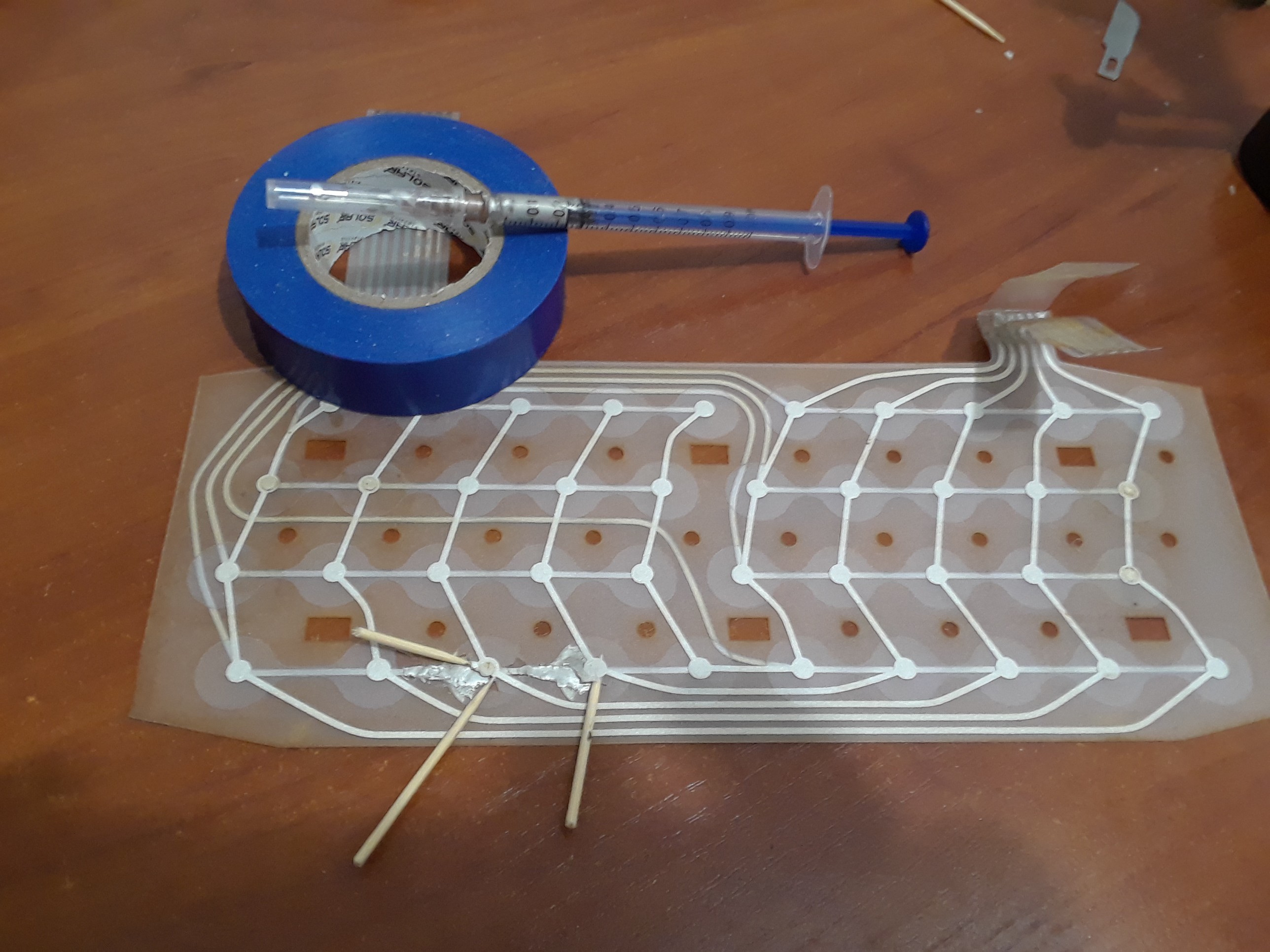
08/01/2026 at 11:57 • 0 commentsThe keyboard wasn't working due to damage to the membrane near both ends of the connectors. I initially tried cutting away the damaged areas, but that didn't help due to the poor condition of the conductive tracks. So I bought some conductive silver-based paint and repaired them:
![]()
![]()
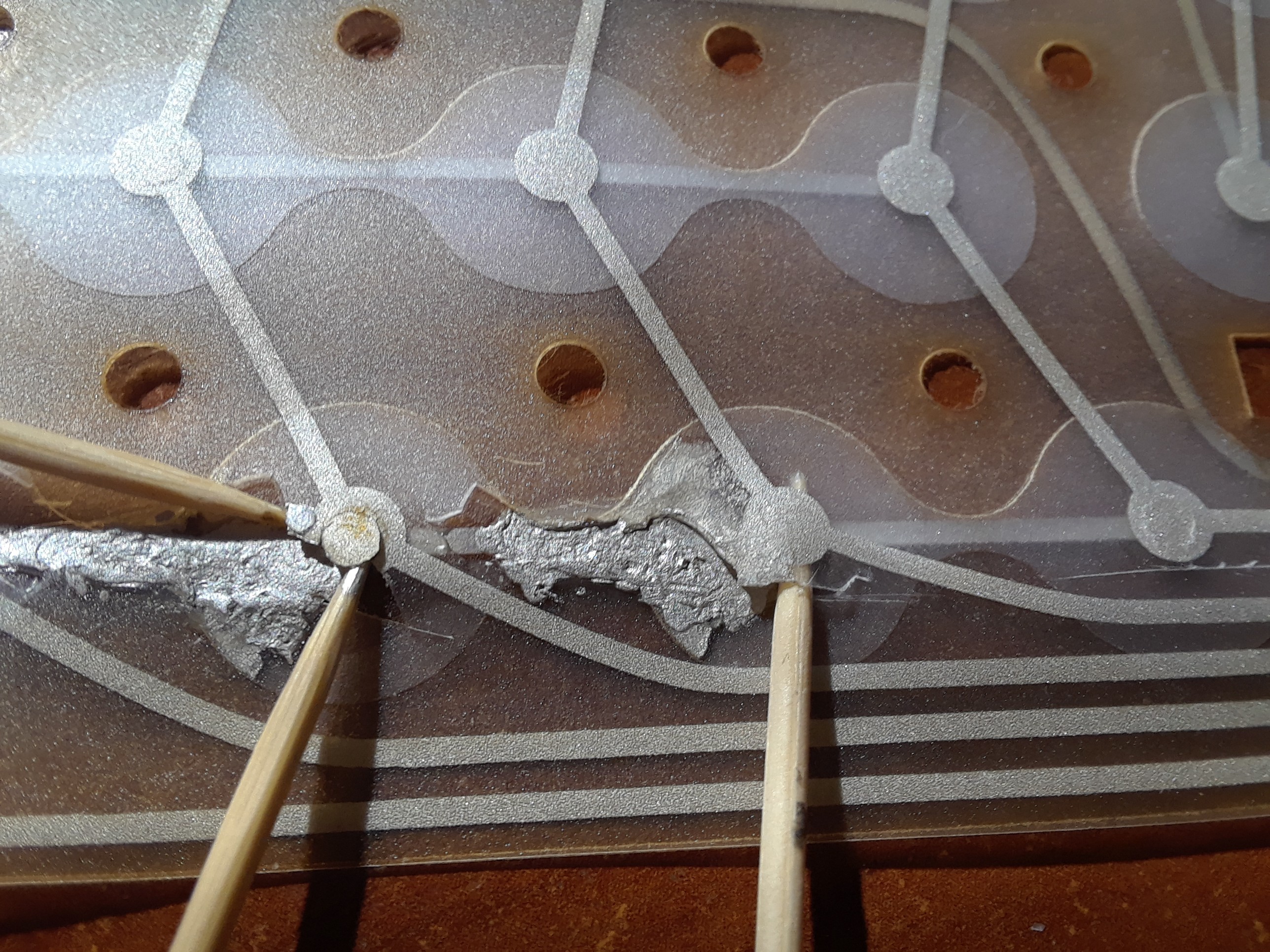
This helped, and now the keyboard worked, except for two keys, "B" and "N," as far as I remember. It turned out that the conductive track inside the membrane was damaged, and it seemed impossible to repair... But I tried it anyway:
![]()
It took me a few days because silver paint needs at least 24 hours to dry.
![]()
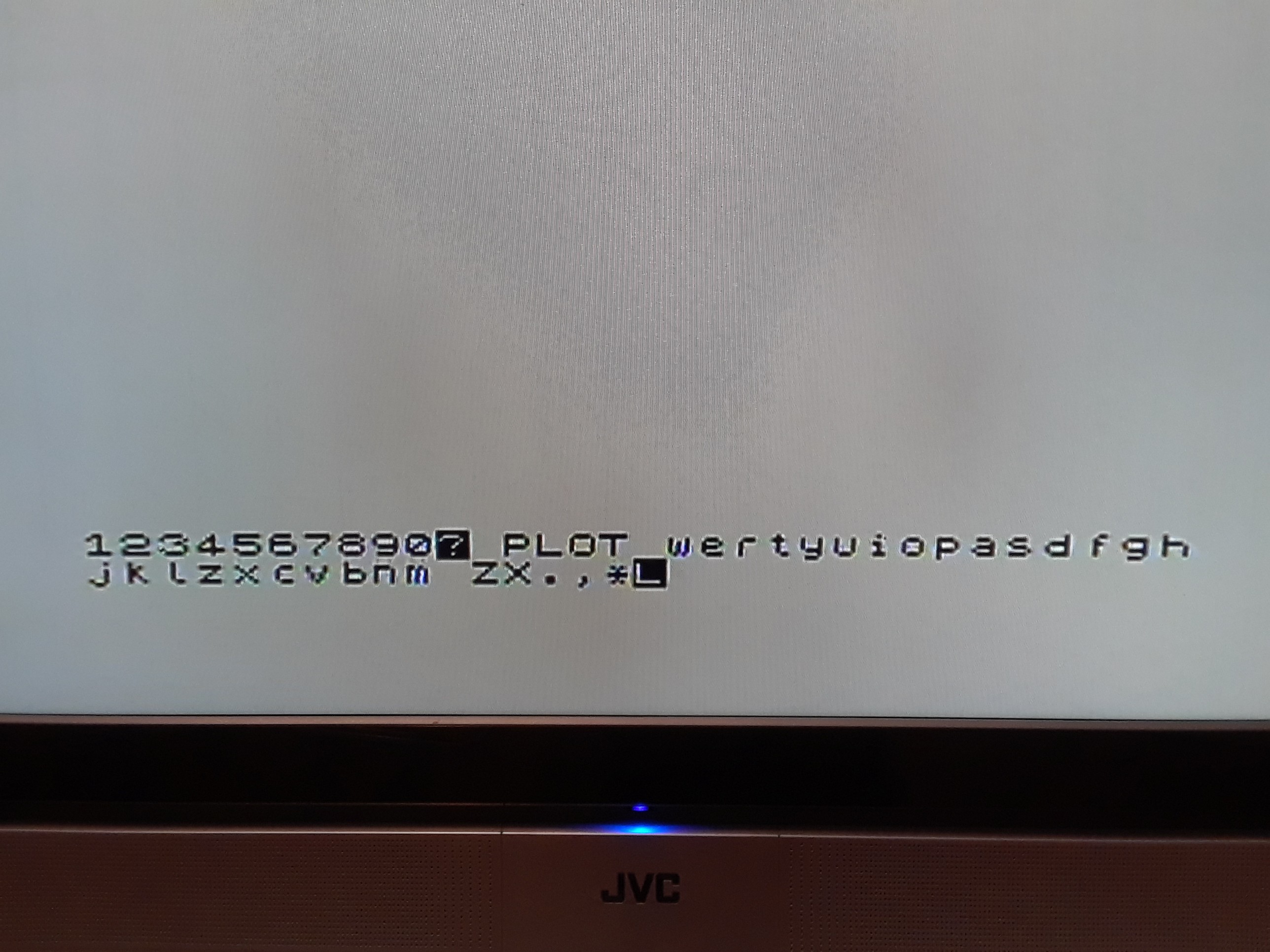
Finally I got it to work:
![]()
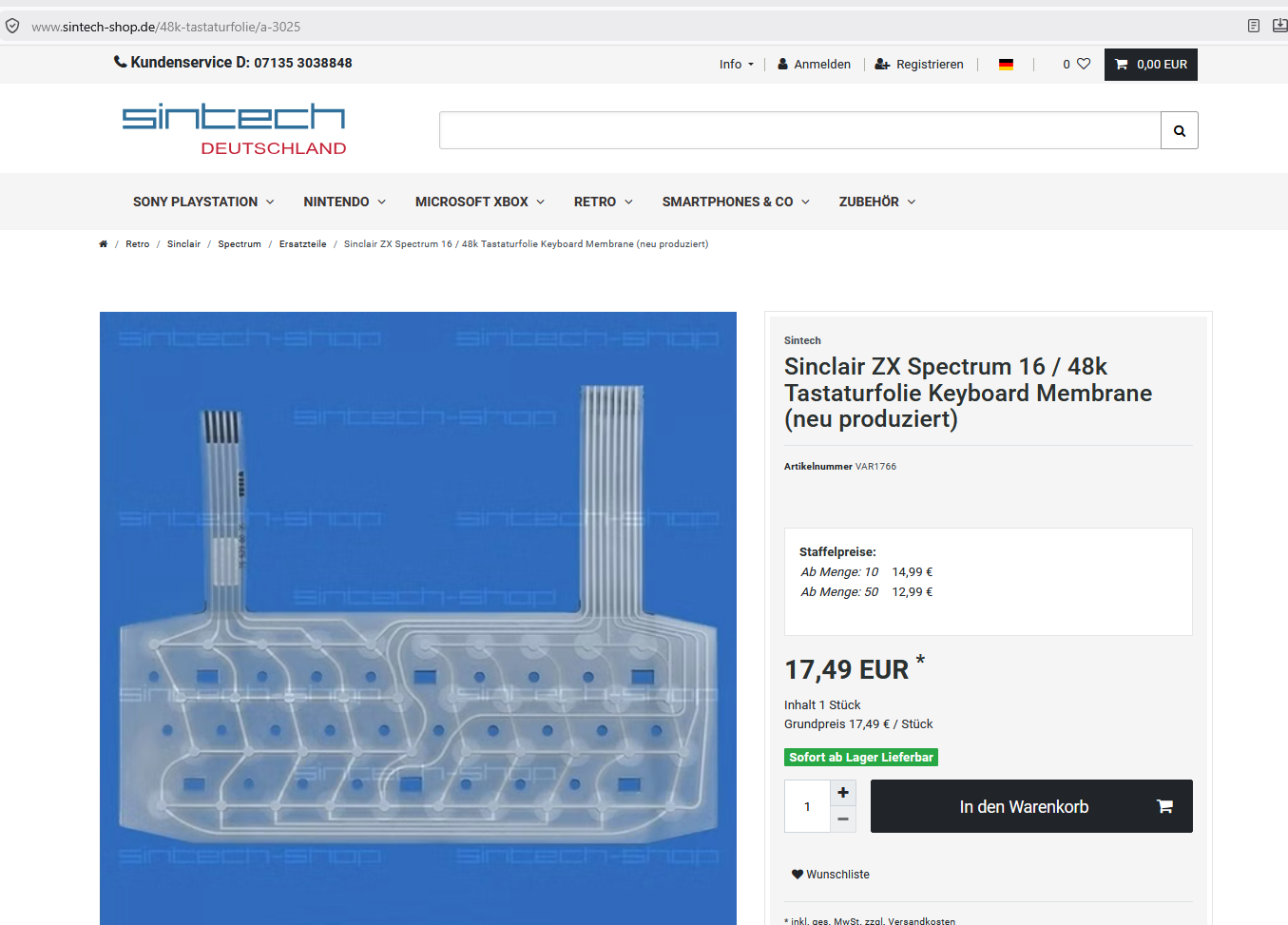
However, I then discovered a newly-produced membrane on a German website:
![]()
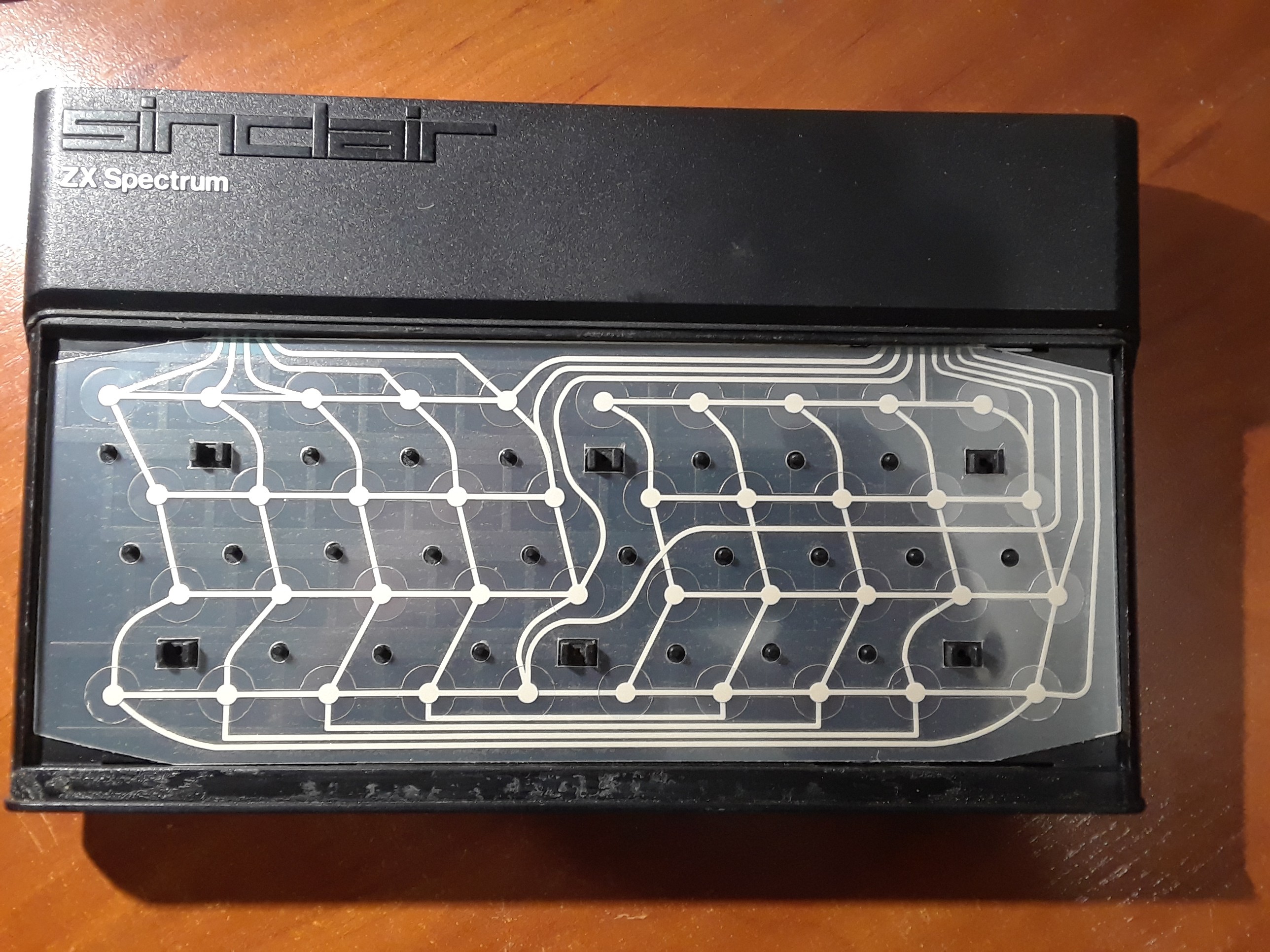
This is certainly much better than 40-years old, of course:
![]()
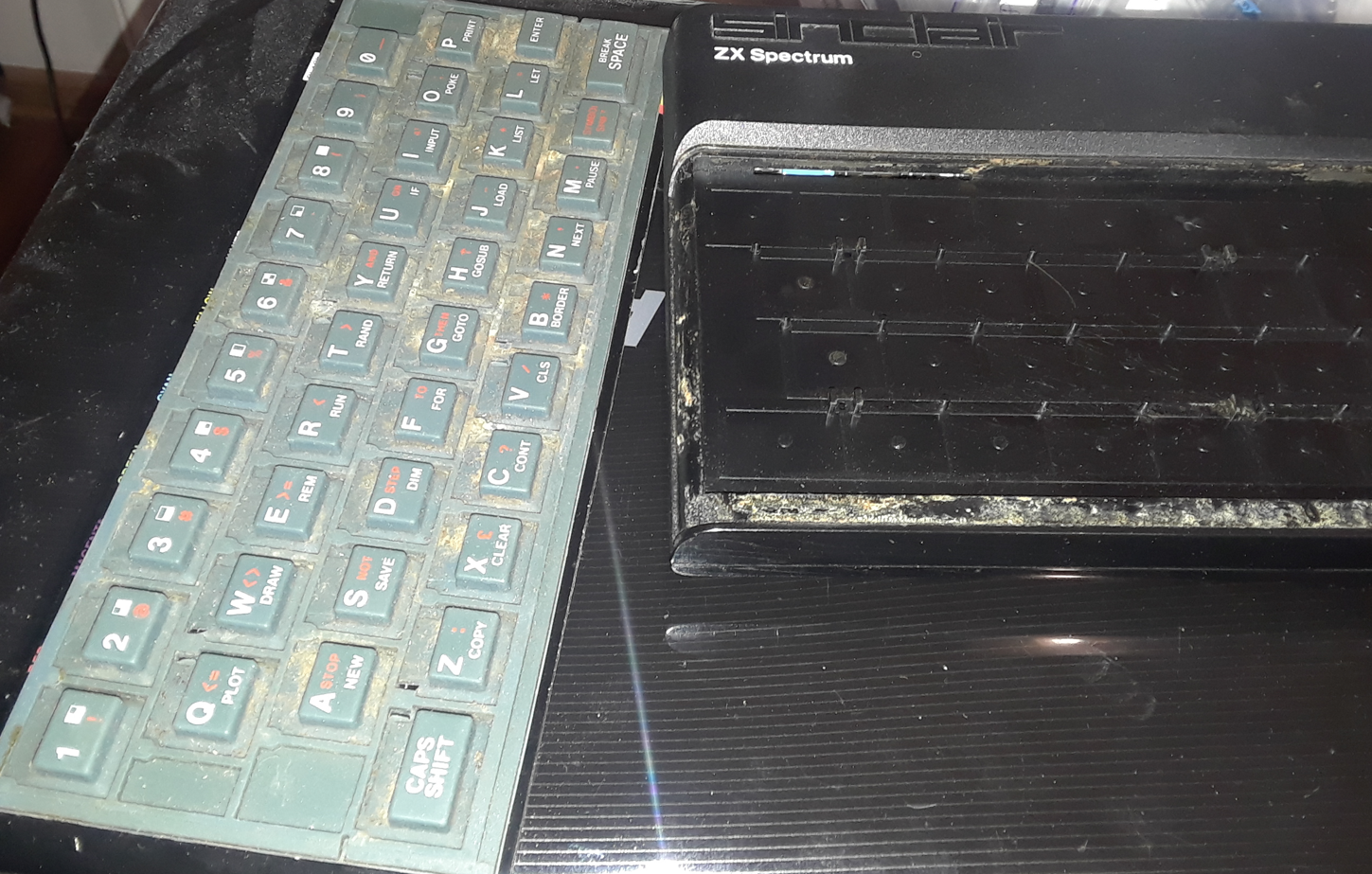
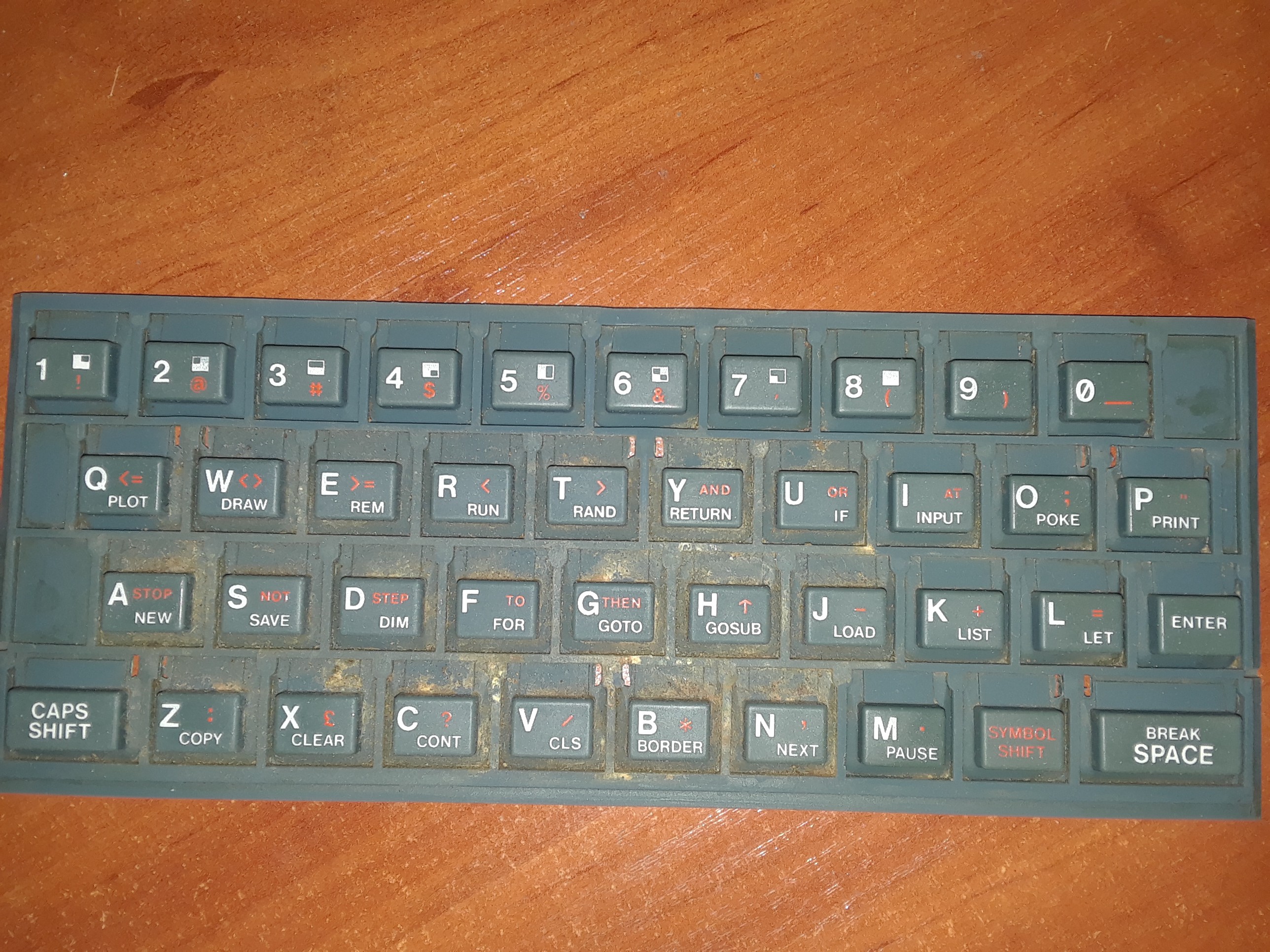
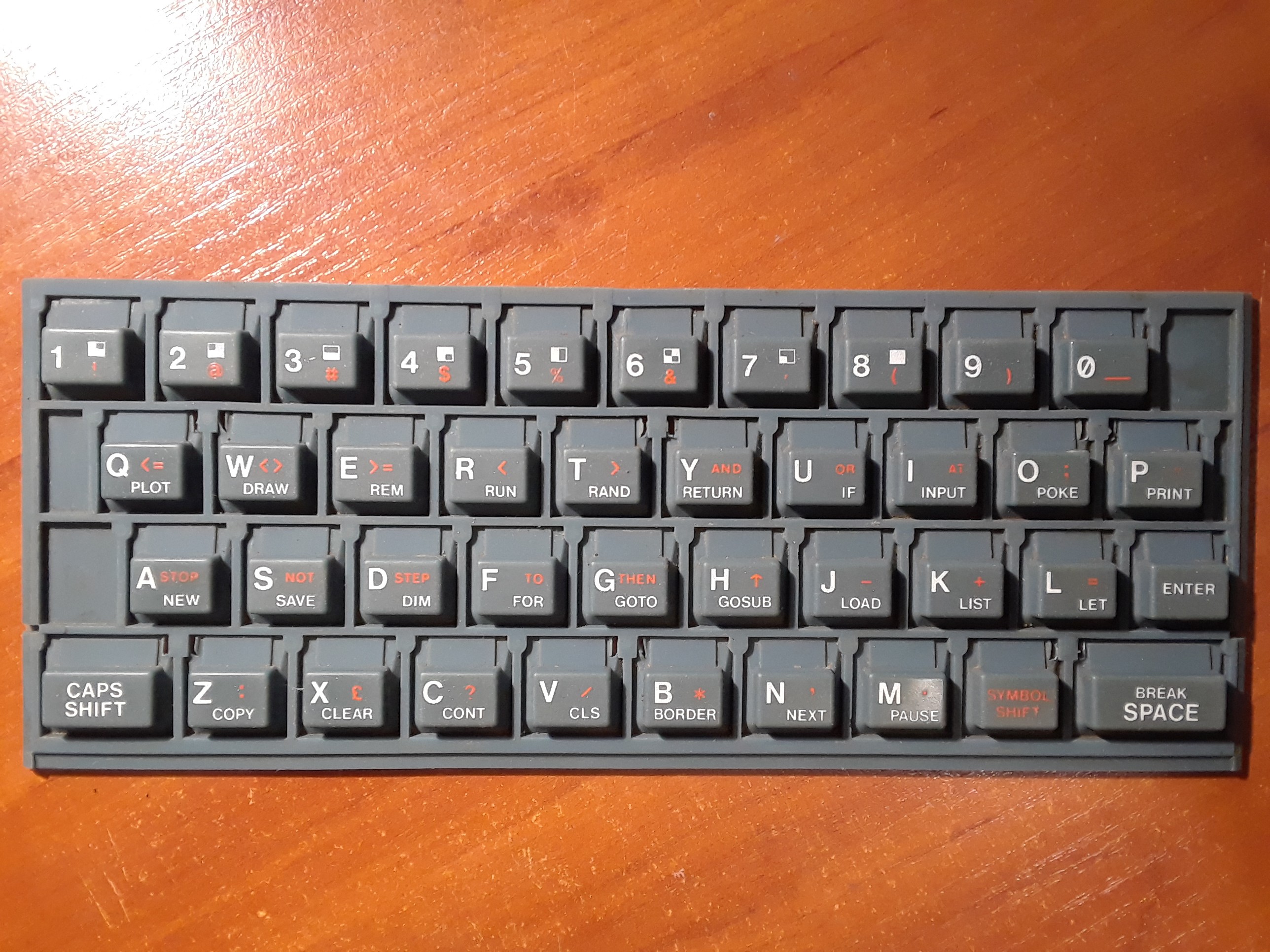
All that was left to do was clean the rubber keys with isopropyl alcohol:
![]()
![]()
![]()
Original ZX Spectrum refurbished
Repairing and refurbishing an original ZX Spectrum issue 2