 Arnov Sharma

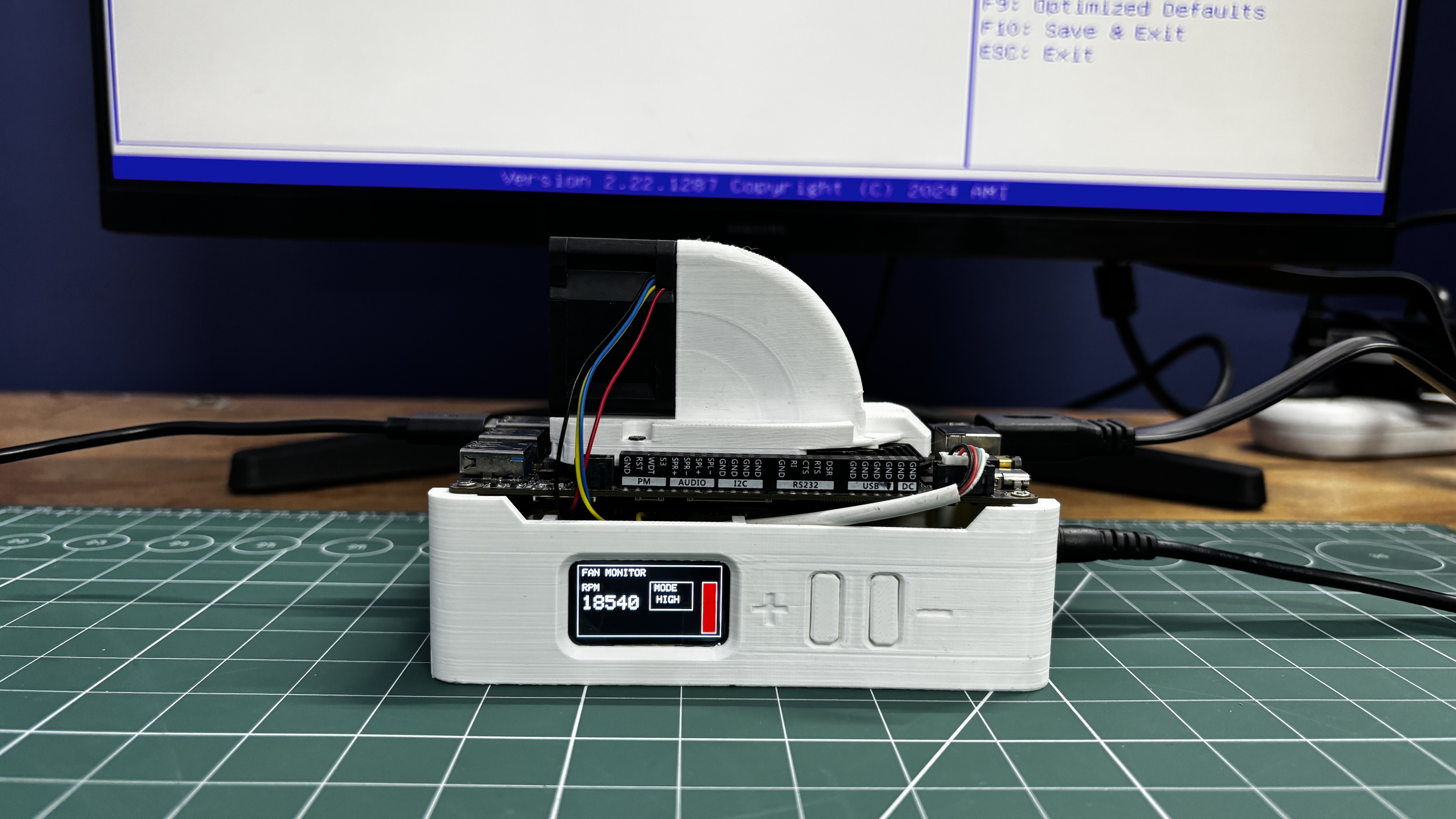
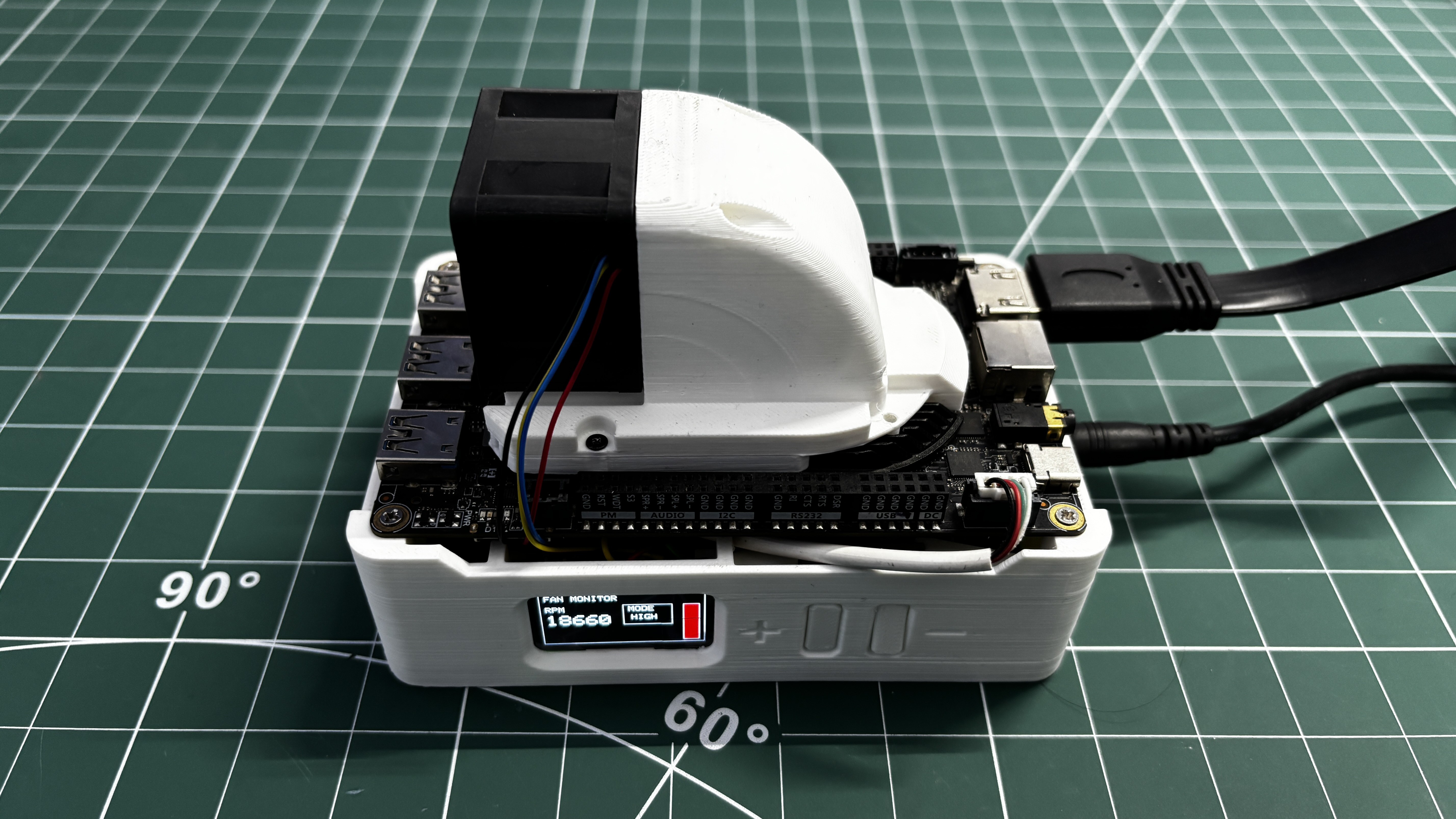
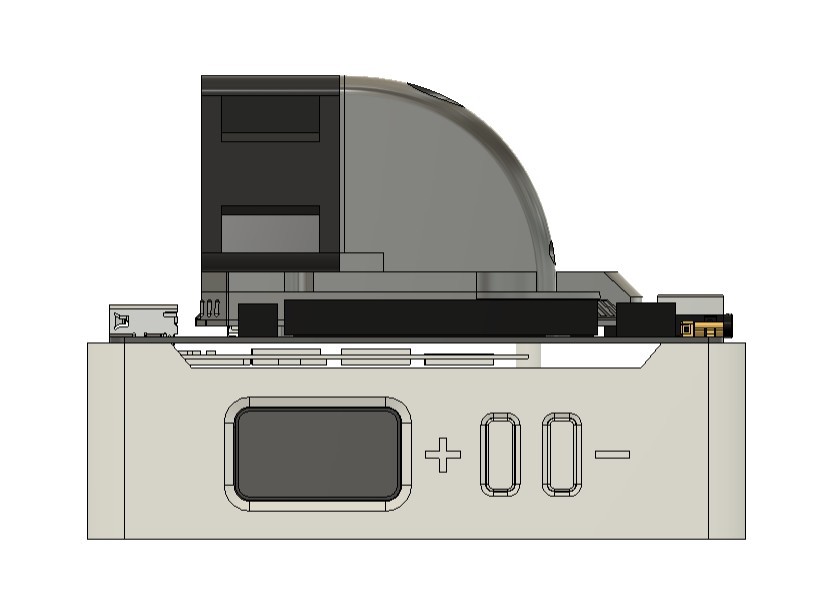
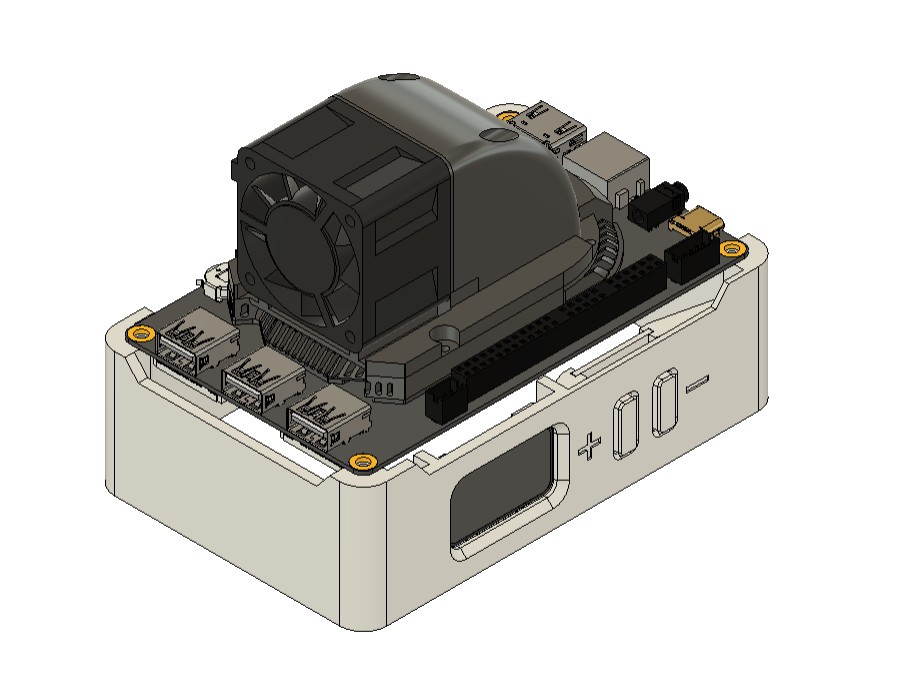
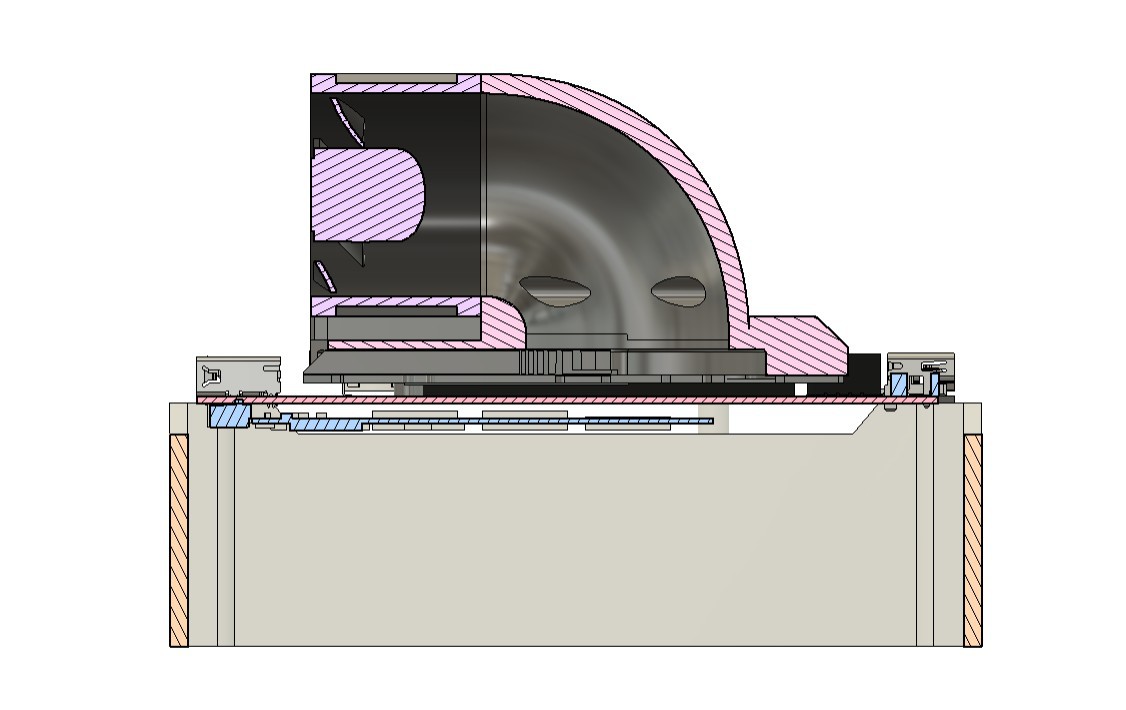
The cooling module is integrated into a portable stand that holds the LattePanda Delta securely and includes an onboard display for showing fan RPM and operating mode, along with physical buttons for controlling fan speed.
This article covers the complete build process, from the mechanical design and airflow considerations to the electronics, fan control system, and final assembly.
MATERIAL REQUIRED
These were the materials used in this build:
- Lattepanda MU with full evaluation board
- Custom Switch PCB (provided by PCBWAY)
- PF40281B1-000U-S99 Server BLDC FAN 12V
- ESP32 S3 1.47 Inch Waveshare Display
- DFROBOT Rainbow Link
- 3D-printed parts
- DC-DC Buck Converter
COOLING FAN ISSUE ON LATTEPANDA 3 DELTA
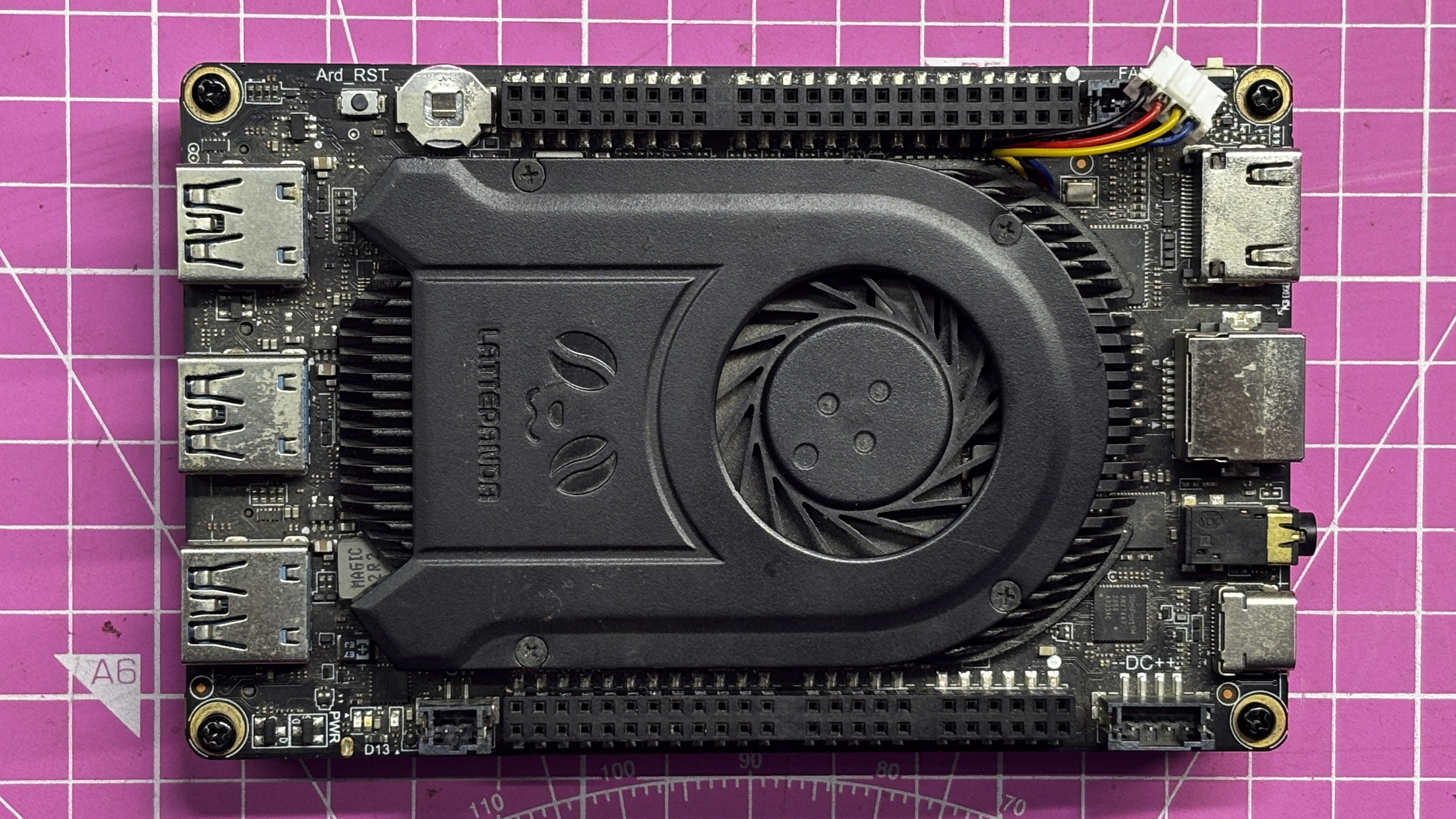
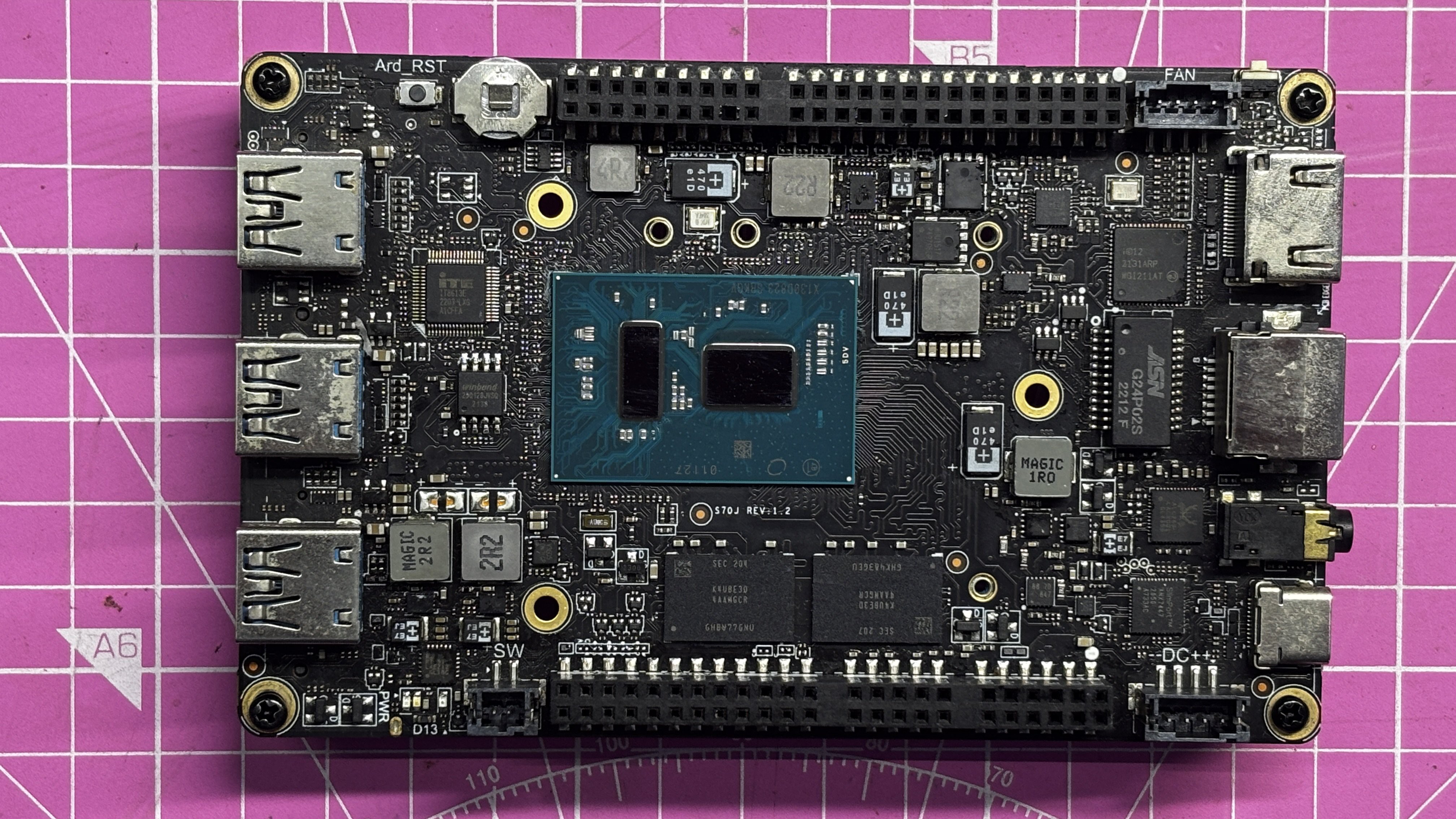
This is my very first LattePanda, which I’ve been using regularly since 2022. A couple of weeks ago, its onboard cooling fan completely stopped working. I’ve used this LattePanda in several previous projects, and apart from the cooling system, the processor and all other electronics were still functioning perfectly—the only failure was the cooling section itself.
Rather than waiting for a replacement cooling unit, I decided to investigate the issue and design my own solution.
As a first step, I tested the original BLDC fan by supplying it with 12 V, ground, and a PWM signal on the control wire, but the fan did not respond. To rule out a faulty fan, I connected a different 12 V BLDC fan with a JST connector to the onboard fan header, but that fan also failed to operate.
From this, I concluded that something had gone wrong with the onboard fan-driving circuitry itself—likely due to damage or a short—rendering the original cooling control system unusable.
At that point, the only practical solution was to build an externally powered and externally controlled cooling system, which ultimately led to this project.
FAN TEARDOWN
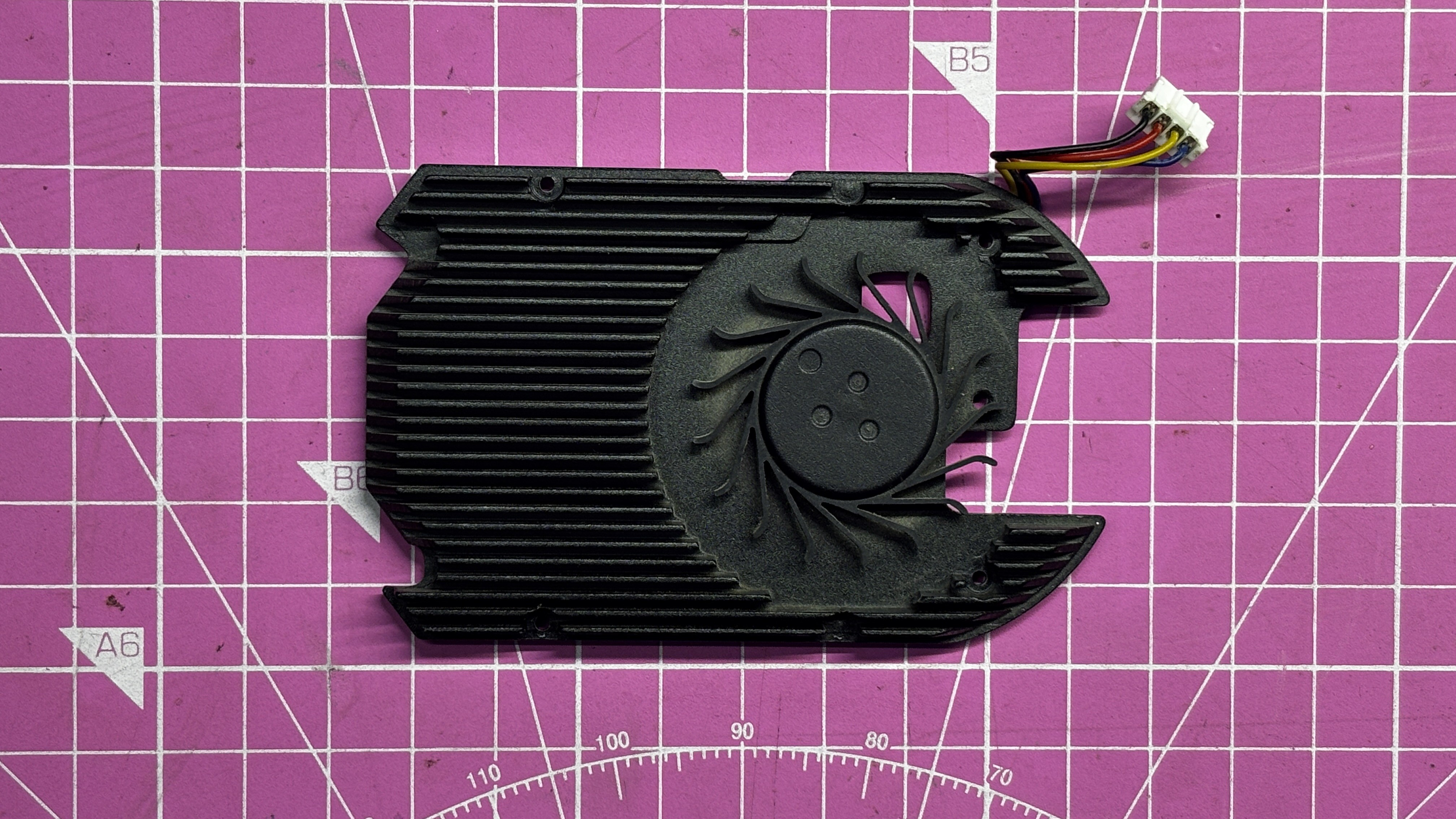
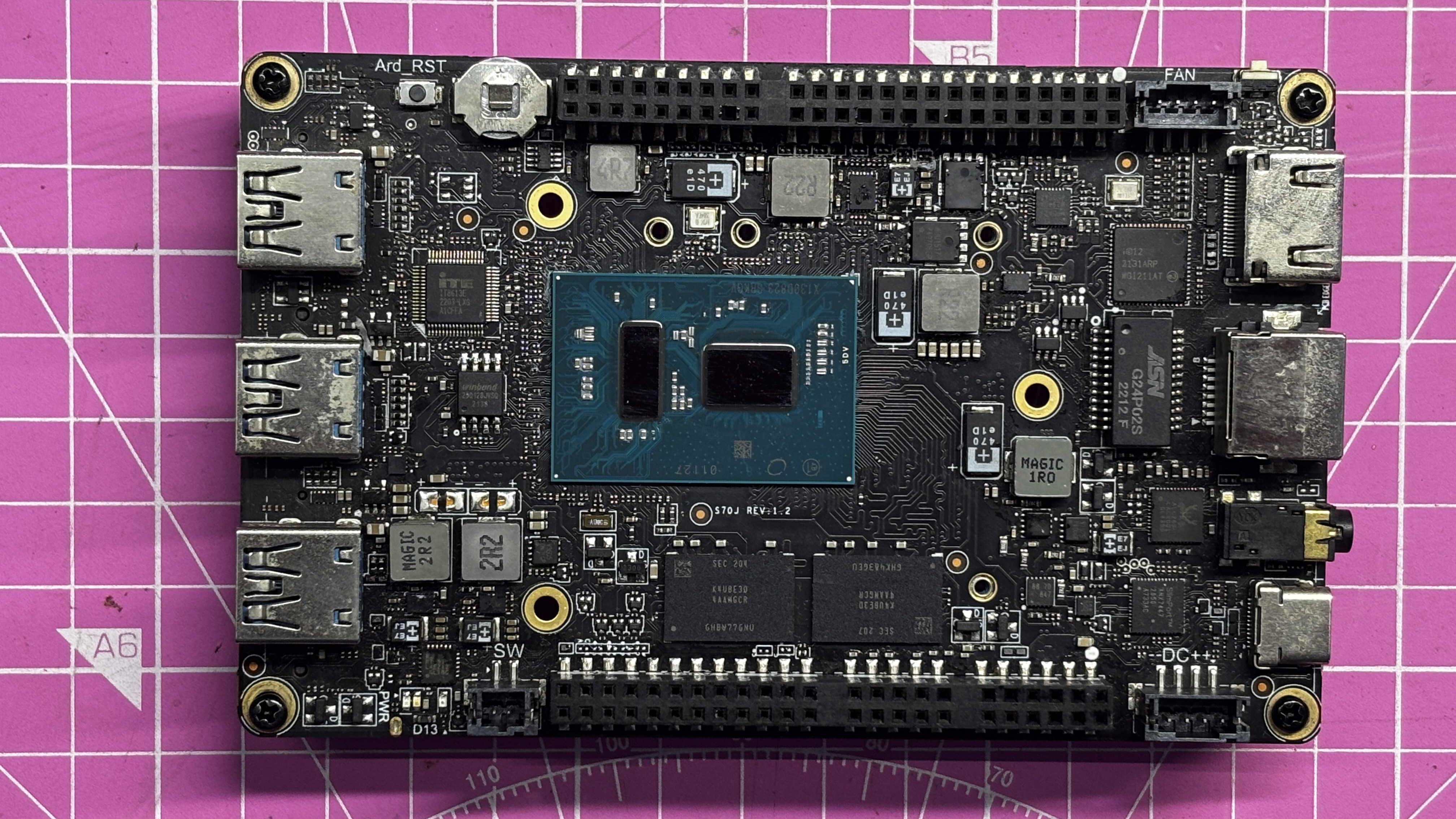
We began the project by tearing down the original cooling fan assembly. The process was straightforward at first but became more tedious as we progressed. The teardown started by unplugging the fan connector from the board. Next, we removed the four M2 screws securing the top plastic cover. After that, three additional M2 screws were removed from the underside, which released the heatsink from its mounting position. This allowed the entire heatsink assembly to be removed from the board.
Once the heatsink was removed, both the heatsink base and the processor surface were cleaned using isopropyl alcohol to remove the old thermal paste. Care was taken not to apply excessive pressure while cleaning the processor, as doing so could dislodge nearby SMD components and permanently damage the board.
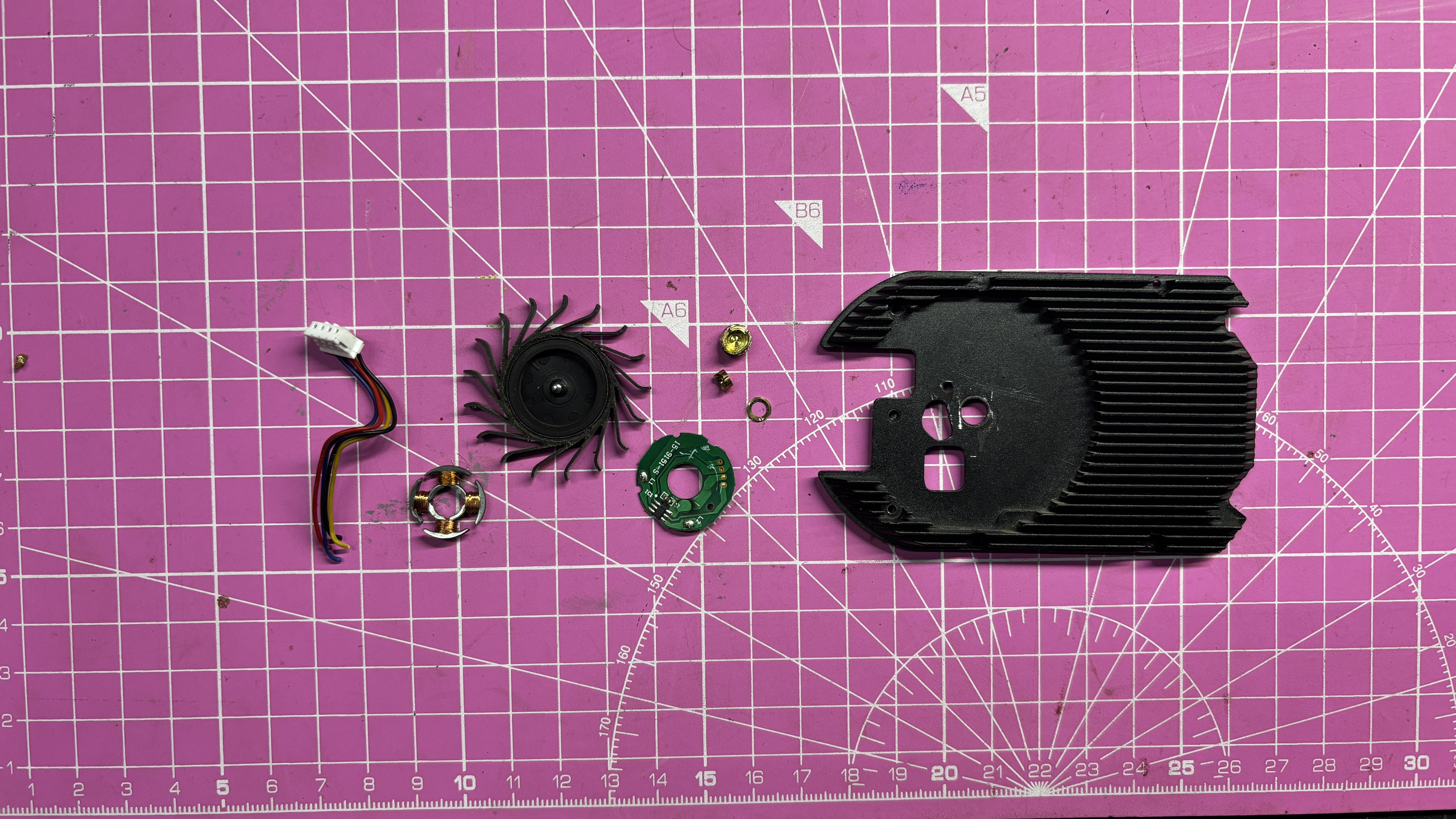
With the heatsink cleaned, we proceeded to remove the onboard fan from it. The fan was disassembled by first removing the rotor, followed by the stator assembly. The stator was connected to a small driver PCB, which was also removed completely, along with the brass bushing mounted in the heatsink.
After stripping away all fan-related components, we were left with a bare heatsink. This heatsink would later be reused in combination with a custom-designed airflow duct and an external server fan as part of the new cooling solution.
EXTERNAL SERVER FAN SETUP
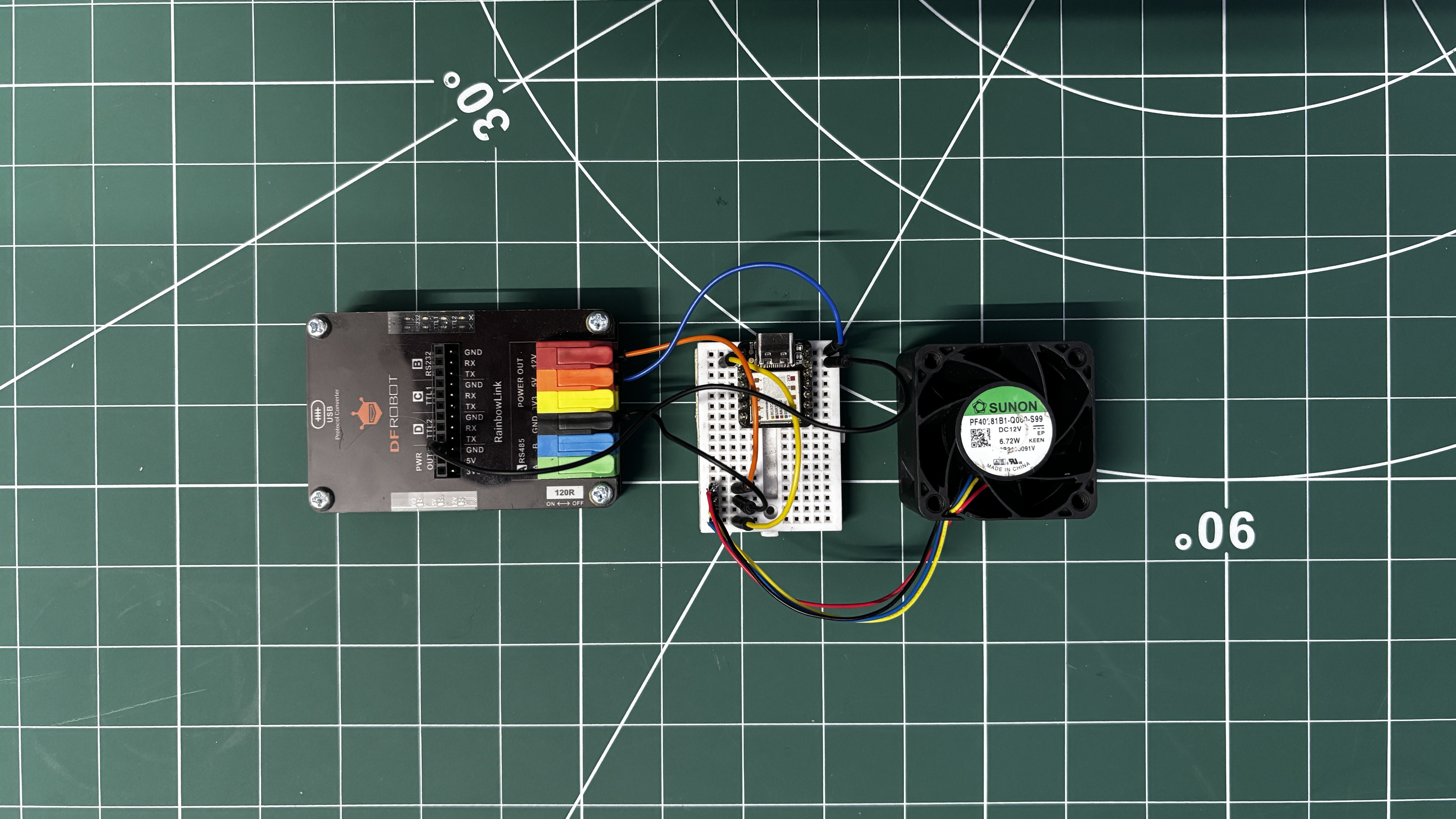
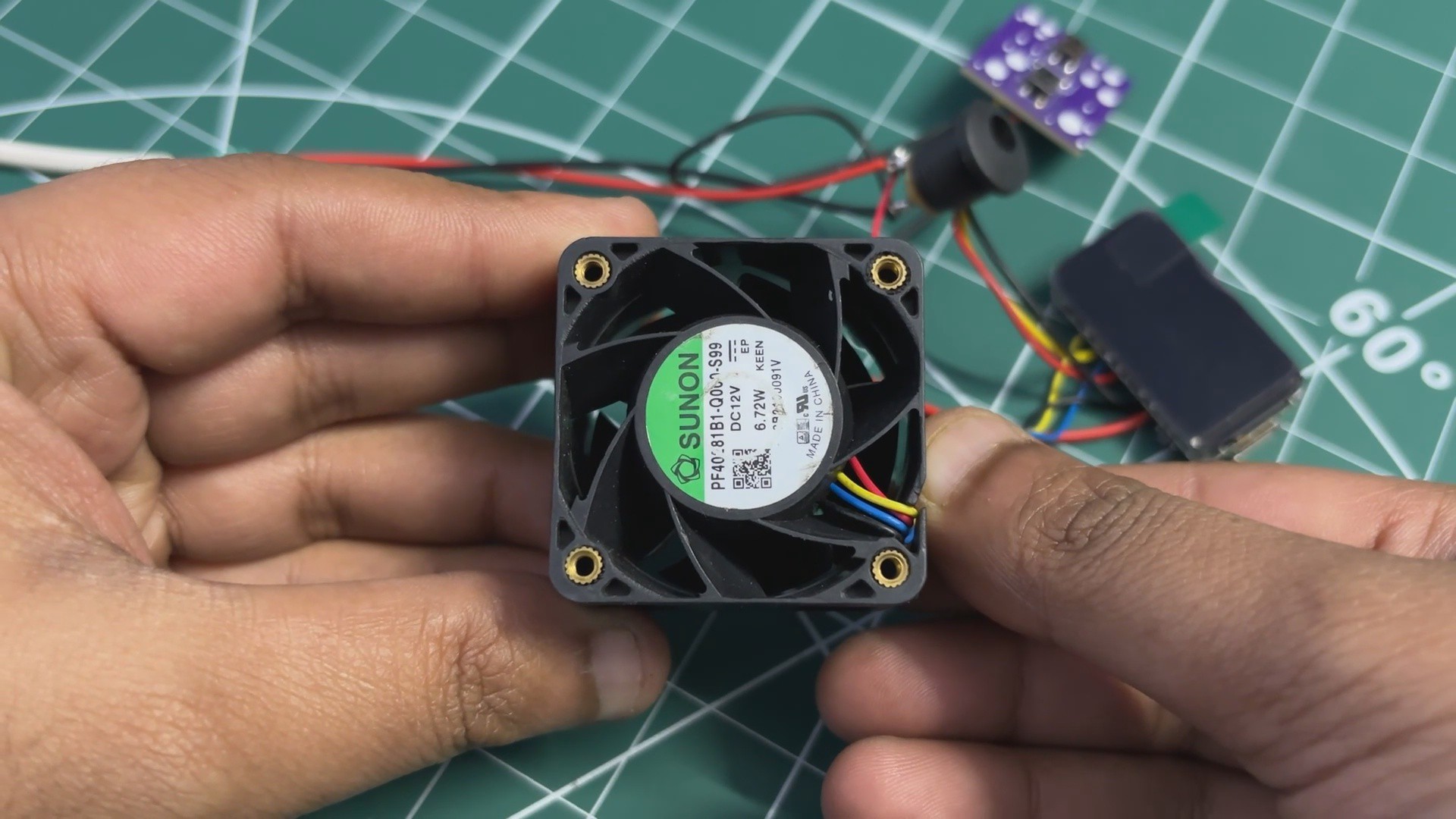
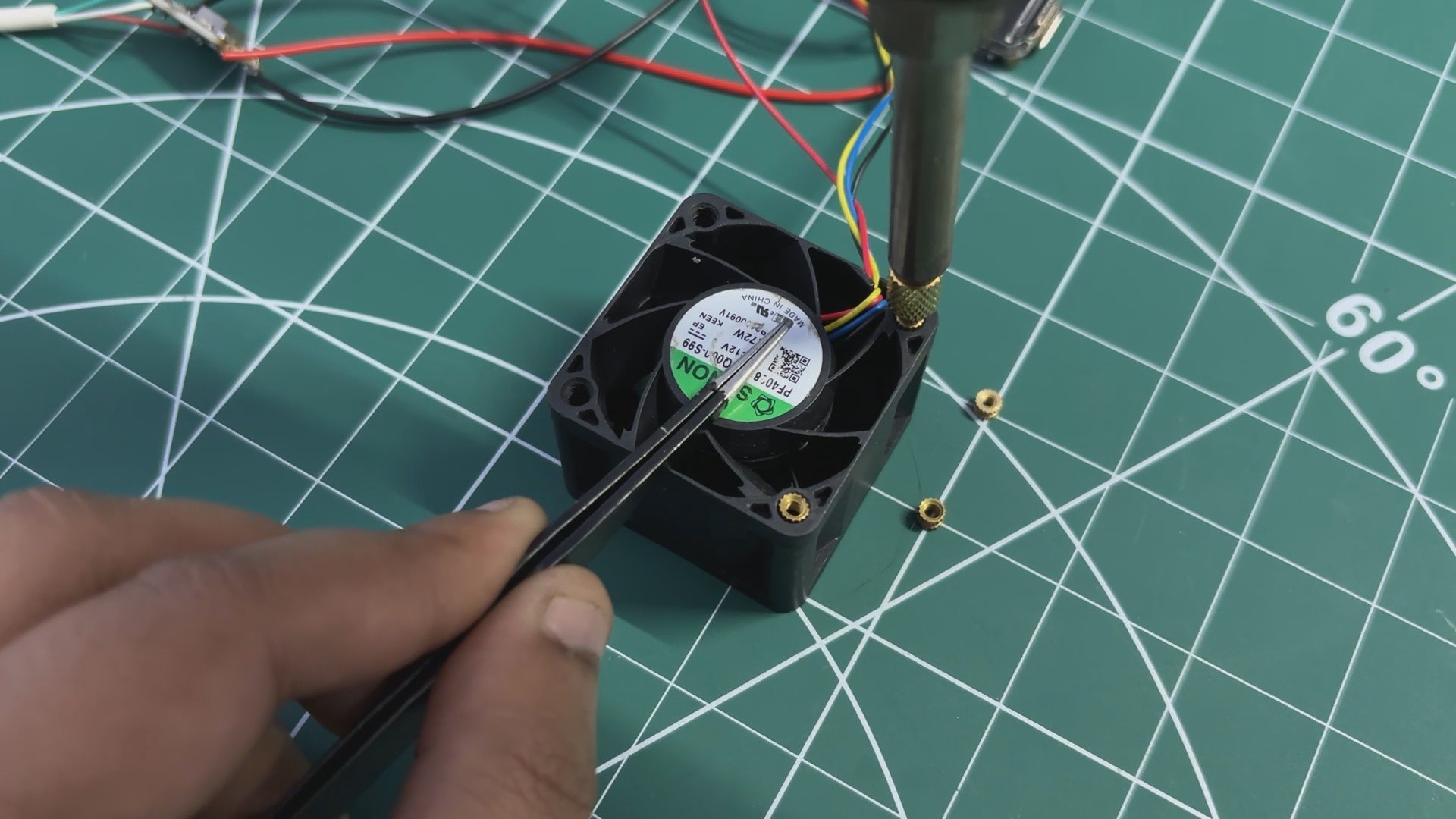
For the cooling system, we reused an older Sunon PF40281B1-000U-S99 tubeaxial DC brushless server fan. This fan operates at 12 V, has a power rating of 6.7 W (relatively low power for a server-class fan), and can reach a maximum speed of 20,000 RPM, with an airflow rating of 24.9 CFM.
For comparison, a typical 40 mm × 40 mm PC fan delivers around 5.4 CFM, which is significantly lower. This large difference in airflow explains why server-grade fans are far more effective at cooling dense heat sinks. While this fan is noticeably louder than a regular PC fan, the substantial increase in airflow makes it a worthwhile trade-off for this application.
https://www.digikey.in/en/products/detail/sunon-fans/PF40281B1-000U-S99/4840557
The BLDC fan uses a standard four-wire interface:...
Read more »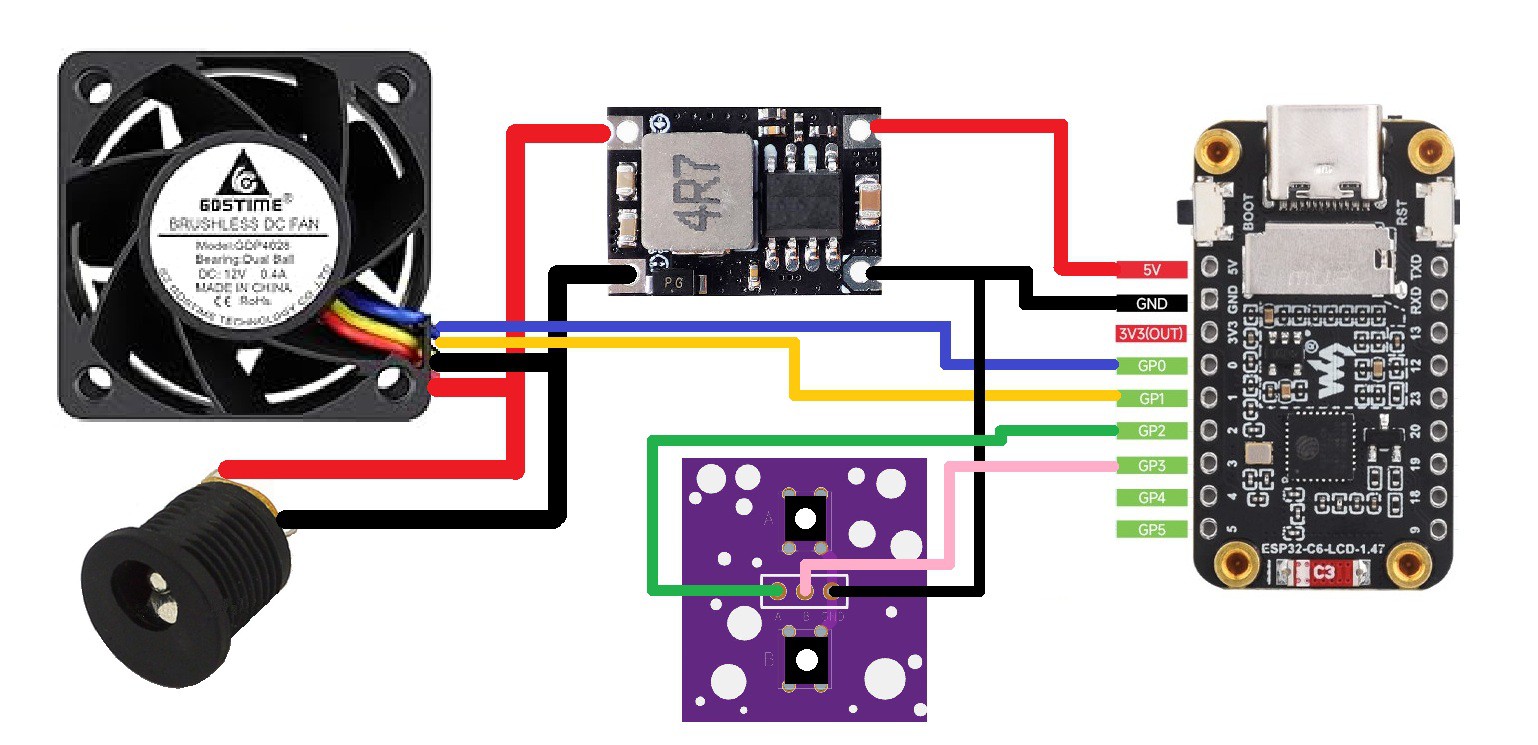
 EcPc
EcPc

 mosaicmerc
 JP Gleyzes