• Lilka App Store

    b.sverdlyuk4 hours ago 0 comments

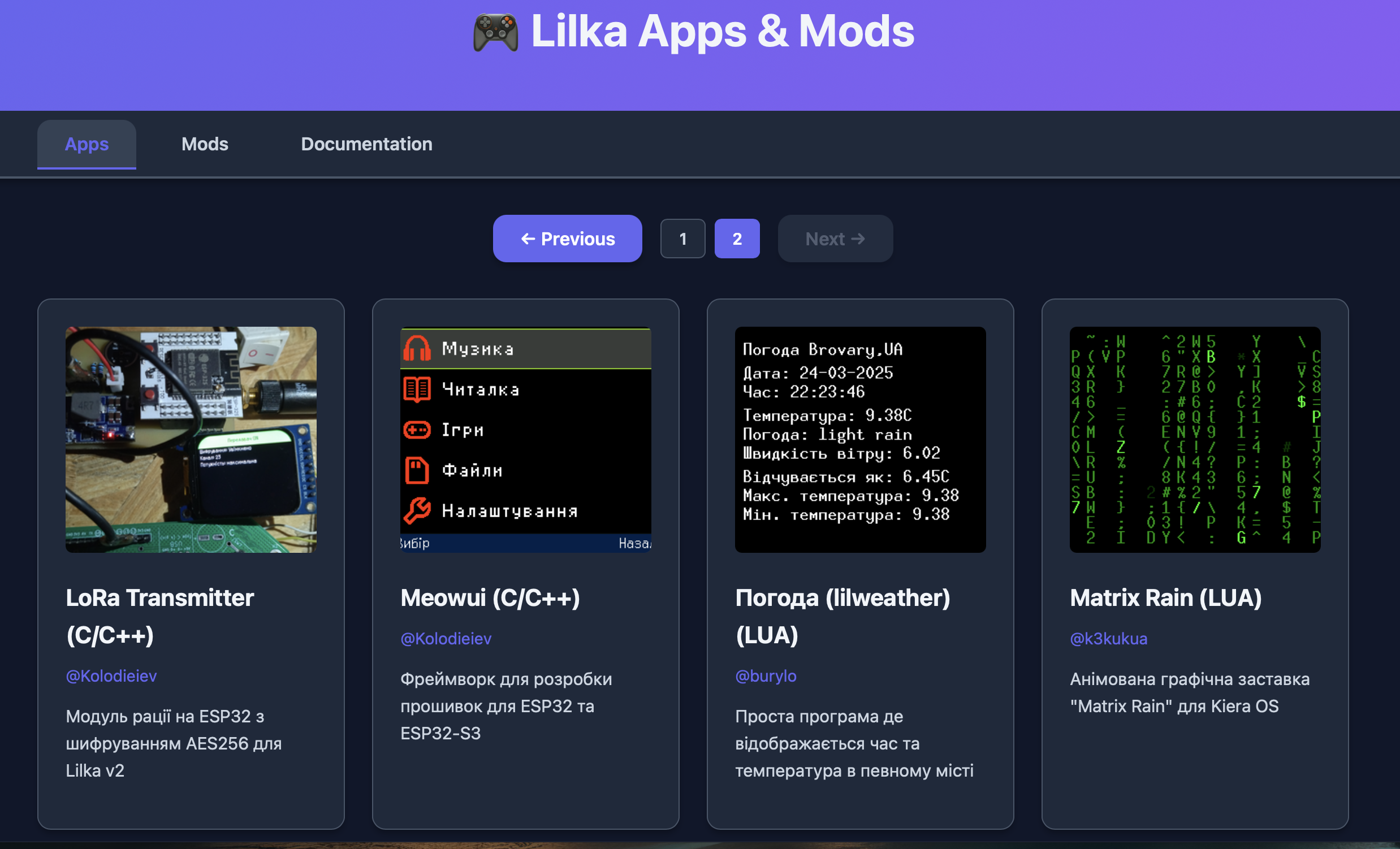
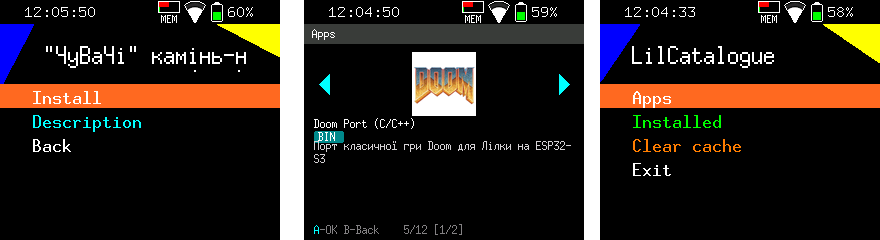
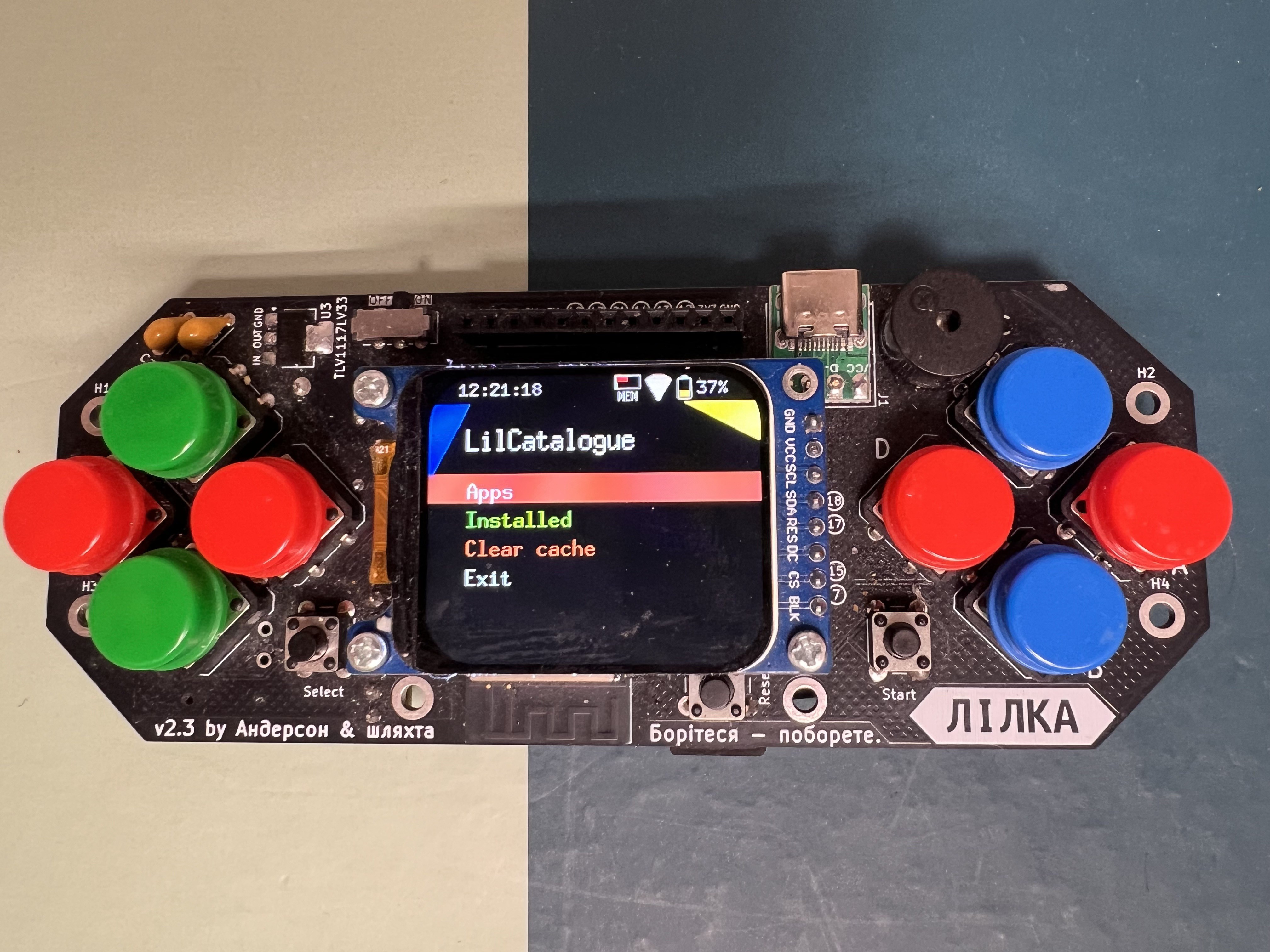
    One of the most convenient features of Lilka is a full-featured app store, accessible both from a browser and directly on the console itself — no computer needed. The catalog is hosted at catalog.lilka.dev and contains two sections: Apps and Mods.

    📦 Mods

    The Mods section covers physical modifications for Lilka: cases, covers, and buttons. Shields to extend the console's capabilities are also planned to be added in the future. Each mod includes manufacturing files along with a description and photos.

    🎮 Apps

    All apps in the Apps tab are divided into three types:

    Lua

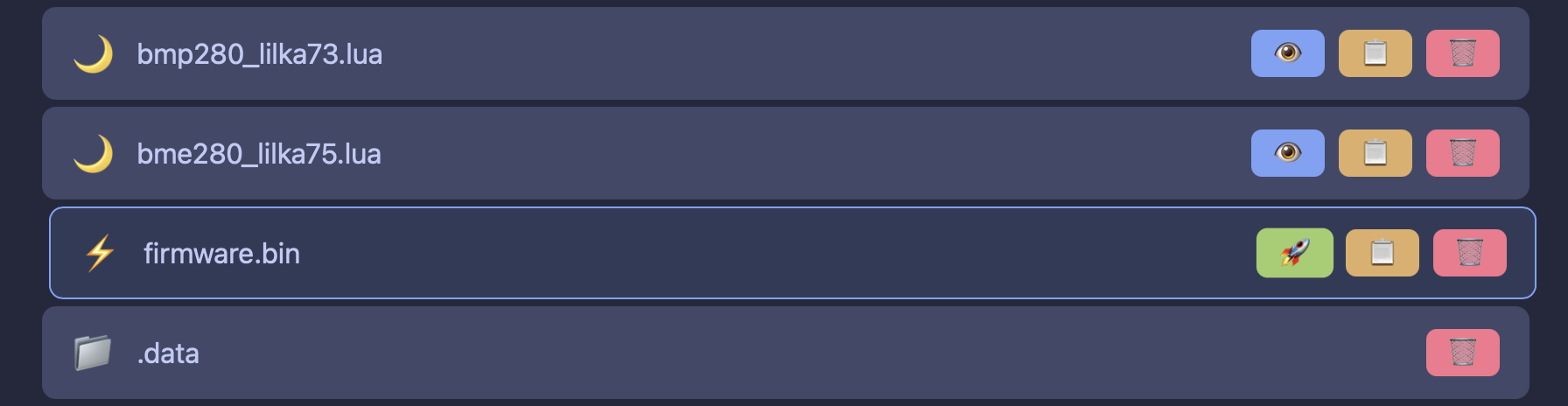
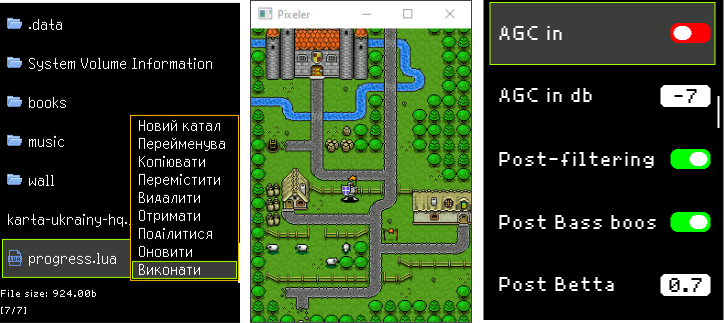
    Lua scripts are the most convenient way to run programs on Lilka. They require no compilation and run instantly directly from the file system. Just download the .lua file to the device — and it's ready to go. Learn more about Lua on Lilka →

    Firmware (.bin)

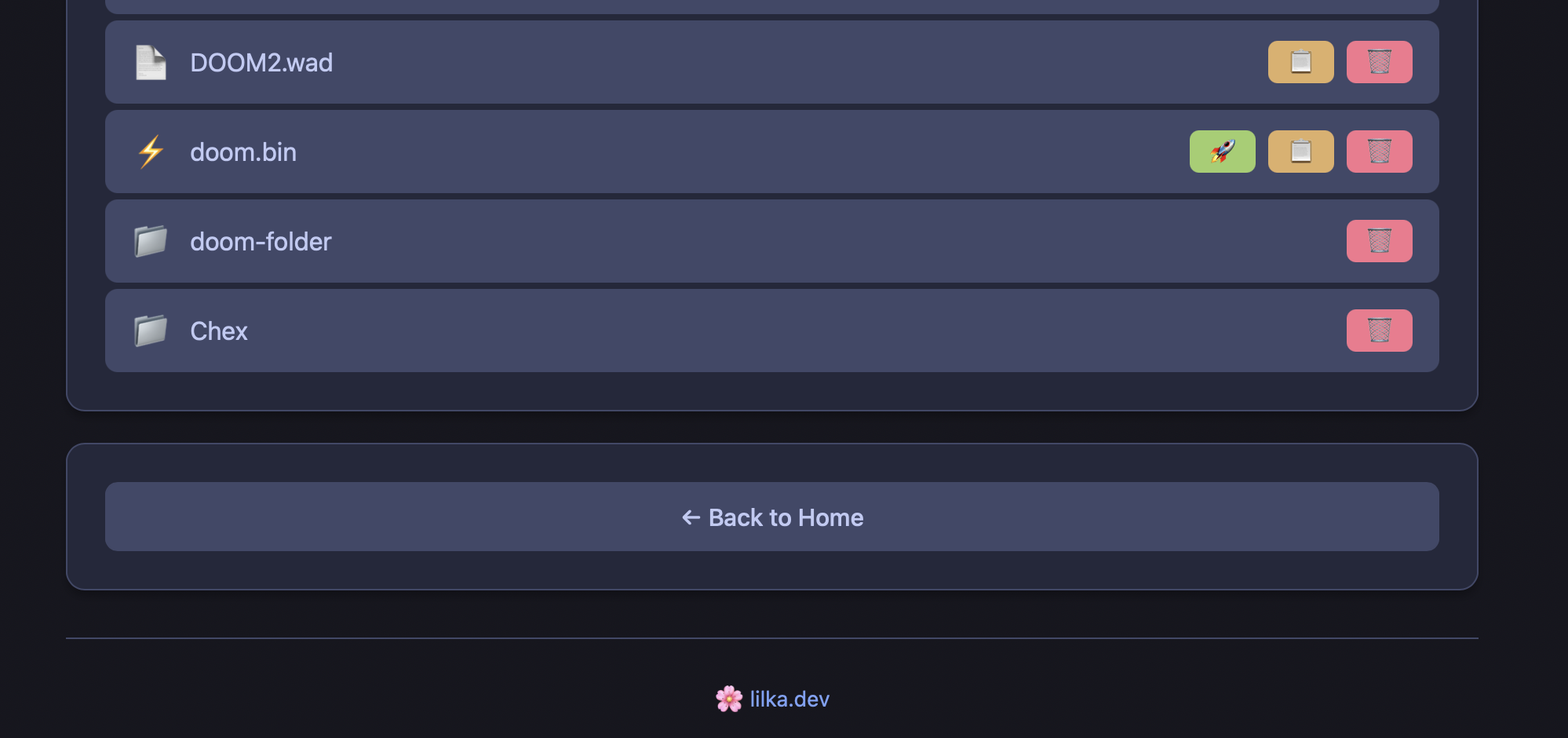
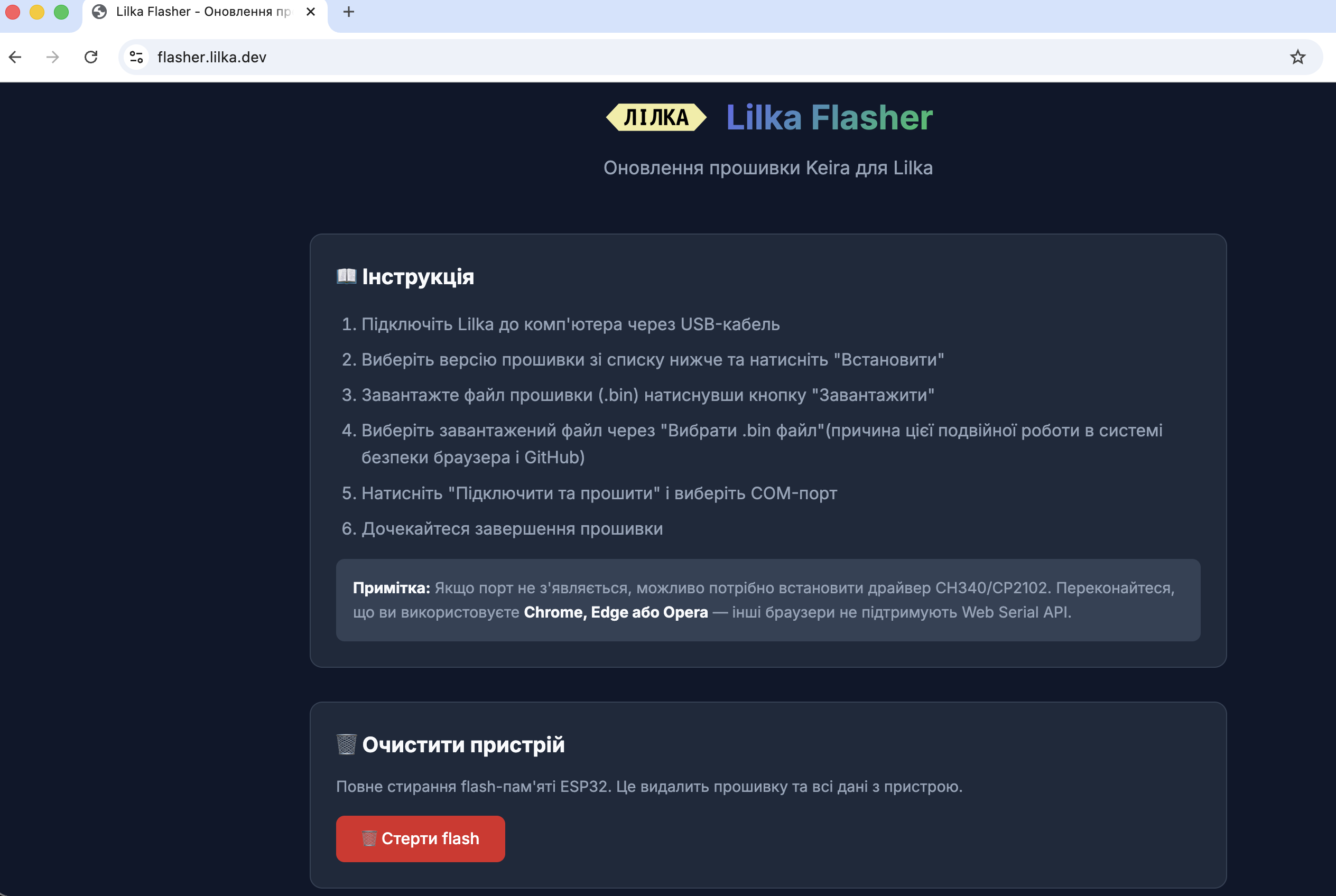
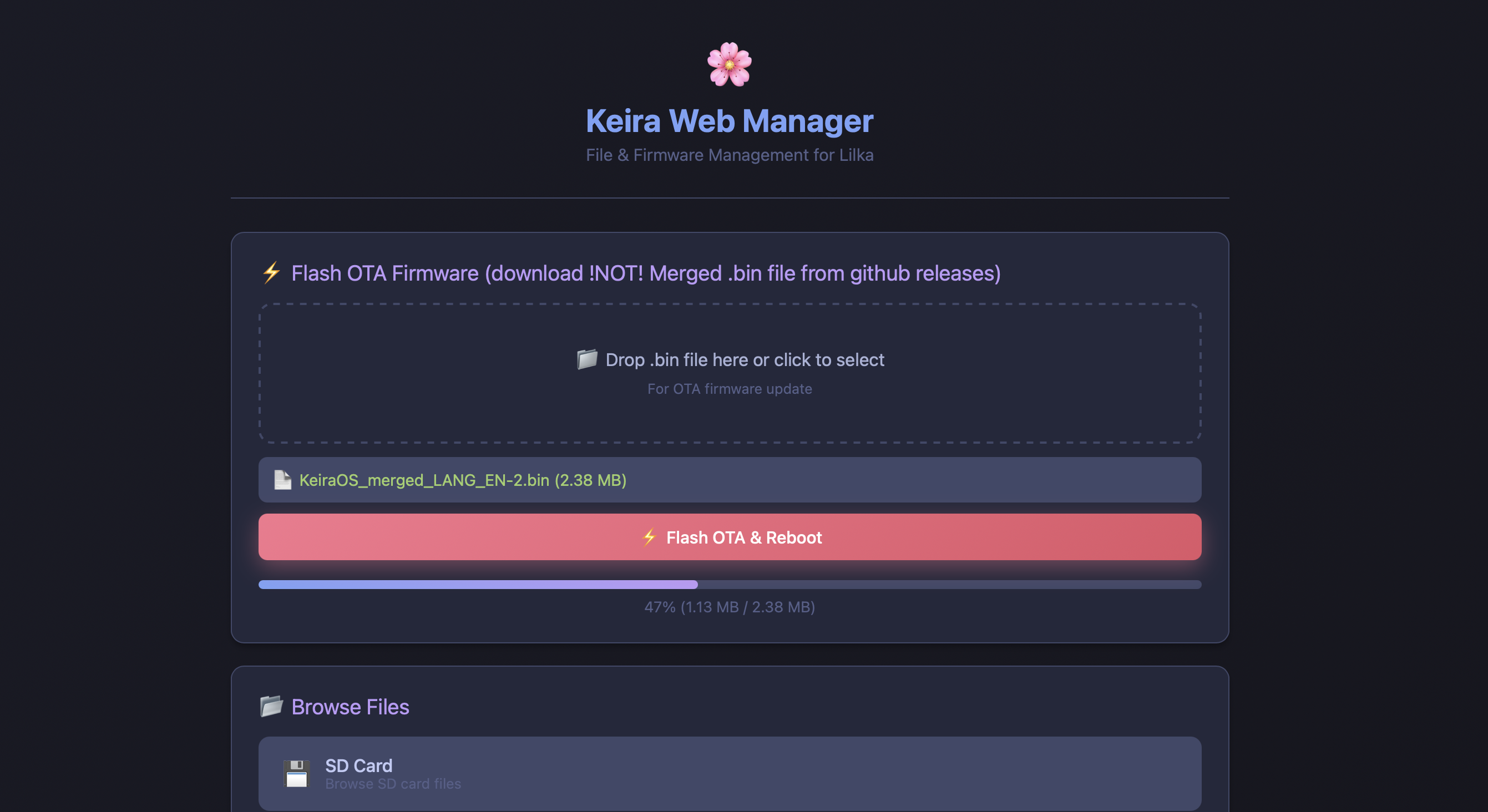
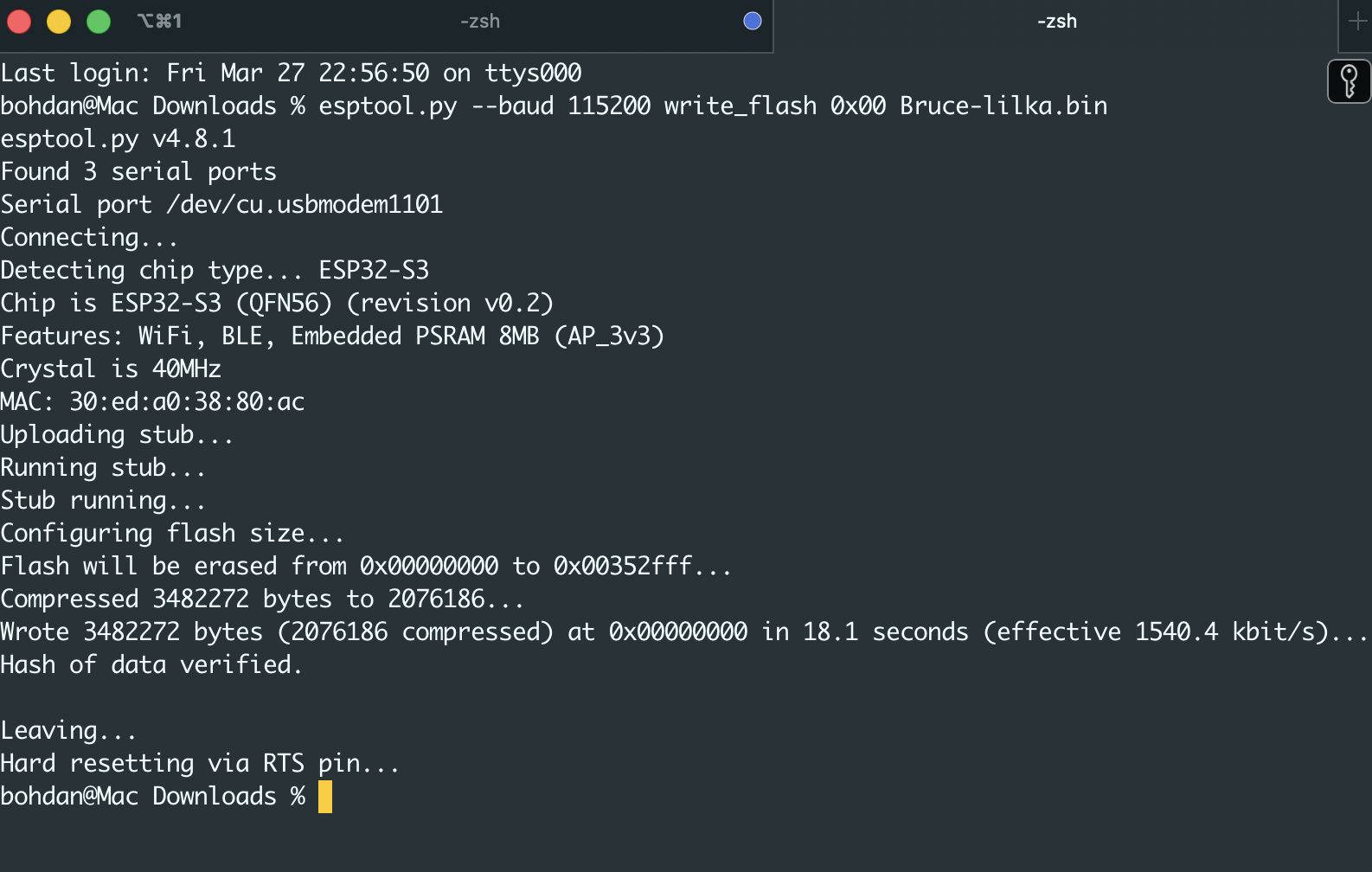
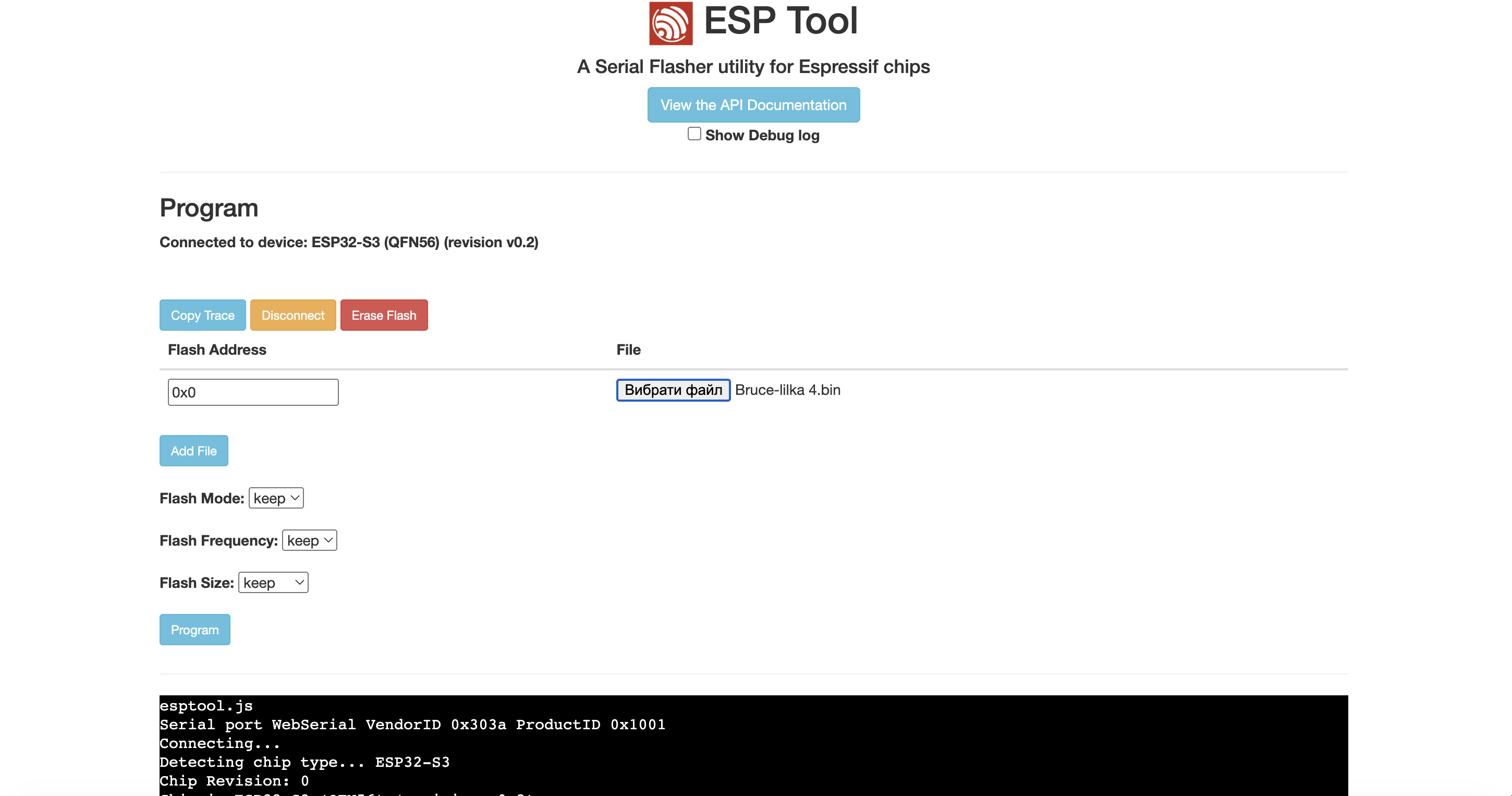
    Custom firmware also requires no compilation — it is loaded as a ready-made .bin file and runs directly on the device. The key advantage: after restarting Lilka, you automatically return to the standard Keira OS operating system — so an alternative firmware doesn't replace the system permanently. This opens up interesting possibilities: firmware can be used as fully standalone programs or as part of applications within Keira OS. Learn more about custom firmware →

    C++

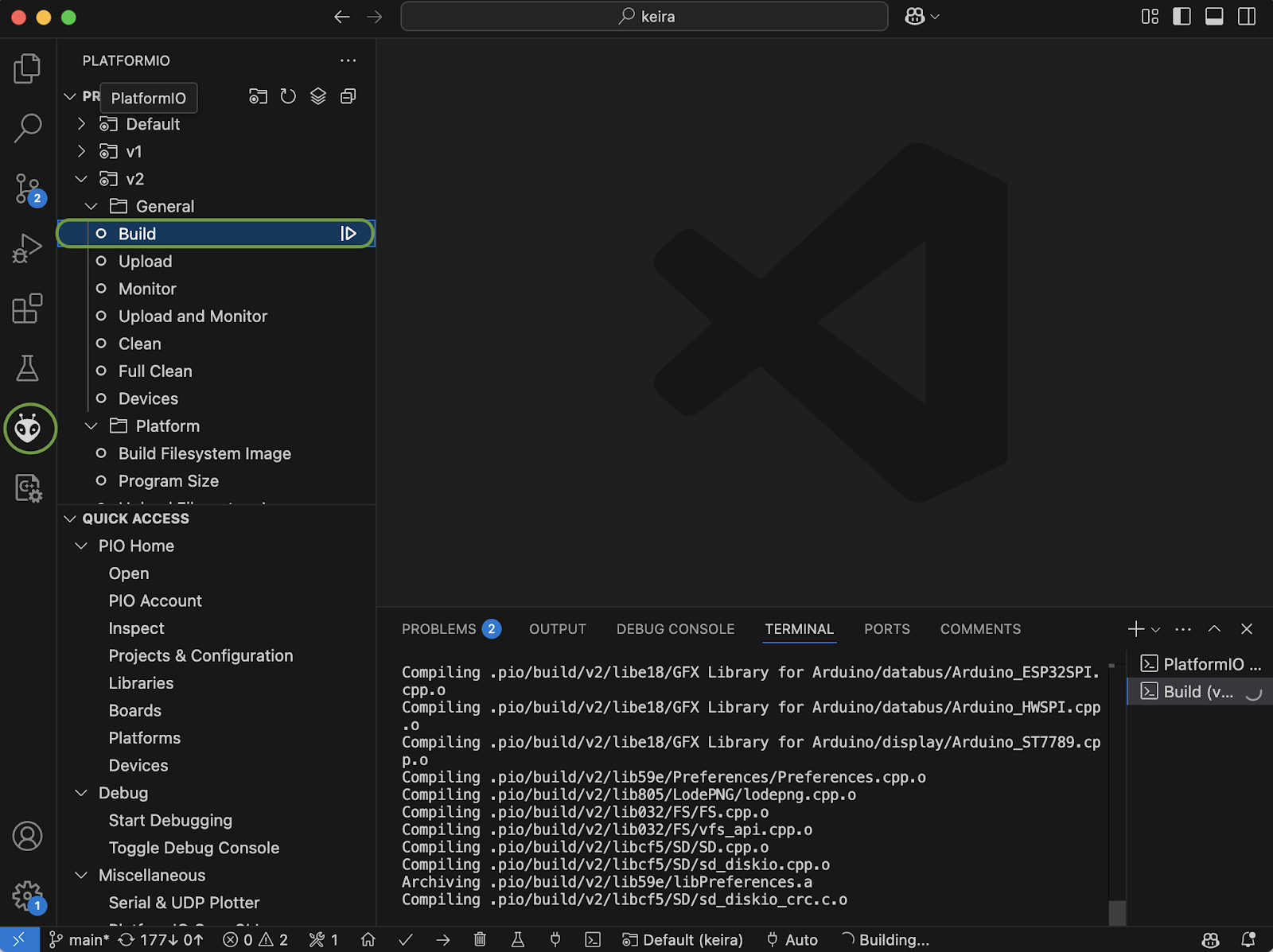
    C++ applications are also present in the catalog — for reference and as examples for developers. However, they require compilation and cannot be run directly on the console without a prior build. Learn more about creating C++ apps →

    ➕ How to Add Your App

    The process is straightforward even for beginners. Each app's catalog entry consists of just a few elements:

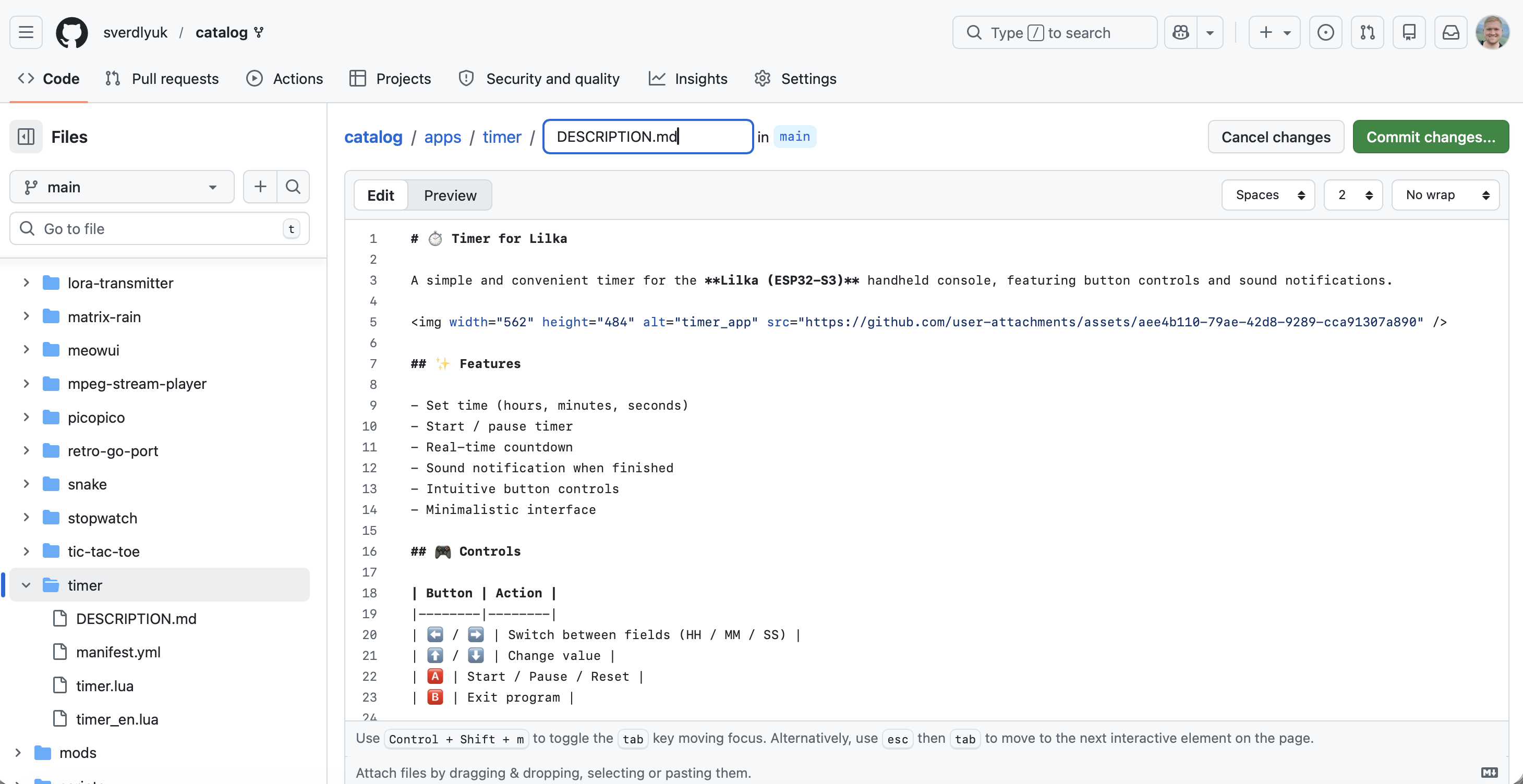
    • DESCRIPTION.md — a text description in Markdown format
    • icon.png and screenshots
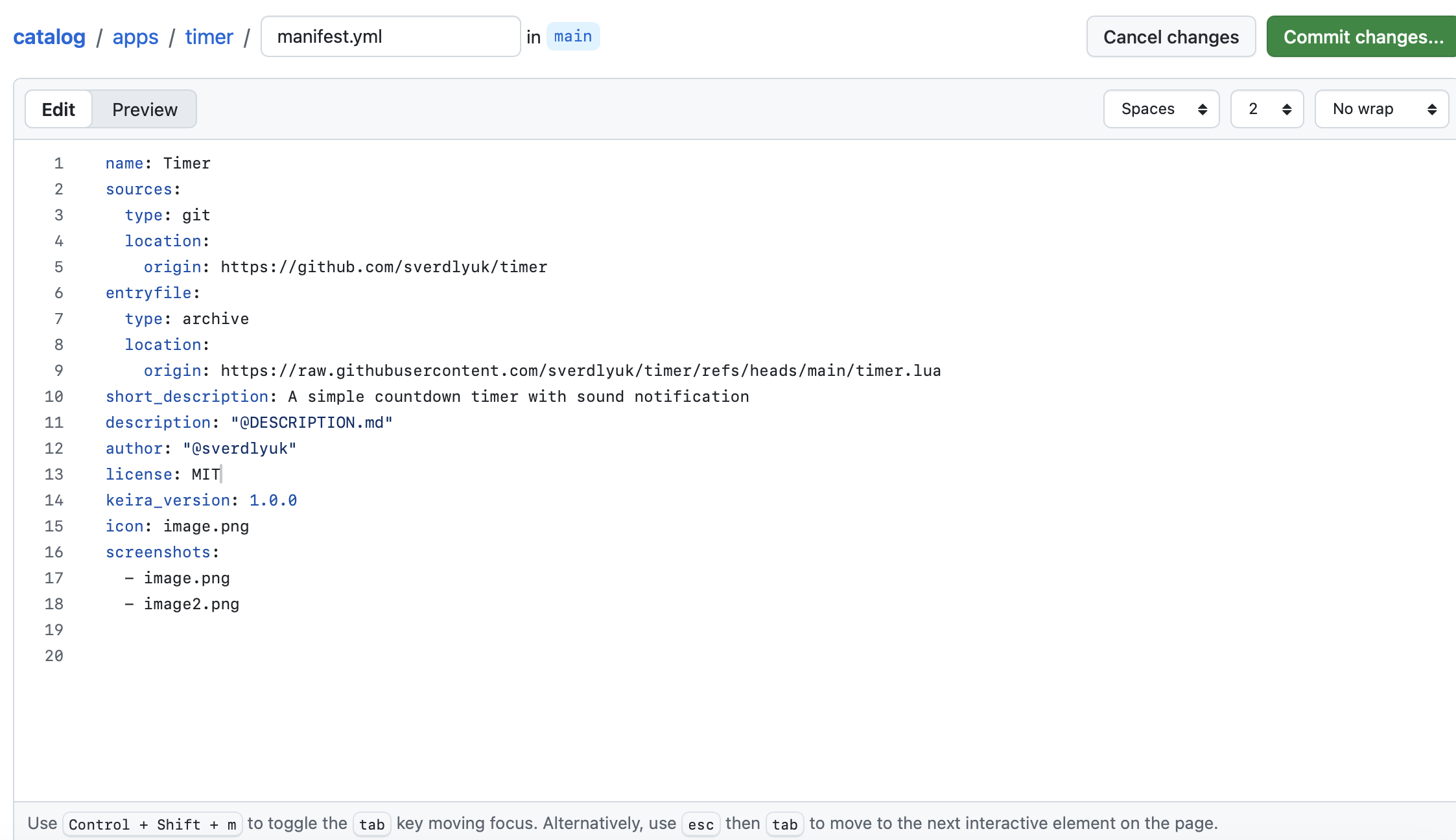
    • manifest.yml — the main file with app metadata

    To publish your app:

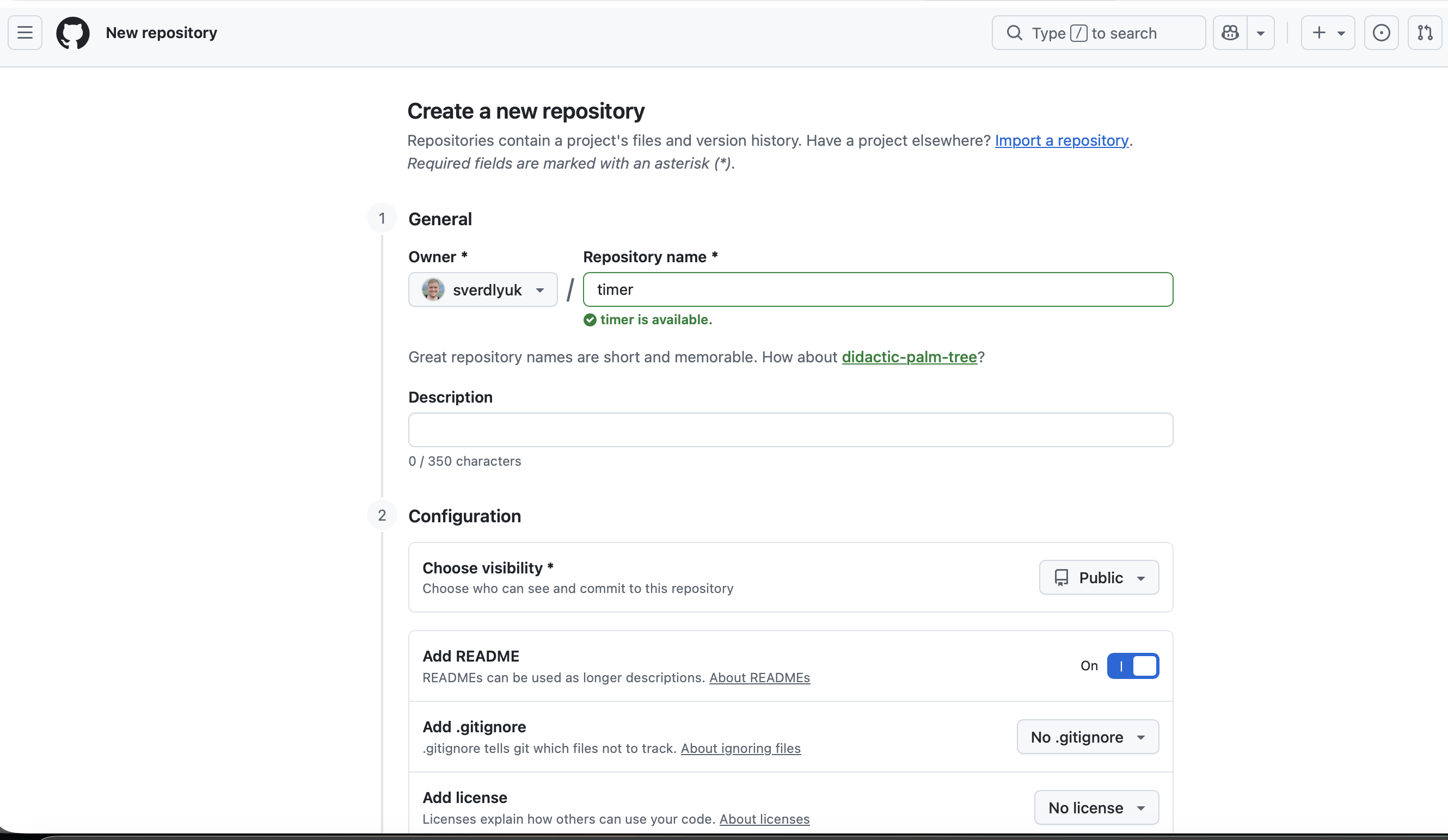
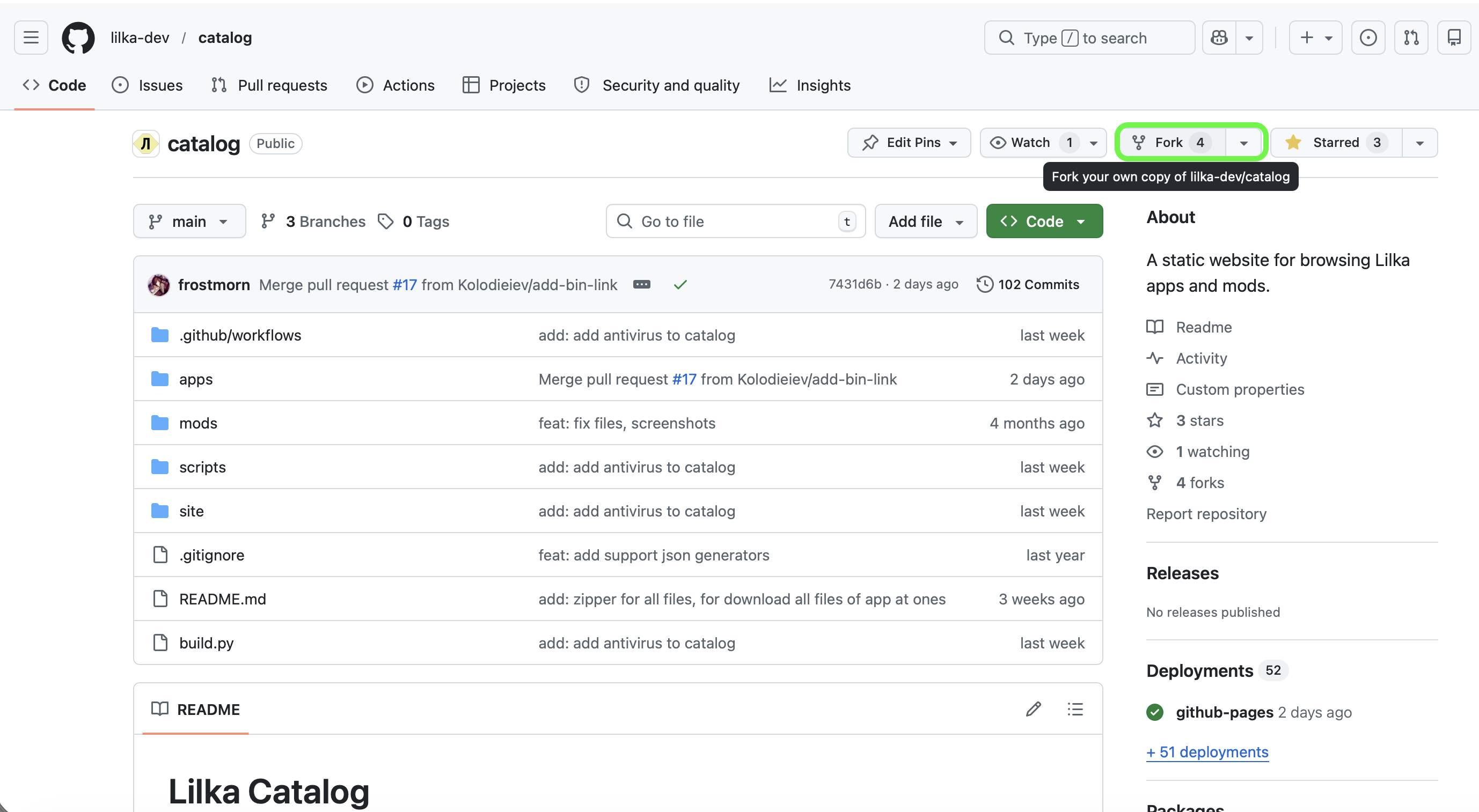
    1. Fork the lilka-dev/catalog repository
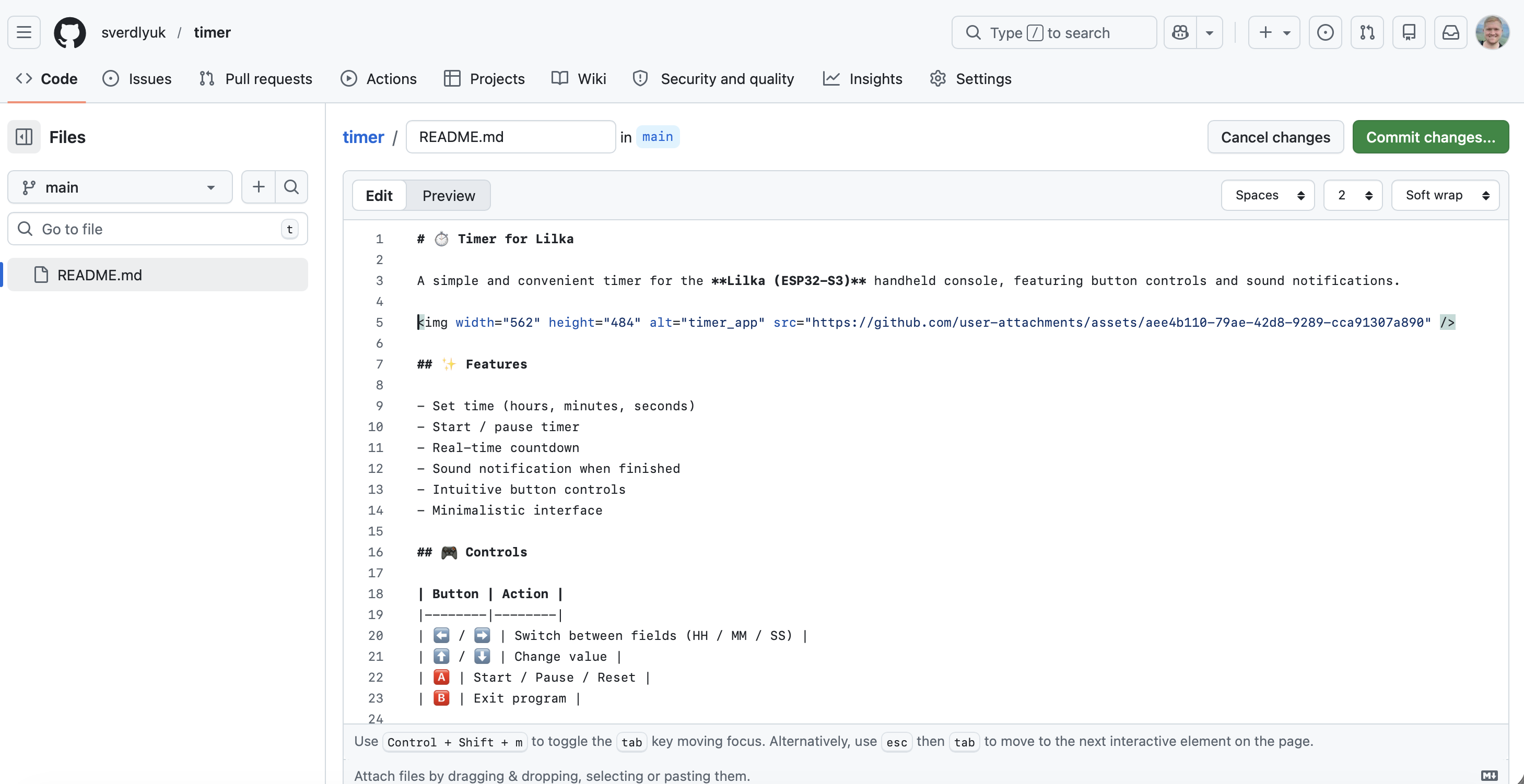
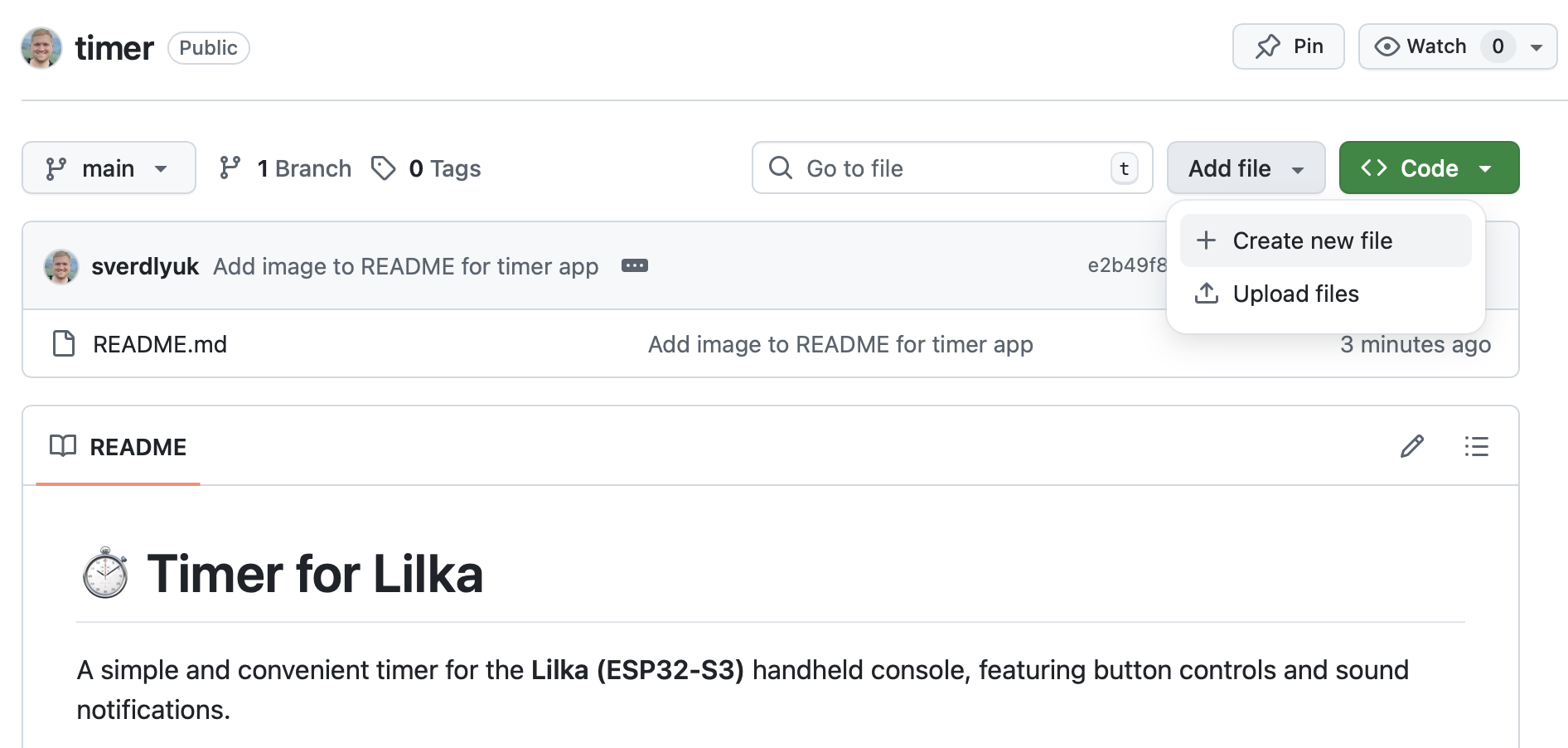
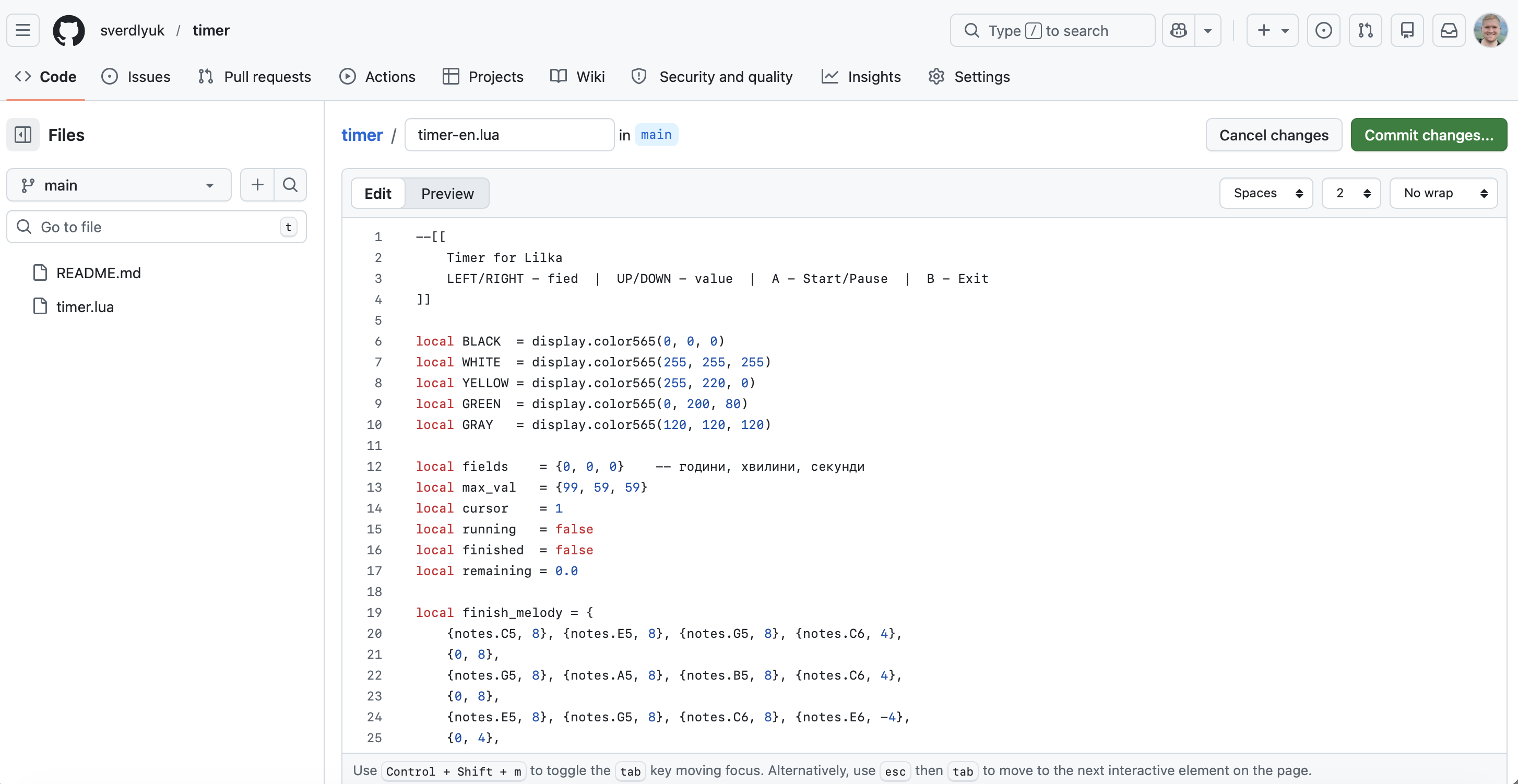
    2. Create a directory apps/yourapp.app/ inside the apps/ folder — this can be done online directly in GitHub or via GitHub Desktop
    3. Add the filesmanifest.ymlicon.png, and DESCRIPTION.md
    4. Submit a Pull Request — GitHub Actions will automatically build the catalog and deploy it to GitHub Pages

    Here is an example manifest.yml from a real app — the "ChuVaChi" rock-paper-scissors game:

    name: Game "ChuVaChi" rock-paper-scissors (LUA)
    sources:
      type: git
      location:
        origin: https://github.com/andrijpv/LIlkaChuVaChi
    entryfile:
      type: lua
      location:
        origin: https://raw.githubusercontent.com/andrijpv/LIlkaChuVaChi/refs/heads/main/filegame/lilkachuvachi.lua
    files:
      - type: image
        location:
          origin: https://raw.githubusercontent.com/andrijpv/LIlkaChuVaChi/refs/heads/main/filegame/paper.bmp
        description: Paper image
      - type: image
        location:
          origin: https://raw.githubusercontent.com/andrijpv/LIlkaChuVaChi/refs/heads/main/filegame/scissors.bmp
        description: Scissors image
      - type: image
        location:
          origin: https://raw.githubusercontent.com/andrijpv/LIlkaChuVaChi/refs/heads/main/filegame/stone.bmp
        description: Stone image
    short_description: Classic "ChuVaChi" rock-paper-scissors game for Keira OS
    description: "@DESCRIPTION.md"
    author: "@andrijpv"
    license: NONE
    keira_version: 1.0.0
    icon: image.png
    screenshots:
      - image.png

    The manifest structure is intuitive: entryfile points to the executable file (.lua.bin, etc.), files lists additional app resources (images, sounds), and description can reference a separate DESCRIPTION.md file with the full description.

  • Lilka: Ukraine's DIY ESP32 Learning Console

    b.sverdlyuk01/29/2026 at 05:18 0 comments

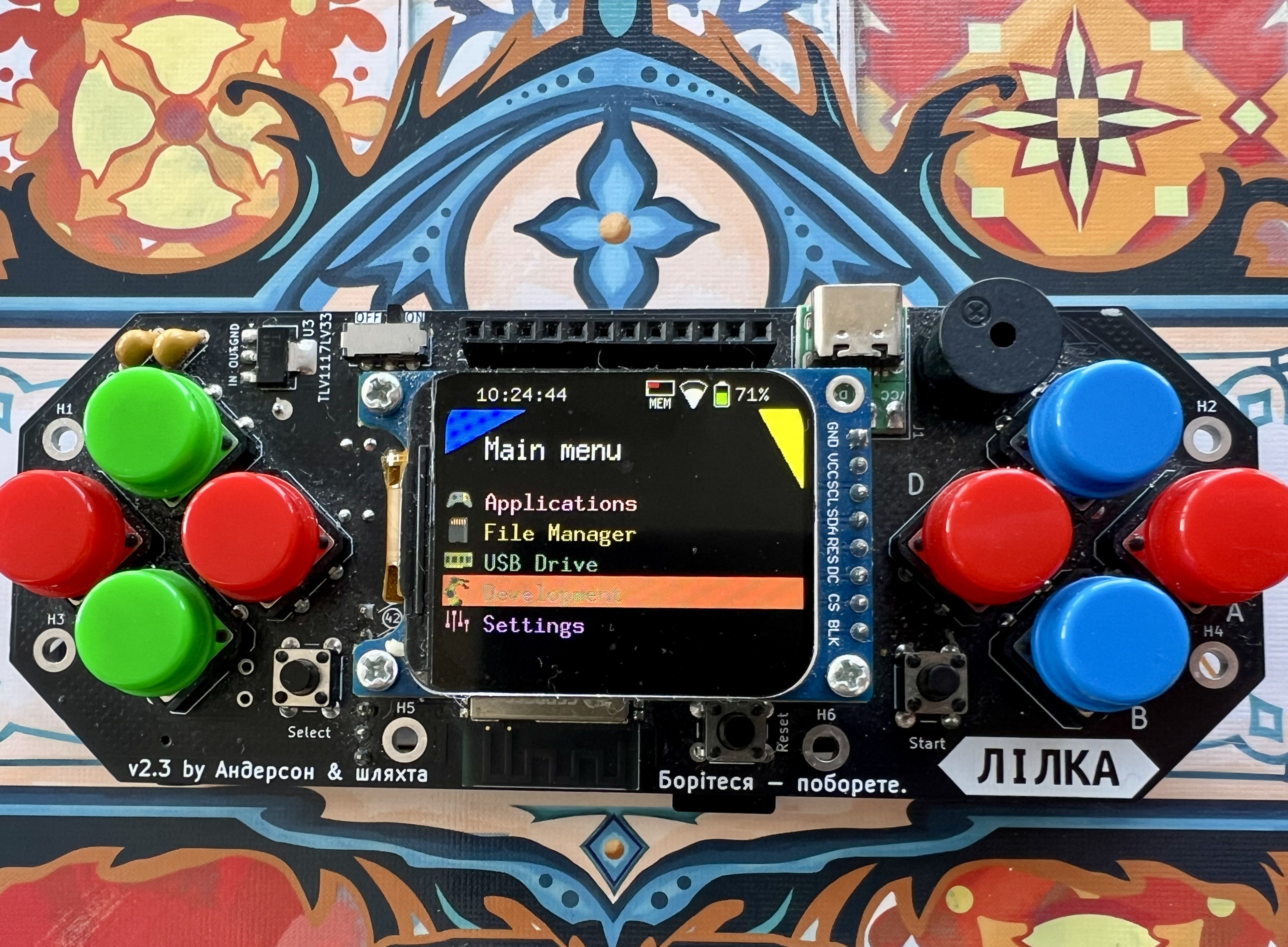
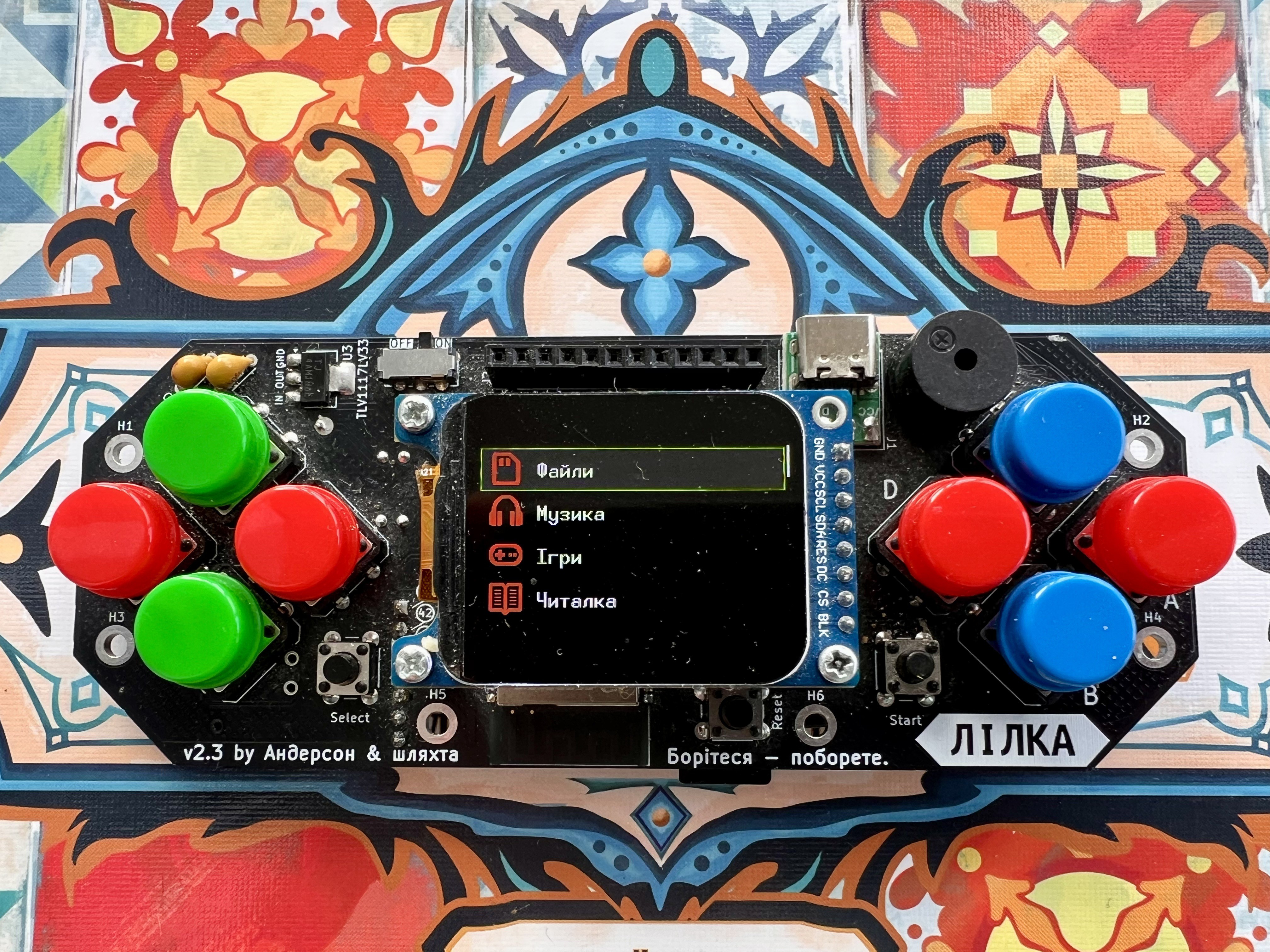
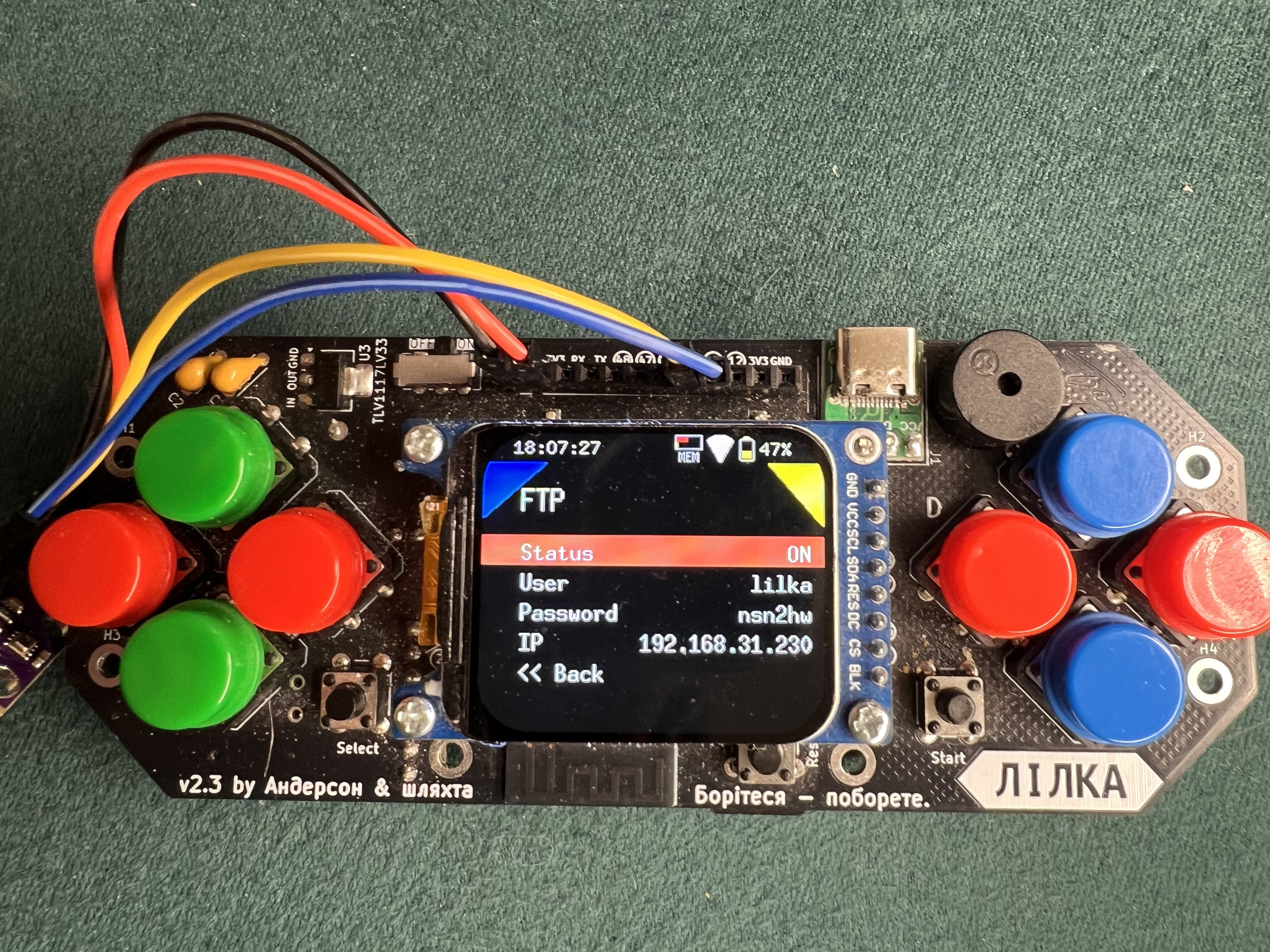
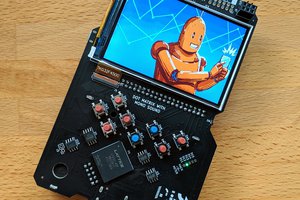
    Lilka is an open-source portable console built around the ESP32-S3-WROOM-1 microcontroller. What makes it special? You can build it entirely from off-the-shelf modules available at most electronics stores — no custom PCBs required. Total cost in Ukraine is around $15-20.

    Key Features:

    • NES emulator for classic gaming
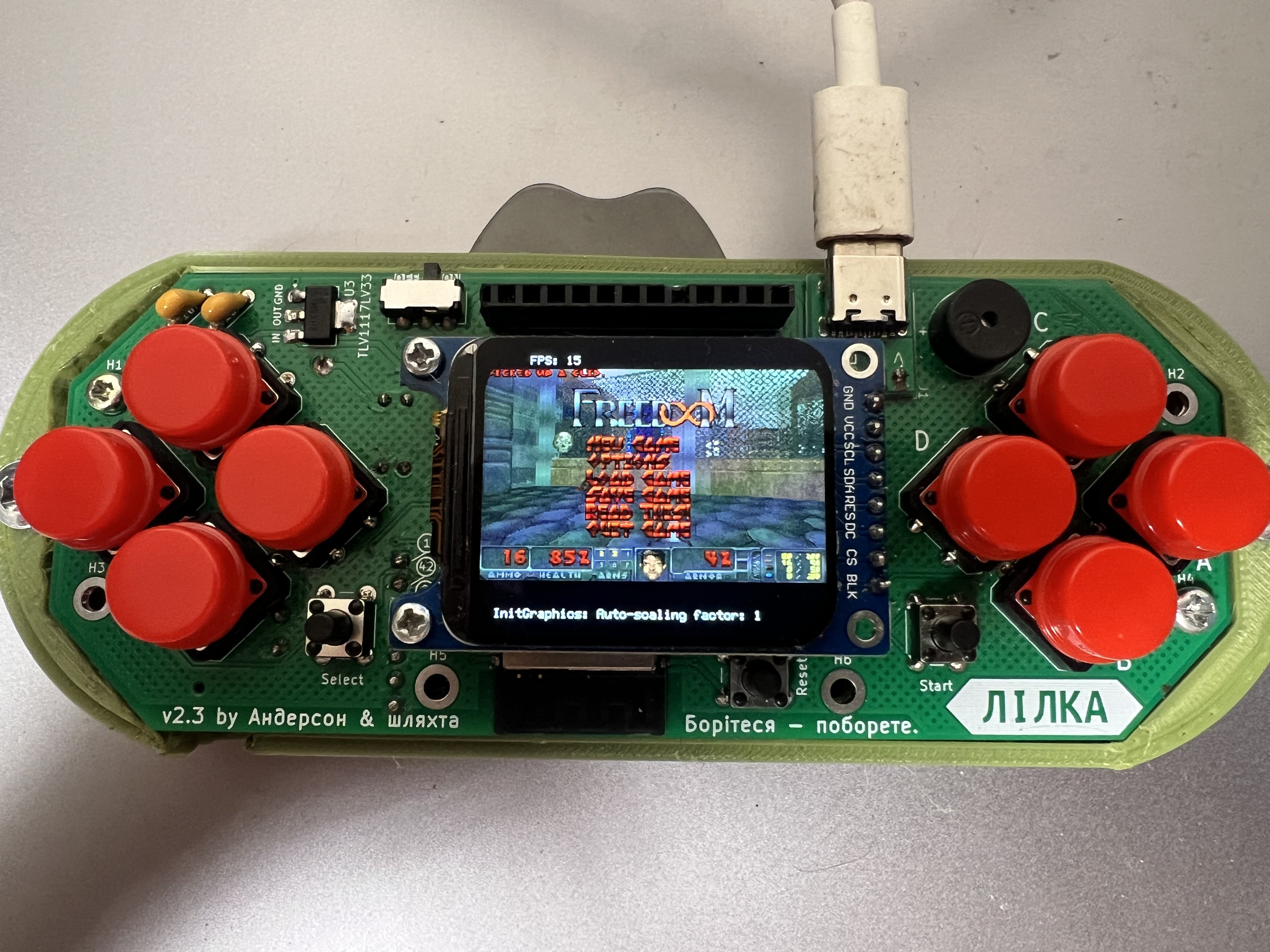
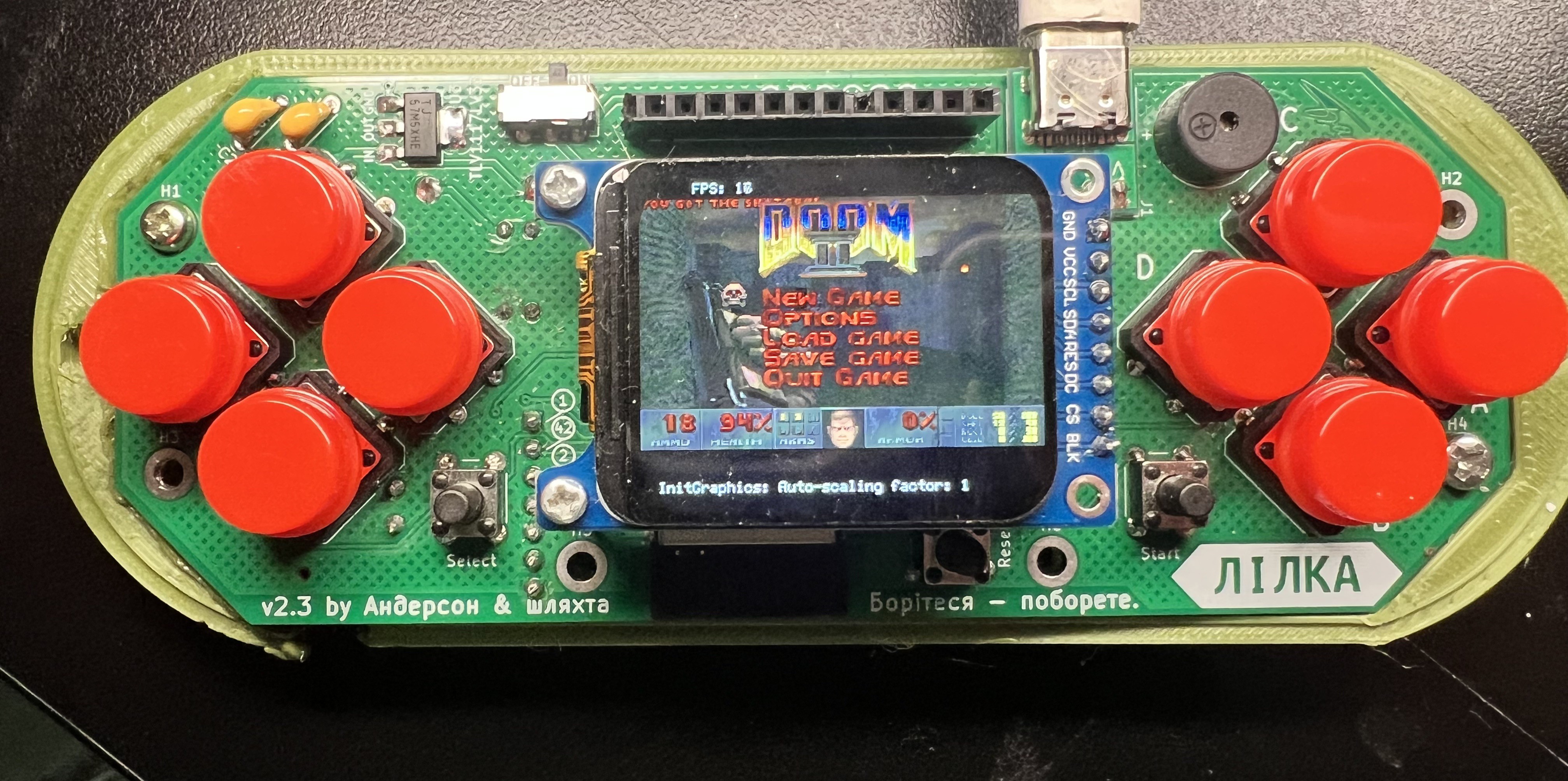
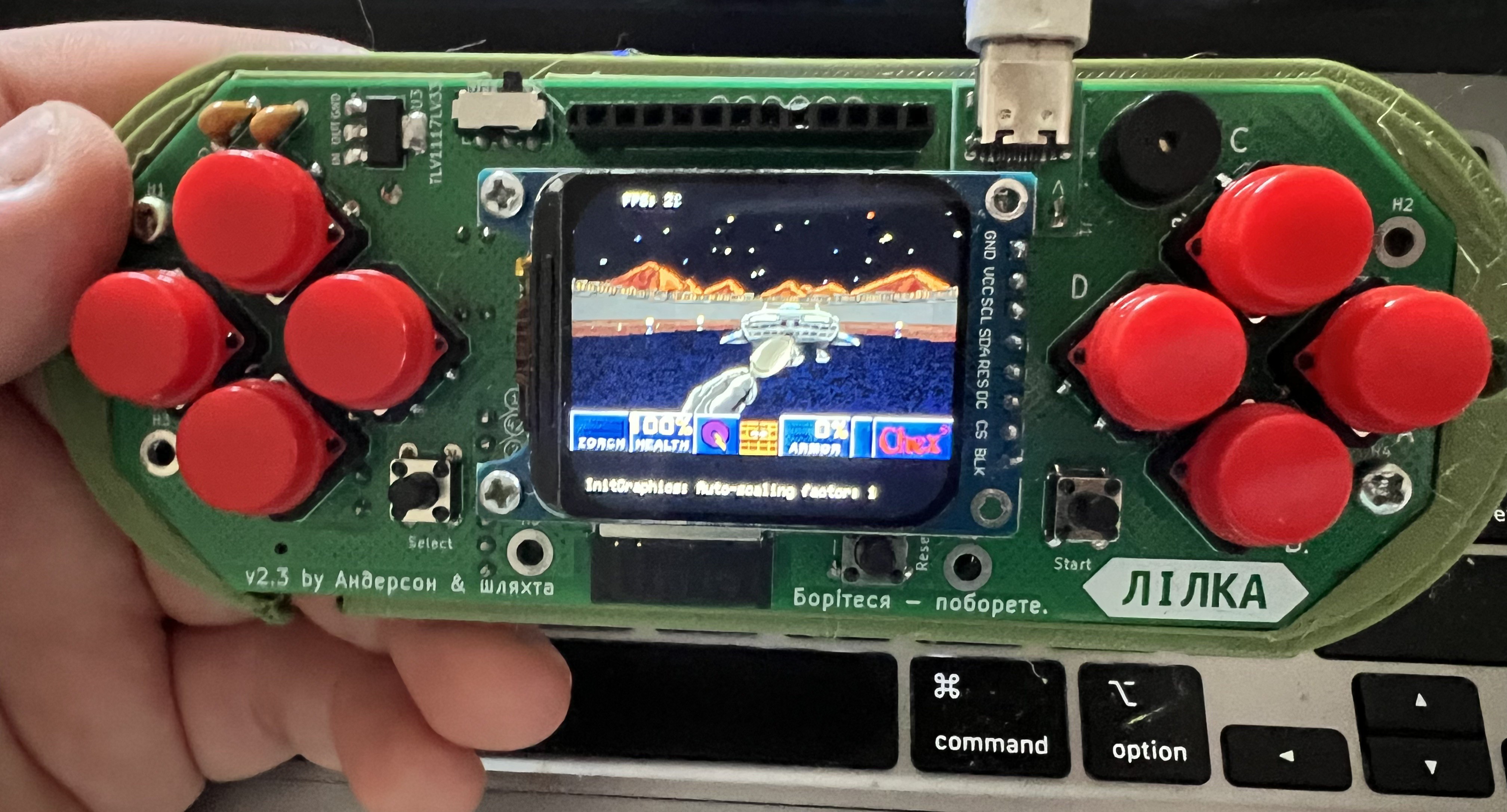
    • Runs DOOM with decent FPS
    • Built-in WiFi and Bluetooth
    • Extension header for custom modules
    • Lua scripting support for easy game/app development
    • Runs programs from SD card

    But here's the important part: Lilka isn't marketed as a gaming console. It's a DIY learning platform that happens to play games. The goal is to provide affordable hardware for tinkering, plus a complete library for working with display, SD card, buttons, sound, battery, and other components.

    Getting Started: Complete kits available at https://autkin.net/lilka/, or you can order the PCB from JLCPCB/PCBWay and source components yourself. Full assembly documentation available at docs.lilka.dev.

    What Can You Build?

    • Educational tools for teaching programming
    • IoT monitoring devices
    • CNC controllers
    • Bluetooth gamepad
    • Penetration testing tools (WiFi jamming, BadUSB)
    • Home automation controllers
    • Music trackers and synthesizers
    • Interactive art installations

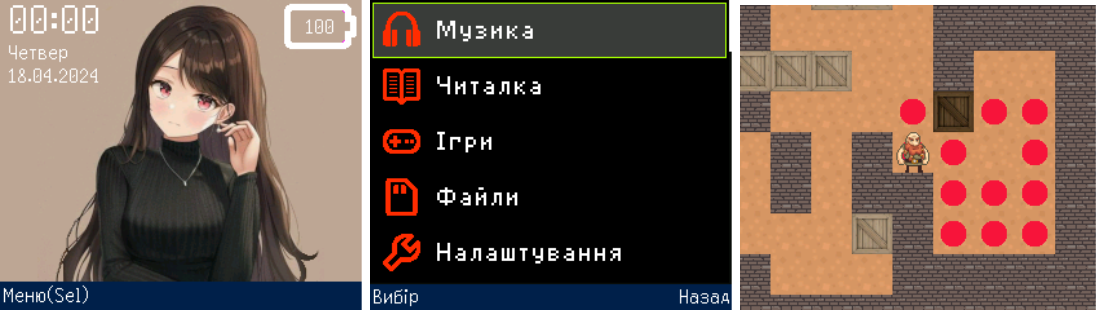
    Software: Lilka runs Keira OS (based on FreeRTOS) with support for C++, Lua, and mJS scripting. The system recently received full English localization. You can write embedded programs or run scripts directly from SD card. The lilka library provides simple APIs for all hardware features.

    Community: Active Discord community at discord.gg/ycmaz4vnbs Full source on GitHub: github.com/lilka-dev