Close
0%
0%

BenchPod

An open hardware bench tool that plugs into your CI: sensor sim, CAN, analog I/O, power control, and a Python SDK with pytest integration

Public Chat
Similar projects worth following
0 followers
Embedded teams often end up with a bench full of equipment that's hard to share, hard to automate, and difficult to use remotely. Setting up tests often means being physically present, and that doesn't scale well across a team.

BenchPod is an attempt to make that easier. One board with sensor simulation over I2C and SPI, CAN bus, analog input and output, programmable power control, a logic analyzer, and an FPGA for fast protocol mocking, connected over WiFi so it can be shared across a team or accessed remotely. A Python SDK and pytest integration make it straightforward to go from manual bench work to automated tests without changing your setup.

What's on the board

v1 of BenchPod consolidates everything onto a single 100x80mm 4-layer PCB. The high-level layout is on the build log; this is what's actually on it.

Compute

The main MCU is the RP2350B, the 80-pin variant for the extra GPIO. It pairs with a W25Q64 SPI flash for boot and an APS6404L 8MB QSPI PSRAM used for buffering the digital and analog capture data before it gets streamed out.

Next to it sits an iCE40 UltraPlus 5K FPGA with its own dedicated W25Q64 flash. The FPGA loads its bitstream autonomously at power-up, which keeps the configuration path independent of the MCU and lets the RP2350B stay focused on orchestration.

For connectivity, an ESP32-C3-MINI-1 module handles WiFi over UART using Espressif's official AT firmware. The MCU treats it as a connectivity peripheral rather than a co-processor.

Analog input and output

A BNC connector feeds into an ADC08060 (8-bit, 60 MSPS) with a REF3030 3.0V precision reference and OPA354 op-amps for front-end conditioning. The ADC's parallel output goes straight into the FPGA, which handles capture.

A MCP4728 four-channel 12-bit I2C DAC drives an OPA354 buffer feeding a second BNC for analog output. The DAC handles static voltages and slow waveforms; faster output can come from the FPGA via PWM through the same OPA354 path.

The analog front-end is the part of v1 most clearly meant as a learning exercise. v2 schematics are already drawn with 14 or 16-bit resolution, support for additional voltage ranges, SMA connectors instead of BNC, and DAC-to-ADC loopback for calibration.

Logic analyzer

The logic analyzer is FPGA-based. Capture happens into the iCE40's internal SPRAM (128KB), triggered and read back by the RP2350B which streams it out to the host. How deep and how fast it can go in practice is one of the things v1 will tell us.

Power and current monitoring

Two independent TPS259470A eFuses sit on the two switchable power paths: one for the on-board 5V output rail and one for the external 5 to 20V DUT supply input. Two INA219 current and voltage monitors on I2C track each path. The internal power tree uses a TPS82130 3A buck MicroSiP for the 3.3V digital rail, with AP2112K LDOs for the 1.2V FPGA core, 2.5V FPGA aux, and a separate analog 3.3V to keep digital noise off the analog side.

CAN bus

A SN65HVD230 3.3V CAN transceiver is wired to the FPGA's GPIOs, so the FPGA can drive CAN timing directly and act as a mocked node. CAN is on the board so simulations can be run over it as well. How that gets exposed to the SDK is still to be defined.

DUT interface

The DUT side exposes I2C, SPI, and a set of GPIO for running sensor simulations. The logic analyzer pins can also drive output to mock protocols when needed, and seven SN74LVC2G66 dual analog switches sit on those lines so pull-ups can be switched in when emulating something that needs them. A PCA9555 16-bit I2C IO expander adds slow control GPIO without burning more pins on the MCU. Three screw terminals carry the external power input and the switched outputs to the DUT.

USB and user interface

USB-C with support for drag-and-drop firmware updates, and also used to send over the WiFi SSID and password during initial setup. Status LEDs, two tactile switches (BOOT/RUN), and seven test points scattered around the design for bring-up.

What you can do with it (in theory, v1)

Capture and replay digital and analog signals, simulate sensors and protocols, control DUT power, and tie it all into CI. Everything is exposed over WiFi via a Python SDK with pytest integration, so the same board you use on the bench is the one your automated tests drive.

Current status

Schematic and PCB for v1 are done and at JLCPCB. Nothing on this board is bring-up validated yet. 

benchpod.pdf

Schematic

Adobe Portable Document Format - 745.68 kB - 06/02/2026 at 22:18

Preview

  • Bring-up time!

    Edward Viaenean hour ago 0 comments

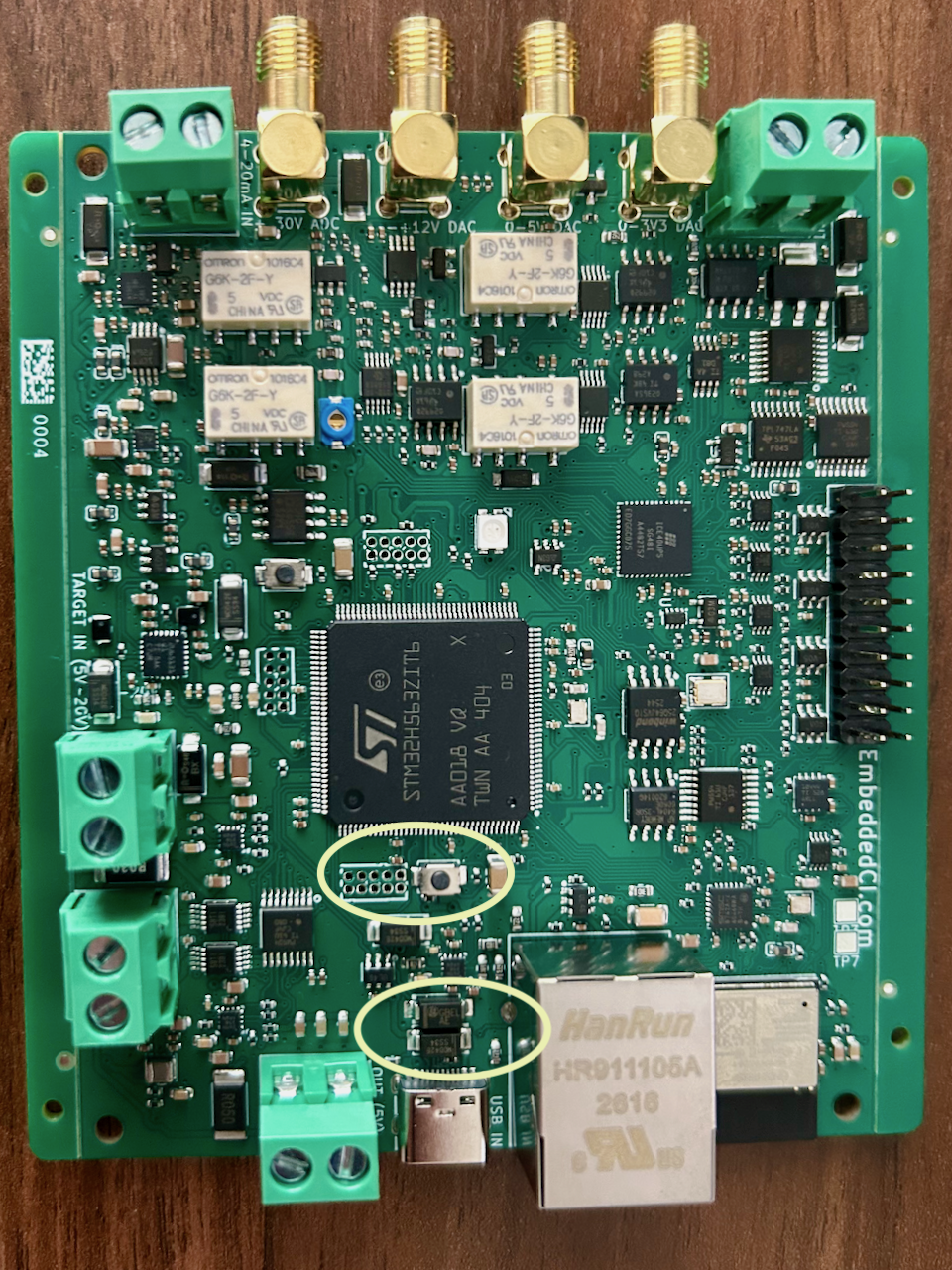
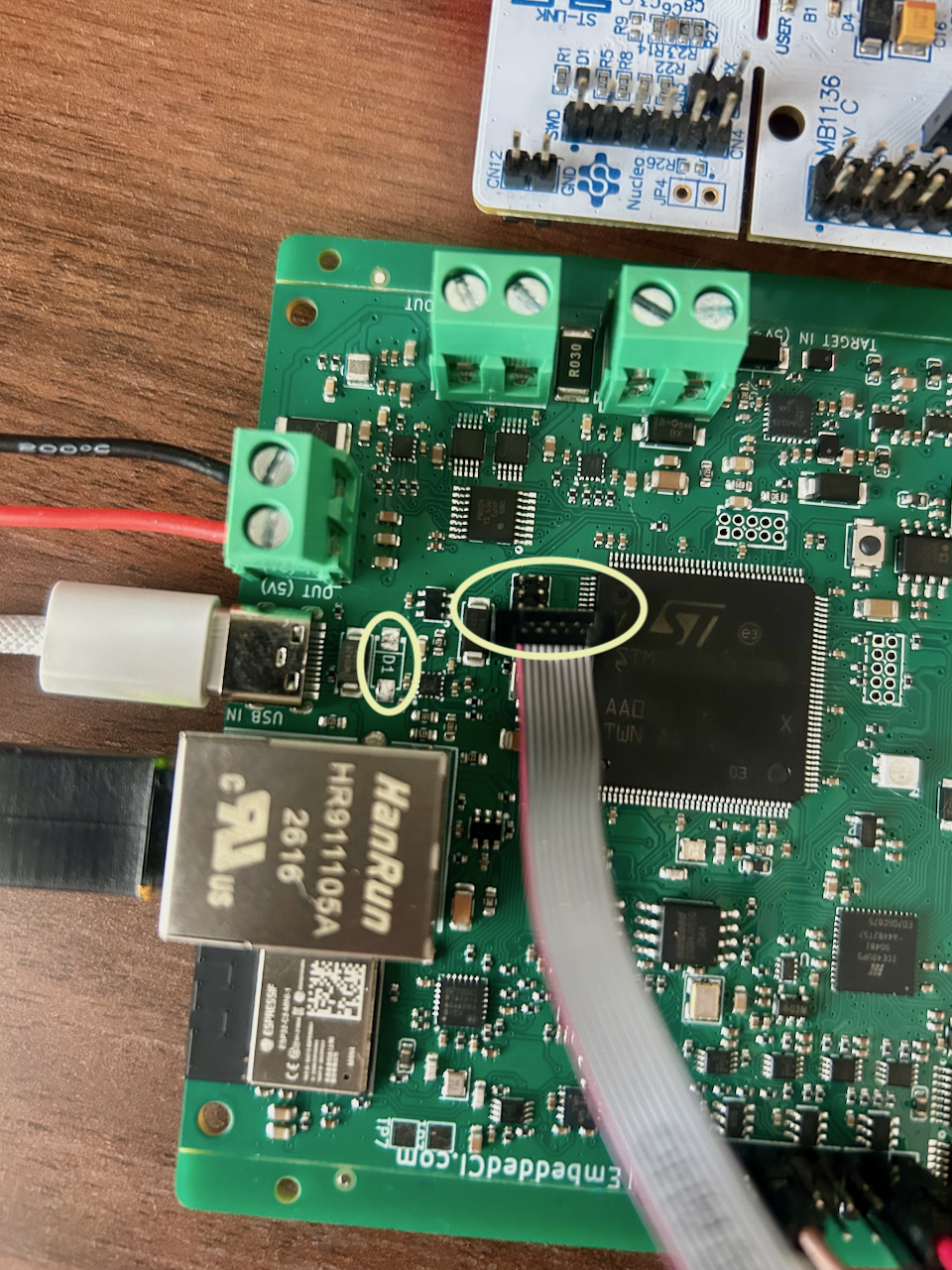
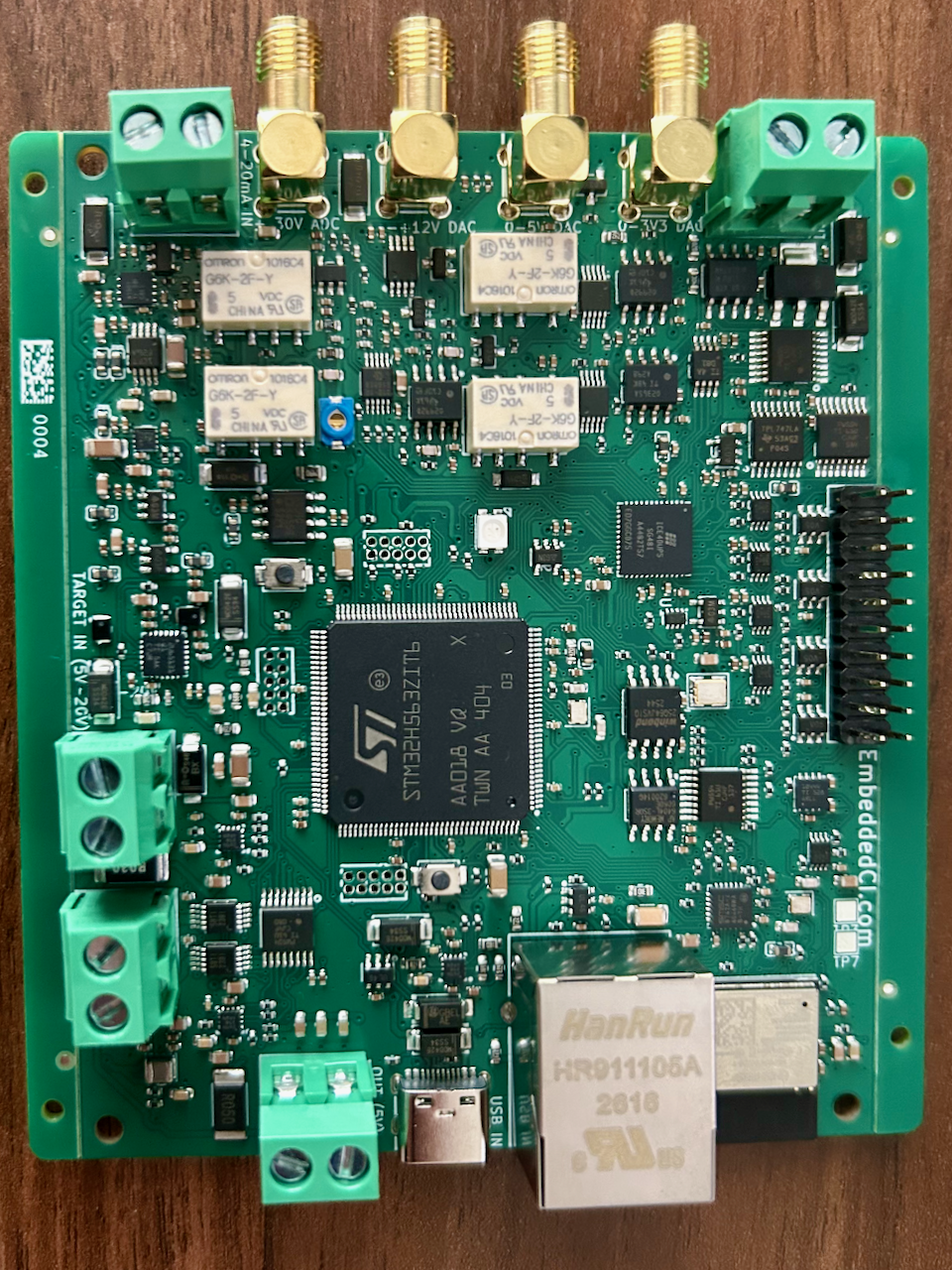
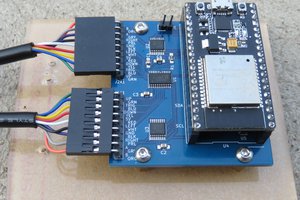
    Bring-up went well; so far, everything except one minor issue: the RP2350B's flash. Here's a picture of the board, then more about the W25Q64JVSSIQ (flash) component.

    While doing the PCB layout in KiCad across 2 screens, with the mouse pointer focused on the schematic view rather than the PCB window, I accidentally hit a button, and the flash component moved within the schematic. I only realized it a few minutes later, so I couldn't use ctrl+z. I moved the flash symbol back, fixed the messed-up wiring, and continued with the PCB. What actually happened that I didn't realize is that the symbol was mirrored, and all the wiring was correctly placed, but to the wrong, mirrored pins. I then traced it like that in the PCB, and that's how my flash doesn't work in v1. Luckily, I don't need it, so I just flash to SRAM instead for this version. The flash for the iCE40 was actually untouched, so that one works! Here's a screenshot of how the mirrored symbol looked, pretty obvious, but I didn't check it in detail in the schematic anymore, as I didn't make any changes.


  • Prototyping and LTspice

    Edward Viaenea day ago 0 comments

    Quickly shipped the v1 of our bench board to validate bring-up while still iterating on the design. Did I know analog has such a steep learning curve?! Finally sat down to do a full SPICE analysis and... turns out I've been feeding pure noise straight into my ADC. The VTOP and VBOTTOM pins of the ADC08060 are missing their resistors. Oopsie. Guess I'll be scratching a trace or two and squeezing in some resistors.

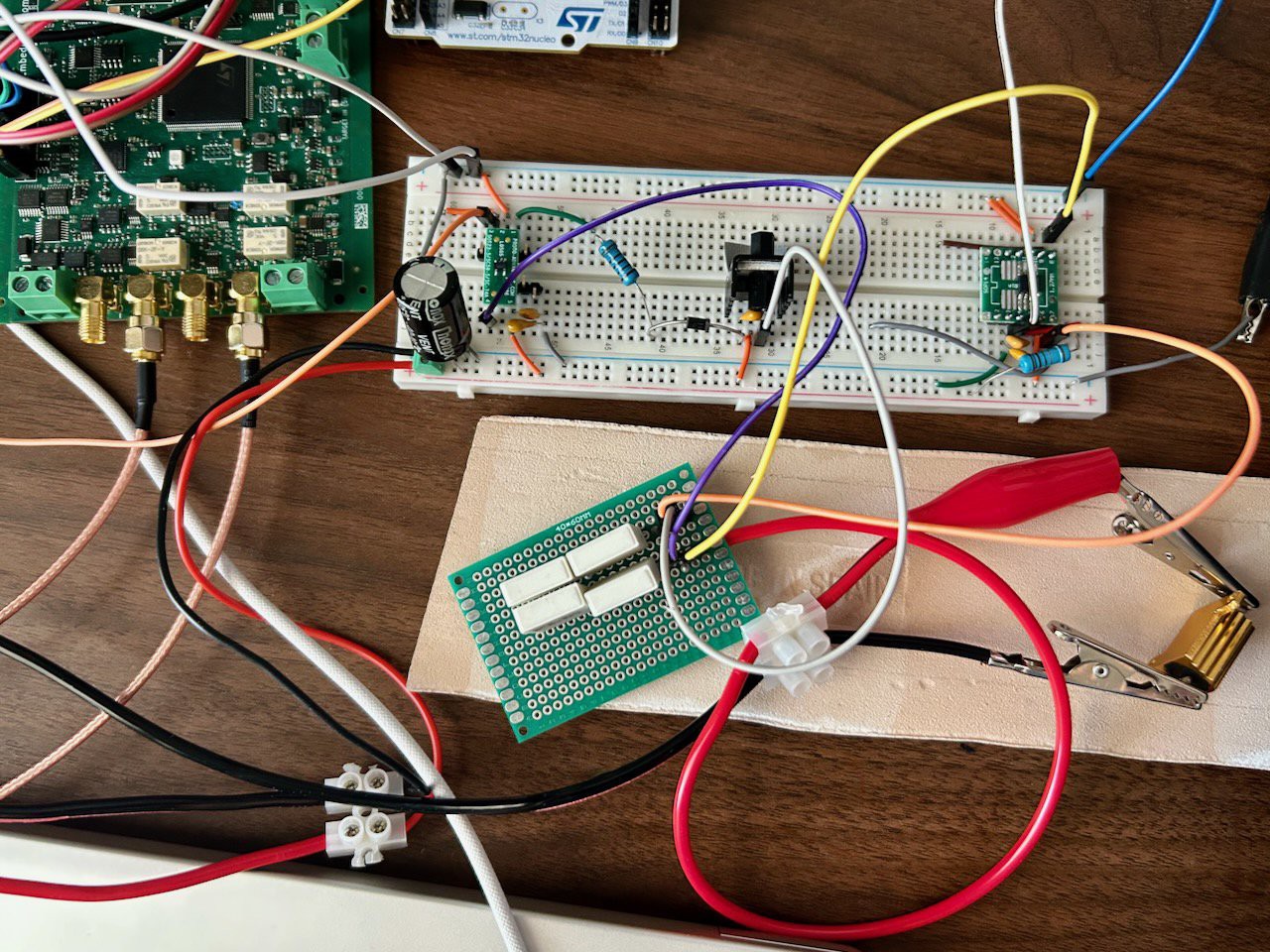
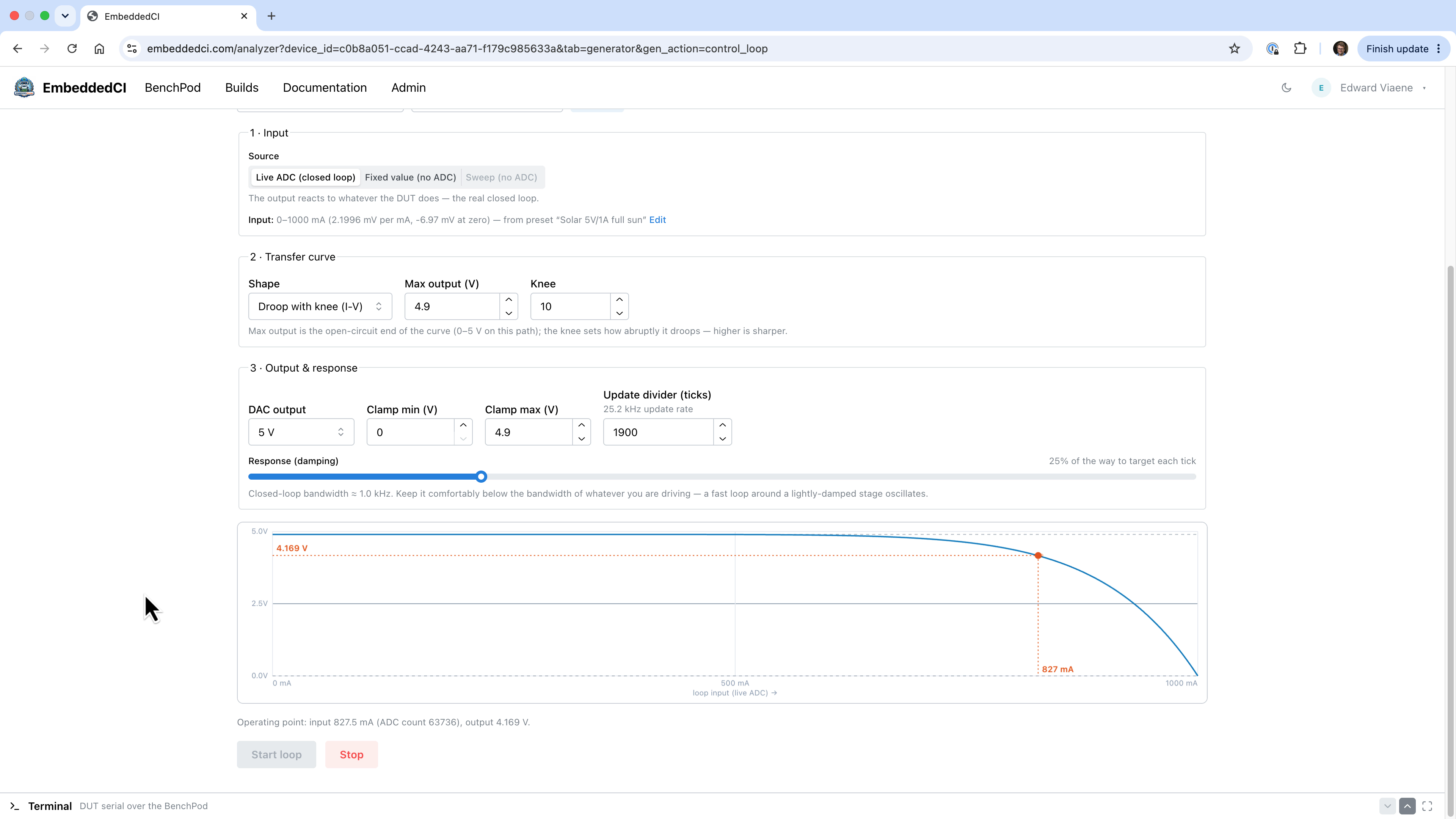
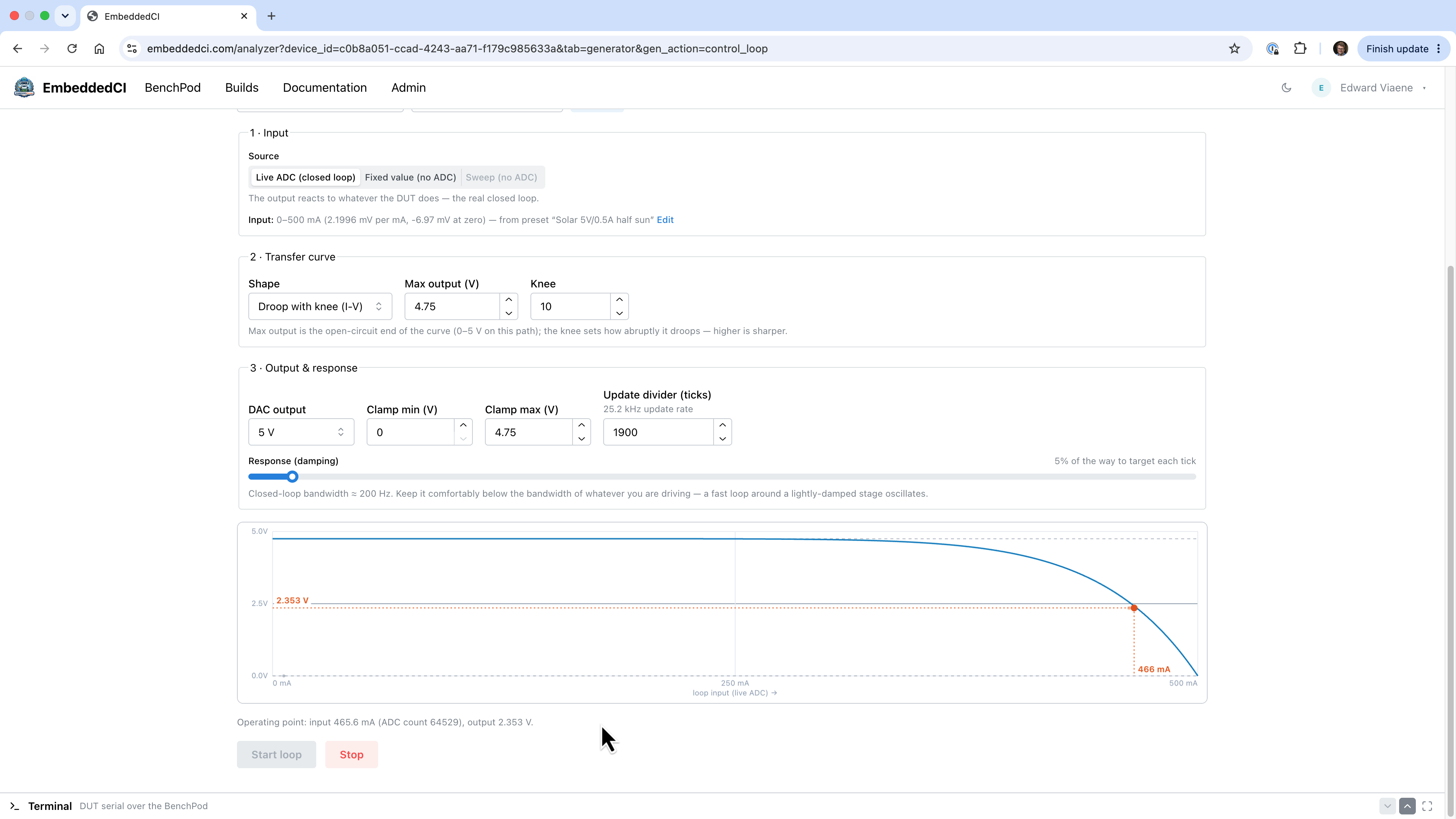
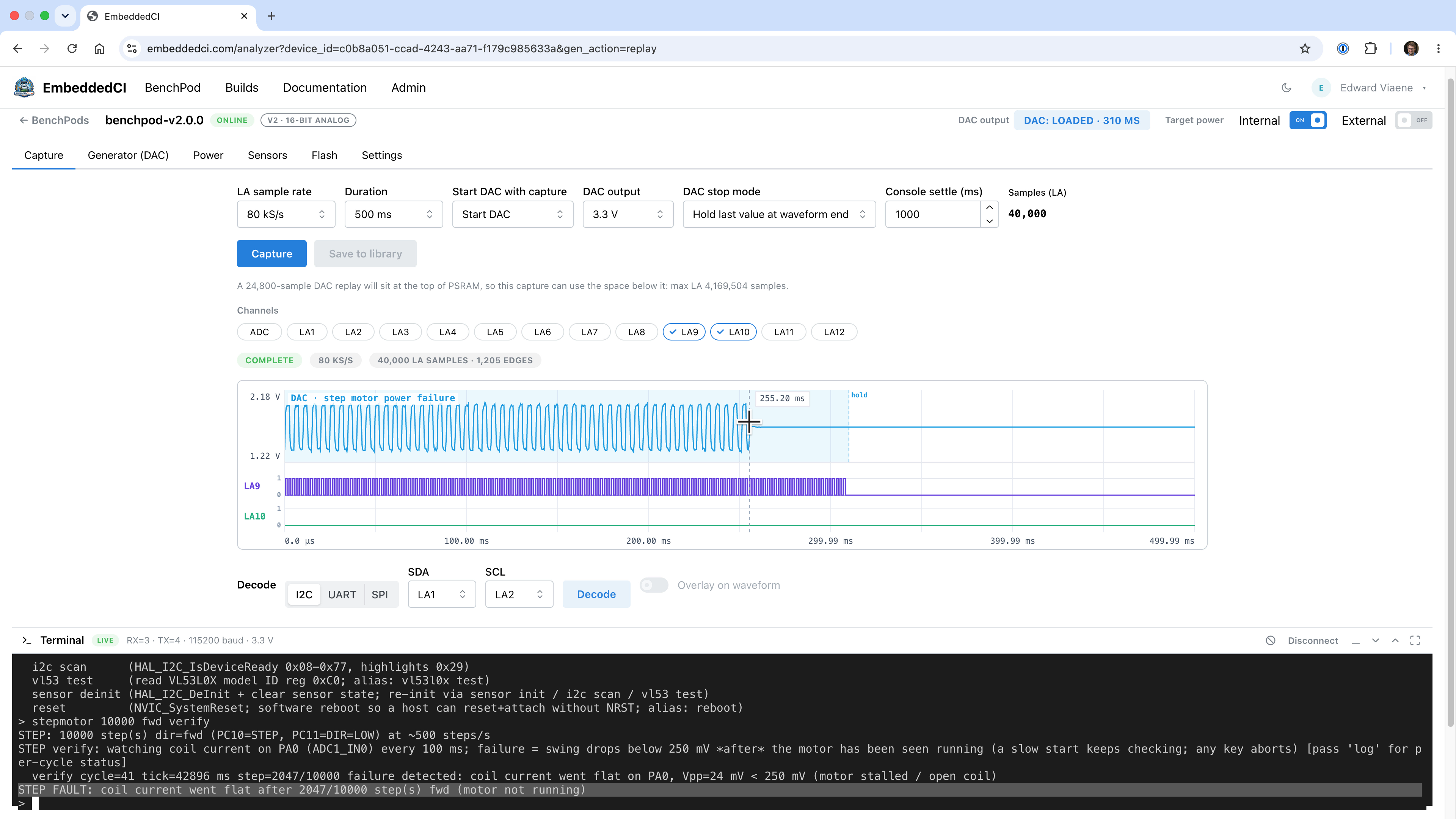
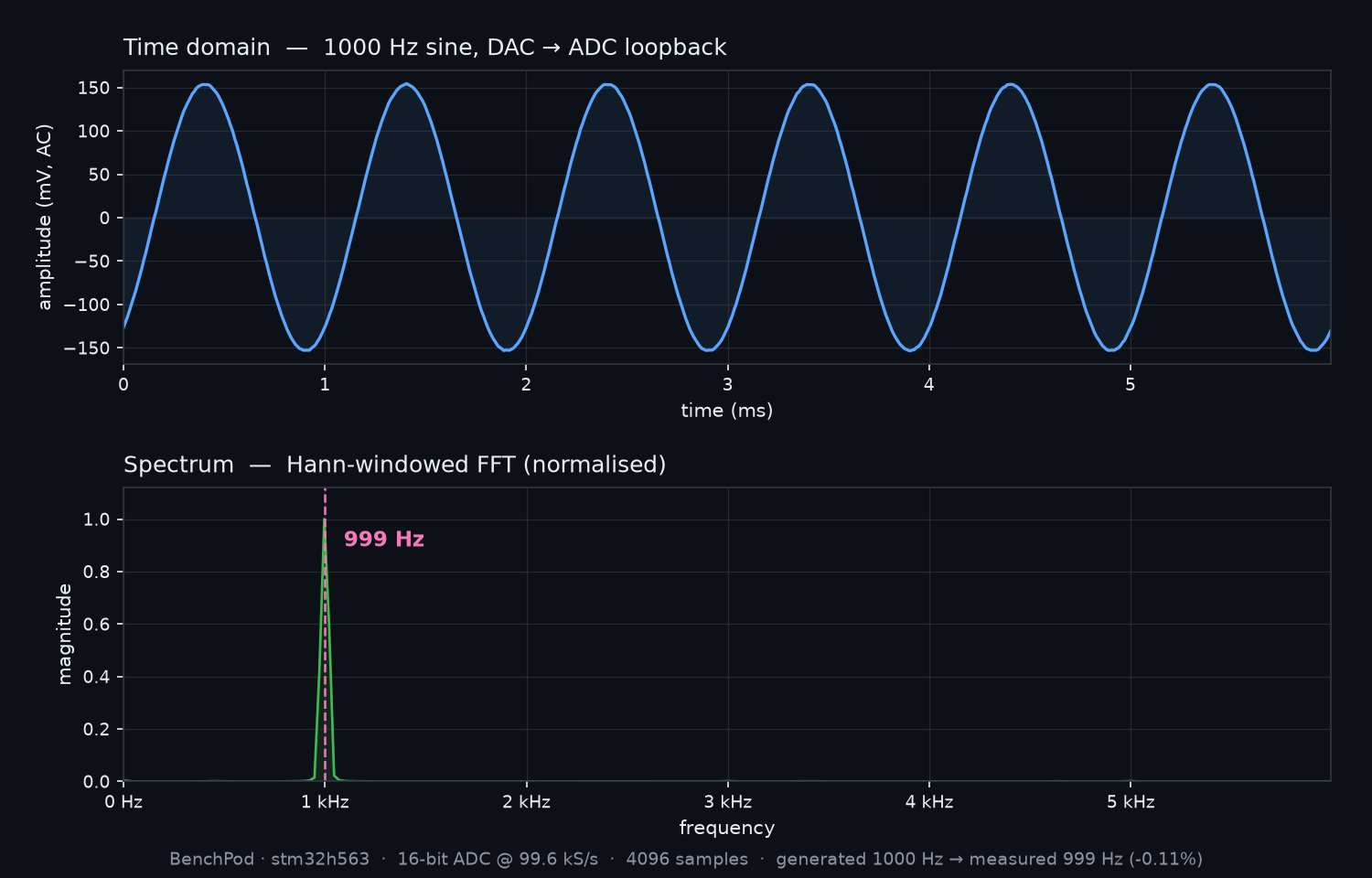
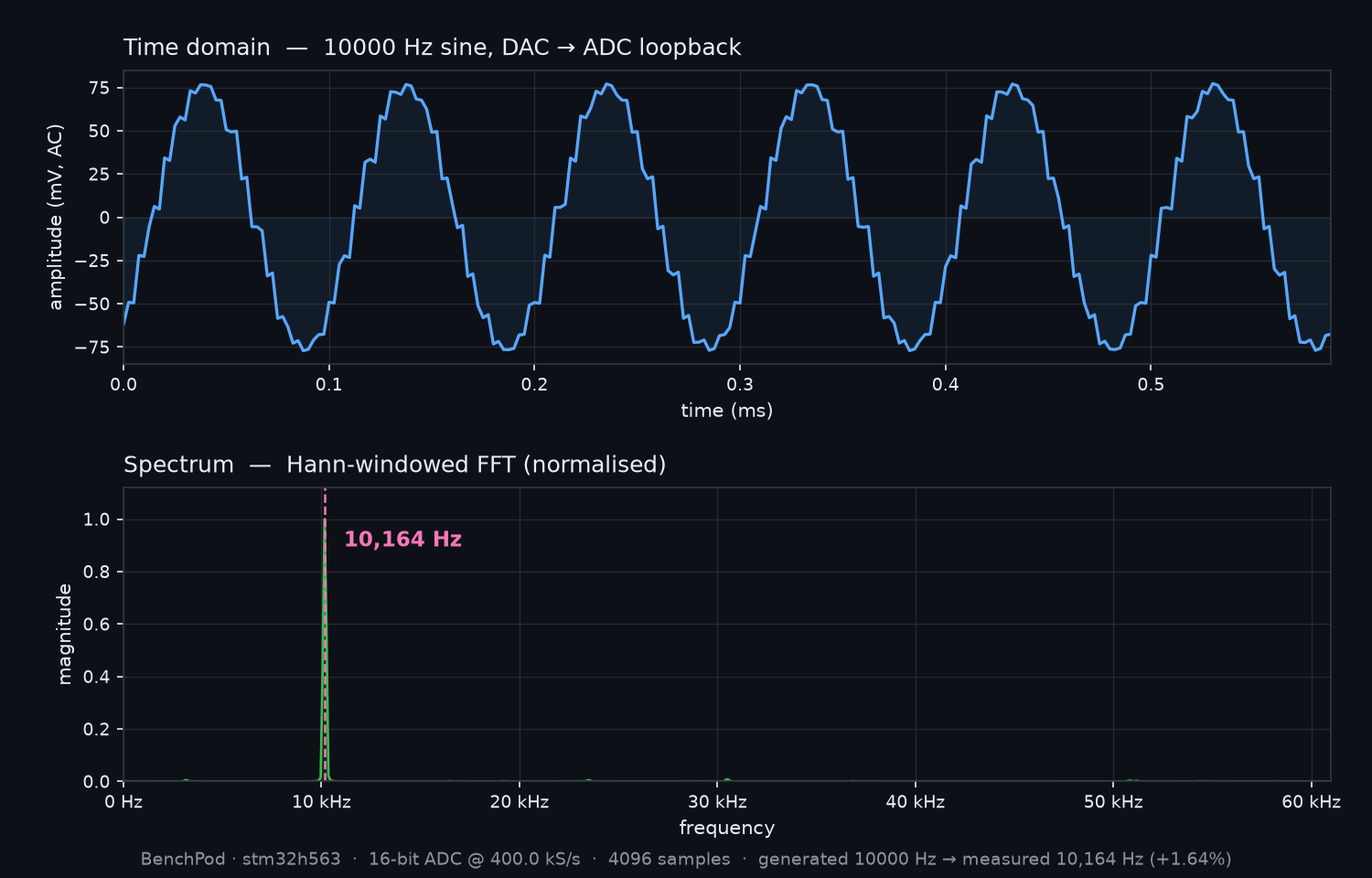
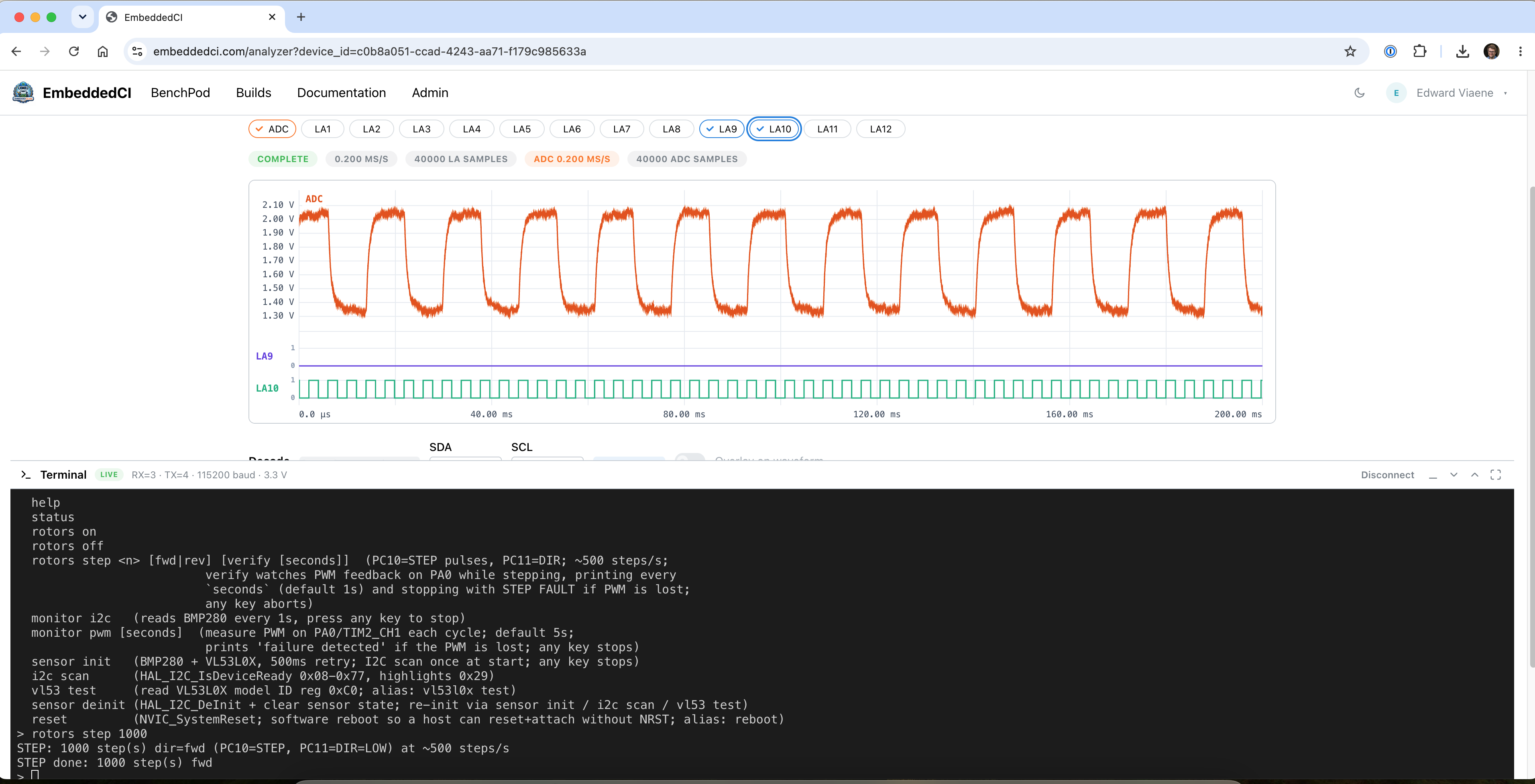
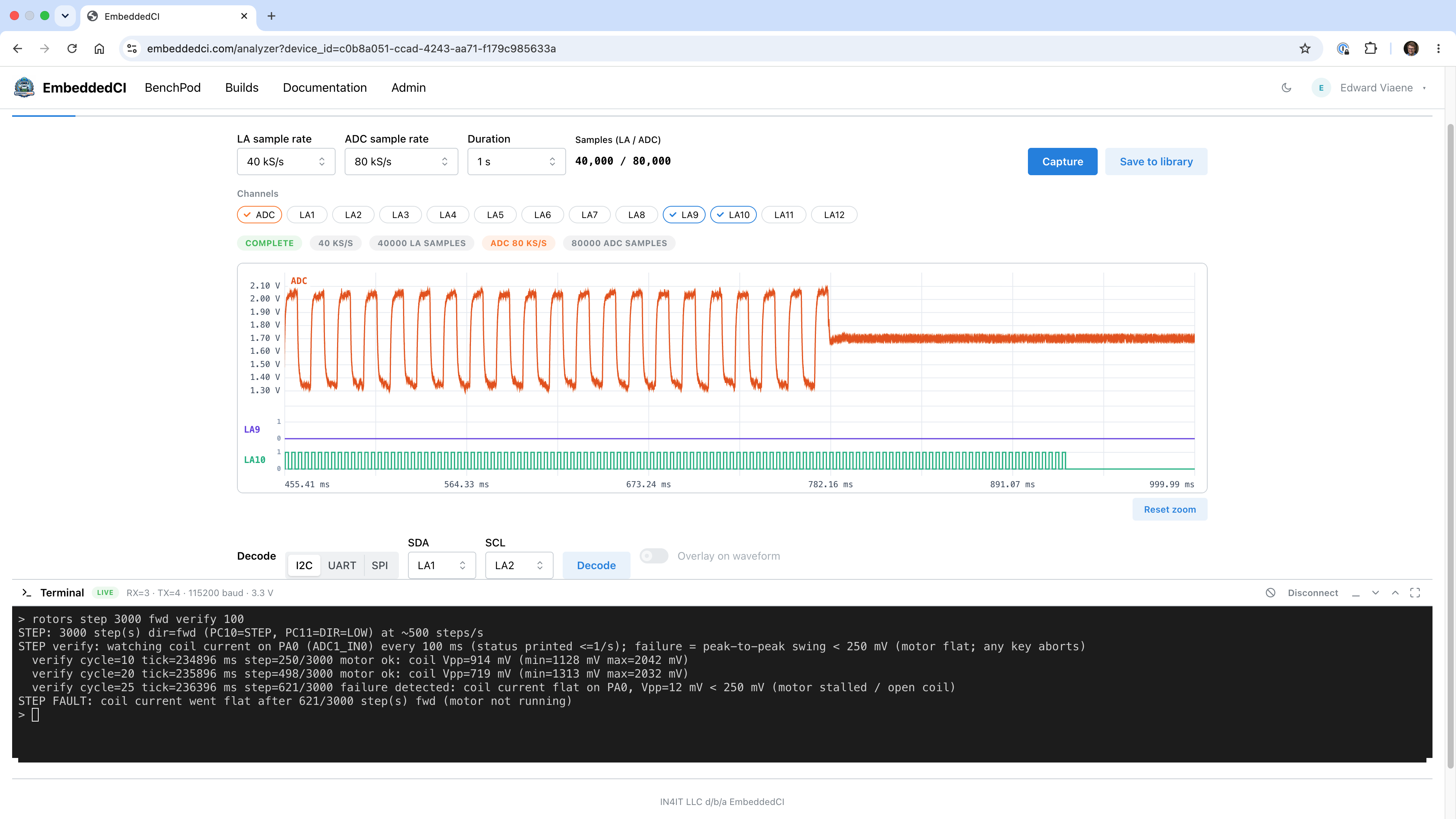
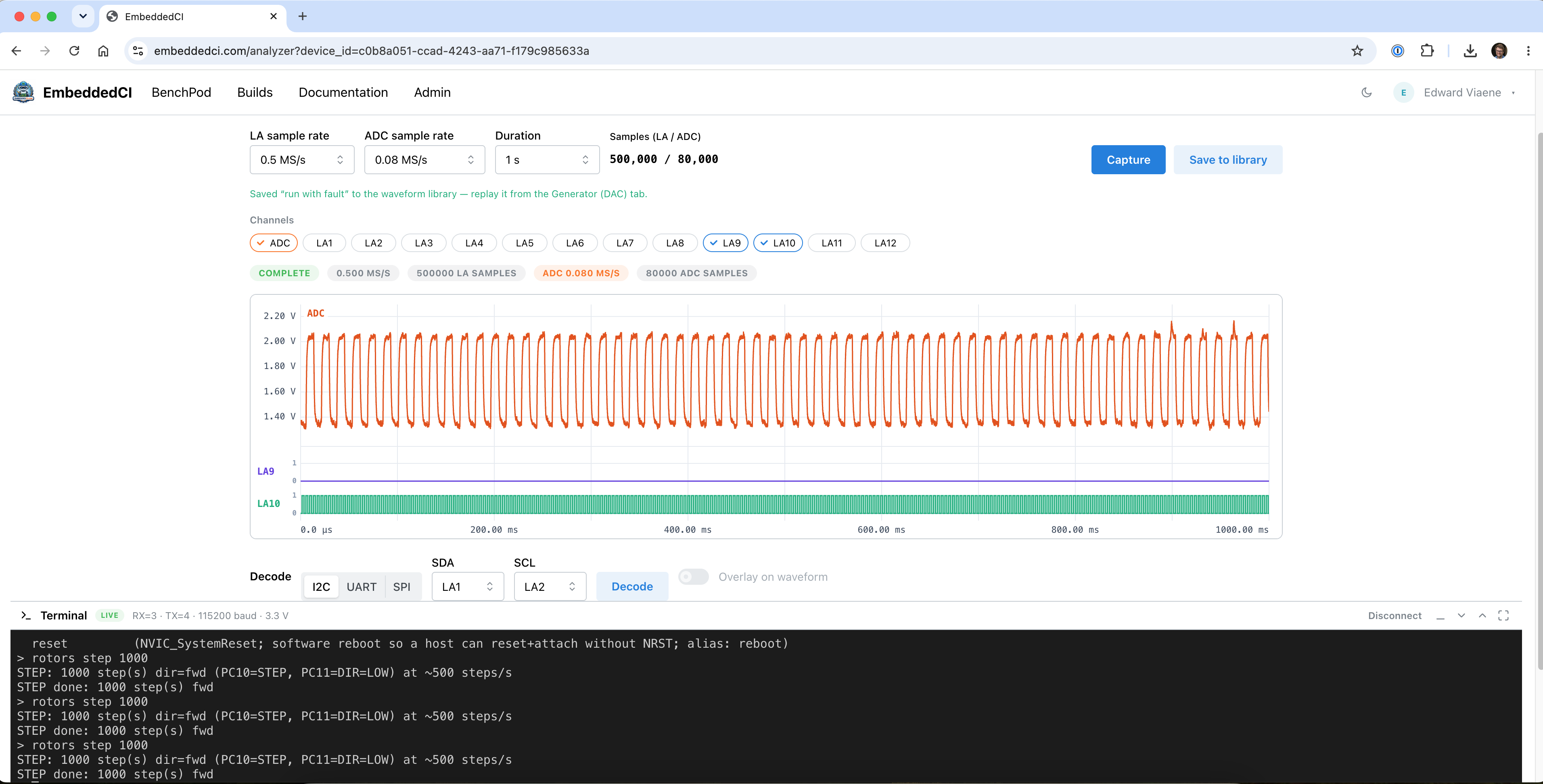
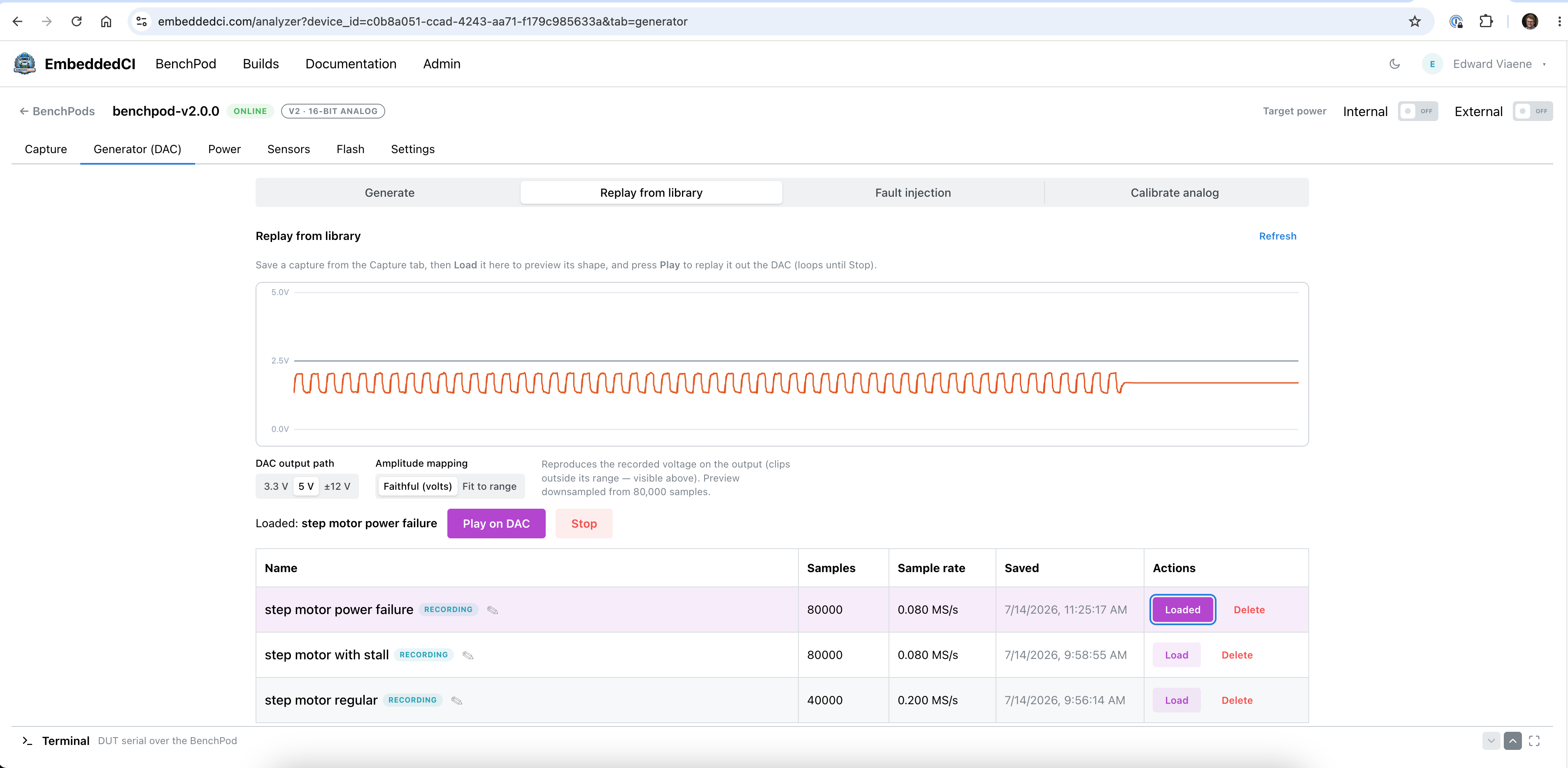
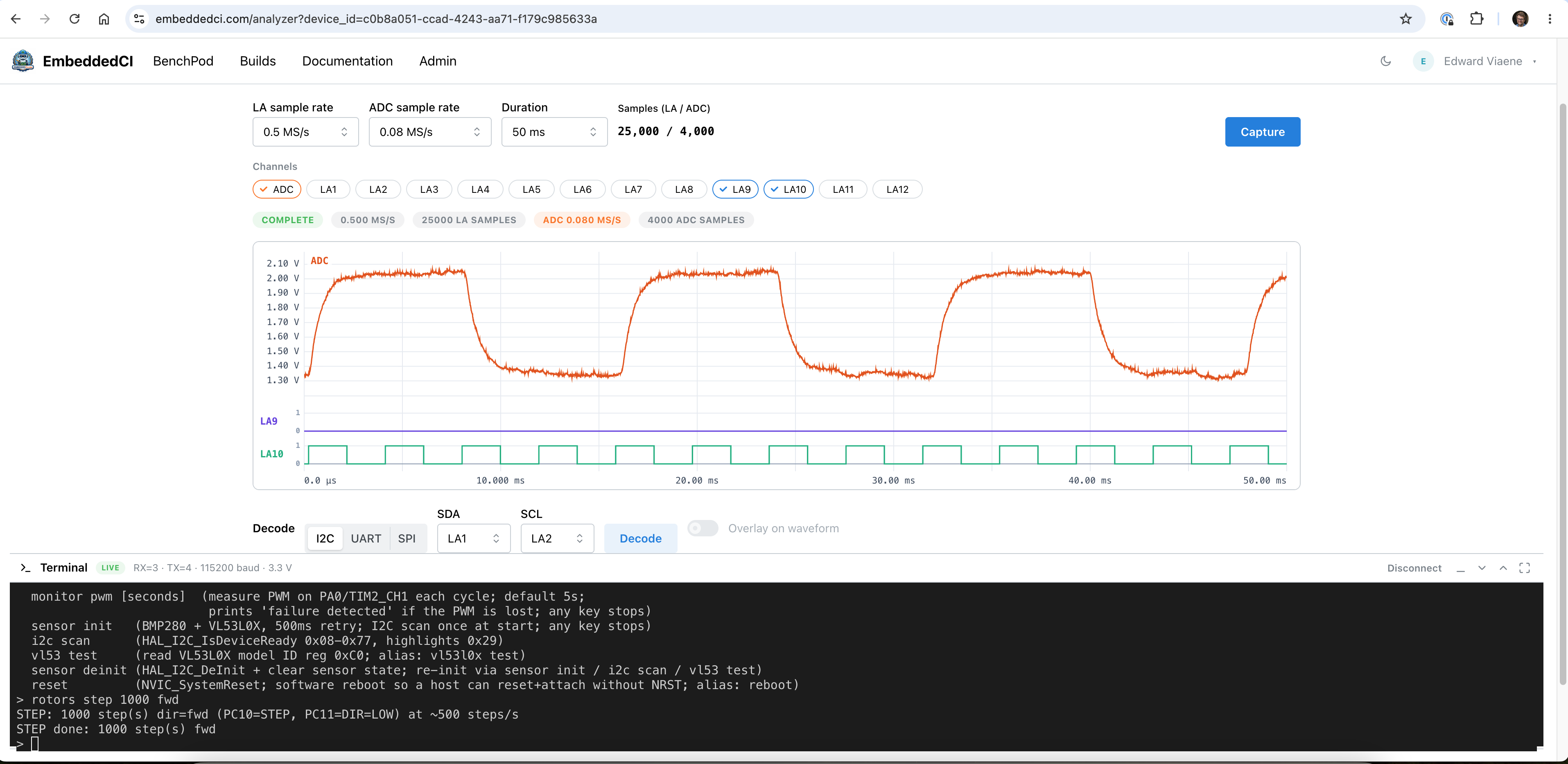
    Also tried to replicate the analog capture flow using a cheap Aliexpress ADC/DAC and a step motor, only to realize the ADC does AC coupling, and my DC signal is gone. Definitely spending some more time than anticipated on the analog path for the waveform capture, replay, and fault injection.

    On the pictures:
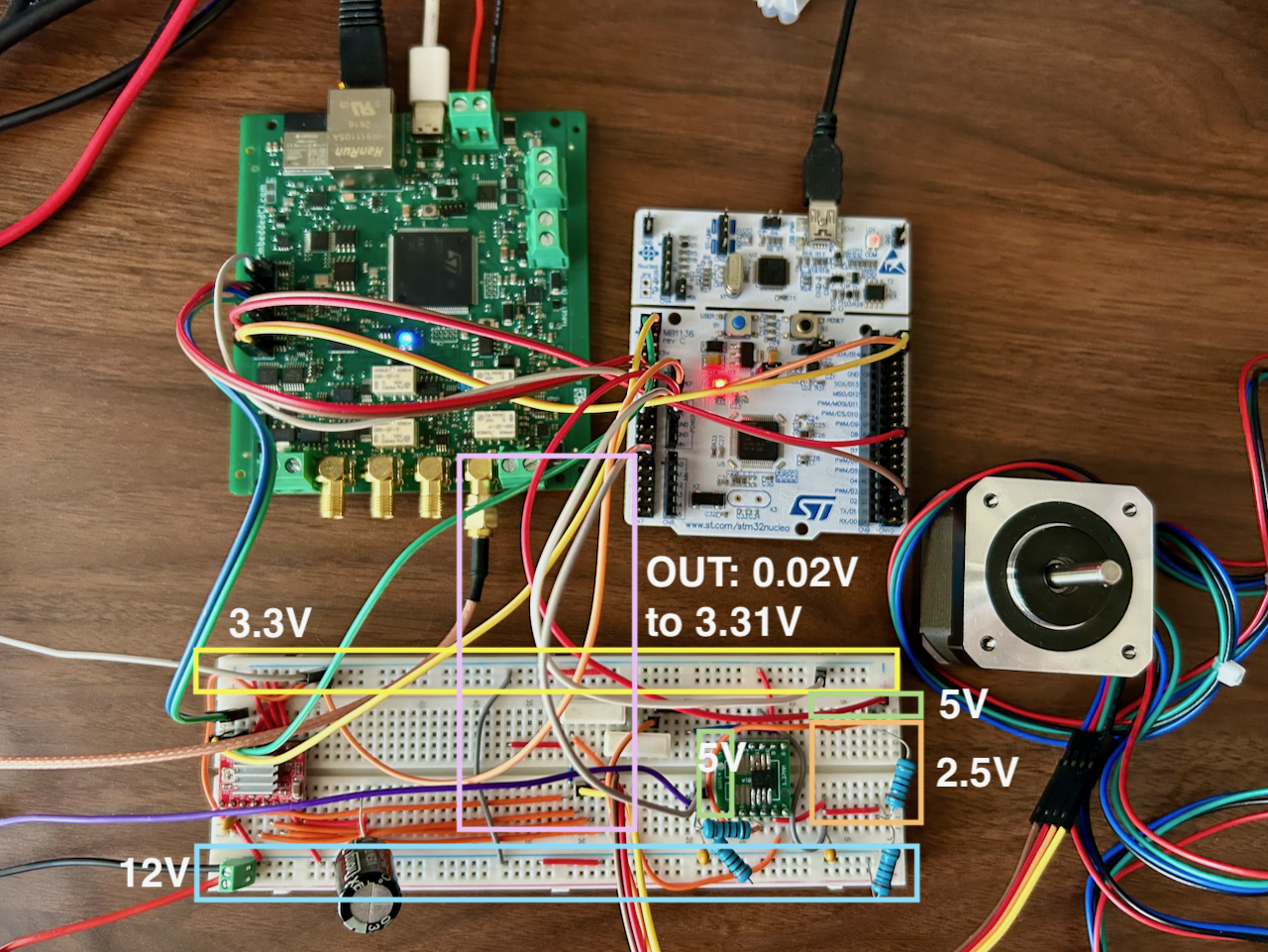
    1) breadboarded the iCE40 + RP2350 + ESP32 (wifi) with the iCE40 connected to Aliexpress ADC/DAC (DAC works end-to-end over wifi, but needs another ADC for capture to work - the v1 that will arrive shortly with the noise issue, but that's solvable)
    2) LTspice showing the missing resistors on the ADC input pin

  • Why BenchPod and Why It's Built This Way

    Edward Viaene2 days ago 0 comments

    Let's talk about BenchPod's design decisions. The first version is produced by JLCPCB and is in transit. Once arrived, I'll test the basic functionalities and iterate on the design.

    The core problem that BenchPod is built around is that test hardware doesn't scale across a team. A board sits on one engineer's desk, someone else needs it, and people end up waiting or working in the dark. Using a board usually means being in the same room as it is. Flashing firmware, running tests, checking a signal, none of that should require physical presence. So the design goal for v1 was a single board that lives in the lab and that the whole team can reach remotely. The goal is also to not make it too expensive, so you can keep the board attached to every target.

    Why RP2350B

    The RP2350B is the 80-pin variant, chosen for the extra GPIO since this board has a lot to drive. It also has PIO, which can run protocol logic in dedicated state machines without tying up the main cores. That covers many peripheral mocking use cases without requiring anything more exotic. RP2350B will handle most of the digital stuff (I2C & SPI sensor simulation for example).

    Why an FPGA

    For everything PIO can't handle, faster protocols, the logic analyzer, analog input capture, there's an iCE40 on board. It's an inexpensive way to get real FPGA capability without the board cost getting out of hand. In v1, the FPGA is handling logic analysis and analog input.

    Power control

    Being able to turn the target board on and off remotely is more useful than it sounds. It means you can flash a new firmware version, power cycle the board, and watch the serial output without touching anything. That makes BenchPod a natural fit for a testing pipeline: flash, boot, test, repeat. You could also keep devices powered off until you need them, something that might be useful if you have lots of them.

    WiFi and the ESP32

    The decision to have a separate chip for WiFi rather than a combined solution was deliberate. Keeping connectivity separate from the main MCU means the RP2350B can focus entirely on the testing workload. The ESP32-C3-MINI-1 was the practical choice: it's pre-certified, JLCPCB can assemble it, it's inexpensive, and there's official AT firmware that handles WiFi over UART. A Pico 2 W would have worked too, but it costs more and doesn't have out-of-the-box AT. I might revisit this choice when adding Ethernet, though, or if I find a decent, inexpensive ESP32 alternative to use as a WiFi modem (the alternatives are quite expensive, so I settled on this).

    On the analog side

    The analog input is the most experimental part of this design. The current setup is basic, 8-bit, and limited bandwidth. The goal for v1 is to validate the signal path and the architecture. If that works, bumping up the resolution and speed is a straightforward next step. I've already started designing v2 analog input/output, and one of the differences is going to be supporting higher voltages, then scaling them down, so we keep the precision.

    CAN

    CAN support is on the board for when it's needed. The idea is to simulate devices on a CAN bus, which is useful for teams building anything that talks CAN. The details of how that gets exposed in the SDK are still to be worked out.

    What v1 actually is

    This is a bring-up board. The goal is to find out what works, what doesn't, and what needs a respin. It's not production-ready and isn't trying to be. The schematic and PCB were sent to JLCPCB last week and the boards are now in transit, with delivery expected soon. 

    Board Layers

    4 layers. Most important signals on the top, then 2 GND layers, then the signals that don't fit on top + power. After watching Rick Hartley's lecture explaining proper grounding, I ended up with 2 solid GND planes to ensure signal integrity for the analog part ([1] YouTube link at the bottom).

    The KiCad files are in the GitHub repo. Here's a view of the PCB:

    [1] Proper grounding: 

View all 3 project logs

Enjoy this project?

Share

Discussions

Similar Projects

Does this project spark your interest?

Become a member to follow this project and never miss any updates