Quasi Scientist
-
Scanning Tunneling Microscope
11/05/2025 at 21:13 • 0 commentsI had no intention to make STM, there are many who done it before and much better than me but I have to do it to debug AFM. Or at least to know that the patterns I see are really from CD-ROMs' pits.
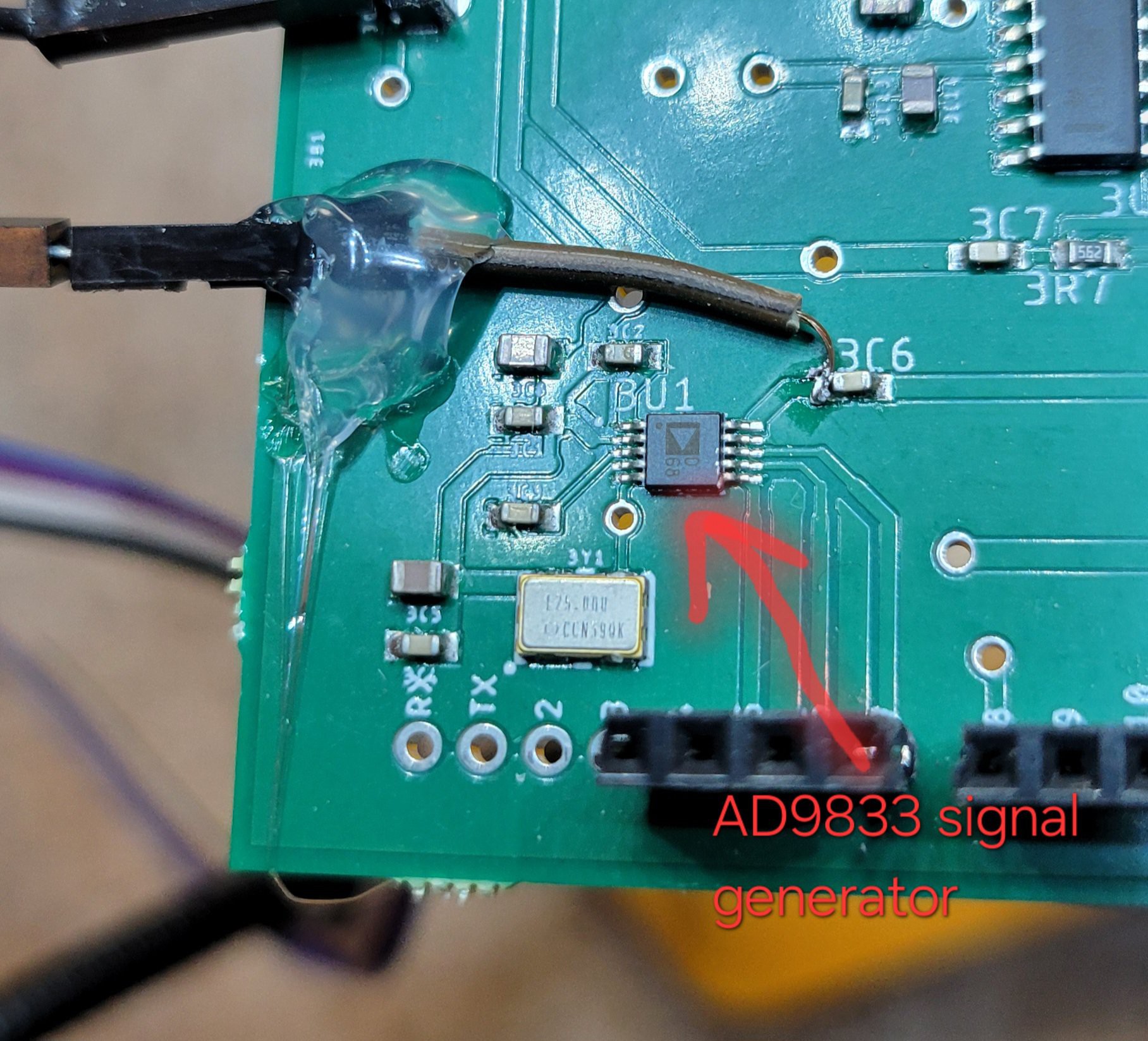
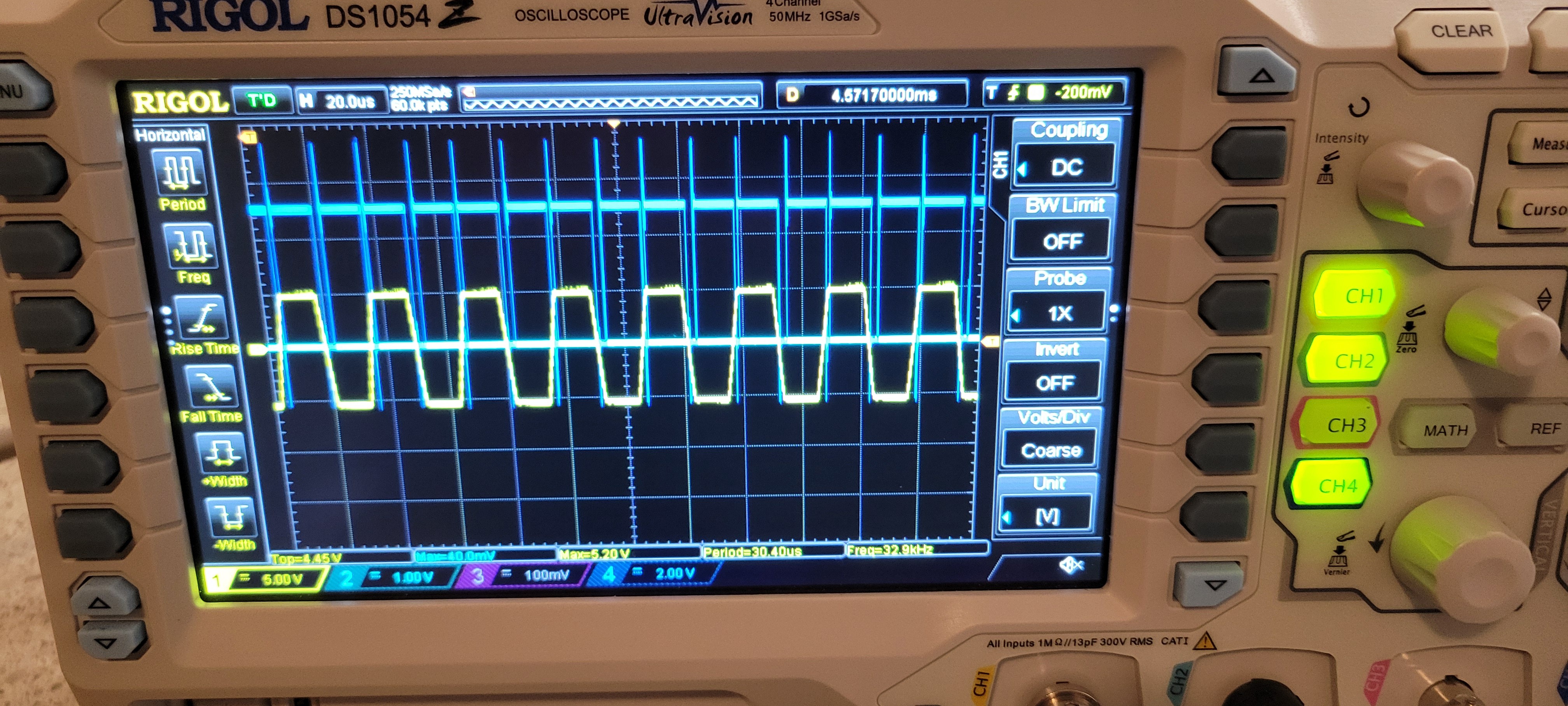
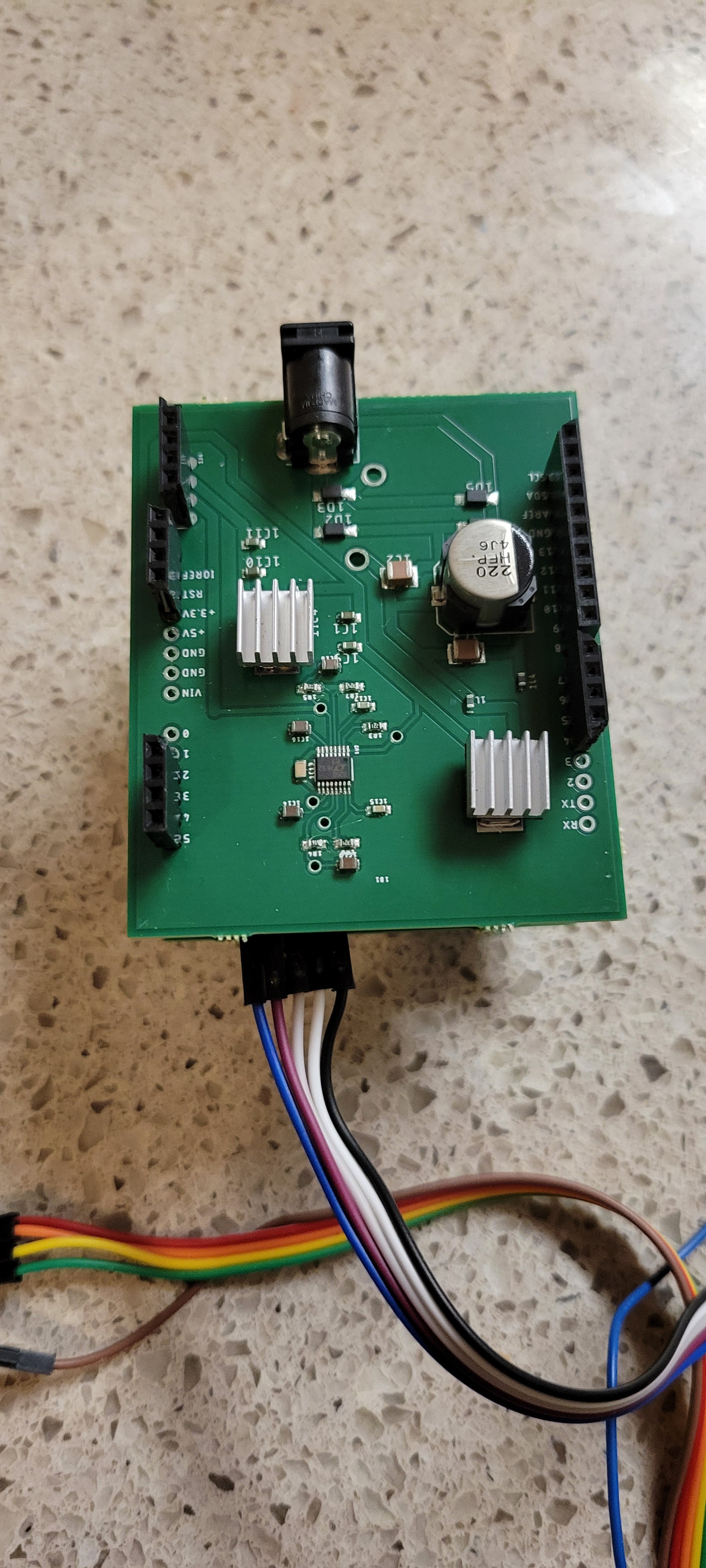
I've used AD9833 signal generator at 0 frequency and played with phase to get voltage from zero to 0.6 Volts. There was no via there so I had to solder to capacitor. Ugly but working.
![]()
This output will be connected to the surface.
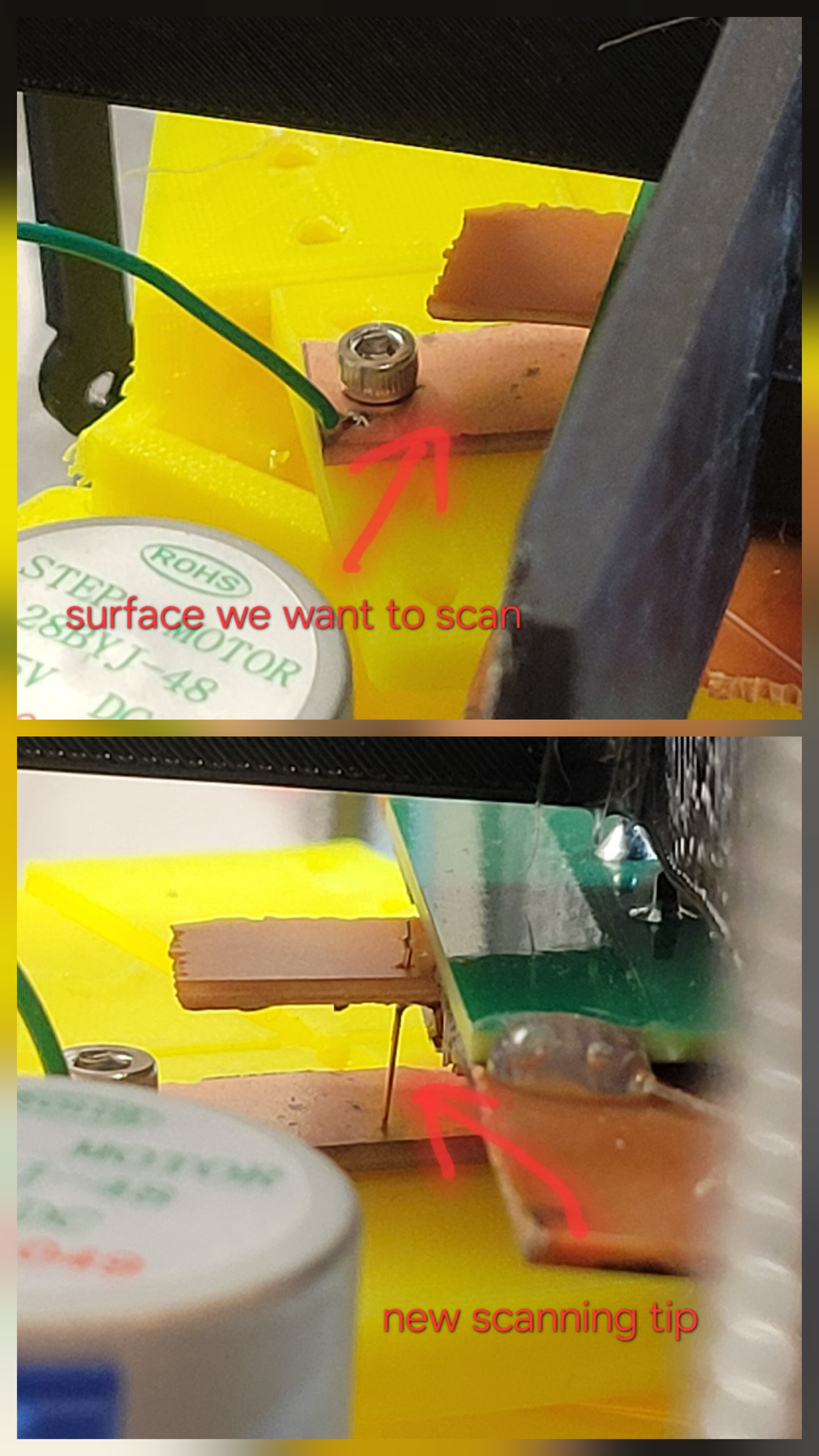
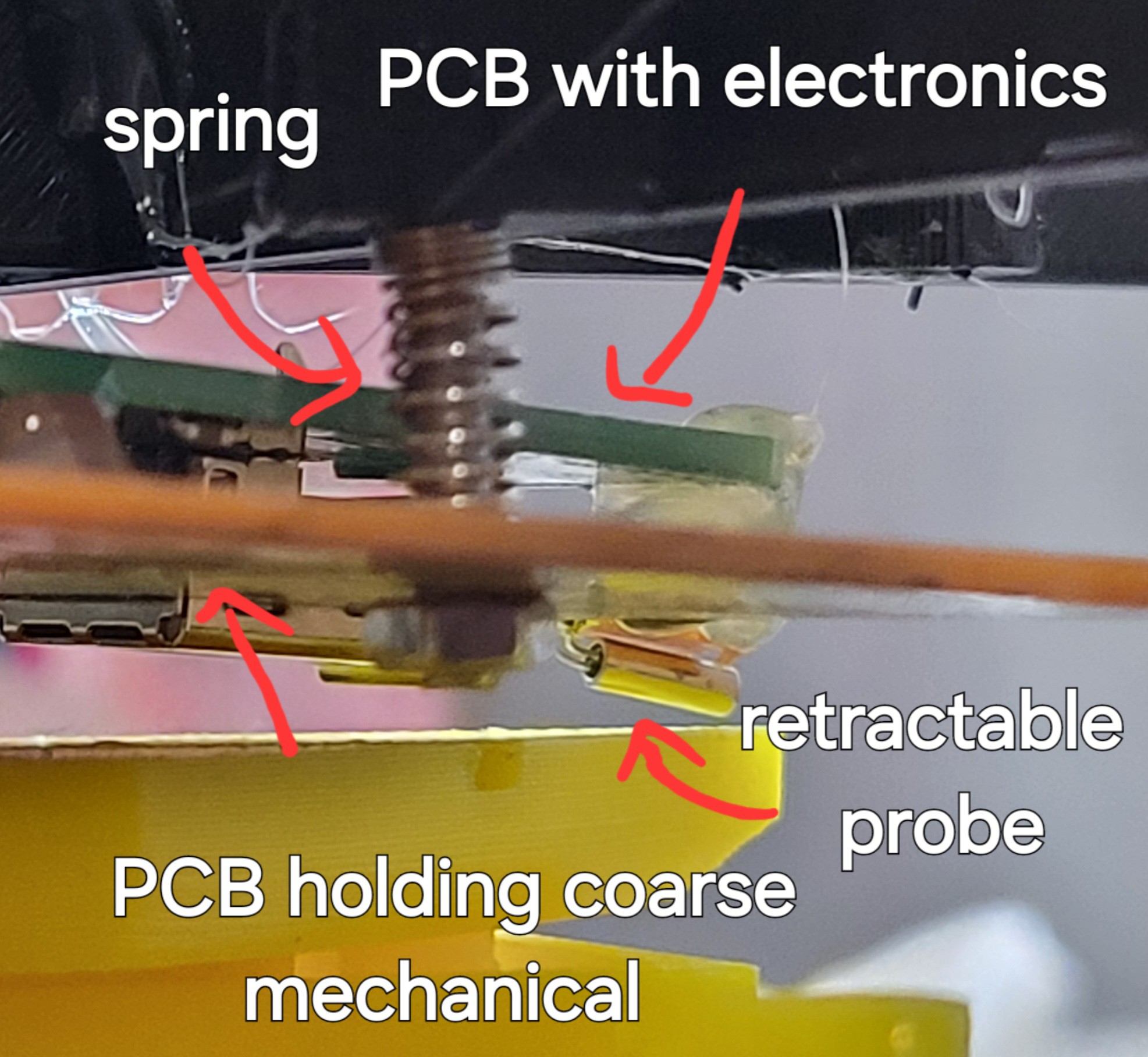
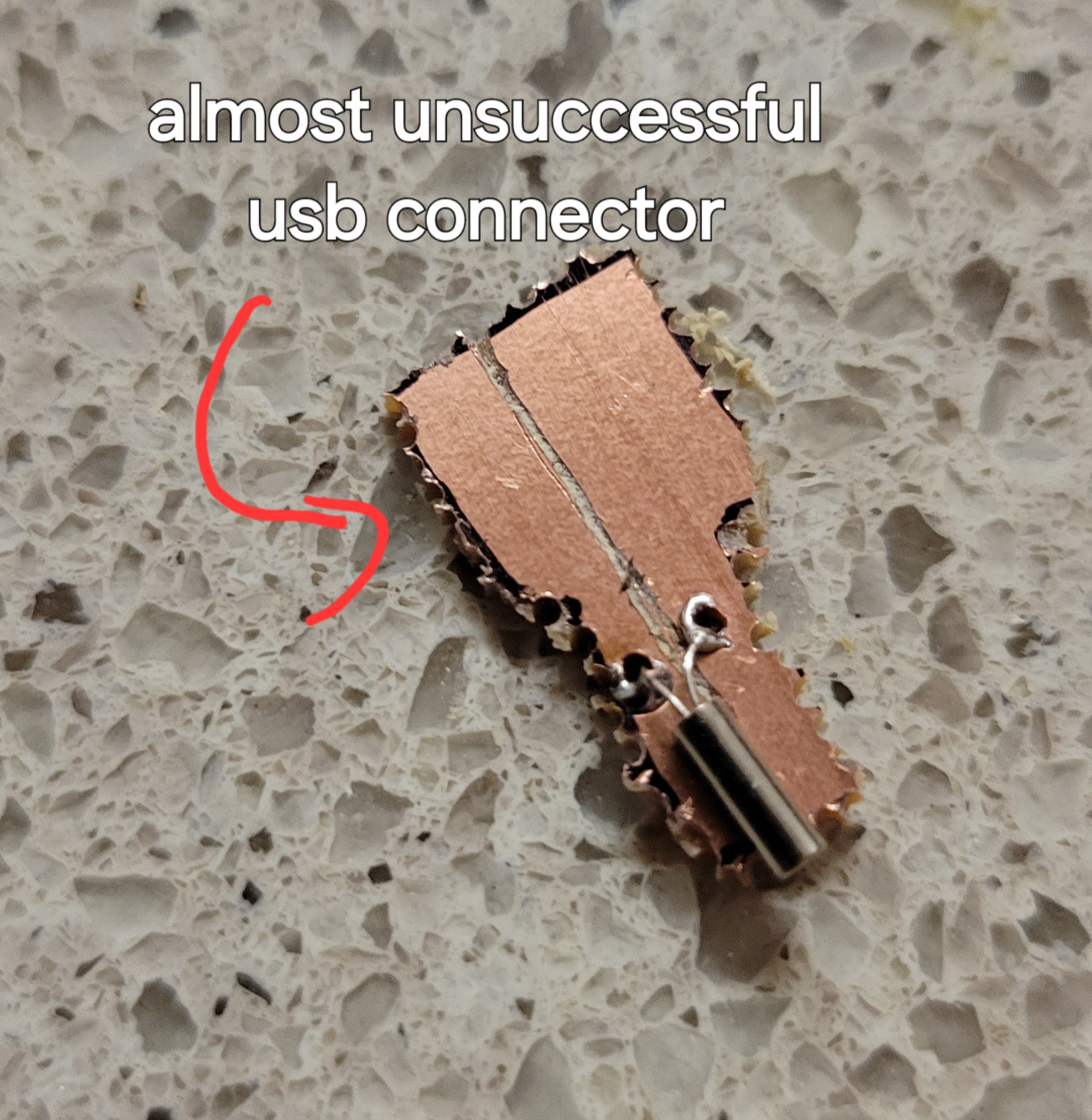
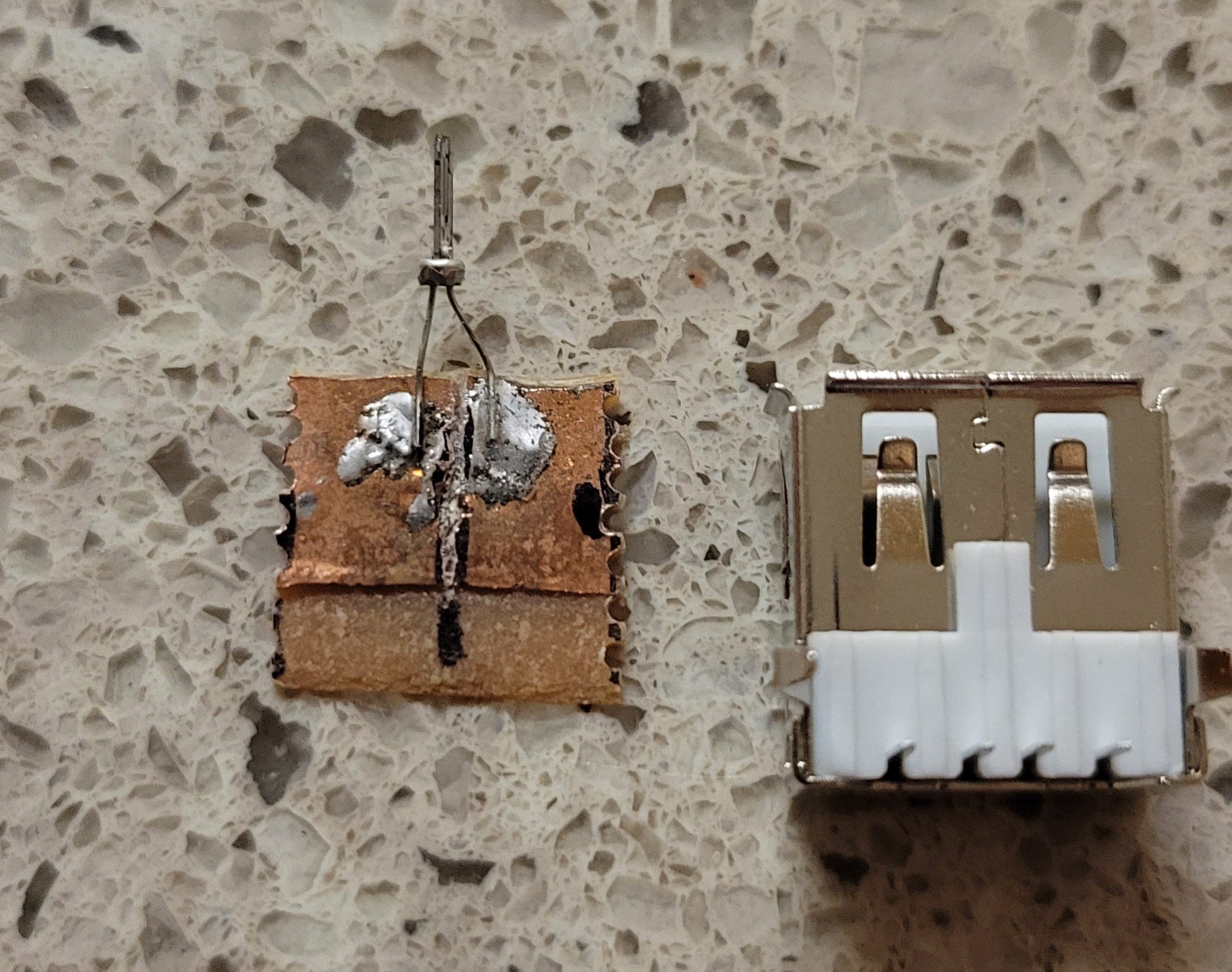
On the other side probe will be connected to USB connector (it's not really usb, just a holder for AFM tip). Output from op-amp will be connected to internal Arduino ADC A3 pin(pin A5 is for I2C). If everything will work we could get image with minimal hardware change.
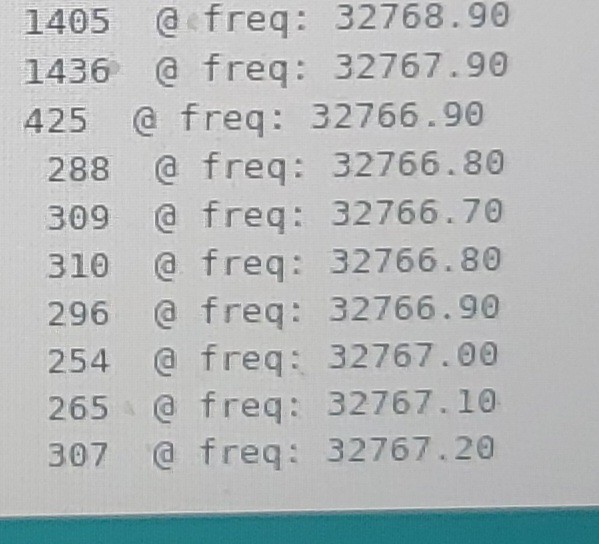
Great news! I made the 'circuit' I've described earlier and it looks working. When I don't connect signal generator (AKA poor mans DAC) the reading gives something below 400. Readings are jumpy but it's alright simce I've not grounded everything there. When signal generator connected the readings are flat 1005 (I didn't investigate why this magic number but probably it my OpAmp getting into saturation).
Setting threshold to 500 could easily distinguish between touch and no touch.
I've connected wire to surface and make sharp tip from copper
![]()
(Etched Tungsten is probably better but is so time consuming).
Started running 'approach' but everything stacked, just realized I've used A5 which is also used for I2C communication. Manual approach looks ok.
Changing A5 to A3 solved the issue. I was able to 'approach' and made few linear scans. It looks much more stable than AFM scanning.
There is another problem now. That surface gets out of the reach of the tip for some reason. I will try to reduce vertical hop size.
I've made some changes to vertical hop size, number of readings per sample (I have lots of noise and too lazy to build grounding enclosure) and changing threshold to 500. Now reading left to right and right to left seems stable. Now I should make an image. Hoping for the best.
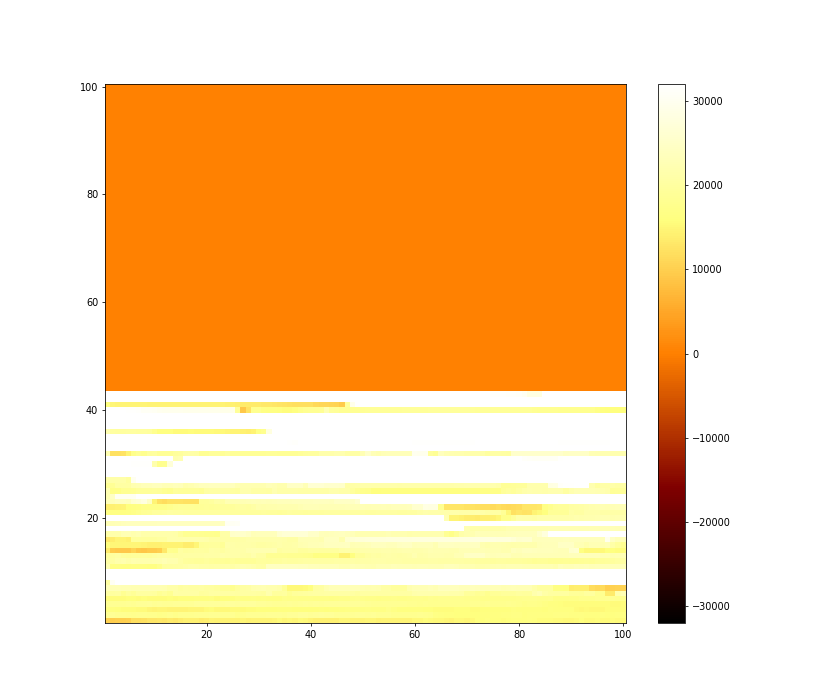
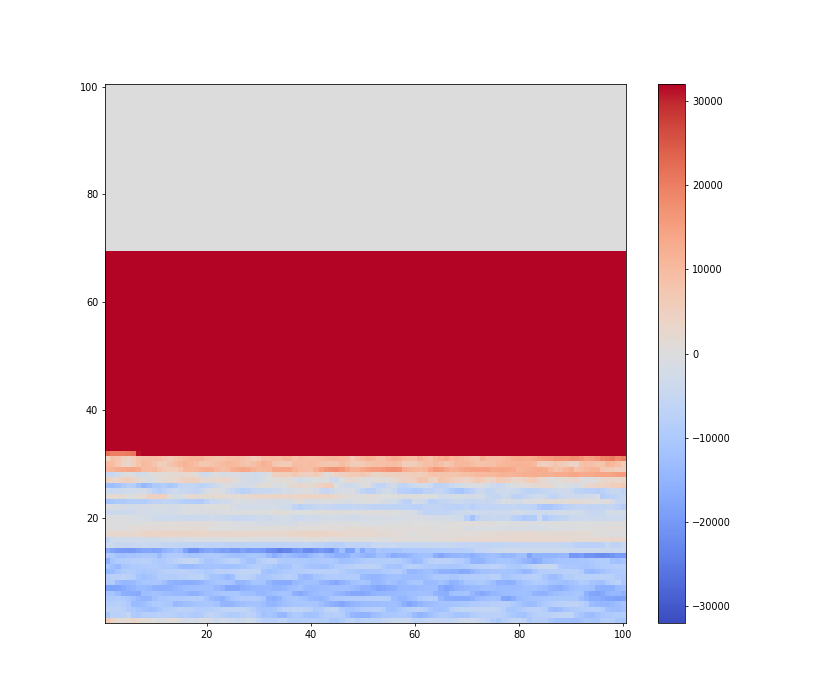
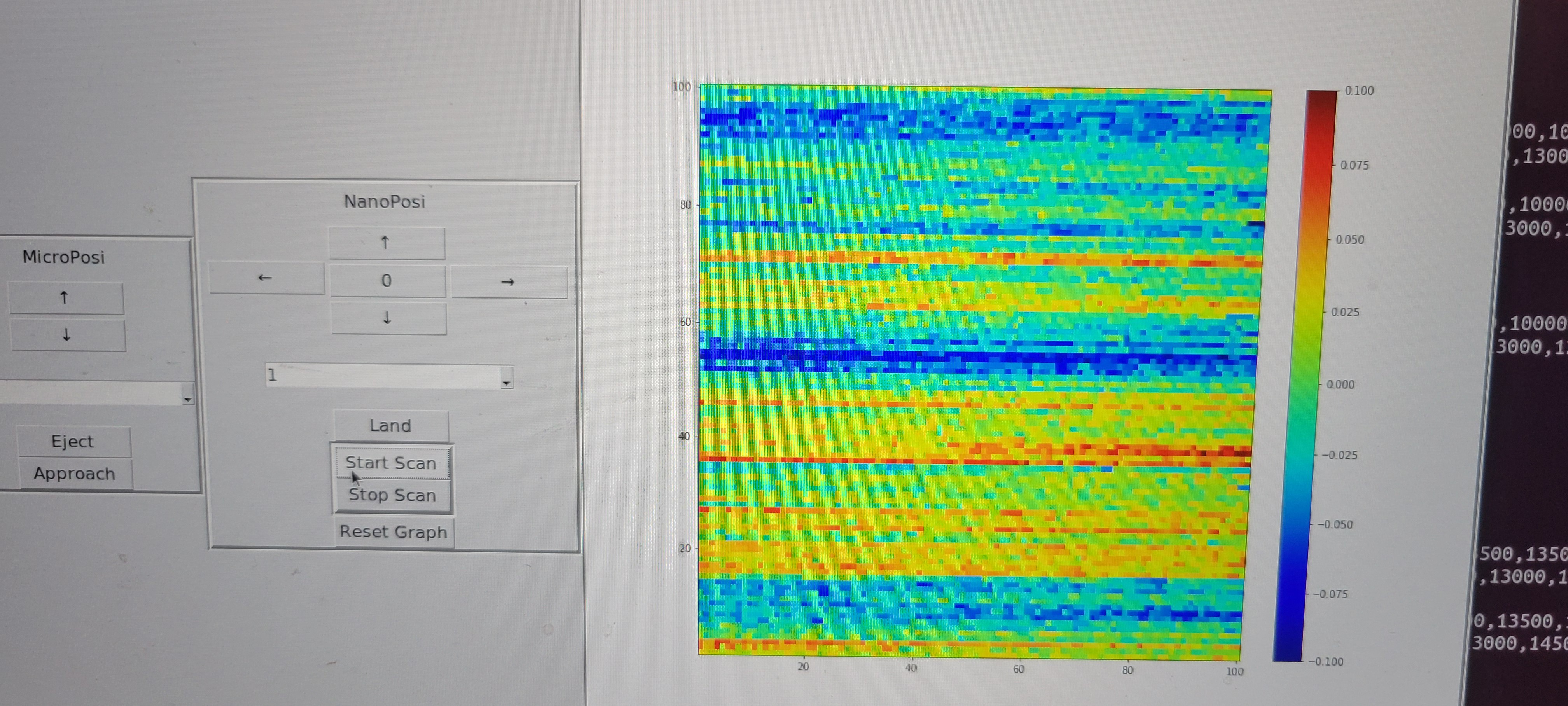
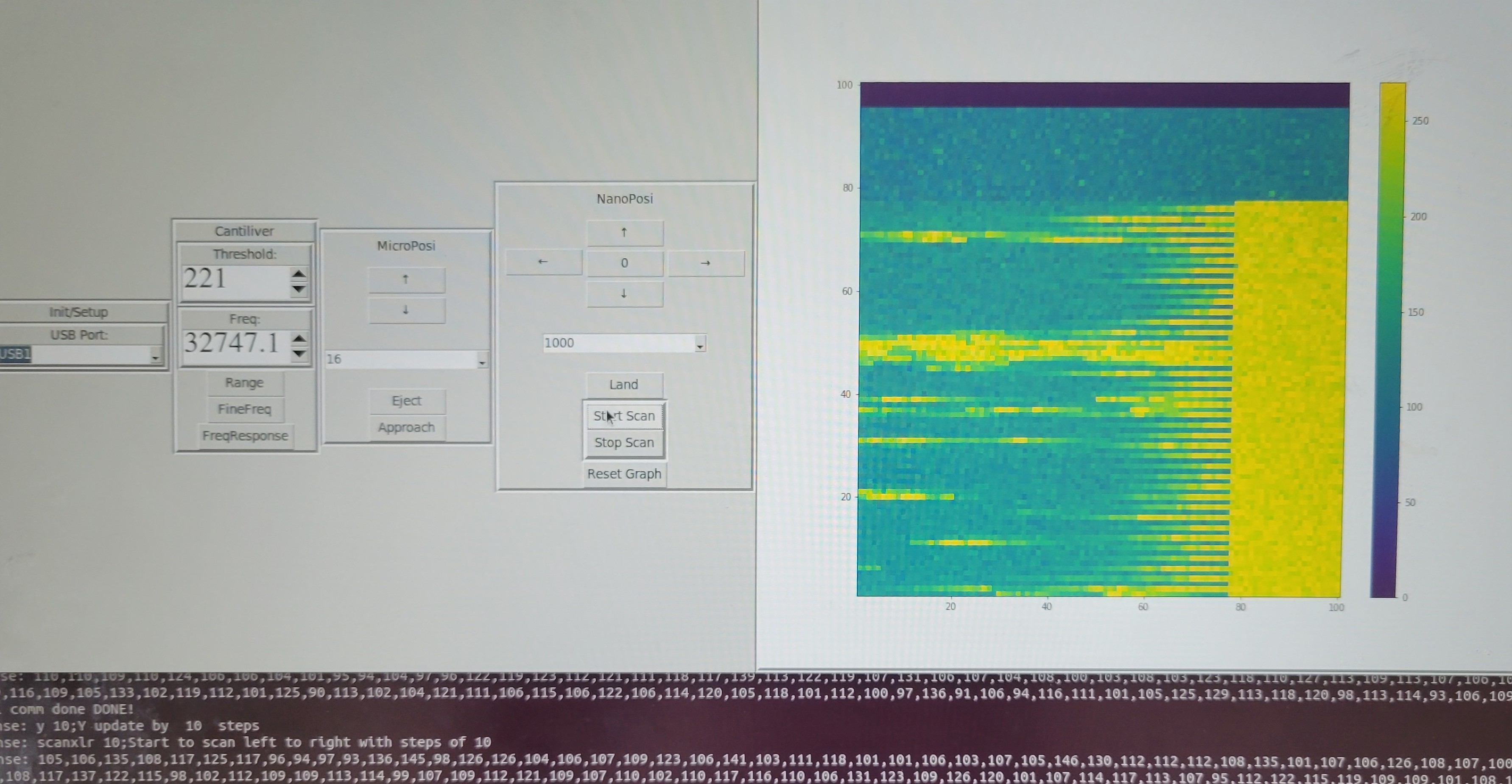
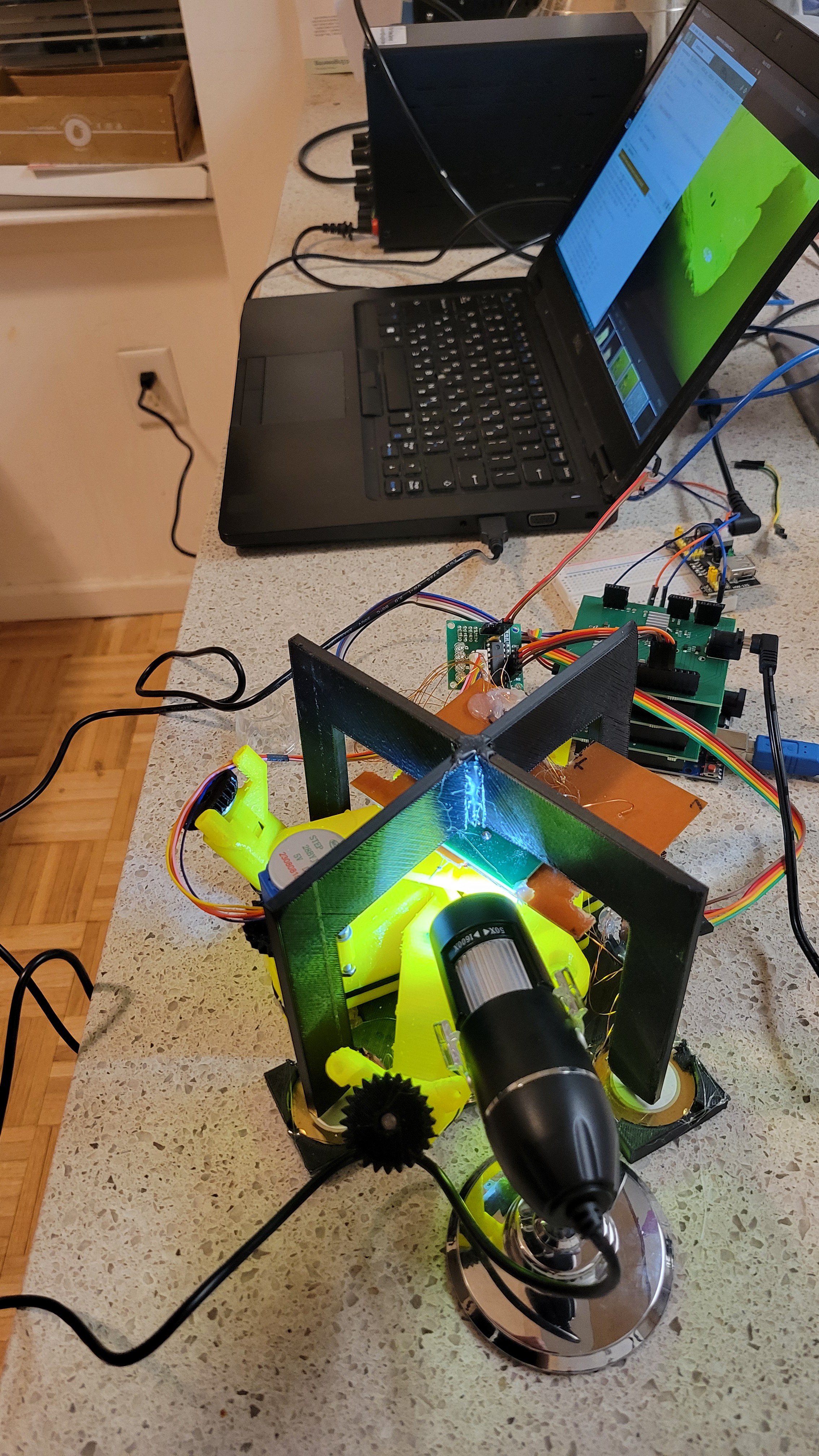
Now I made separate python file for STM controller, so I can make images in simple way. Here is what I got from my first run:
![]()
I see clusters so this is a good sign. (The white stripes are places tip couldn't reach sample anymore since it's not aligned well with tips's motion plane, I had to move micropostioner to re-align)
Another problem is that surface is not always align with tip movement. I've realized that the problem is that my mechanical system contains only three degrees of freedom XYZ. I need 5 degrees of freedom XYZ plus Roll and Pitch.
Another interesting observation is that now there's changes in height of one samples. In AFM changes were always of few samples.
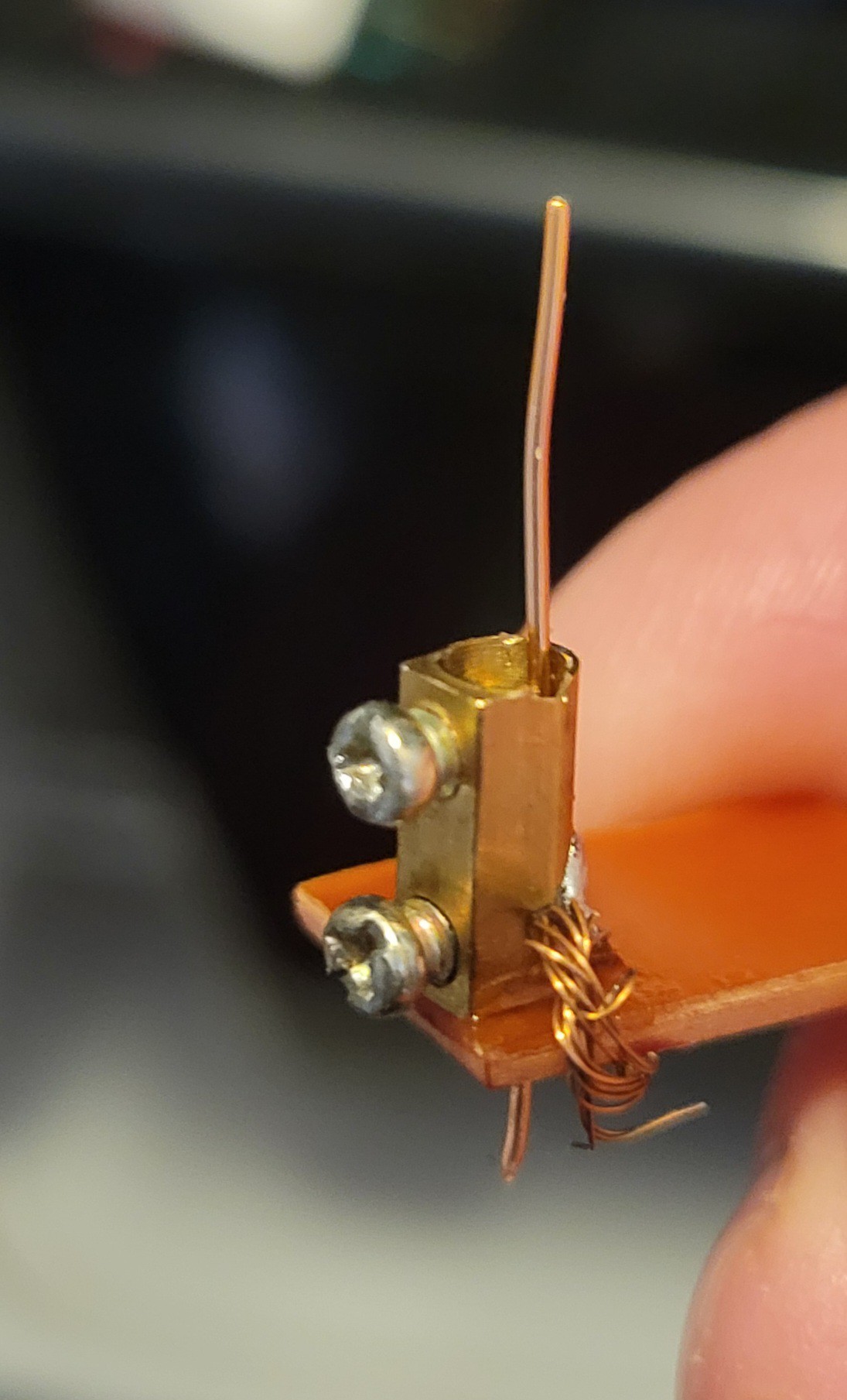
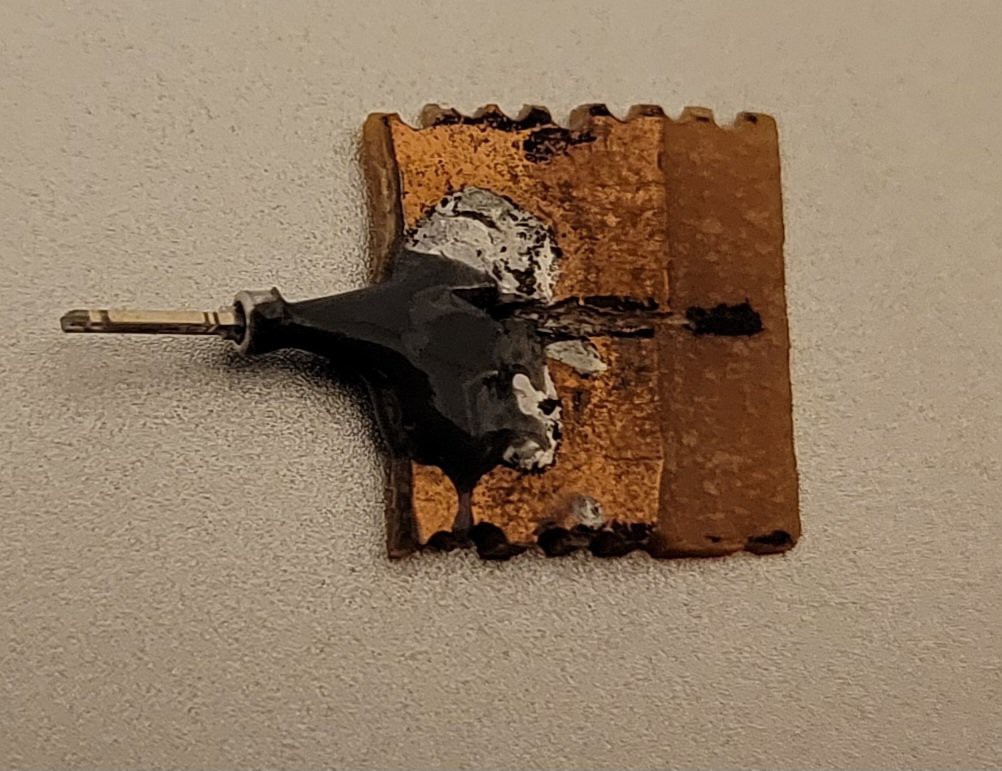
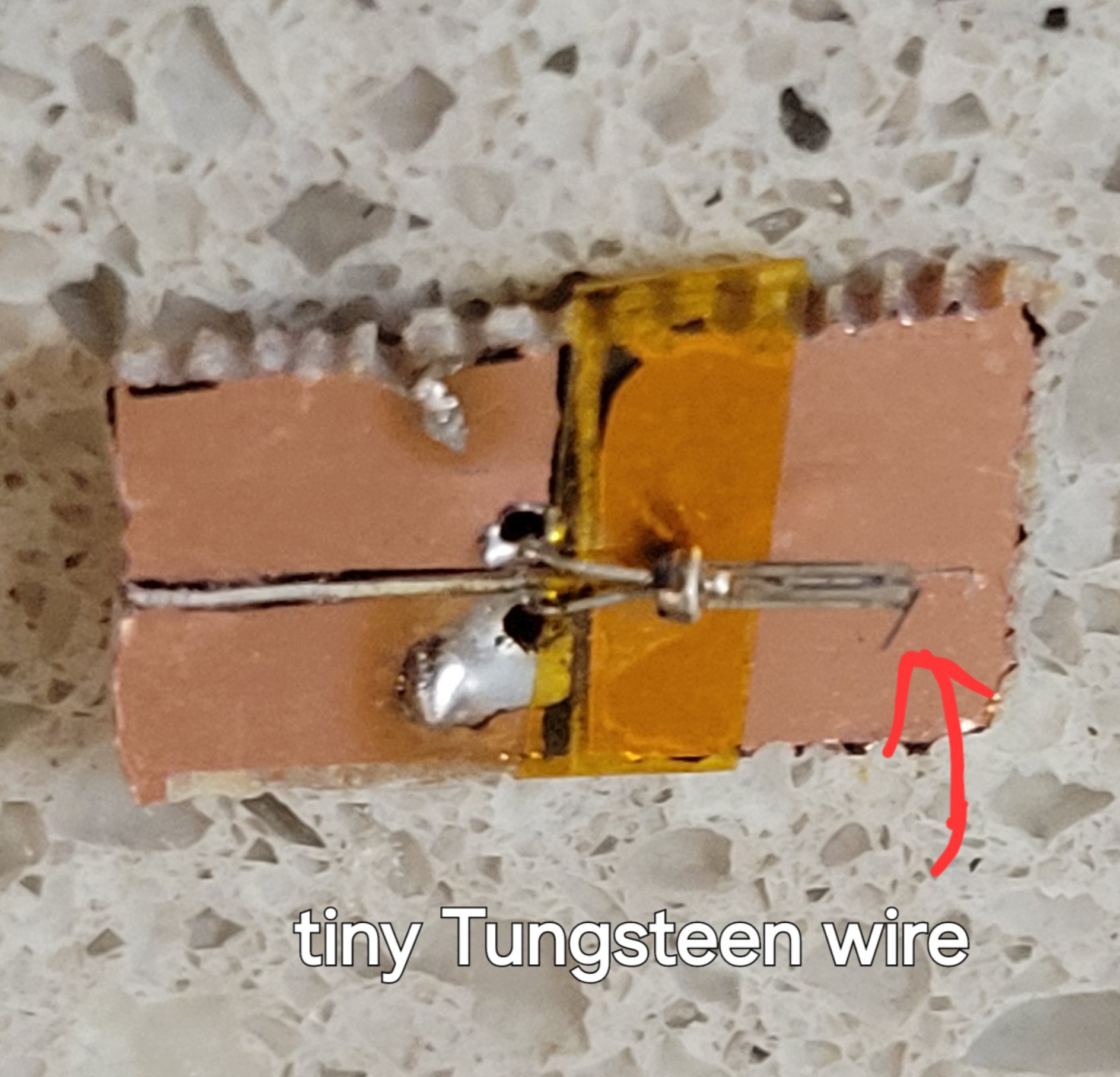
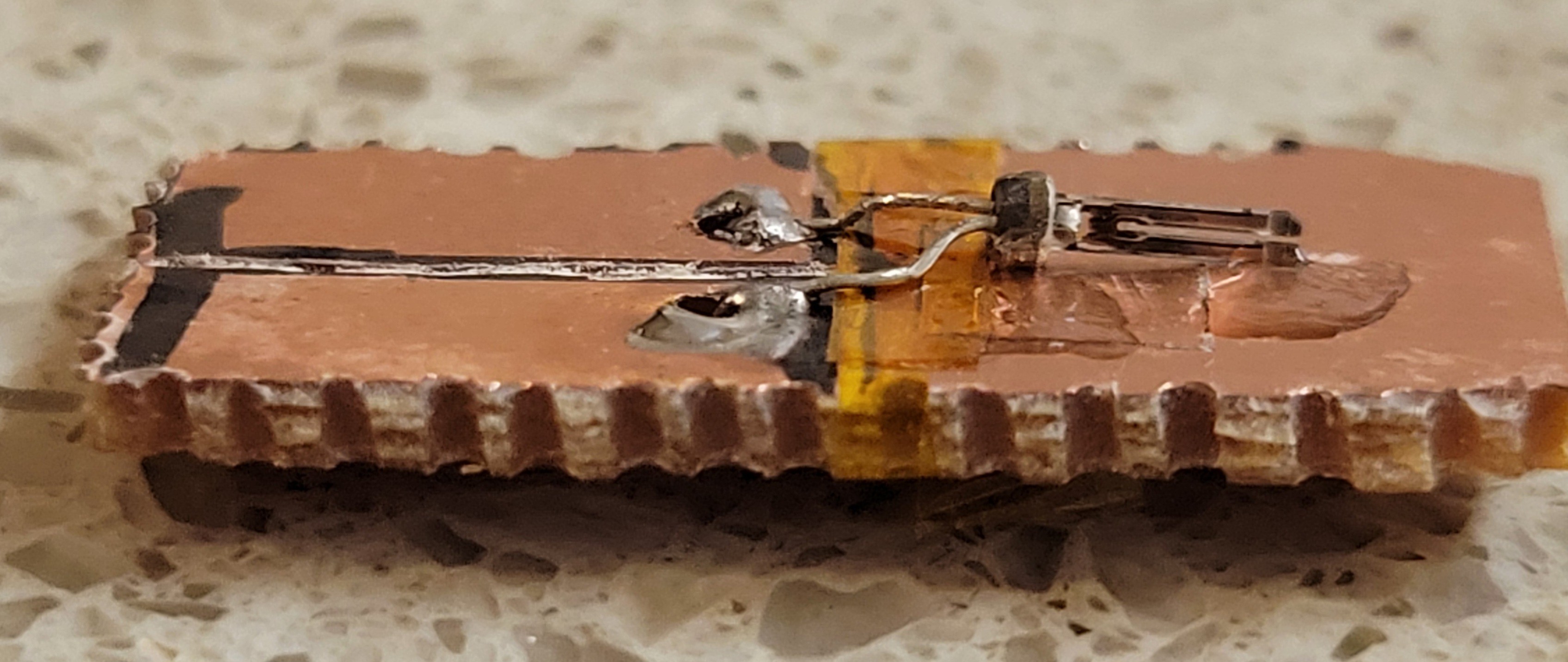
It took me a while to find a way to connect Tungsten wire to copper (it doesn't like soldering) in simple way.
![]()
Now let's try it! Finger crossed 🤞
Running with etched Tungsten wire I got surface that shows waves (the pits of the CD-ROM):
![]()
But the image was not clear, looking on the Tungsten wire shows that it was smashed to the surface:
![]()
Now, I wonder if 'approach' method is too fast or scanning.
Tried with slower approach
![]()
It didn't show conductivity until it slammed into the surface. I starting to believe it really has some non-conductive layer because of etching. I will try without etching.
Now I've tried without etching and slowed down STM even more.
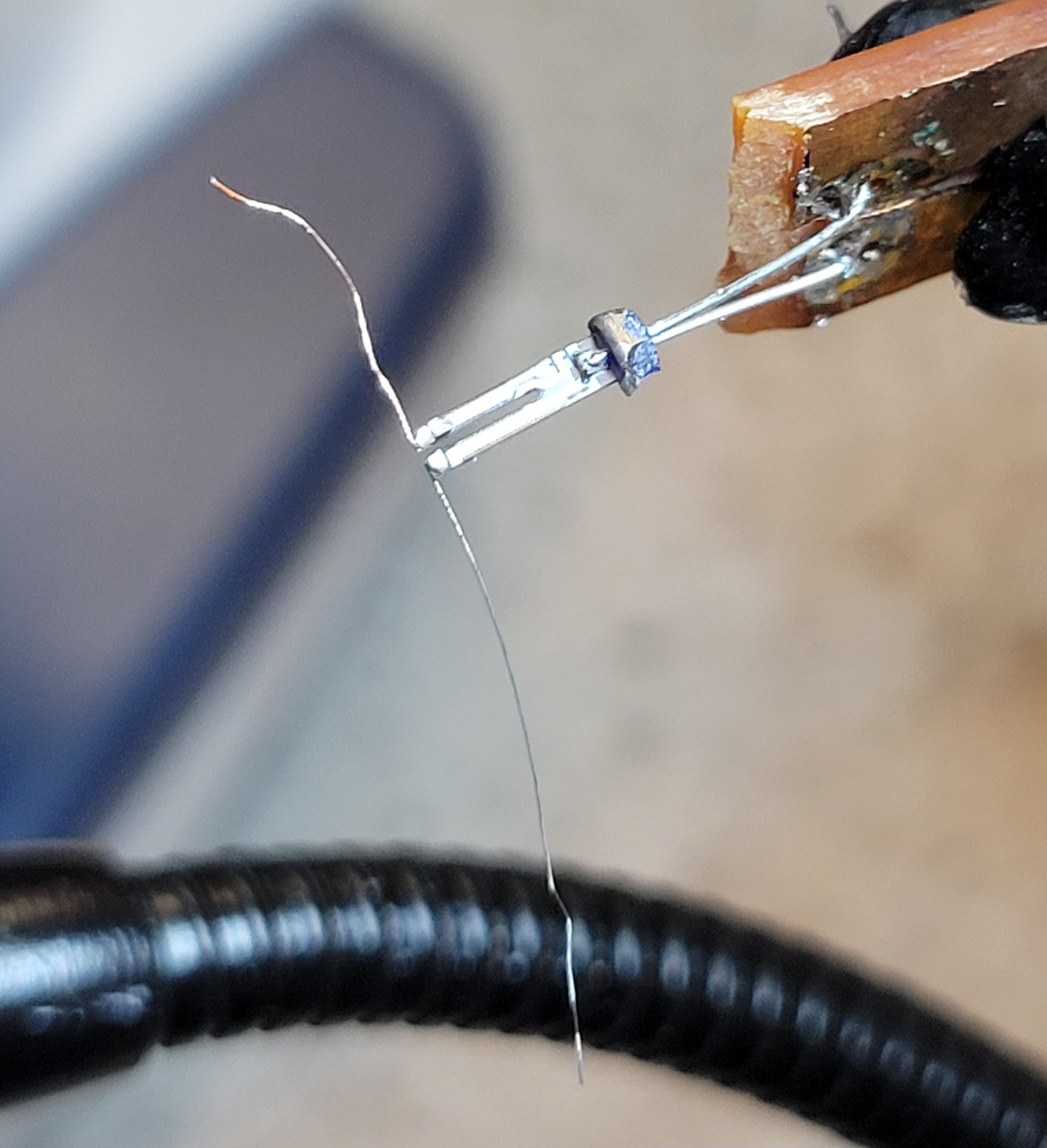
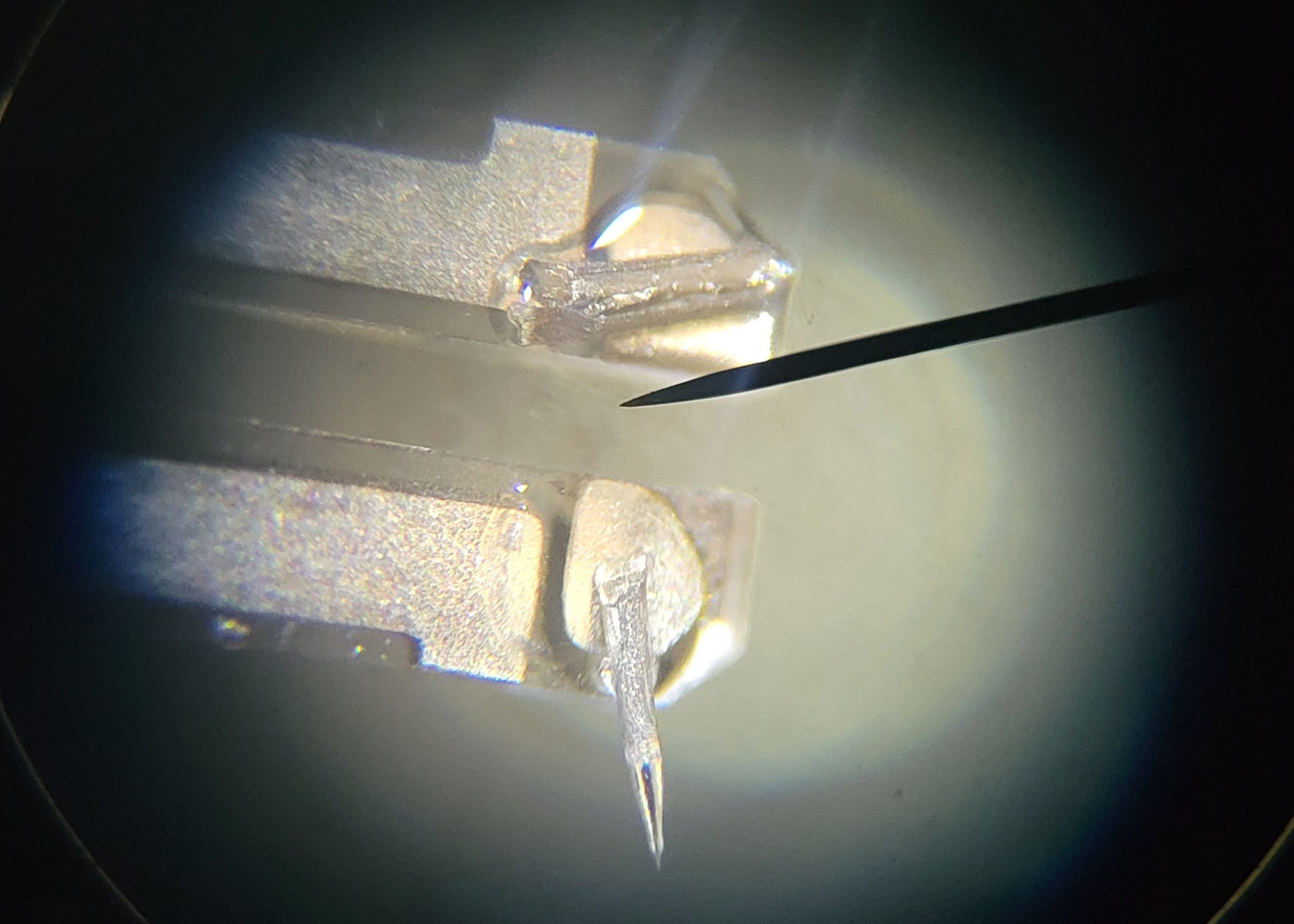
Here is the Tungsten wire
![]()
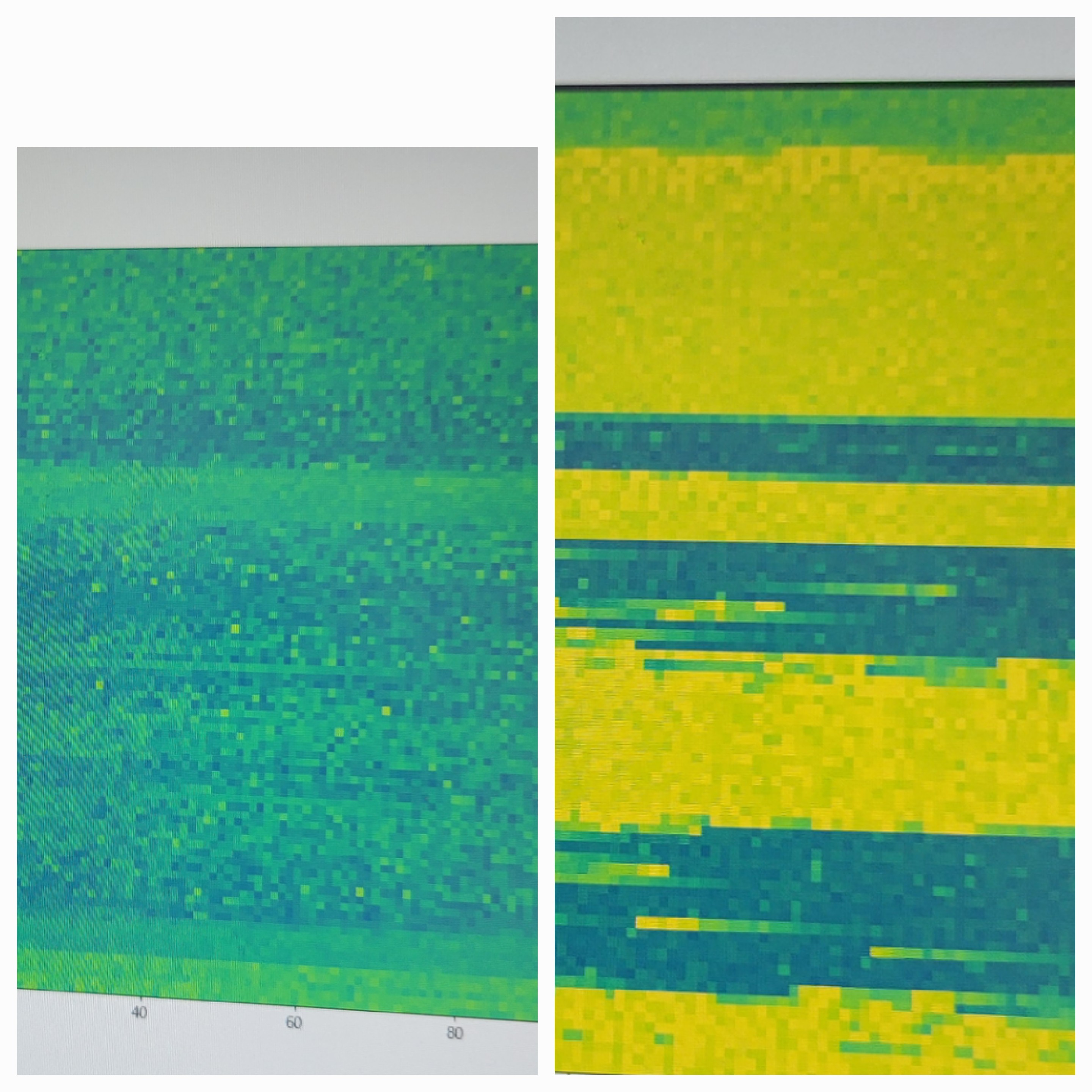
The result shows some wave-like surface. Not sure what I am seeing.
![]()
I see ripple compared to flat copper's plate surface and it looks it has a similar pattern I've seen on AFM with same surface.
Unfortunately, AFM/STM are all or nothing, I cannot zoom out and see if I am mistaken or not.
I will pause this project here, until I will have a good idea how to make it sharper.
-
Never settle
10/25/2025 at 14:56 • 0 commentsQuality of images are not satisfactory in my opinion and I have no tools to debug it. So, I thought to take some detour and build STM (Scanning Tunneling Microscope).
Most of modules are same except the input one. It should be relatively 'easy' given the fact that I have most of the components like OP-AMPs and ADC. Plus, there are nice schematics of STM online.
I am pretty sure I could find what the issue is and once everything is OK, go back to AFM this time I will use laser based AFM cantilevers.
The funny thing is that sensor module basically has OpAmp with 10 MegaOhm resistor feedback. This is a perfect for us only thing we need is ADC which we can use on Arduino or some standard 16bit ADC.
Another thing is, using signal generator as DAC. It's possible by setting frequency 0. Sine wave and changing phase.
Basically it means we can do STM, without hardware modifications. Just be reconnecting some wires.
Just checked now and both AD9833 and Arduino's internal ADC can work well. LOL! 🤣
-
Sharper images
09/16/2025 at 12:59 • 0 commentsI made modifications to software and was able to produce sharp cantilevers. Now let's try to make picture hopefully they will be sharp this time.
Connected everything together and debugging 'Approach'. (Algorithm that controls both micro and nano movement, which lets cantilever land safely on the surface)
Glued the cantilever
![]()
Now it seems to give consistent reading for landing.
Approach seems to be working now debugging new scanning algorithm.
Fixed some issues with the scan now getting (smooth results [with 500 jumps])
5500,5500,5500,6000,6000,6000,6000,6000,6000,6000,6000,6000,6000,6000,6000,6000,6500,5500,5500,5500,7000,6000,6000,6000,6000,6000,6500,6500,6500,6500,6500,5000,6500,6500,6500,6500,5500,5500,7000,5000,7000,5500,5500,5500,5000,6500,6000,6000,5000,5000,6500,5000,6000,6000,4500,4500,5000,5000,6500,5000,5000,6500,5000,6500,5500,5500,5000,5000,5000,5000,5000,6500,5000,6000,6000,6000,6000,5000,5000,5000,5000,6000,5000,6000,6000,6500,6500,5000,6500,4500,6500,5000,5000,6000,6000,6000,6000,5000,5000,5000,DONE!
Running few test reading from left to right and from right to left gives roughly the same numbers, which is excellent!
I've added auto stop mechanism. If 'needle' has to go up/down too much it stops the program. It happens to me twice. Now I am not sure if this bug or my surface is not straight? (This is just a 3D printed plastic nobody insures it should be smooth in any way.)
First image of new algorithm:
![]()
I still haven't found the reason why I see this slope. Maybe I need to let it cool down after approach.
Note: This is done without sharp cantilever, as I am still learning how to use it and parameters for smooth approach.
I've made a fix to control steps size. Until now, I've used 10 steps hops. When, changed to 100 the results become more jumpy with ups and downs reaching 10,000 steps.
6000,8500,6000,6000,5500,4000,3000,3000,5500,5500,6000,5000,3000,4500,6500,4000,4000,5000,5000,4000,4000,3000,2500,3500,3500,3500,3000,3000,2000,4500,3000,4000,3500,2000,2000,12000
On the other hand when set hop size of 1, terrain become flat (relatively to 10 hop steps).
14000,14000,14000,15500,14000,14000,14000,15000,14000,14000,14000,14000,13000,13500,13500,13500,13500,15500,13000,12500,12500,13500,13500,13500,12500,13000,13500,13500,13500,13500,13500,13500,13500,13500,13000,13500,13500,13000,12500,13500,13500,13500,13500,13500,14000,14000,13500,14000,13500,14000,13500,13500,14000,14000,14000,14000,13500,14000,14000,14000,13500,13500,14500,14000,14000,14500,14500,14000,14500,14500,14000,14000,14500,14500,14500,14500,14000,14000,14500,14500,14500,14500,16000,14500,14500,14500,13500,13500,13000,14000,14500,14500,15500,14000,14500,14500,14000,14000,13500,14500
![]()
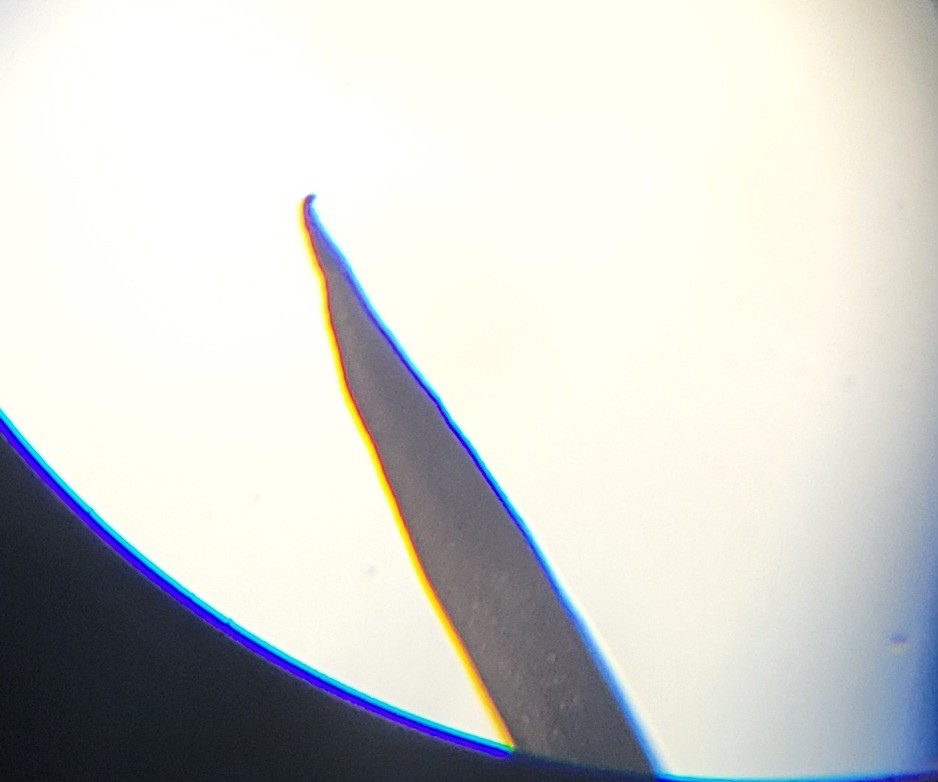
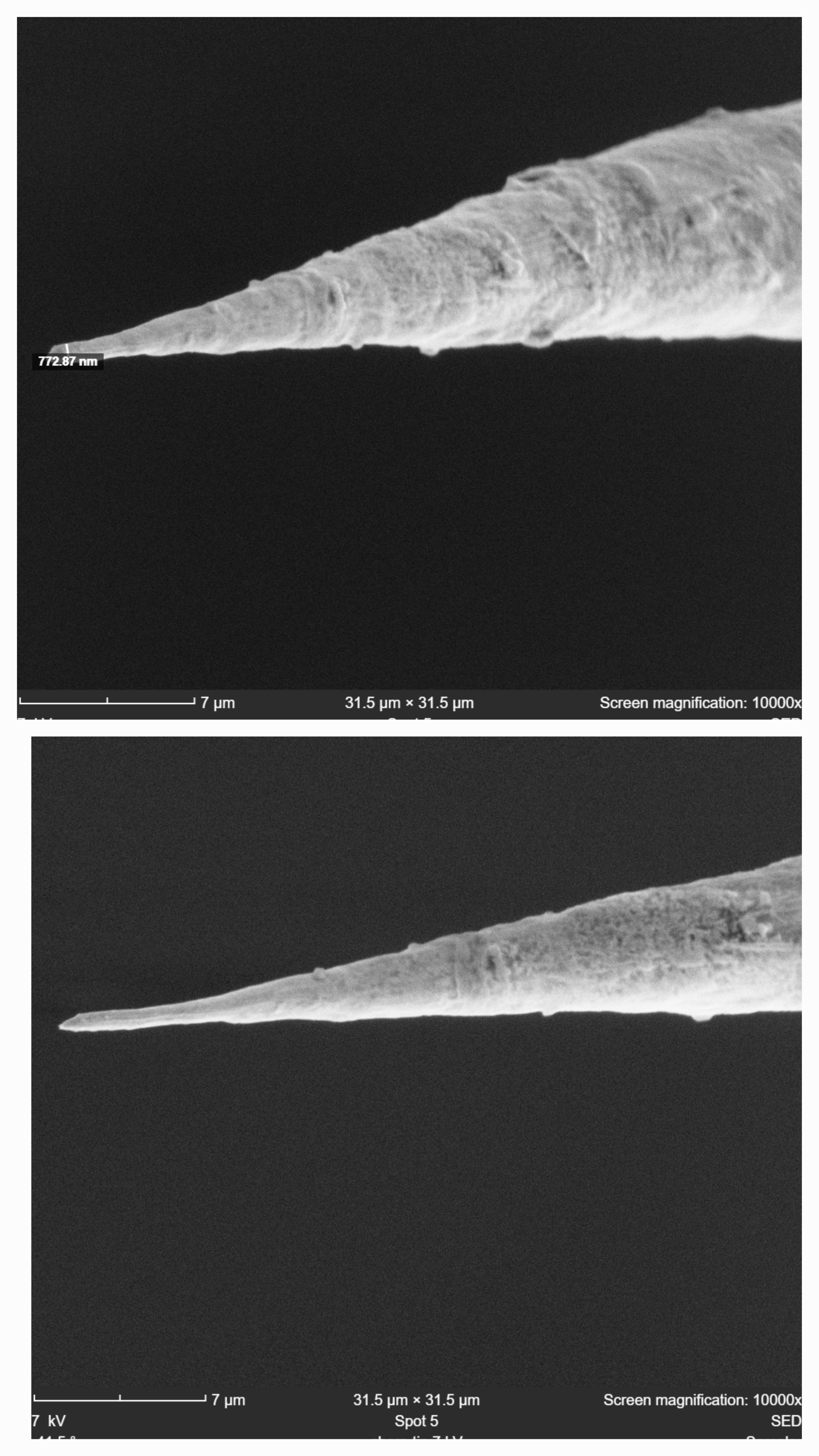
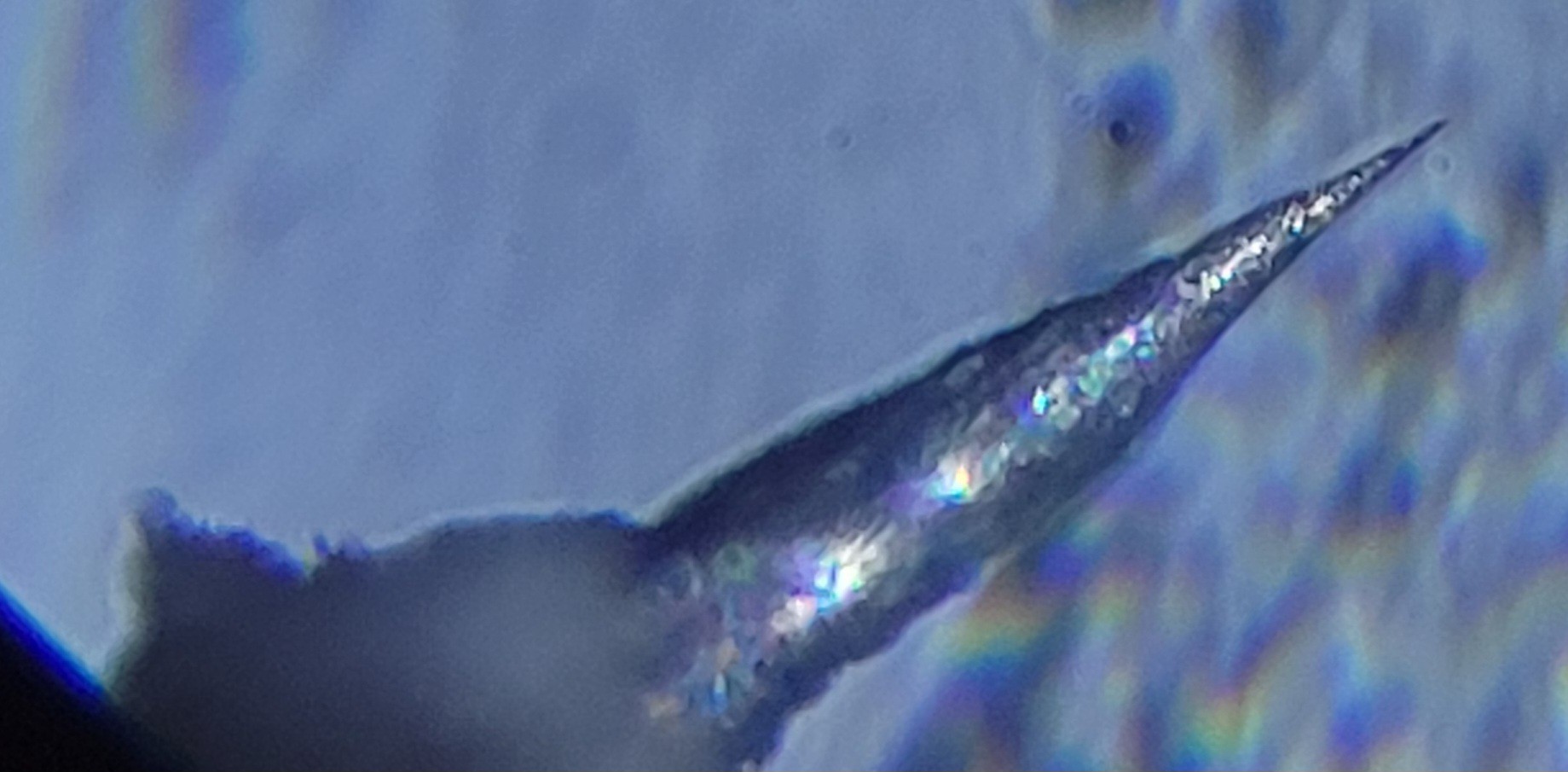
Now it's time for last piece of the puzzle the sharp cantilever. I have only two of those since two were sent for SEM picture. Actually the quality is not bad of about 150nm. (I think it's pretty good for quartz fork+ Tungsten wire $5 price tag.)
![]()
Important note: Loading the sample and cantilever is quite straightforward. First, I am pulling delta stage as low as possible put the sample on it.
Then, I place the cantilever tip few millimeters away from the sample (using the screws). Once it done, run approach with steps of 10. It's fast enough (takes about five minutes) while safe enough not to brake the cantilever tip. (10 Delta stage sample roughly equals 10,000 nano positioner steps.)
Then press 'start scan button'
Got those image with hop length of 1
![]()
And with hop length of 10:
![]()
It looks like x-axis is not functional.
Just realized that this might be not electrical problem but a property of the Quartz Fork. I've observed in the past that oscillation takes time to start or fade away. To test this hypothesis I've added 500 millisecond to each X movement when scanning. And got this
![]()
Proving that X-axis is functioning if enough time is given.
Now, it's forming clusters. Now, it looks like surface as I thought it will look like.
![]()
I am getting some surface data, not sure what should I see here but it looks working.
Only problem is that now it takes about a minute for a row. Since there are hundred rows it takes more than an hour to finish. Extremely slow. Maybe it's the price for not using factory ones. (Which is much accurately built than mine)
Another thing I've realized is that now algorithm stops when reaching +/-32,000. This is wrong if there is 'hole' we should get as low as possible but not stop the algorithm as tips will not be broken of it.
Run some with new code and got:
![]()
It looks like a pattern (or maybe it's me that wants to see a pattern 😄 ).
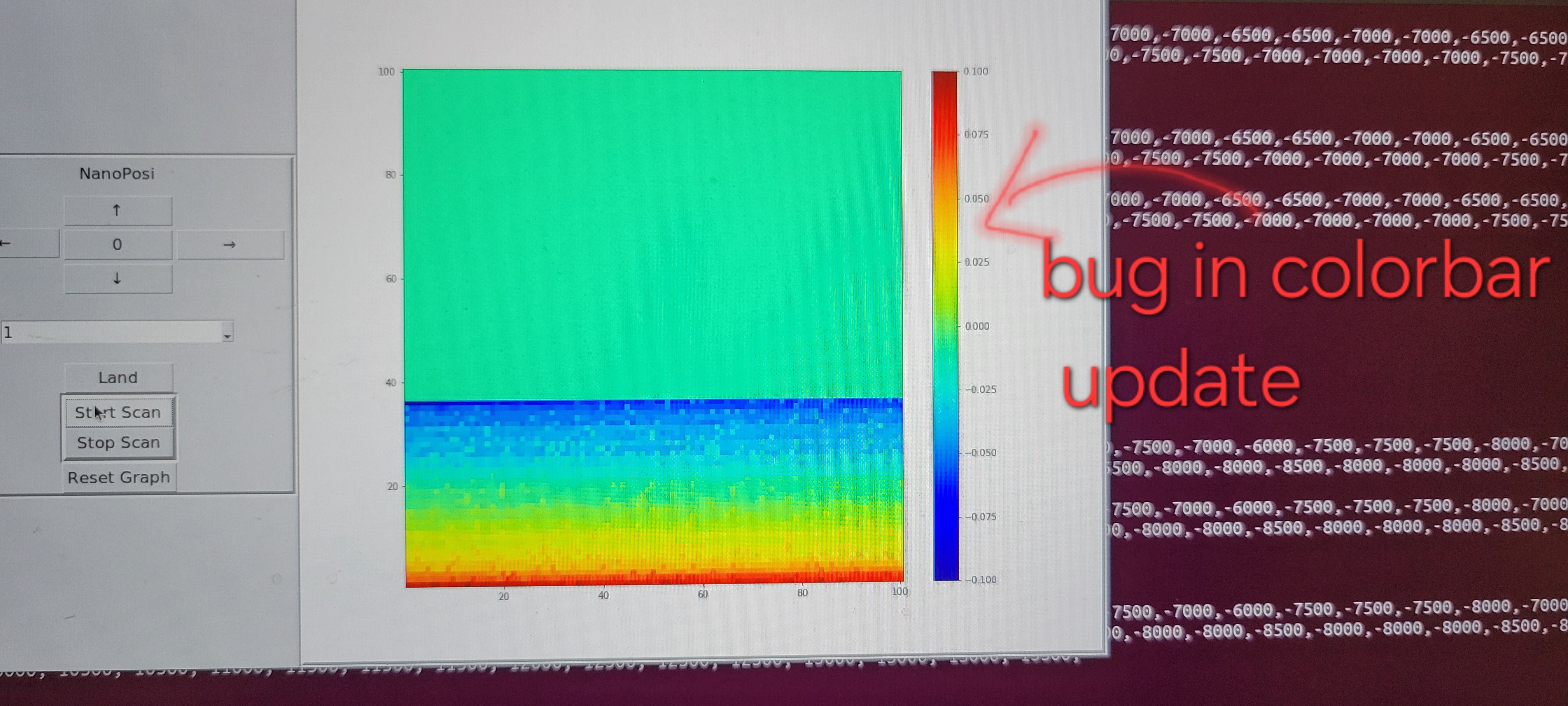
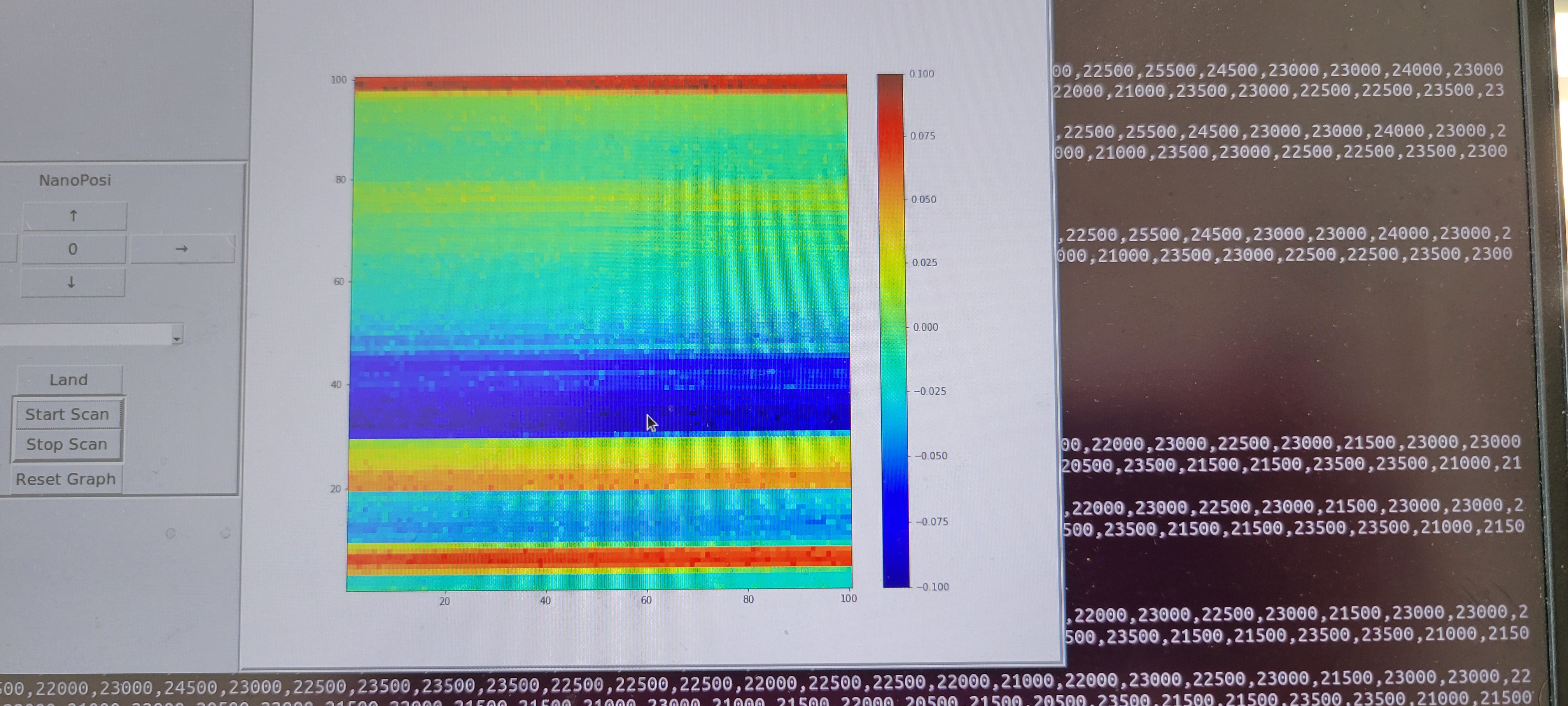
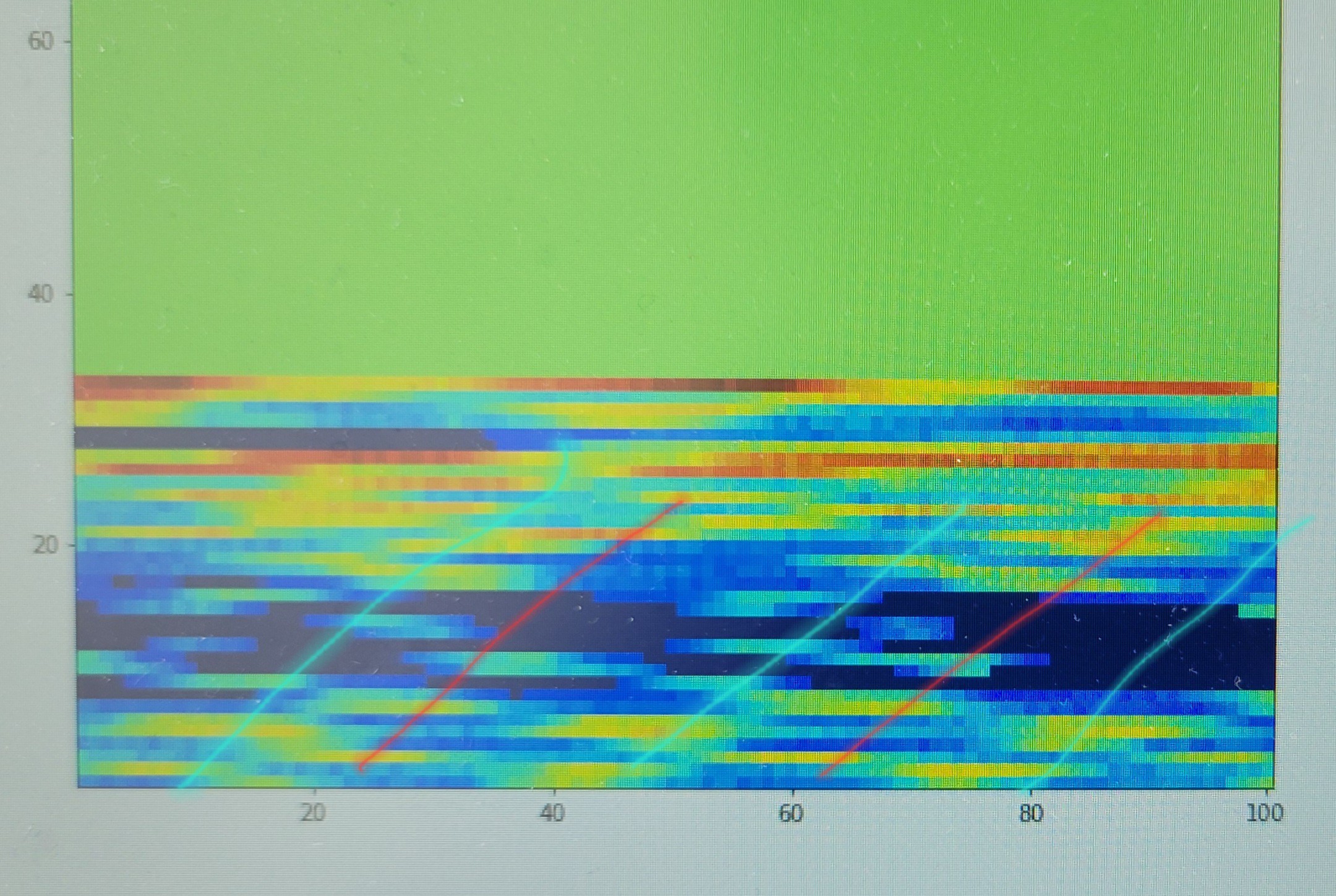
The blue lines I think are the main pattern and the red ones same pattern with phase. I don't know what is the reason for this phase or how to get rid of it. This is 10 samples hop image. I should run with 1 step hop size and see if it gets better.
By the way the sample is CD-ROM surface I expect to see pits (valleys) of different lengths.
Another thing is that I played so much with this cantilever, probably I smashed into surface more than once. Anyway, I will try to reduce speed even more to see if it make images sharper.
After making another picture I've realized that this is not a phase shift but wrong left-right/ right-left placement on GUI. I am trying to take the data from those images and check if this is the problem.
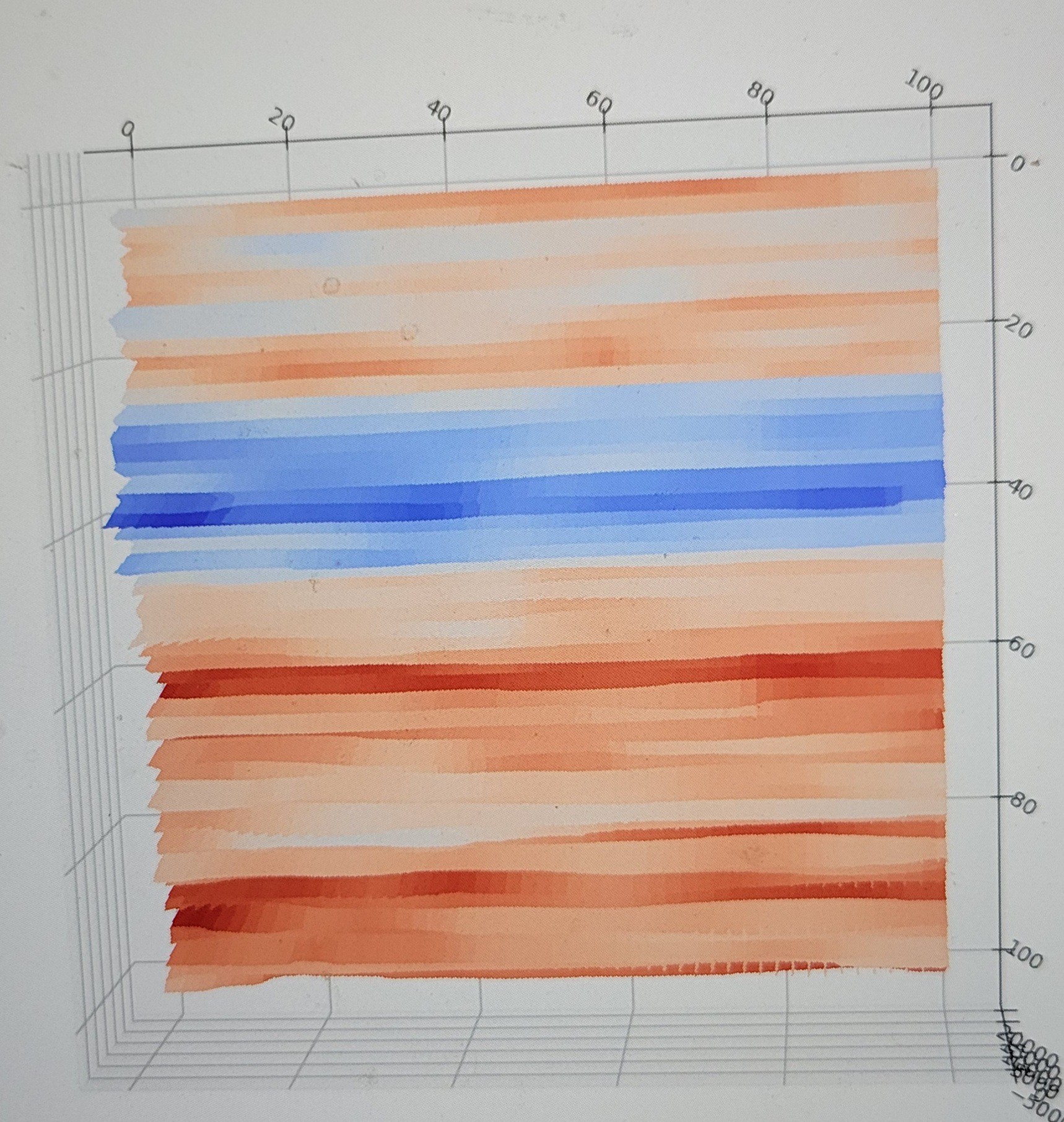
Here is the output without the bug (this is x10 zoom out magnification image):
![]()
I believe those green diagonal lines ( about 30 degrees) are pits of the data. I will try to rotate the sample and see if it keeps the proportion.
![]()
Does it looks similar?
Well making an images with this device is not easy and time consuming. It gives a line every minute and most of the time surface is not straight and images are broken in the middle so all the process must be restarted from zero.
Here is an example of me trying to re-adjust the height of Delta-Stage in the middle of scanning
![]()
It partially successful as it takes too much time to update it to the right height.
-
Making sharp cantilever
04/30/2025 at 01:37 • 0 commentsEDIT: Tl;dr skip to the last part, there is a working method
Last images I did are not sharp. I was not able to make qPlus tips but using very thin wire of 0.05mm. The problem with 0.05mm wire is that I was not able to etch it to make very thin cone instead I just cut it with scissors and hoped for the best. The 'best' was blurry images.
I've re-read articles about making sharp tips one of the ideas was to add wire on the other side also to counter weight.
Indiana Jones counter weight type.... (Sorry no GIFs here)
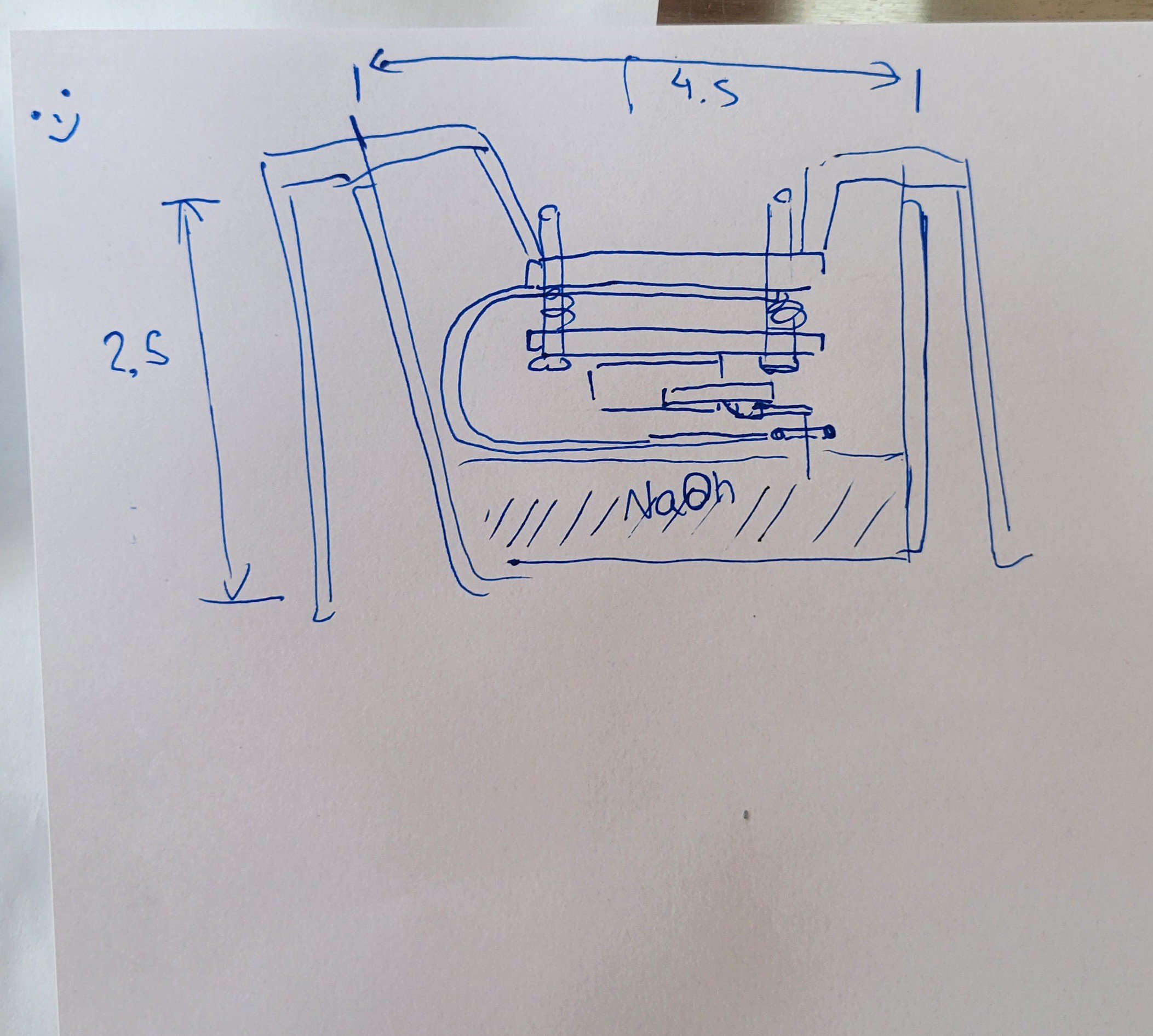
So I started with making mechanism to be able to etch Tungsten wire very close to fork's edge. This is the schematic/idea
![]()
And this is what I made...
![]()
Well, it's not as perfect as I wanted it to be but it will do as a first prototype.
Ok, this prototype was not good enough. To get sanple I had to bend thick copper wires. In the process the loop was not aligned with horizon as a result all the bubbles would pop few seconds after they formed.
Another thing was the line of sight I couldn't easily see the length of the result wire. In the end I made tips of 1mm length which was not bad for begining but now I need something much smaller to keep high Q factor for my quartz fork.
And most annoying thing that both tips were broken I don't know if I just clumsy or super glue was destroyed by concentrated alkaline.
So, I went back to drawing board and redesign something which will solve all those problems and keep my fingers away from this material as it takes ten minutes to remove it from me.
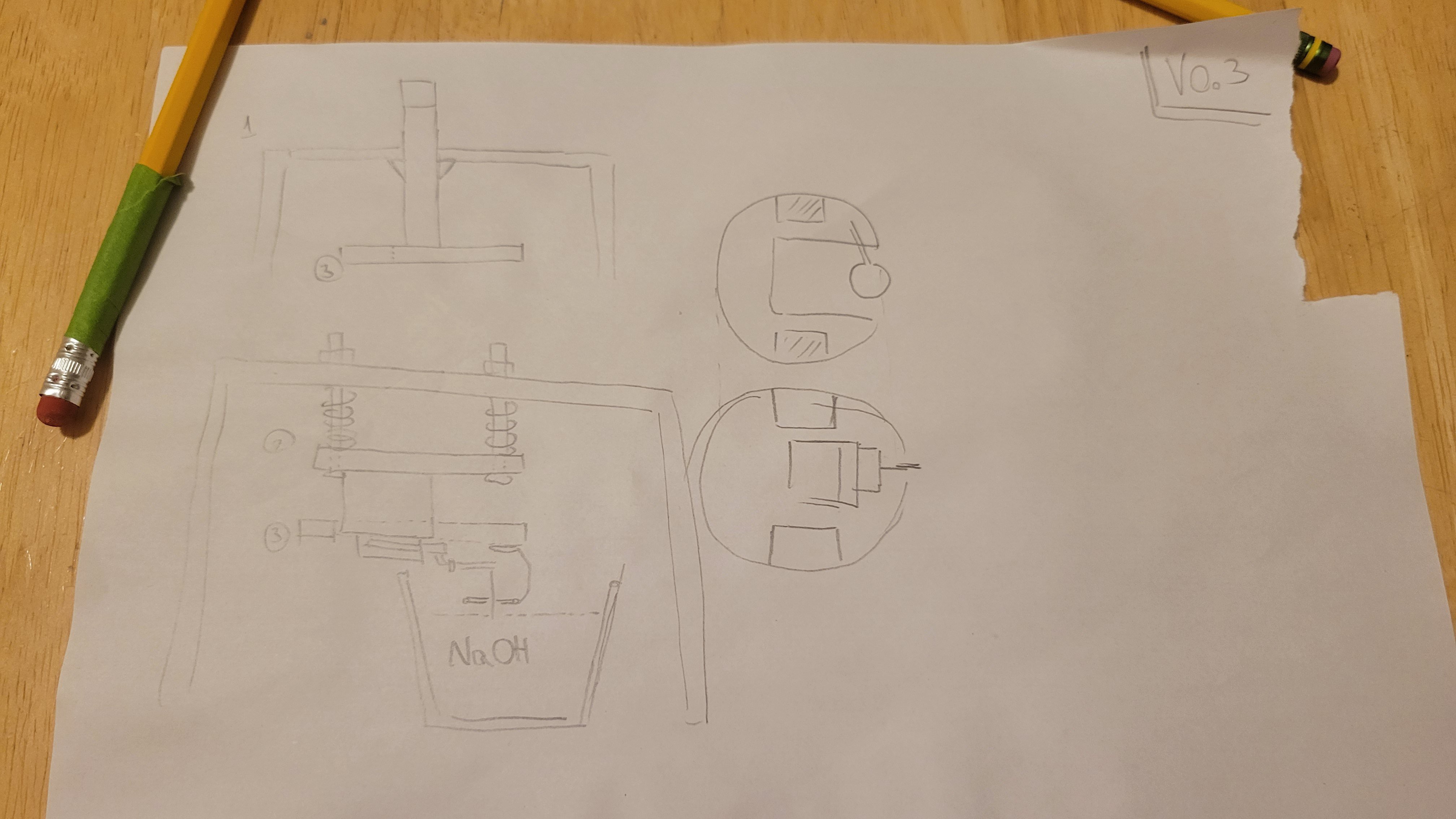
New design (ver 0.3)
![]()
Will make components bigger to make my life easier
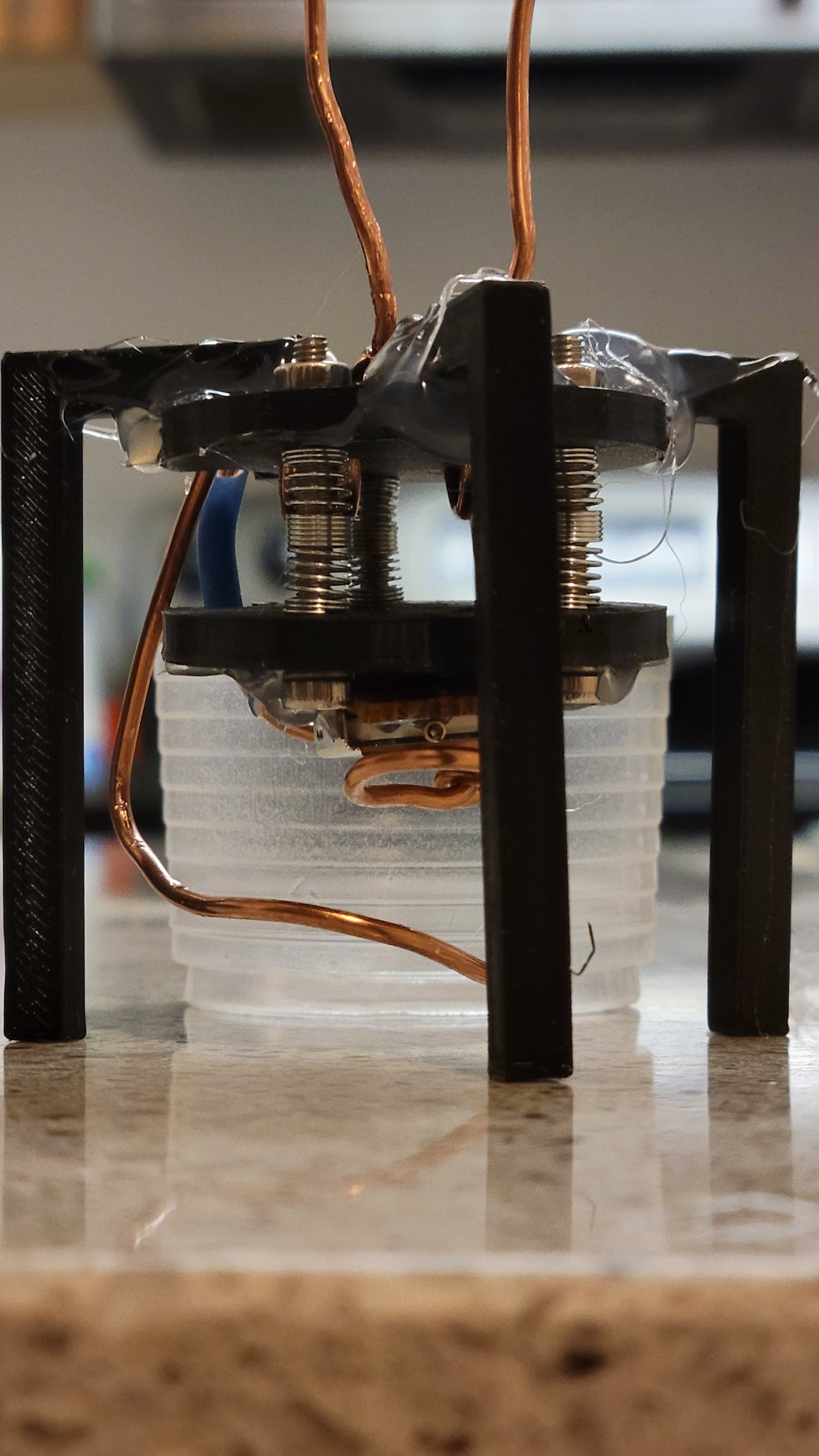
Another prototype, although still not perfect it much better.
Now let's try to make sharp tips...
Another change was software both upper layer (written in Python) and lower layer (C on Arduino). In upper level I change the way components communicate, now all the commands to serial are going through queue. This way we can scan and control up/down. It's important when we want to make corrections in real time.
![]()
(By the way, it's not real image just a demo mode for faster development)
On the lower level I change the way, how we trace height. Previously the Z component was predetermined and we only checked the response from surface. It caused problems as surface is not flat usually. Now I am tracing the surface to some extent.
![]()
Now we can see a huge difference between previous with 2-3 colors to what we have now
(Again it's not real image it demo surface)
Another upgrade was serial communication. I've used one that was way to wasteful for poor Arduino Uno. I made something simple by myself as my comm. are very limited in structure. (Command name and one parameter).
Now communication running much smoother.
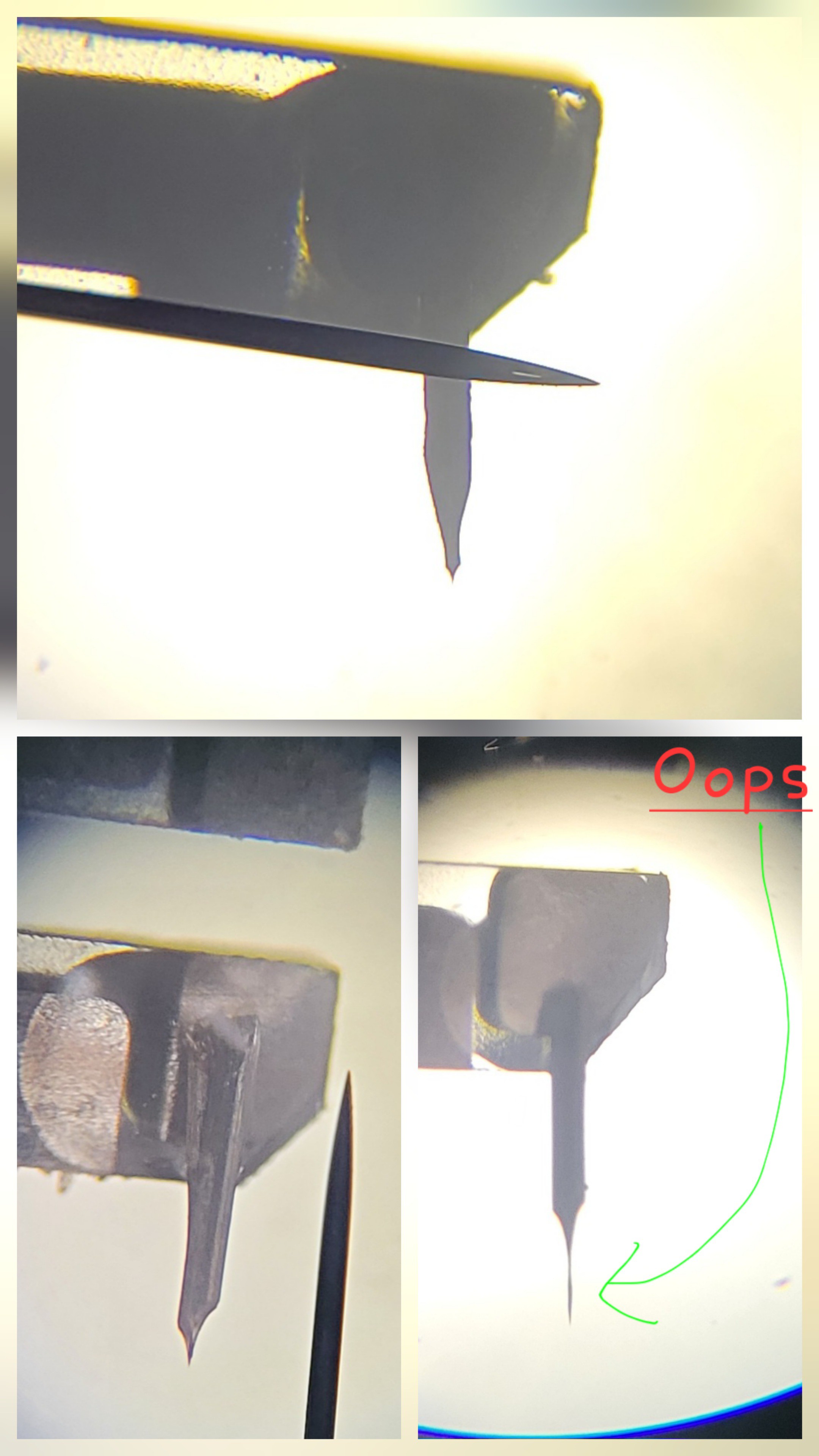
Ok, back to making sharp tips... I've decapped six quarts forks, three 8x3mm and three 6x2. Using microscope I've glued Tungsten wire 6mm once the glue was broken once I've moved it. Once 8mm broke as I touched it. So Ive left with two 8mm. One I was able to etch, and dropped from 1cm which made it glue break. The other once broke as the copper loop felt from it's place.
The main problem now is that it takes so much time to glue each Tungsten wire, plus, it takes 24 hours for glue to fully cure.
Now I've tried to glue with magnifying glass of soldering station. Although magnification is only x3 it was still possible to glue quite easily and there was almost no restriction on how many I can do in parallel
![]()
Although I used to much glue, the method works really fine. Now, when process is cheap and fast I can do many hopefully some will be successful I need only few.
Run another bunch with four quartz forks
![]()
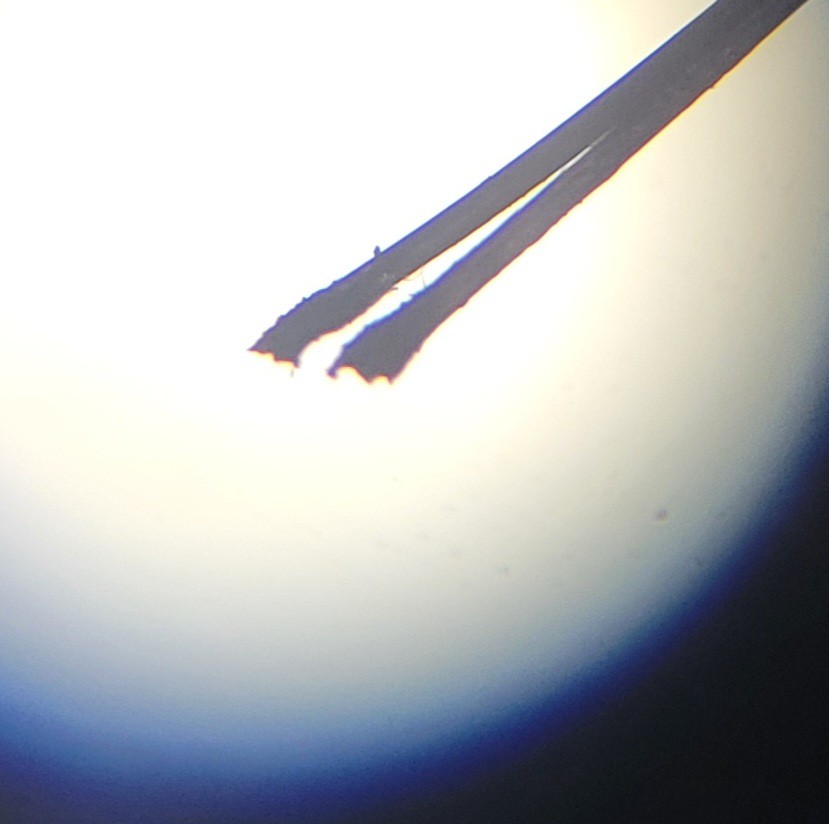
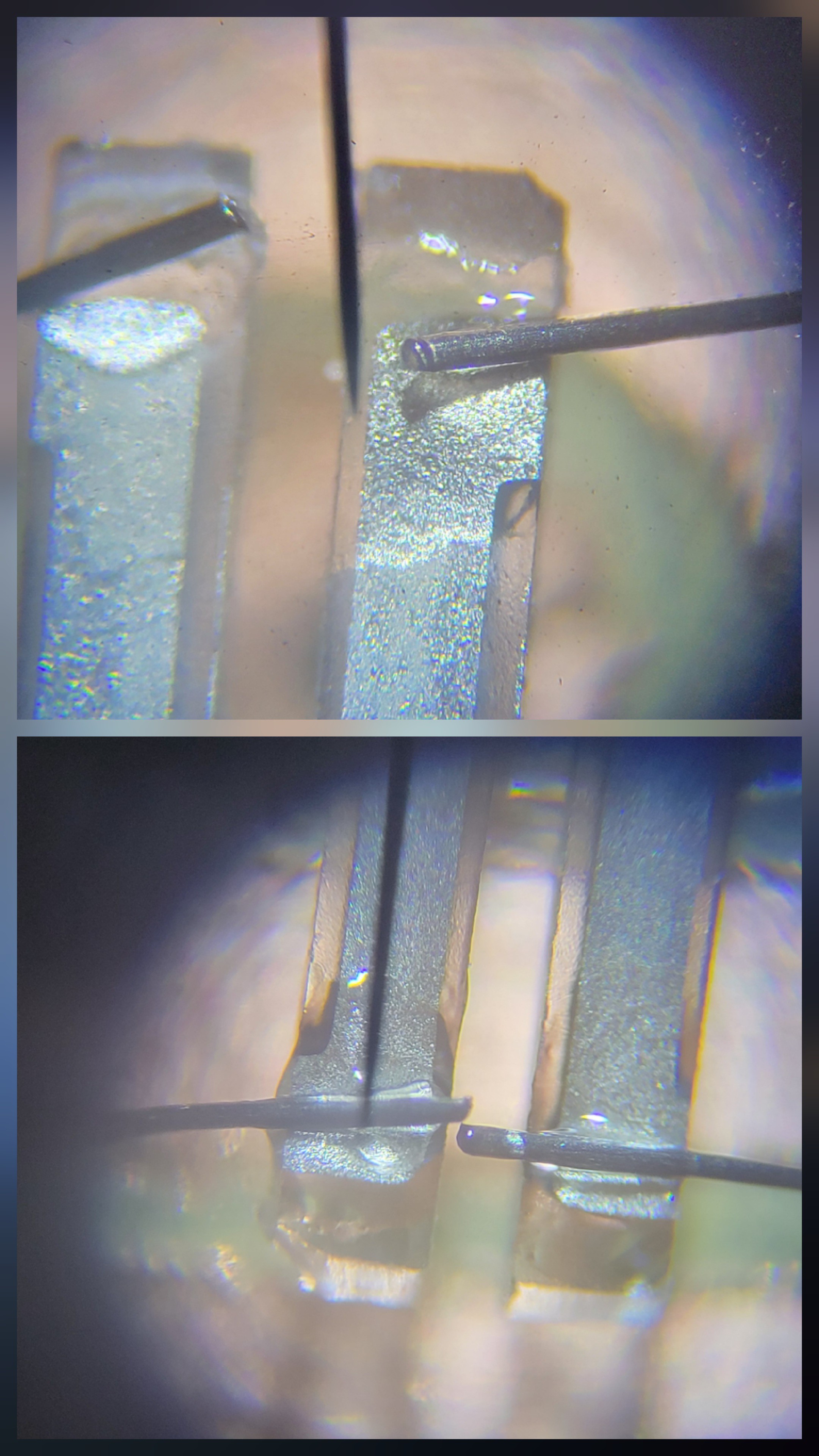
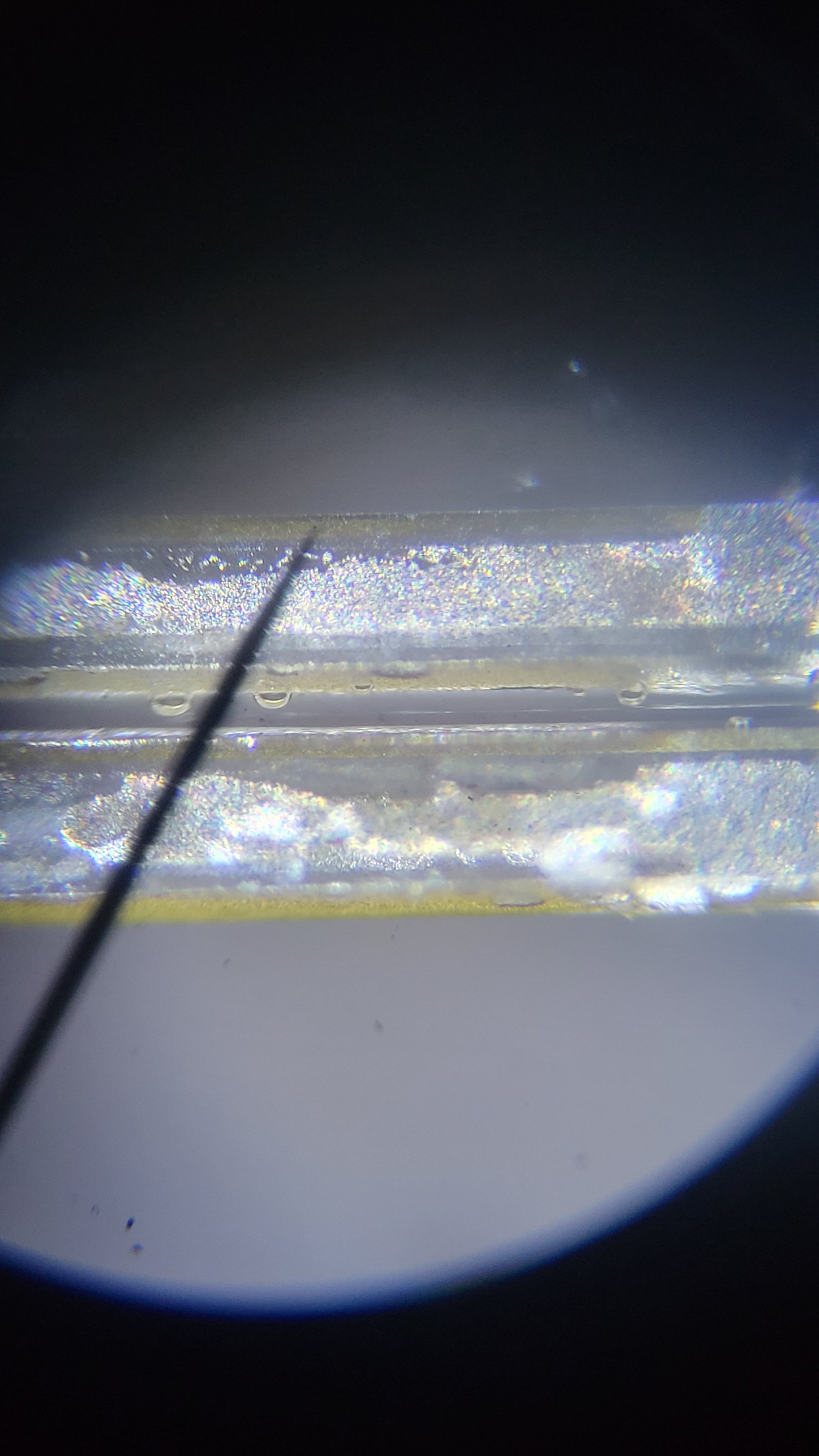
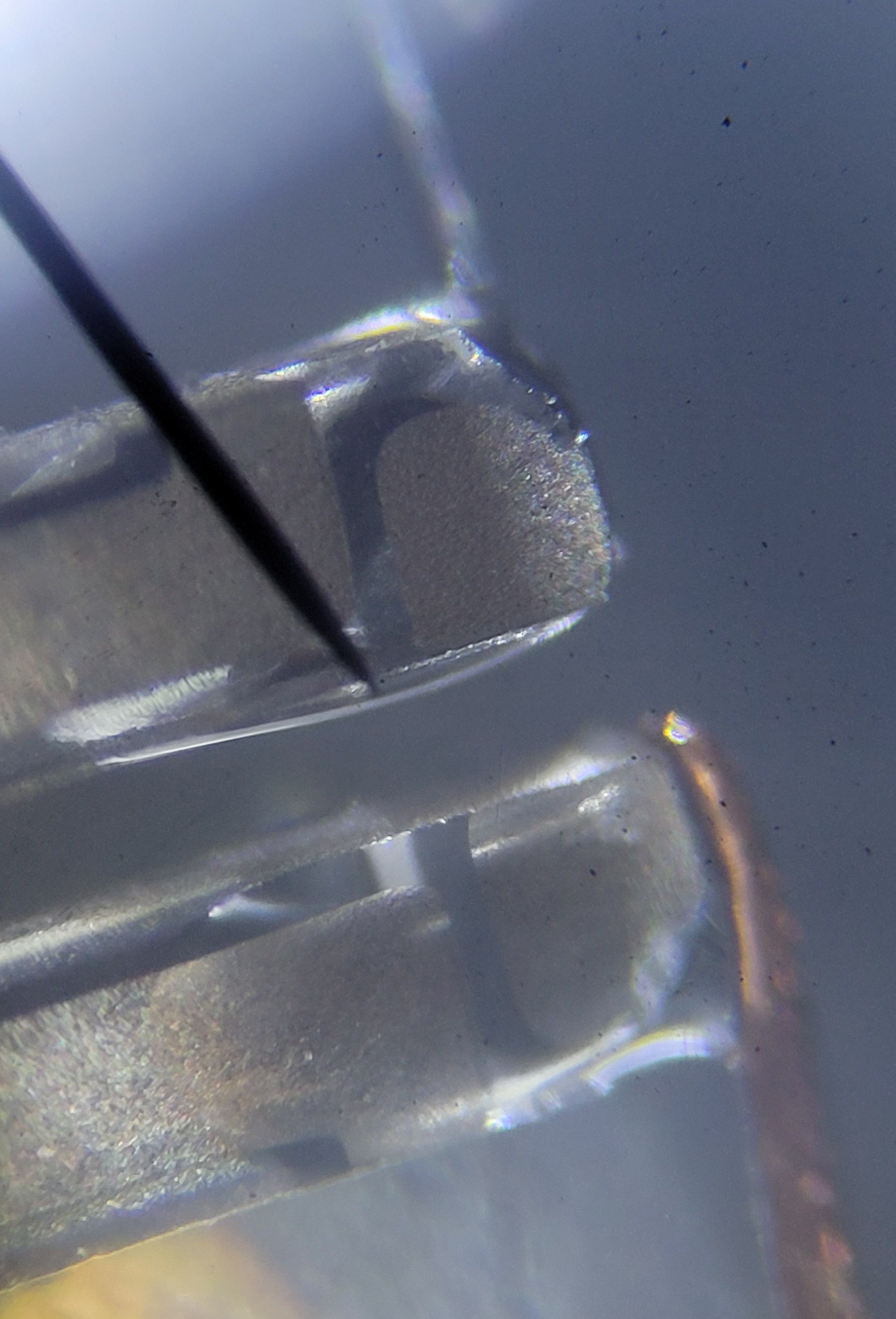
When looking under the microscope you can see issues
![]()
So some of quartz fork irreversible, except this it works really good. Although quality is worse it will be smoothed out be quantity.
Another idea is to use glue bulb instead of opposite wire, it will be much easier to construct and fix if necessary
I've just discovered that NaOH not just destroying super glue but also quartz fork itself.
![]()
It took me few etching tries just to realize that Tungsten wire was covered with glue, therefore I didn't get nice cone form.
To fix this problem quartz fork must be below so glue will go towards the fork and not spill down towards Tungsten wire.
Also managed to remove quartz fork from it's base but could solder it properly (it was soldered but short circuit)
![]()
I've destroyed dozen of quartz forks but was not able to make one properly. It's not easy as I thought it would be. I guess I was very lucky to get those beautiful cones in the begging of the project.
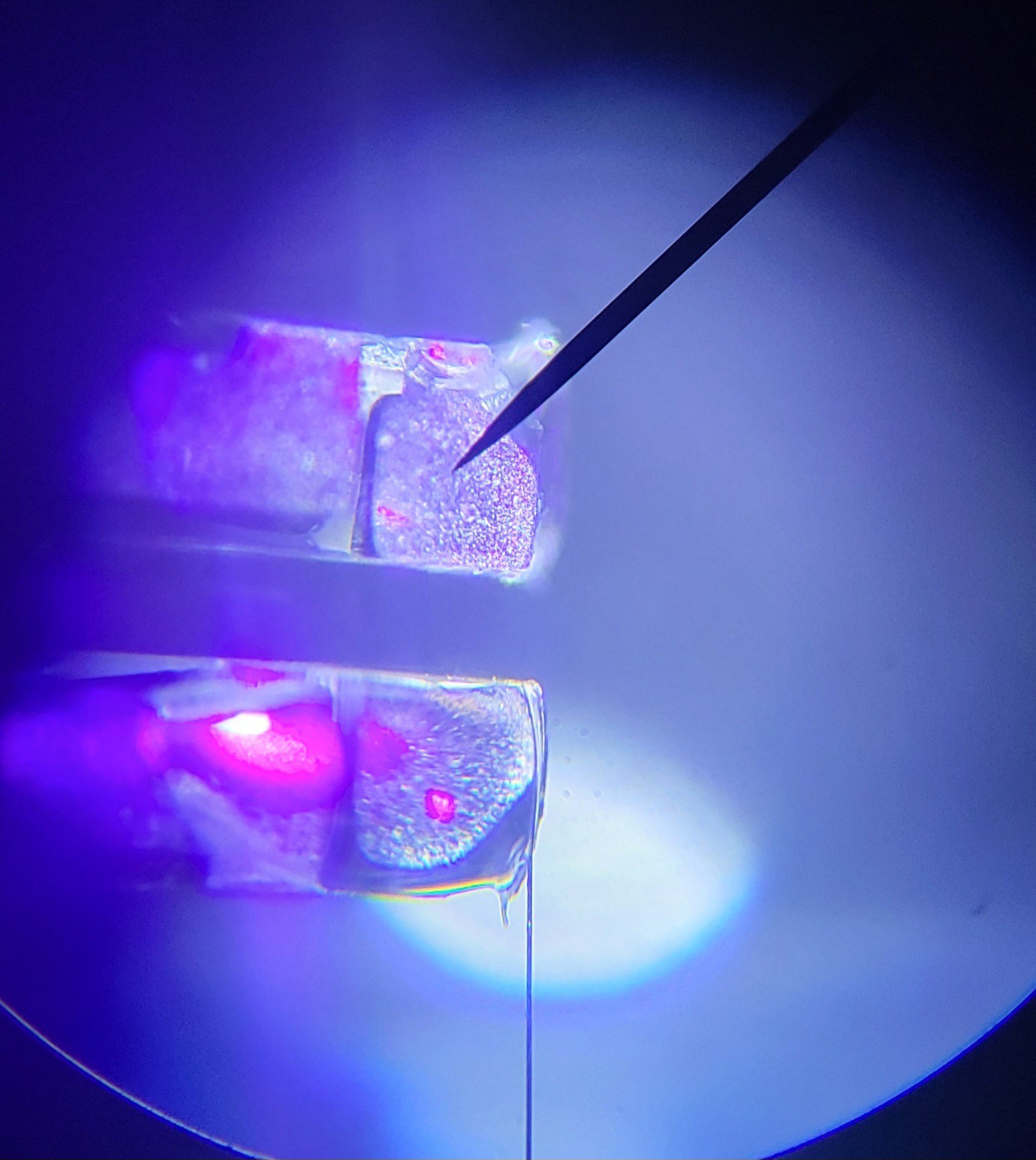
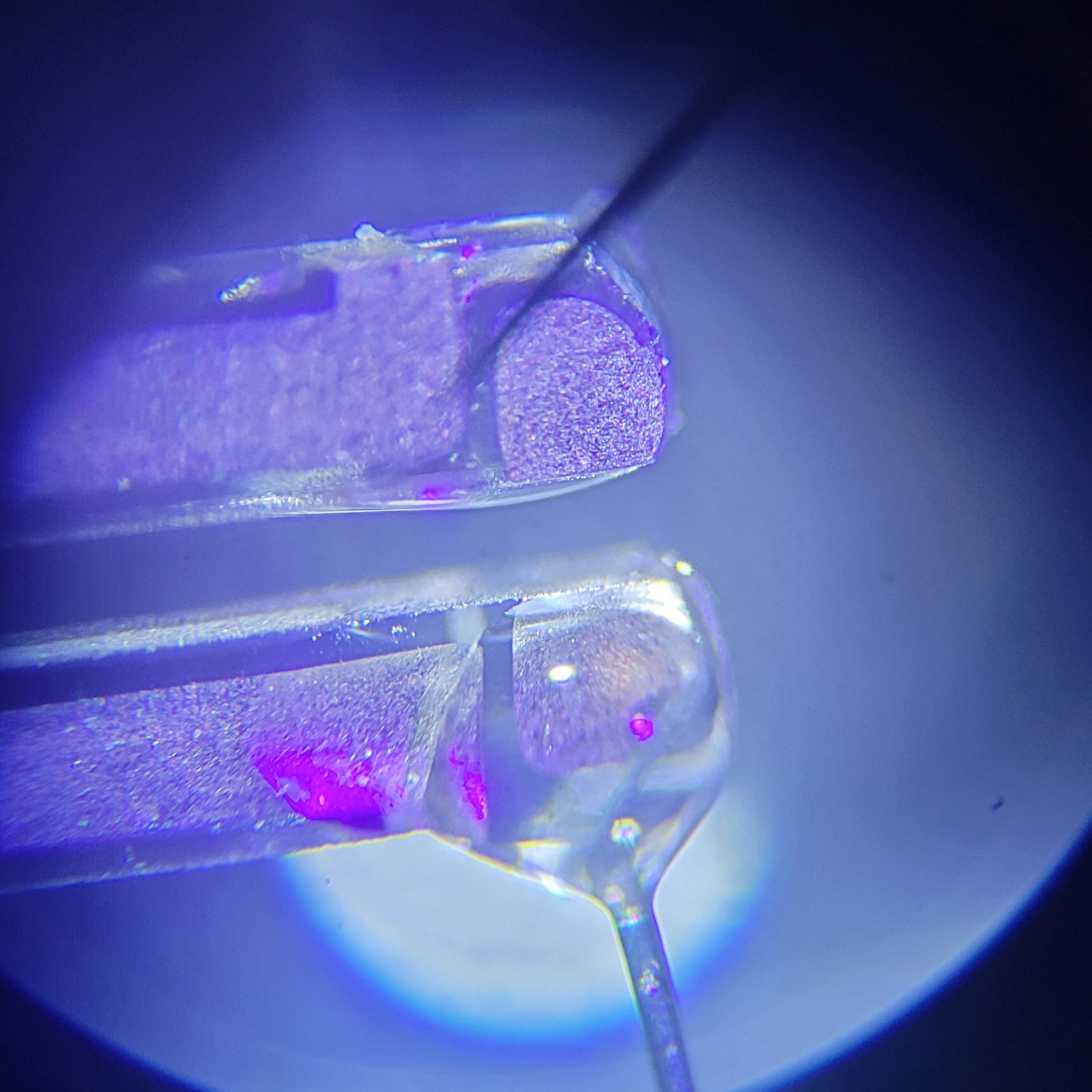
I've just realise how can I continue from this point. My problem is that super glue curing very fast. I don't have time to set everything correctly. The perfect would be doing under a microscope but it's almost impossible with time frame of super glue. Now, I've realize I can try UV glue, this way I don't have to hurry up. Set everything as I want only then shine some UV light to cure it.
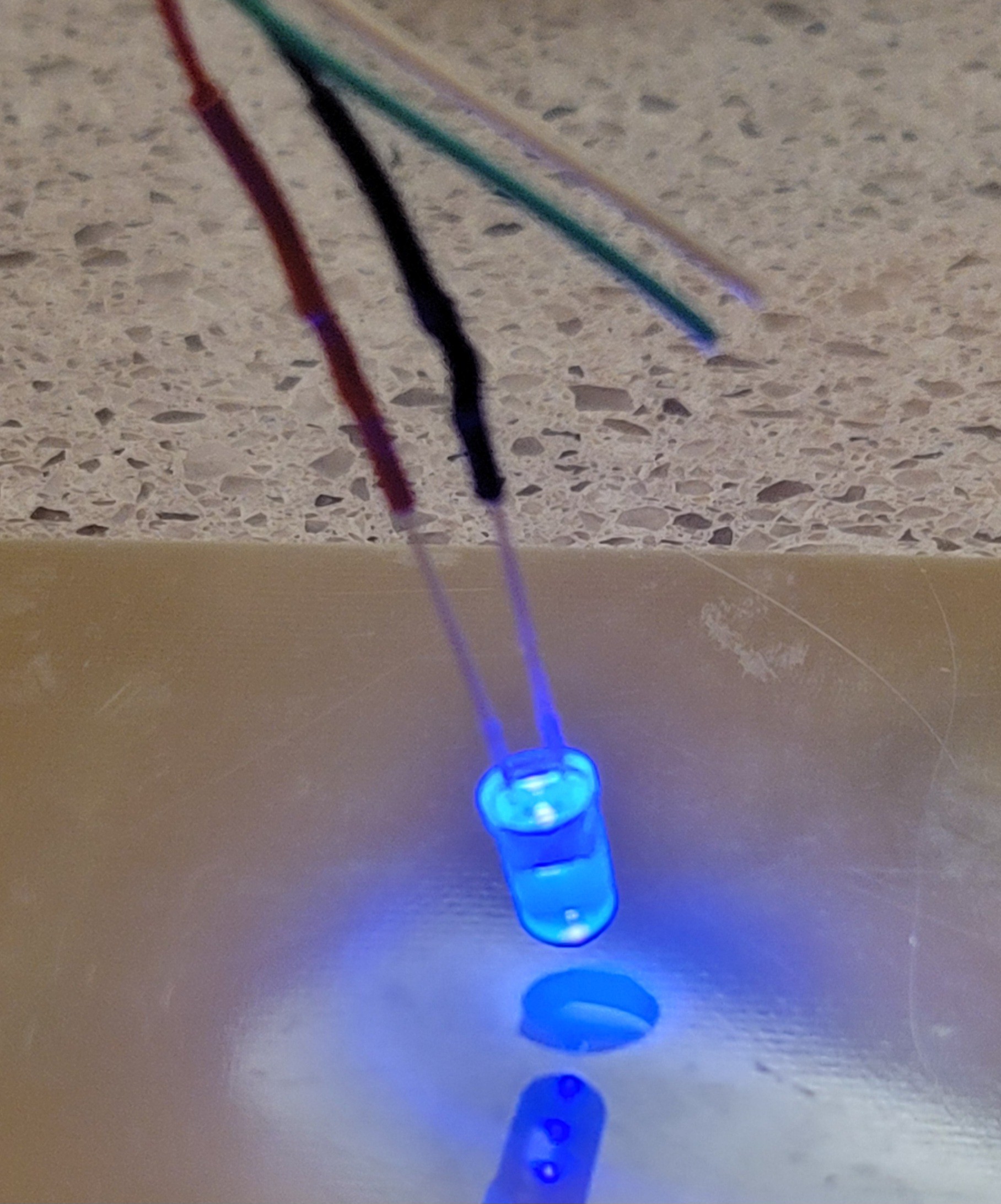
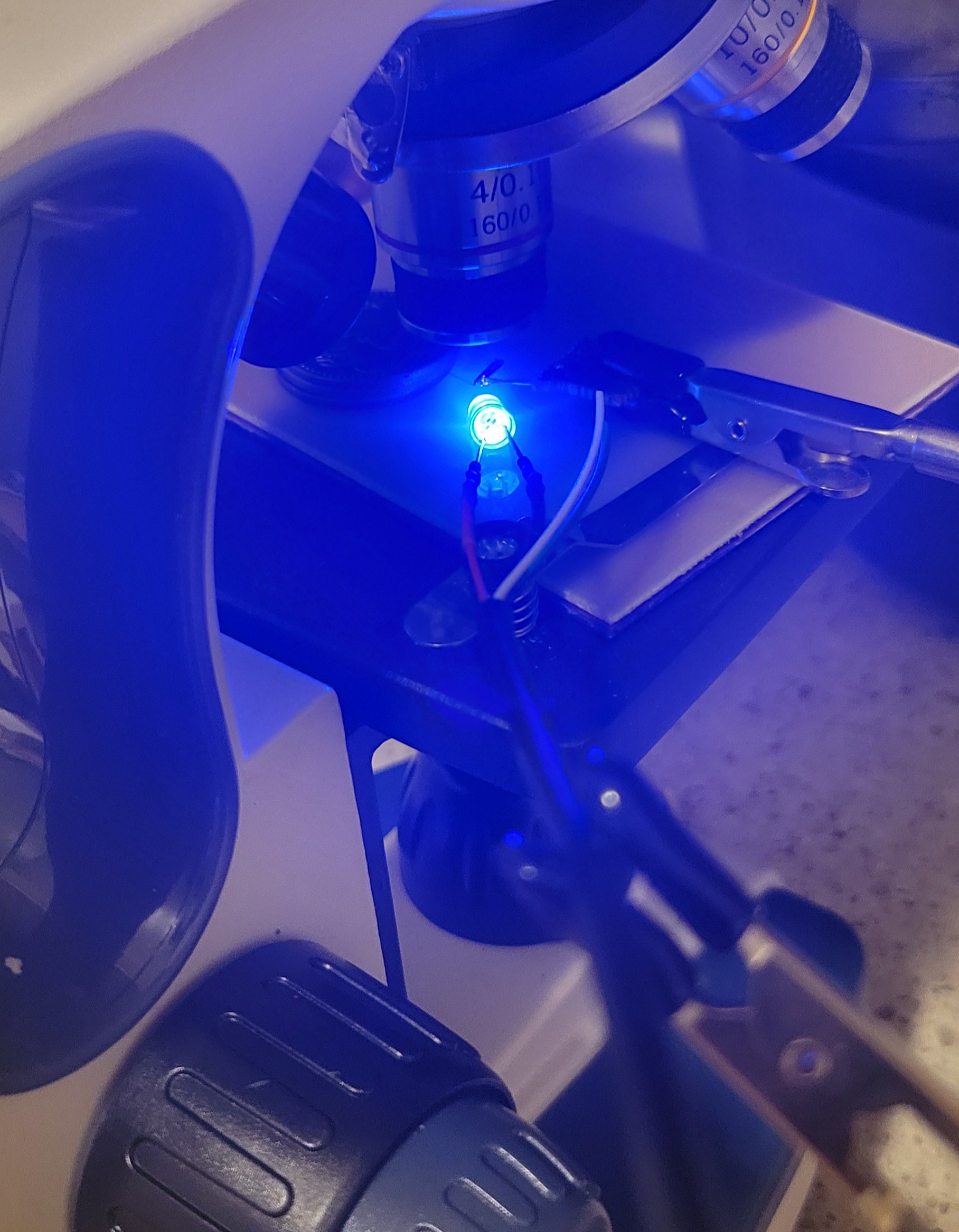
Ok, connected small LED to USB. Looks good
![]()
After only five minutes the bulb became hard the other bulb that was not exposed to UV was still liquid. It's working more than I was expecting. Tomorrow I will try to connect Tungsten wire to quartz fork, using microscope and finish with UV light.
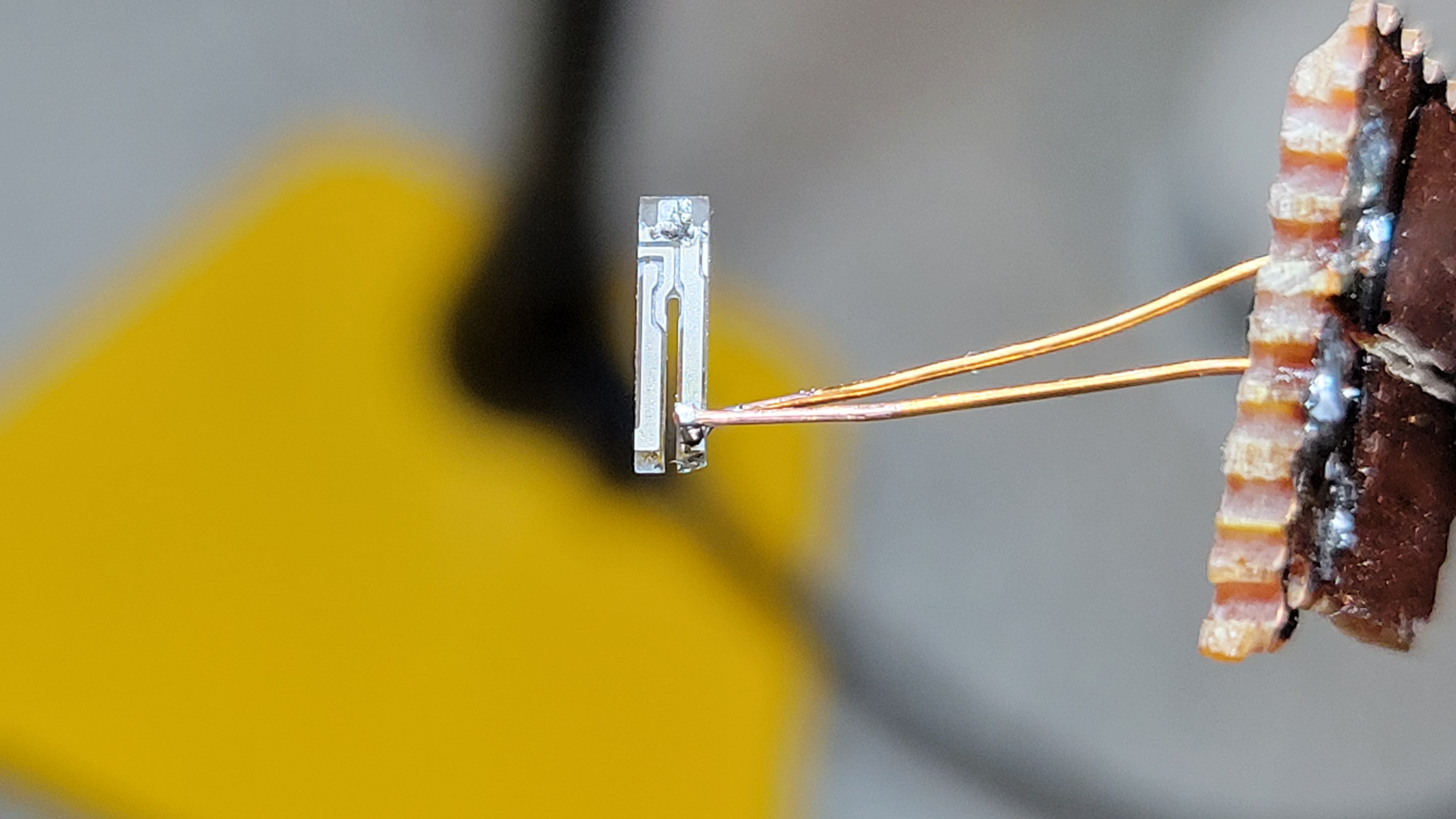
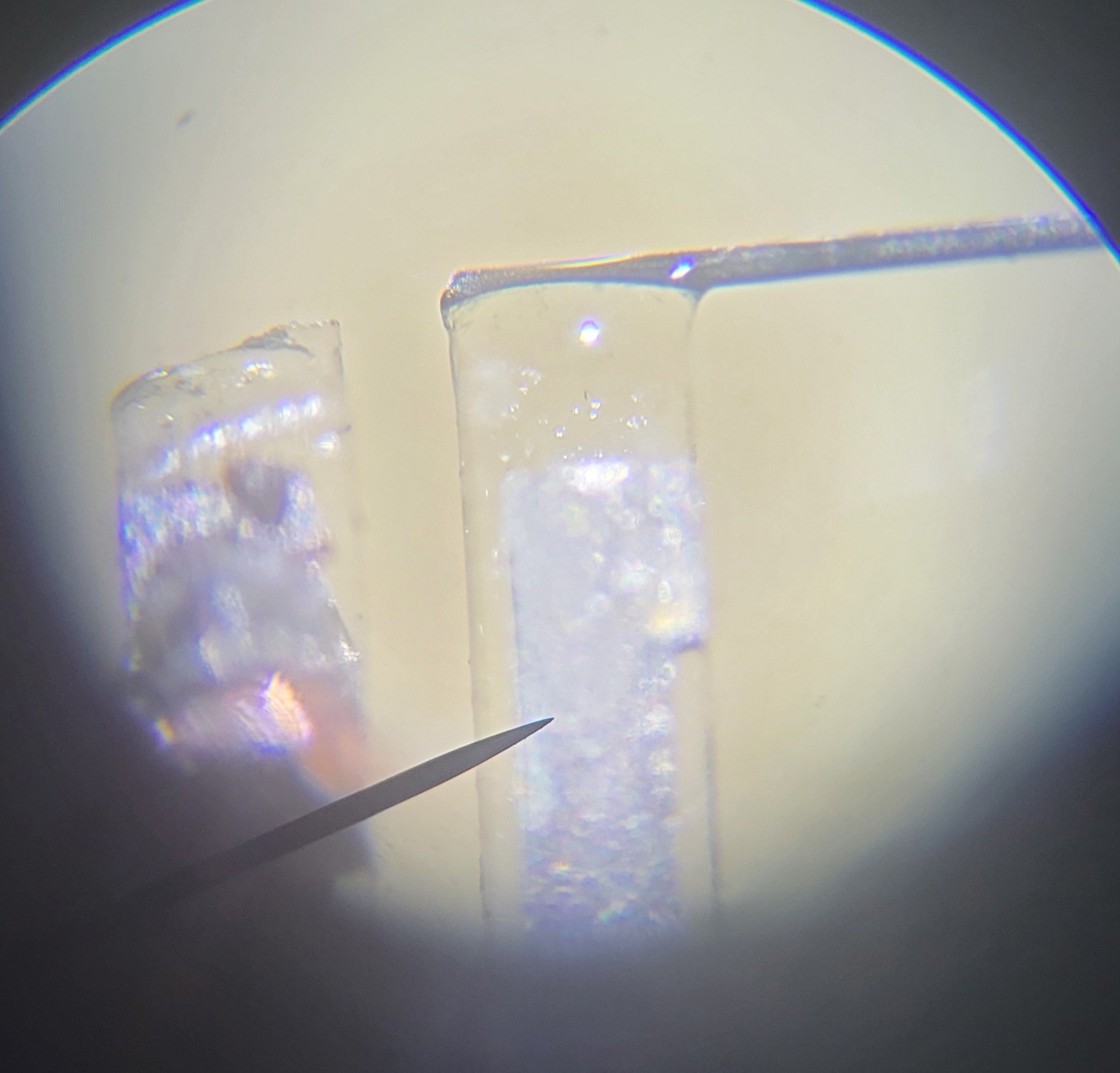
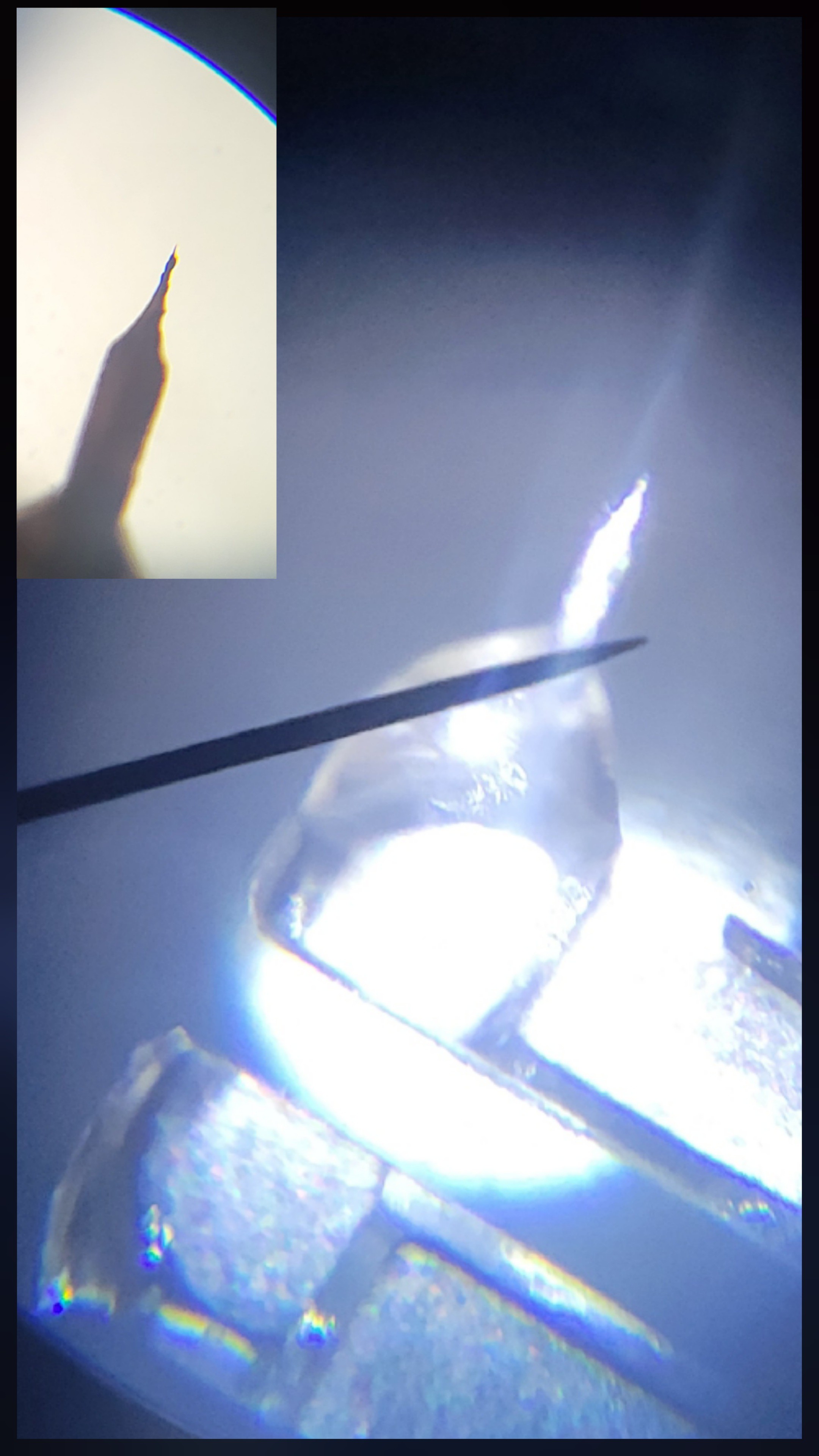
Working with UV glue is so easy. I've managed to connect Tungsten wire to quartz fork without any issue.
![]()
Here is my setup:
![]()
After few minutes of UV currying. The connection looked very strong much better than supper glue after same period of time.
I've learned how to use UV glue in this microscopic environment. Got pretty good connections.
![]()
Finally I was able to make double sided connection
![]()
Just to realize that I have connected to the same wire from both sides. I've connect one from top and other from the side.
But no worries, it's still a test since I am out of 3x8mm quartz fork. While waiting I am trying my technique on 2x6mm which I am not sure would be able to work.
Made another copy, this time electrically it's looks ok.
![]()
I will run just on case, but I don't believe it's going to work this time as glue covered much of one forks prongs.
I will run it tomorrow see if it's working.
Well, it took me about a week... I am really busy this days...
Long story short it didn't work, for some reason the first connection (which I've checked and it was conductive) was disconnected maybe it moved with time... sad...
Just realized I could add Tungsten wire on one side and copper wire on other side of Quartz Fork. To remove material from copper just place it in Ferric chloride or Sulfuric acid for a bit.
Ok, got quartz fork with Tungsten on one end and copper on the other.
![]()
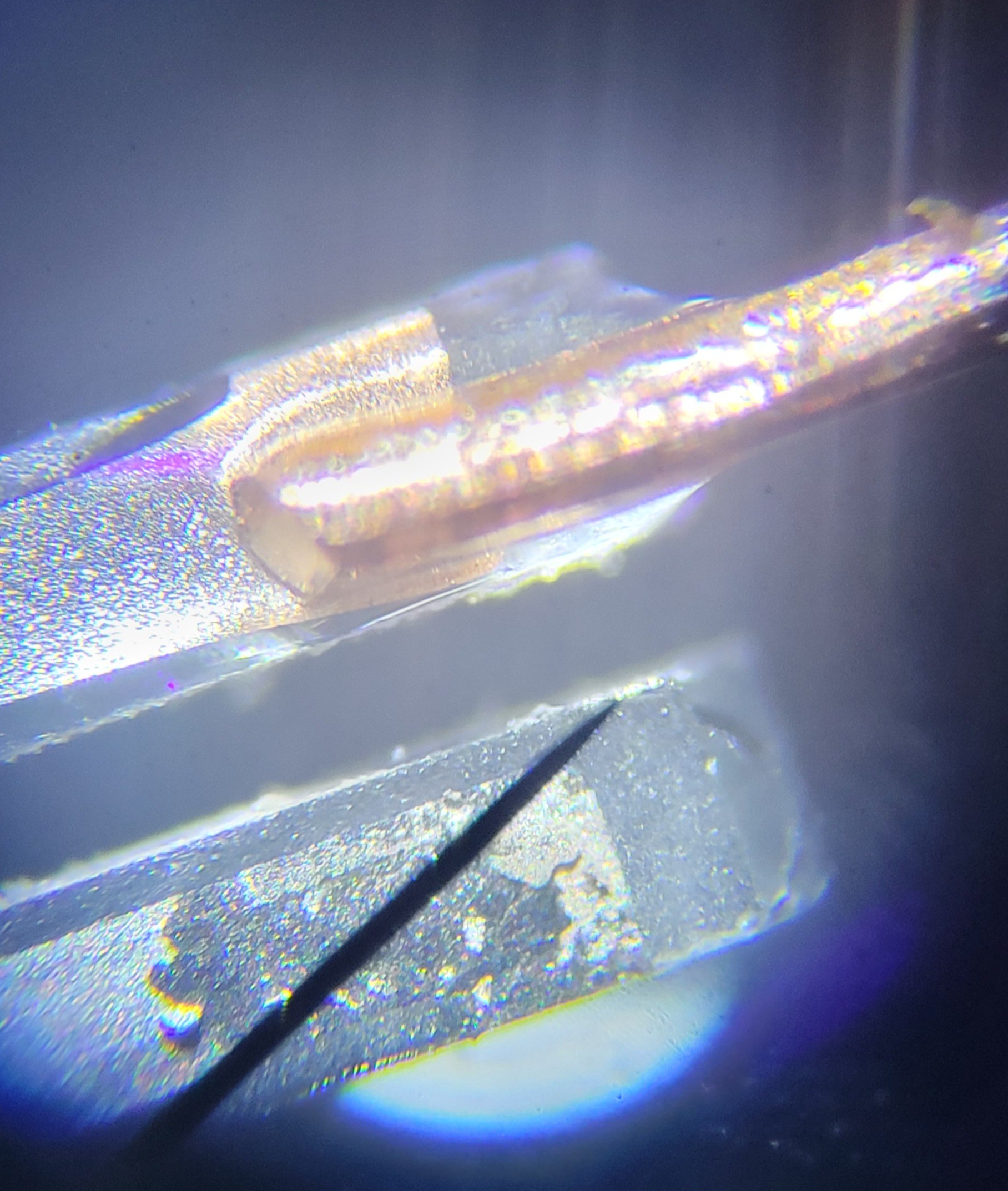
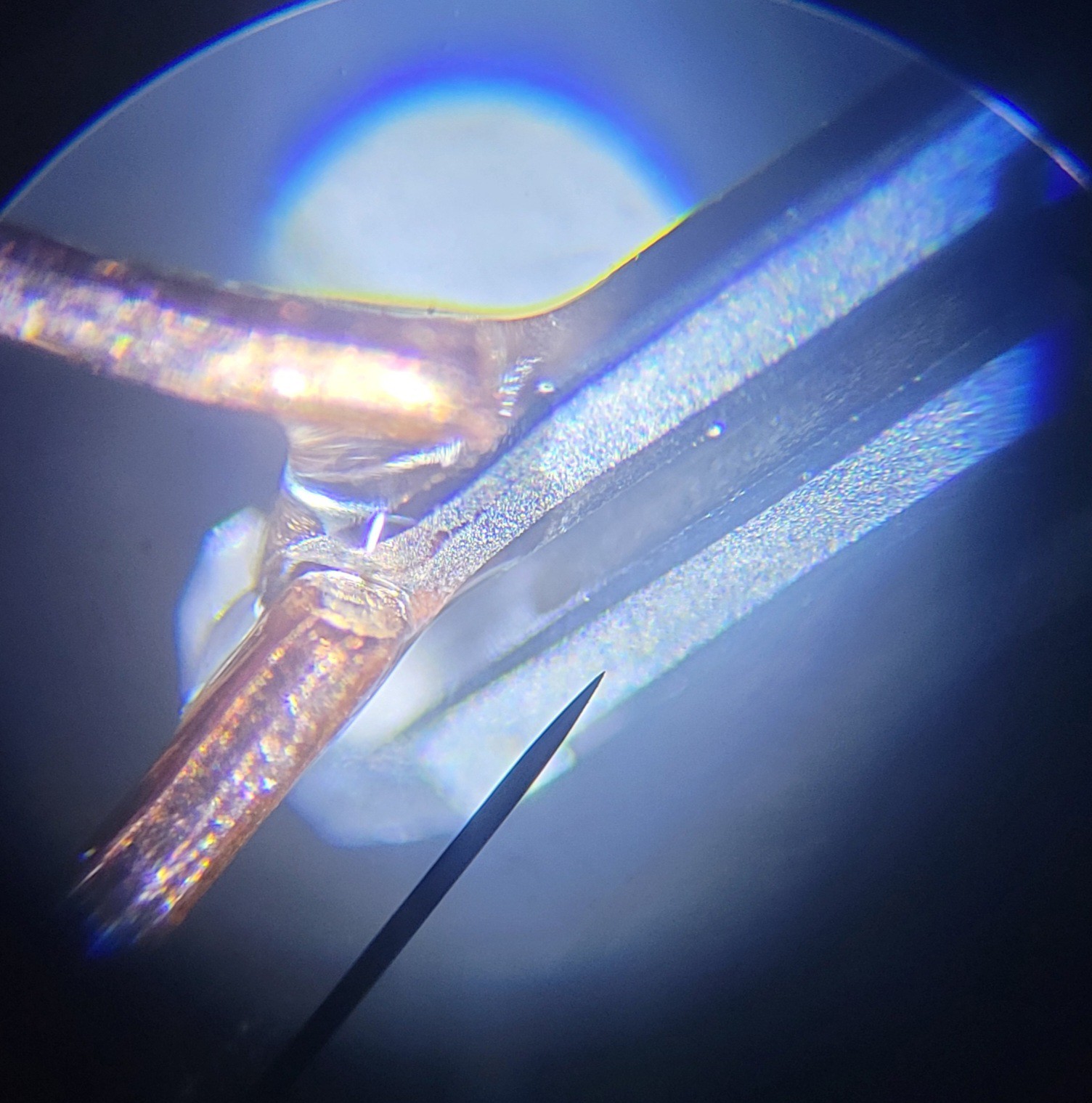
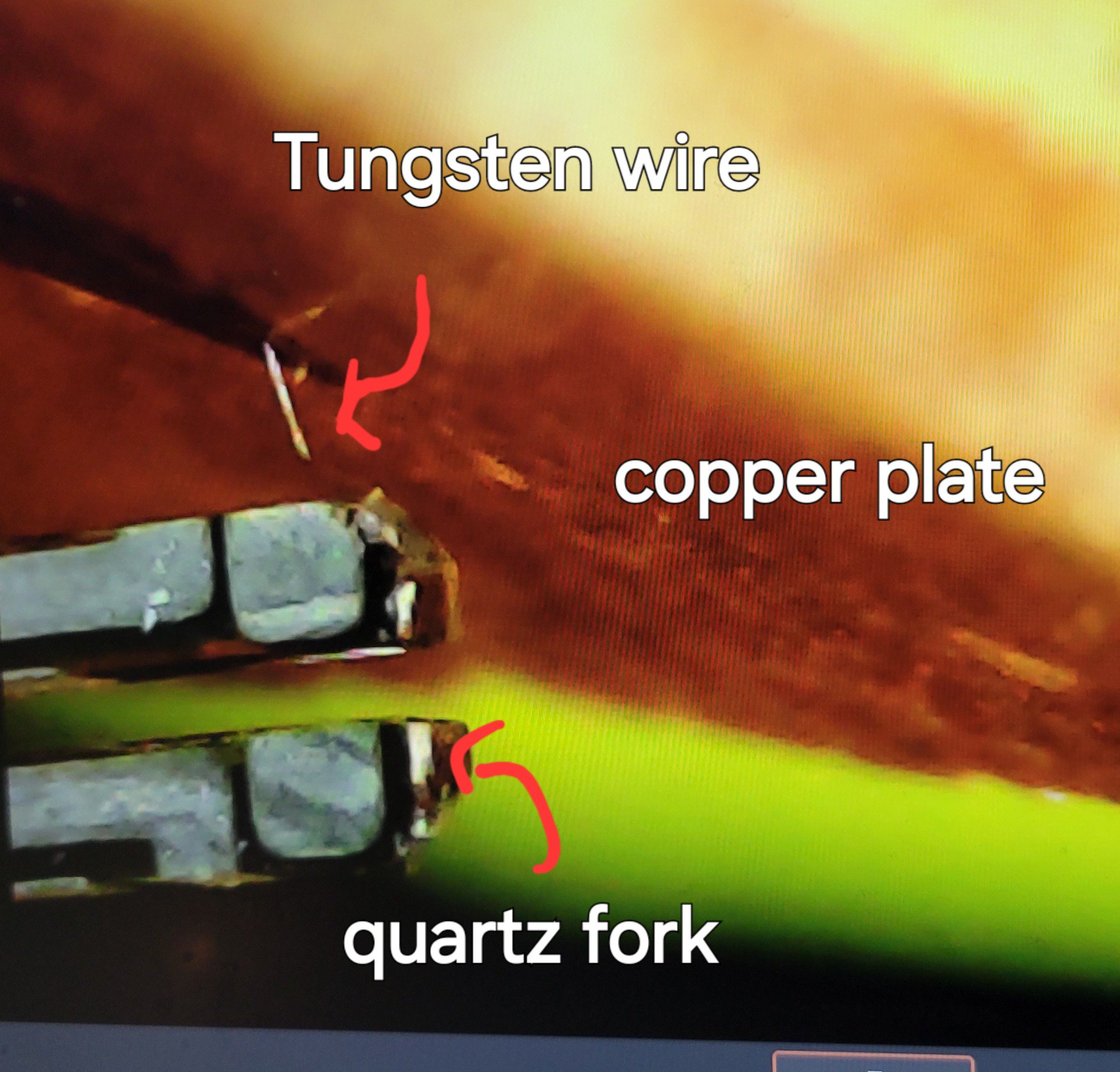
On microscopic level it's looks like
![]()
I will make another pair of those and will learn hot to etch. The tricky part would be to find the right length of copper wire to counter weight Tungsten.
Made another two copies, it's quite easy to build those with UV glue.
Let's hope it's also easy to etch and balance. (Otherwise I don't get a clean frequency) [Low Q ]
Let me stare the obvious, copper wire is not enameled. I've just cut a 5mm standard electric wire. (Otherwise we will not be able to etch it)
From three I was able to etch only one. Other were broken in the process. I should revise the etching device, unfortunately I don't know how to improve it yet.
![]()
With more magnification
![]()
Now let's etch the copper side and hope to get high-Q (oscillation)
Etching copper seems to be a good idea as it easy to control the length of the copper to a high degree
![]()
I've used a drop of ferric chloride literally. With pipette we can accelerate the process even more.
Although it seems very good it might not work as I managed to drop all this quartz fork into drop of ferric chloride [Yeah I know clumsy me]. I don't know if it's going to work. One thing for sure I know now how to prepare dozens of those. With 2$ for ten forks and UV glue I am not worried so shouldn't be you.
I will test it tomorrow, fingers crossed
Nope, not working...
Removed Tungsten and Copper and searched for resonant frequency I turned out that all yhe glue and removed 2kHz but still going strong.
![]()
So the problem was unmatched lengths or heavy Tungsten/Copper 'needles'.
I will give another try to 0.01 mm wire, it's the only that worked so far. Let's try to glue it and etch it.
0.01 mm looks tiny even under microscope
![]()
I was successful with gluing 0.01 mm wire. The trick is to use powerful light source and magnifying glass. ( Or maybe I need glasses 🤓)
I've found out that tiny drop of glue can break the symmetry between the prongs and kill oscillation. I still didn't find a reliable method to apply glue to maintain oscillation.
Another attempt this time I've glued Tungsten wire from side instead of the top.
![]()
In the past I've used to connect from the top to make a better grip of Tungsten to quartz prong. With UV glue it was not necessary as it much stronger than supper glue for some reason.
Plus, I've used smaller Tungsten wite. If in the past I would use 2.5cm (inch) length wire. Now I am trying 8mm. Shorter wire means easier to etch. I do afraid it will negatively effect form of etch as there will be no enough weight to pull Tungsten wire down when etching.
Etching with smaller Tungsten wire turned out to be a beter solution.
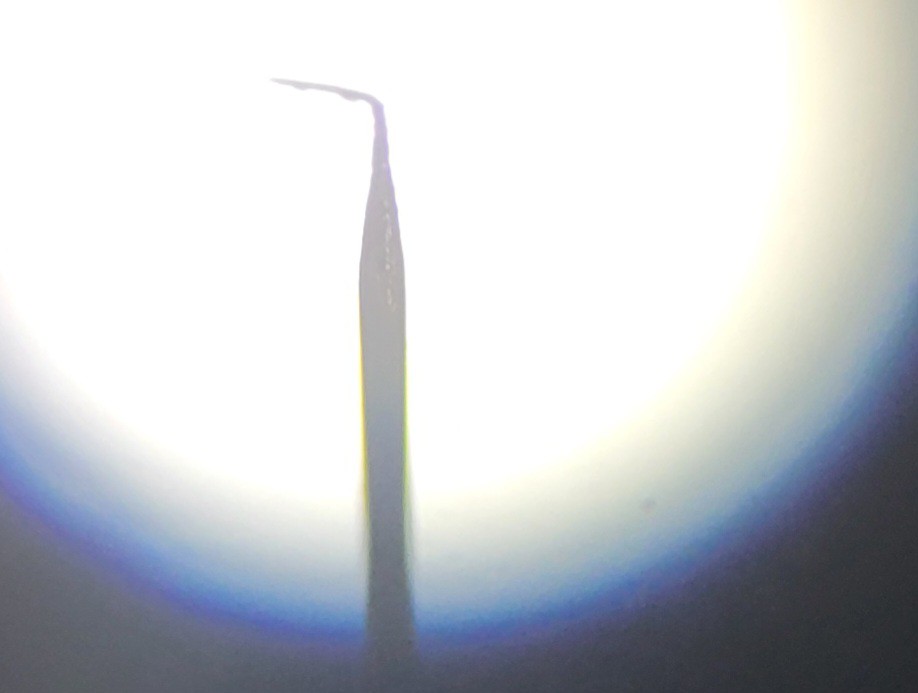
Was able to make the best tip so far
![]()
By the way 0.01mm wire was not successful. Probably because of low weight, the form was not a sharp.
I am having trouble with making those tips. I wasn't able to produce qPlus, using Tungsten and Copper is problematic since ferric chloride is powerful enough to destroy the glue and quartz fork tiny wires. Building two sided Tungsten is problematic in a sense of how to control exact size of each wire. I mean you start something and it ends up with different length.
Ok, I will try now to add a piece of Tungsten to counter weight the sharp Tungsten wire.
The idea is to glue Tungsten wire sharpen it using NaOH. The tricky part is to find a tiny piece of Tungsten the size of etched one amd gently glue to the other prong.
I found a working method,
![]()
The idea was just adding counter weight
![]()
From four I got three working which is amazing compared to other methods.
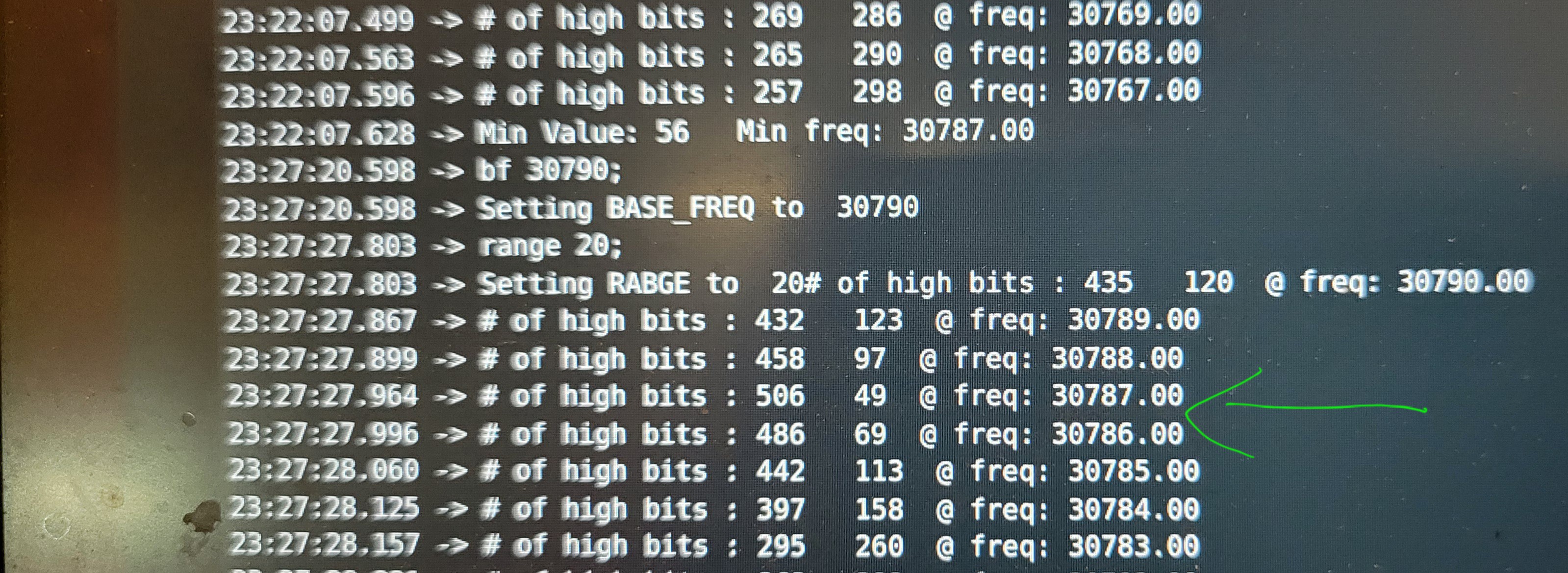
Got clean response at about 30,000Hz (low was 29700 and highest was 30700).
![]()
Wanted to share what I've changed to make it work: Instead of gluing from side I am gluing the Tungsten wire on side. It makes connection stronger and it's much easier to glue. Using UV glue you can do it slowly as it will not dry out. Don't use gloves when working with NaOH, gloves makes me clumsy. Instead I clean alkaline solution before I touch it (never touch NaOH with bare hands, you get cracked skin for a week). Shorter Tungsten wire, brakes less much easier to work with. Lower voltage I've switched to 4-5v from 7-8v. It's slower a bit but the form is much better. And MOST IMPORTANT do everything under magnifying glass, that is the secret for success. I use 3x magnification glass for soldering station. Last but not least I applying glue using 0.3mm wire and perform under microscope to put glue in the right spot and right amount. In order to make Tungsten wire stay still I use double sided tape. (I touch the tape multiple times to make it less sticky [almost not sticky at all] otherwise it will break the glue once disconnected.
-
More images
03/25/2025 at 01:56 • 0 commentsLet's start with an image of nothing.
![]()
Just a white noise...
Now, I managed to calibrate it better and run on the same surface to see if it gave me same (give or take) image.
My raster scan is not perfect as you can see this comb shape image.
![]()
Another problem I've noticed is that images are quite binary it each not touching (and getting 100-150) the surface or it does and goes to 240-250.
The yellow color is where fork touches something the blue/green is where nothing detected.
Contrast is another issue, it took me lots of trials to get a better contrast:
![]()
Last but not least is that I don't know what I see. I have only one sample of CD-RW surface which I have ripped off. Some places have information and others don't. I don't really have control over where I land in this nano world.
Some claims to see atoms with STM, using similar piezoelectric discs, those structures are sub nano. Red laser, CD RW has 0.8micro size grooves and 1.6micro spaces between them.
So, I've tried to change step sizes from 10 to 100. Still I don't seen the groves although I see some forms and they repeat until I restart the setup.
I feel like this joke: the surgery was successful the patient died.
I got working machine but the magnification so powerful I don't even know what to expect.
-
Building GUI
03/21/2025 at 11:28 • 0 commentsPython is really amazing language you can build complex software in few lines of code.
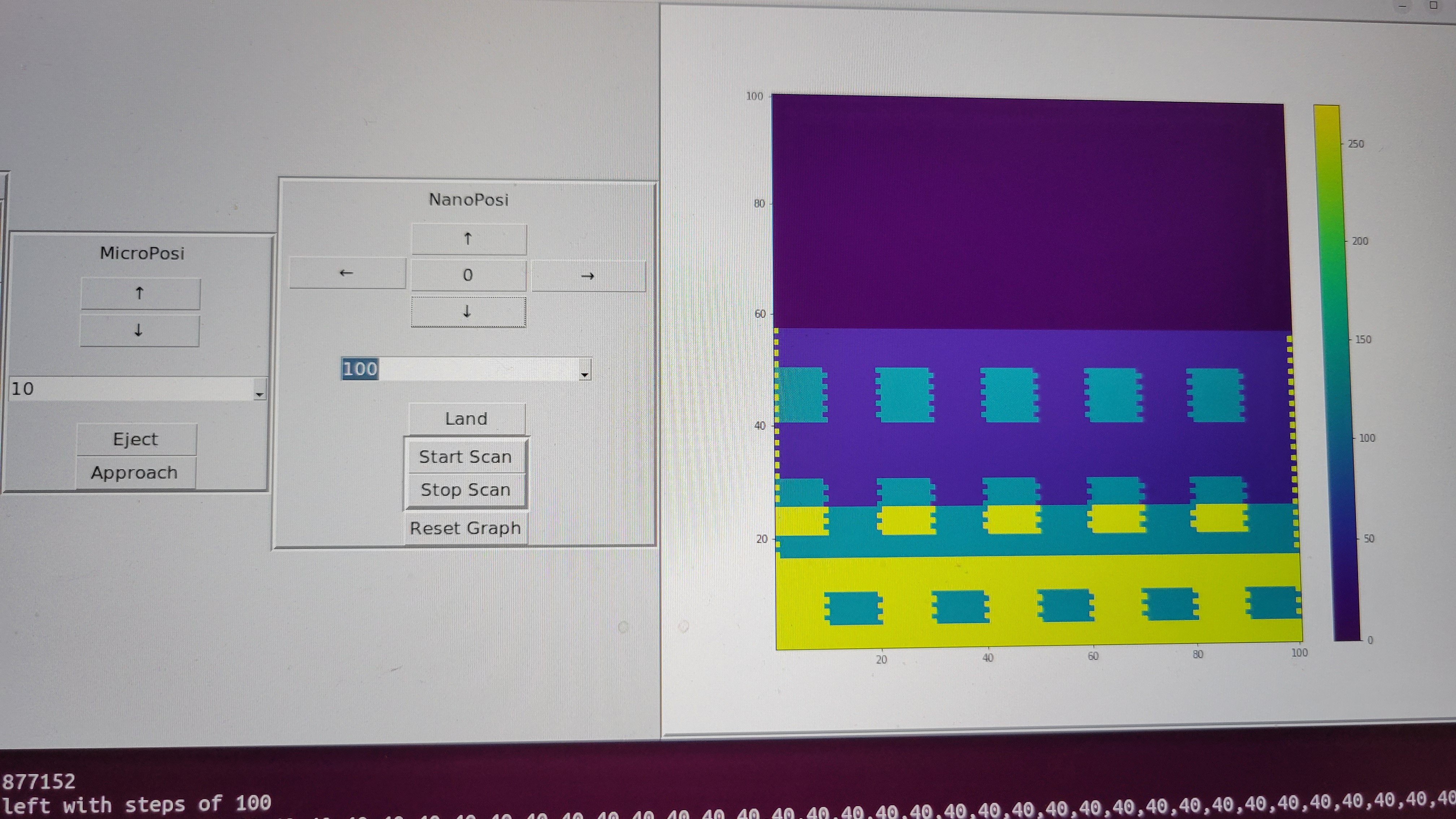
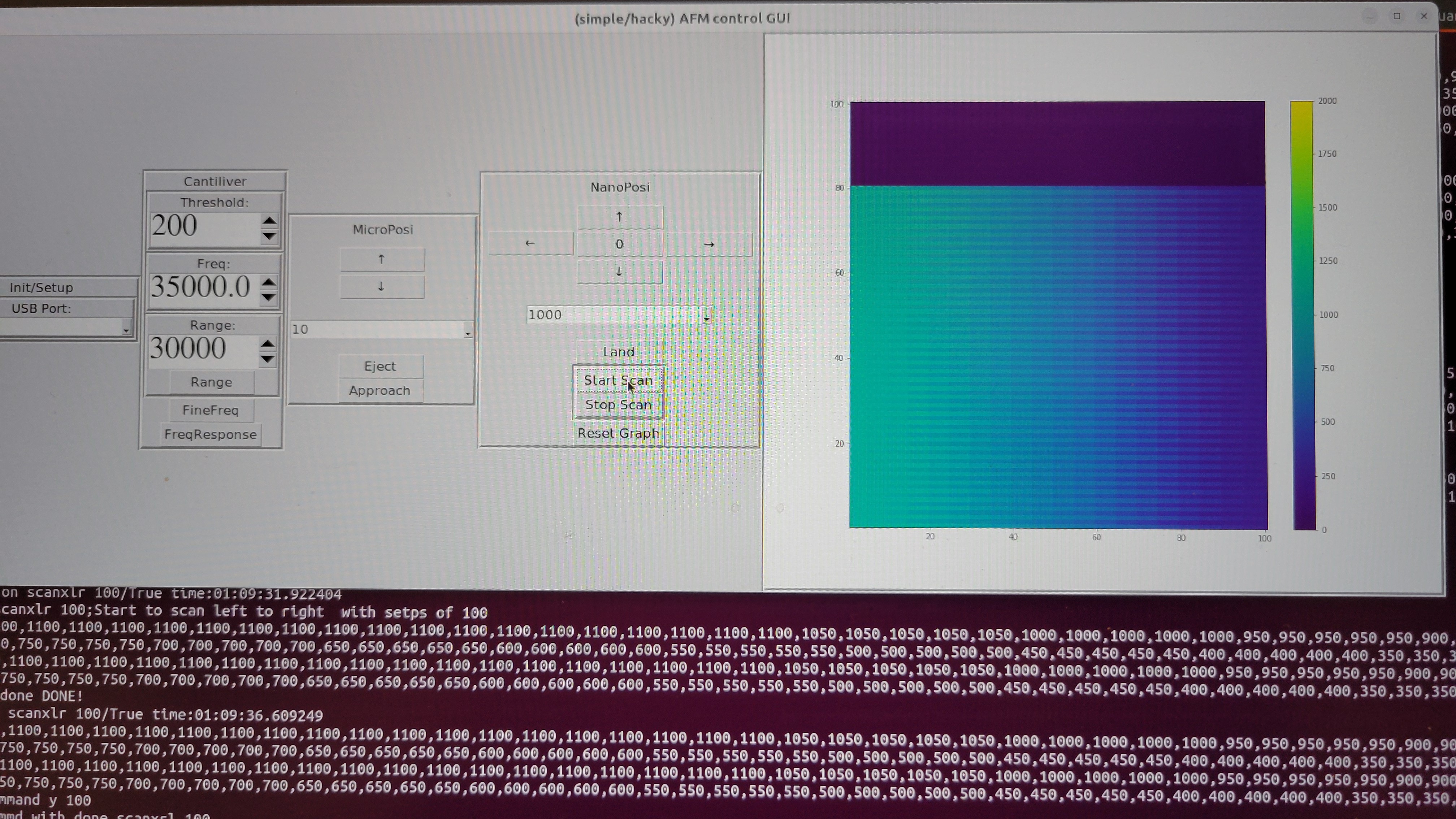
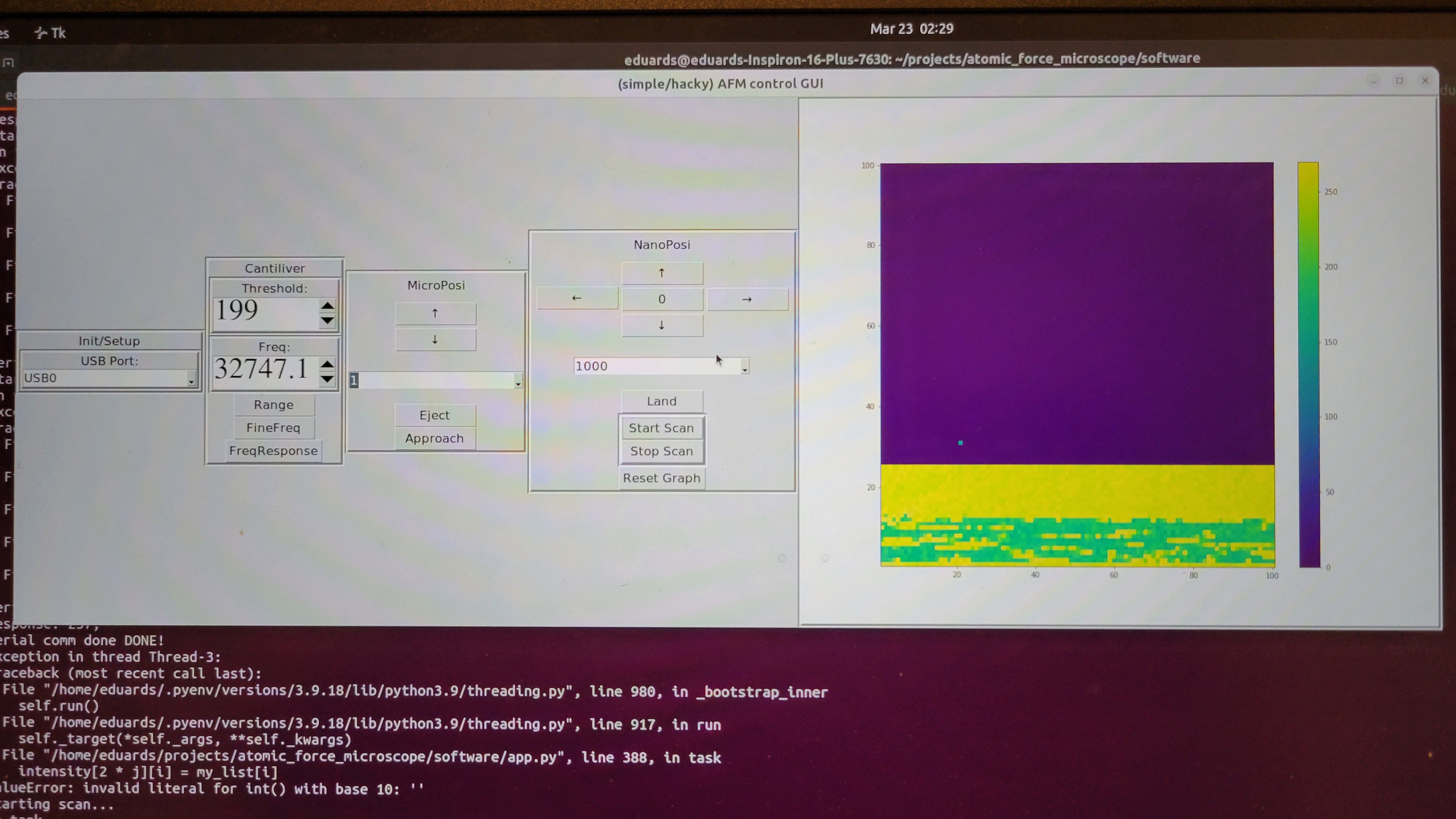
I made very simple/hacky GUI, it has the minimum required to get 2D data.
It has few stages, connecting to serial port. Calibration of cantilever frequency. Micropositioner control, nanopositioner control and 2D heatmap graph to show output.
It took me more time than I've expected to connect GUI to firmware but it works now.
![]()
I have only CD-RW as a sample. If someone knows other nano scale structure that I can put under AFM, let me know. ( And it should not cost fortune...)
Fixed the GUI issues I had now it's working (although with some bugs) as expected
-
First image
02/27/2025 at 06:54 • 0 commentsAfter long, long work and long, long calibration I got my first image of copper plate.
![]()
The graph is reversed, since in my setup when we get 250 it means tip didn't touch the surface
Funny thing I found is LibreOffice and Google Sheets doesn't have 3D plots. So I had to find some simple python code to do it.
------------------------------------------------------
Manual calibration is difficult since each touch takes all system out of stable state.
So, I've moved back to OpenFlexture with stepper motor which can be controlled by software.
Luckily we don't need any electrical changes
![]()
Looks good:
I've finally figured out how automated calibration should be performed. Move micropositioner up one step go from down to up on nanopositioner if found stop otherwise go down in nanopositioner and make another step in micropositioner. At some point tip should toch the surface.
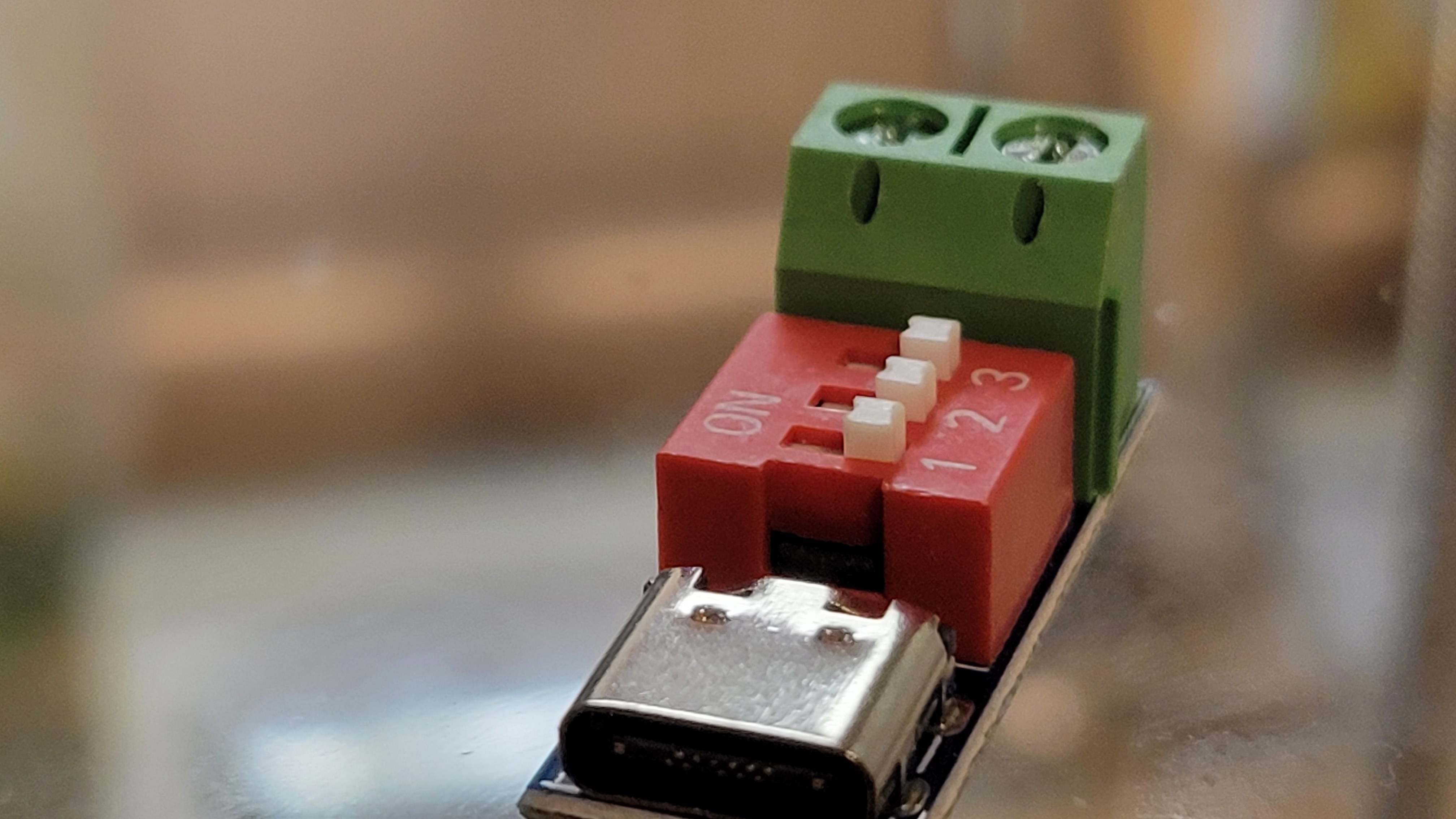
After some thought I've decided to add another power source for power hungry stepper motor. Although it possible to use original power board the voltage regulator became too hot and at this point I didn't want to lose another board. USB-C PD (power delivery) is an easy way to connect USB-C adapter and get its power.
It's small and can get you voltages from 5 to 20v depending on what your adapter provides.
![]()
----------------------------------------------------------------
I've tested the stepper motor with microscope and saw that on micro meter level it moves much smoother than when I touch it with my fingers.
![]()
----------------------------------------------------------------
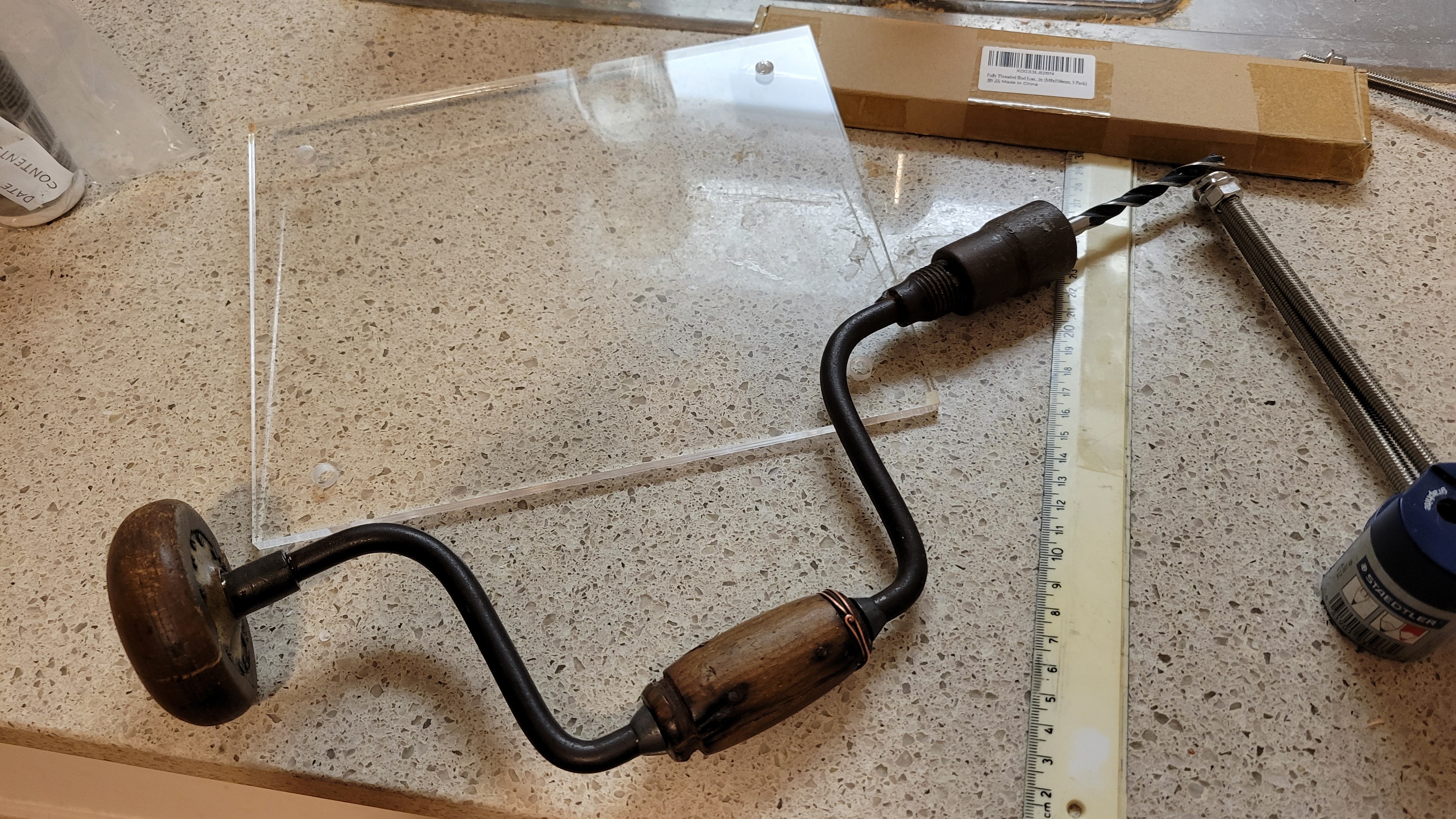
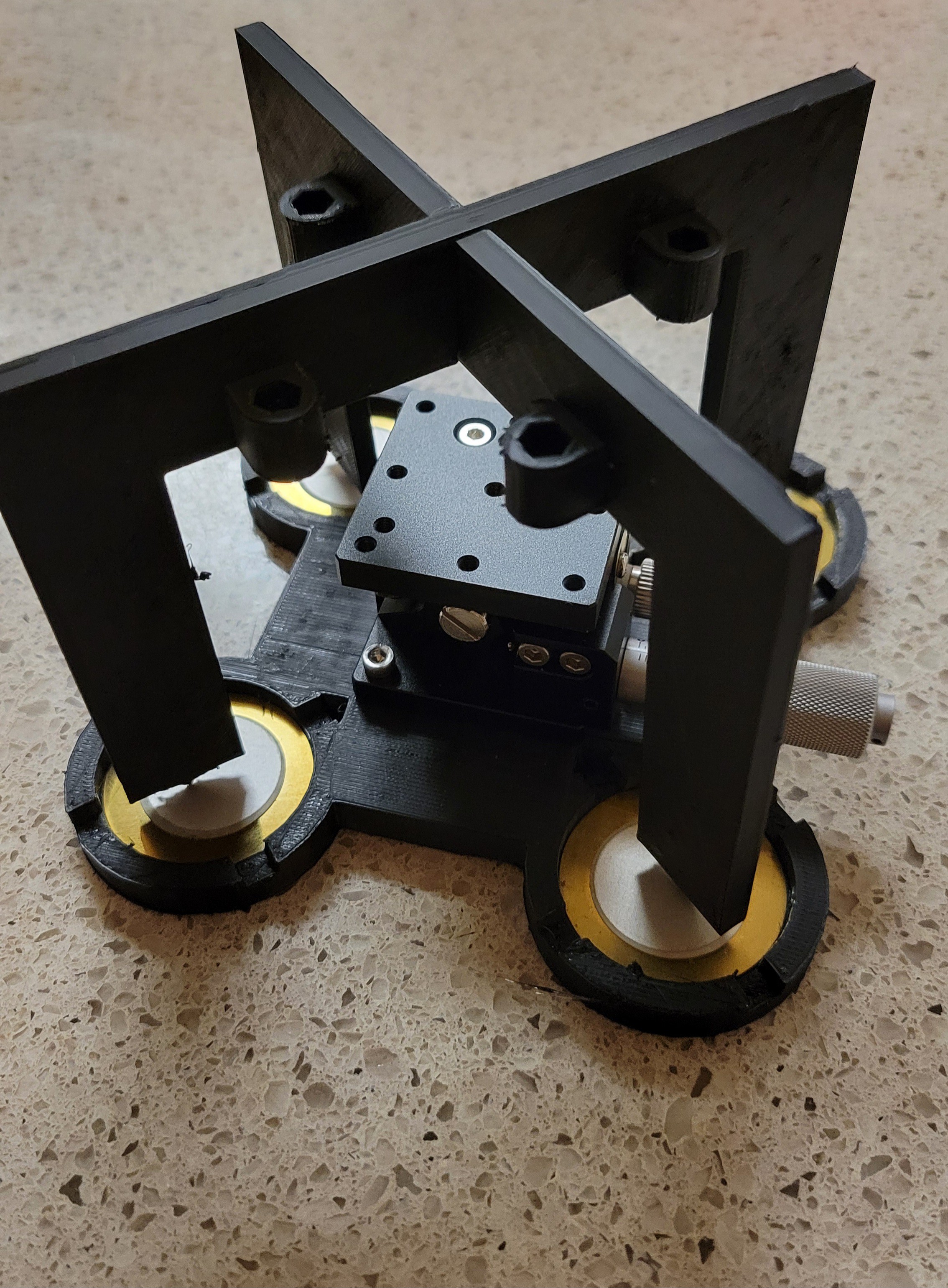
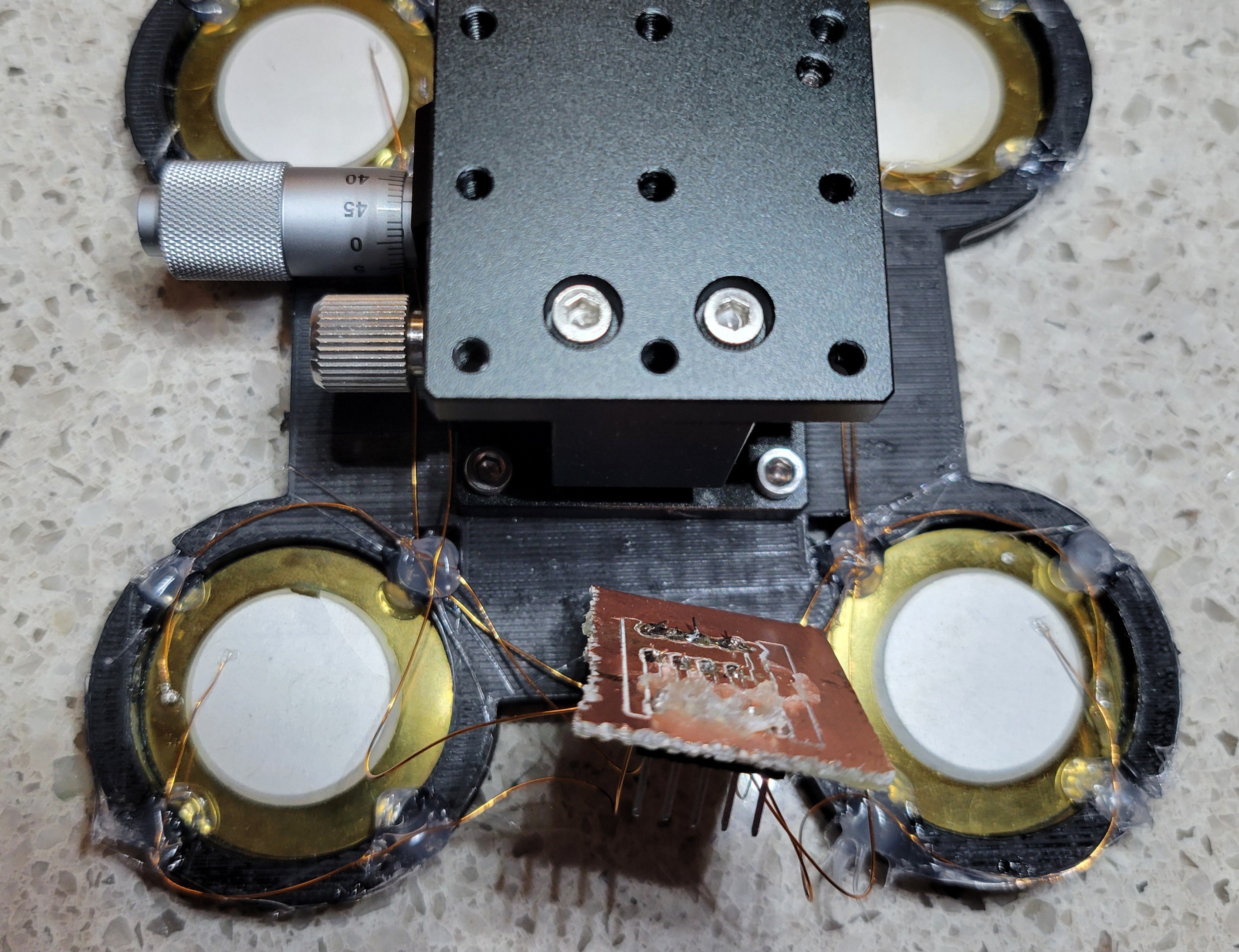
I was amazed from magnetic eddie current dumping system, plus using a tire and box of rocks was not convenient (although cheap) to work with. So, I've started to build a box to hold springs. Instead of 3D printing I've just used big acrylic board and made holes in it. Printing such big components will take forever in my 3D printer.
![]()
I know, I know this tool is prehistoric but it did its job without cracking anything ( It's my first time with acrylic so prefered to go slow... very slooooow)
------------------------------------------------------------------
I've added new commands to control micro positioner/stepper motor from software. Plus, I've added 'ring' command it to test piezoelectric discs connection. Although it's volume is low and nothing should be on piezoelectric discs it makes a noise and you can give a channel number {1,2,4,8}. This way you don't need signal generator.
------------------------------------------------------------------
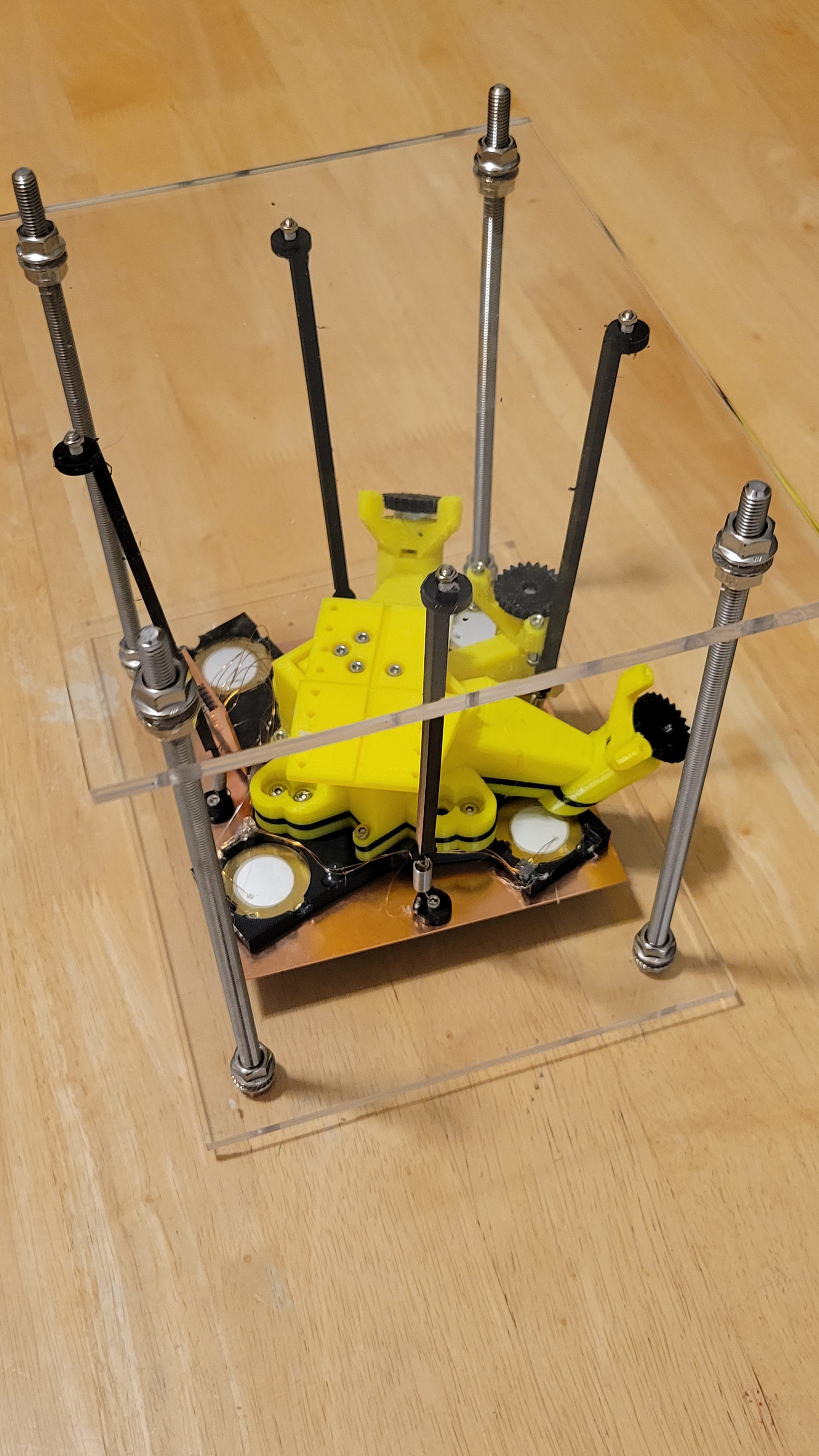
Added magnets and copper plate on top. This way we have Eddie currents that takes energy out of the system.
You can see that I've pushed them to the same starting position. The one with magnets stops very fast the other takes few seconds
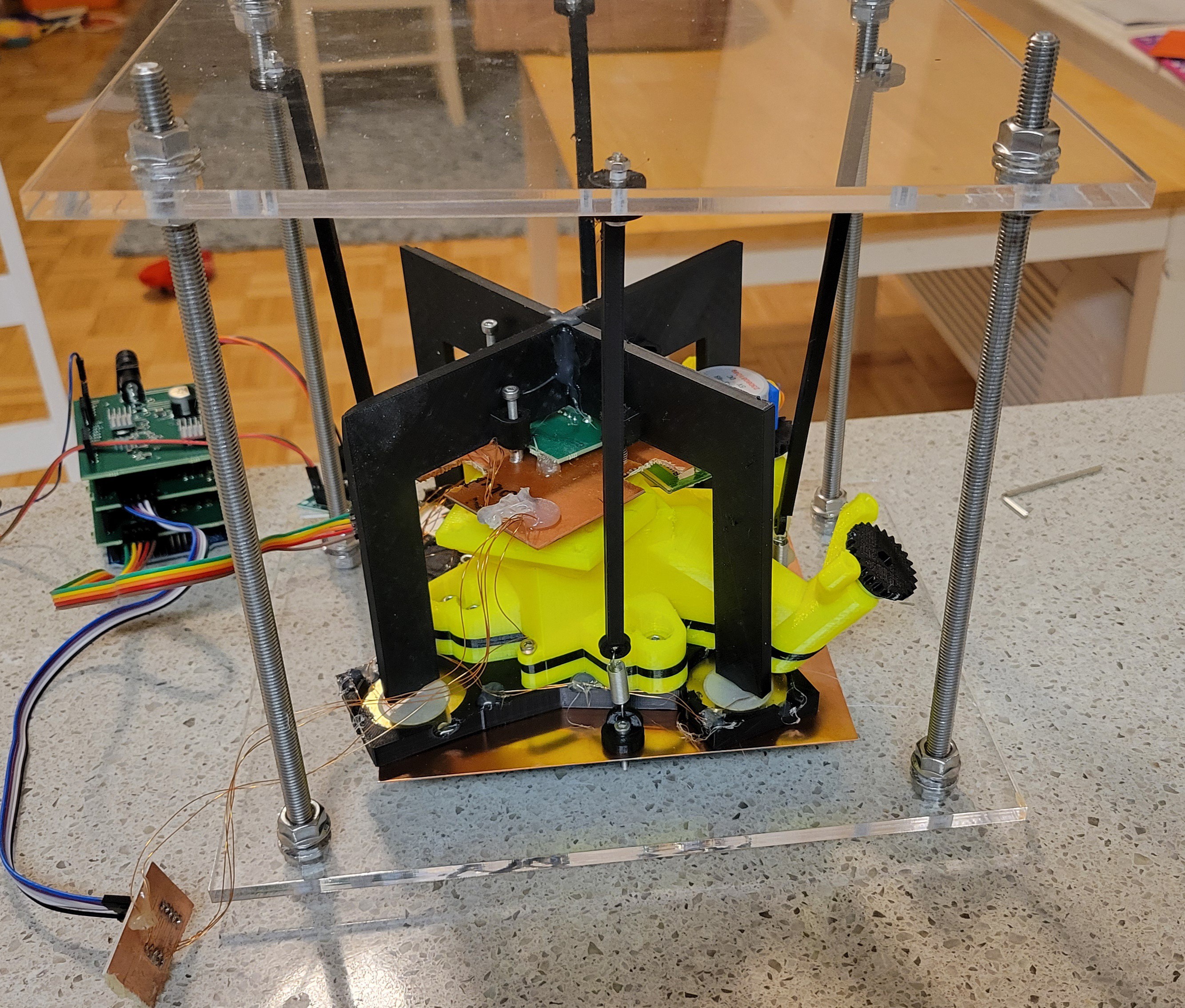
And this is how upgraded mechanical part looks like
![]()
-------------------------------------------------------------------
The micropositioner stepper motor worked better than I thought. I was able to run with 10 steps and even 1 step at a time to make 'approach', step that was super annoying to do manually. The accuracy is amazing I was running with 10 step hops it was so small I could not see the change only after a while I could see. ( I was looking through my cheap but long distance microscope).
Interesting thing I found is if I run small hops (less than 16 steps at a time) micropositioner goes back a little. This is not happening if 16 or 32 steps at a time used.
When this happens it usually takes 3 steps to get back to a point it's touching the surface.
Now what is really amazing is it takes about 10,000 nano-positioner steps to get back those 3 micropositioner steps. Each micropositioner steps is about 5 degrees devided by 64 (from stepper motor specs).
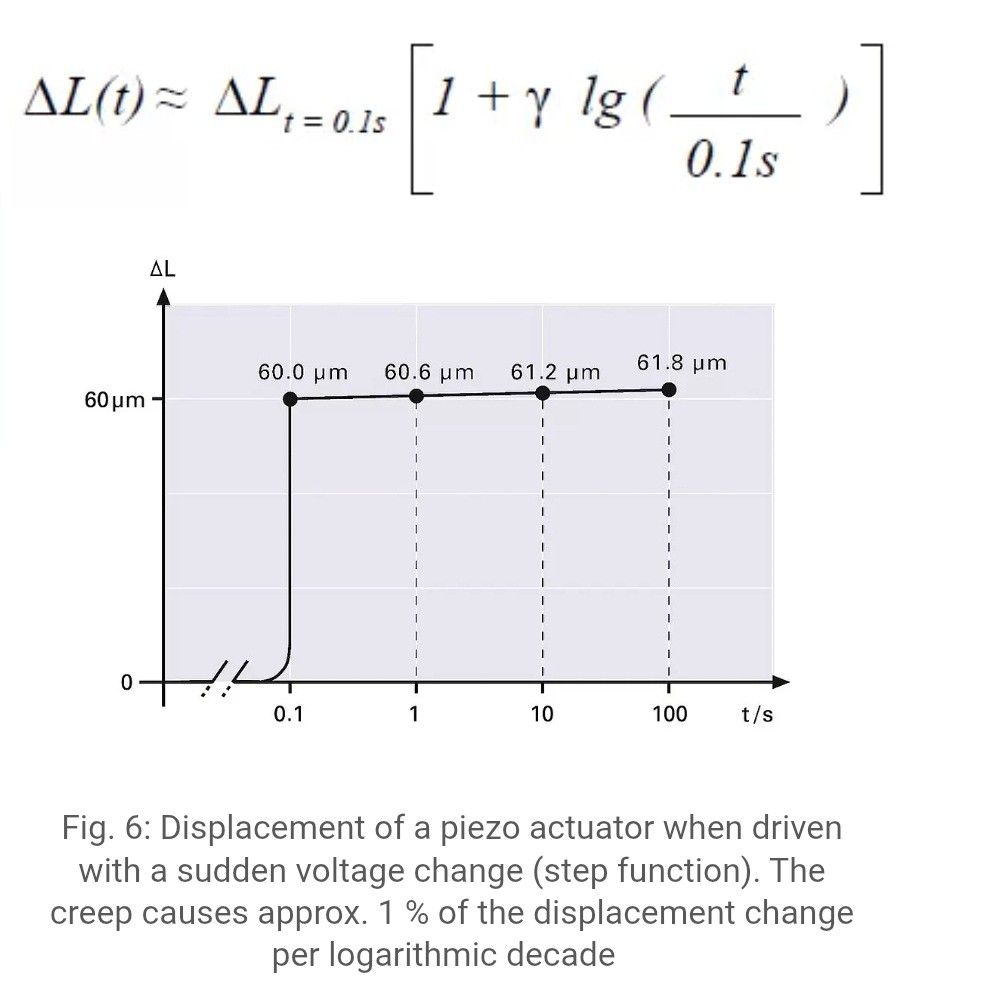
I finally solved the creep issue, after learning more about phenomenon I've found this graph
![]()
So, what I have it's not a creep, creep should be about 1%. So, I've suspected in the tiny connection wires of quartz forks. Could it bend each time it touches the surface?
To test it, I found an old quartz fork that was glued to the usb PCB plate.
Since I've solved electrical issue (by connecting plate to ground) I was able to use this one.
Ta-Da!!! It's working as a charm. No creep issue at all (even after going 3k steps down and back)!!! Now all is left is to connect vibration reduction and hope for the best....
-------------------------------------------------------------------
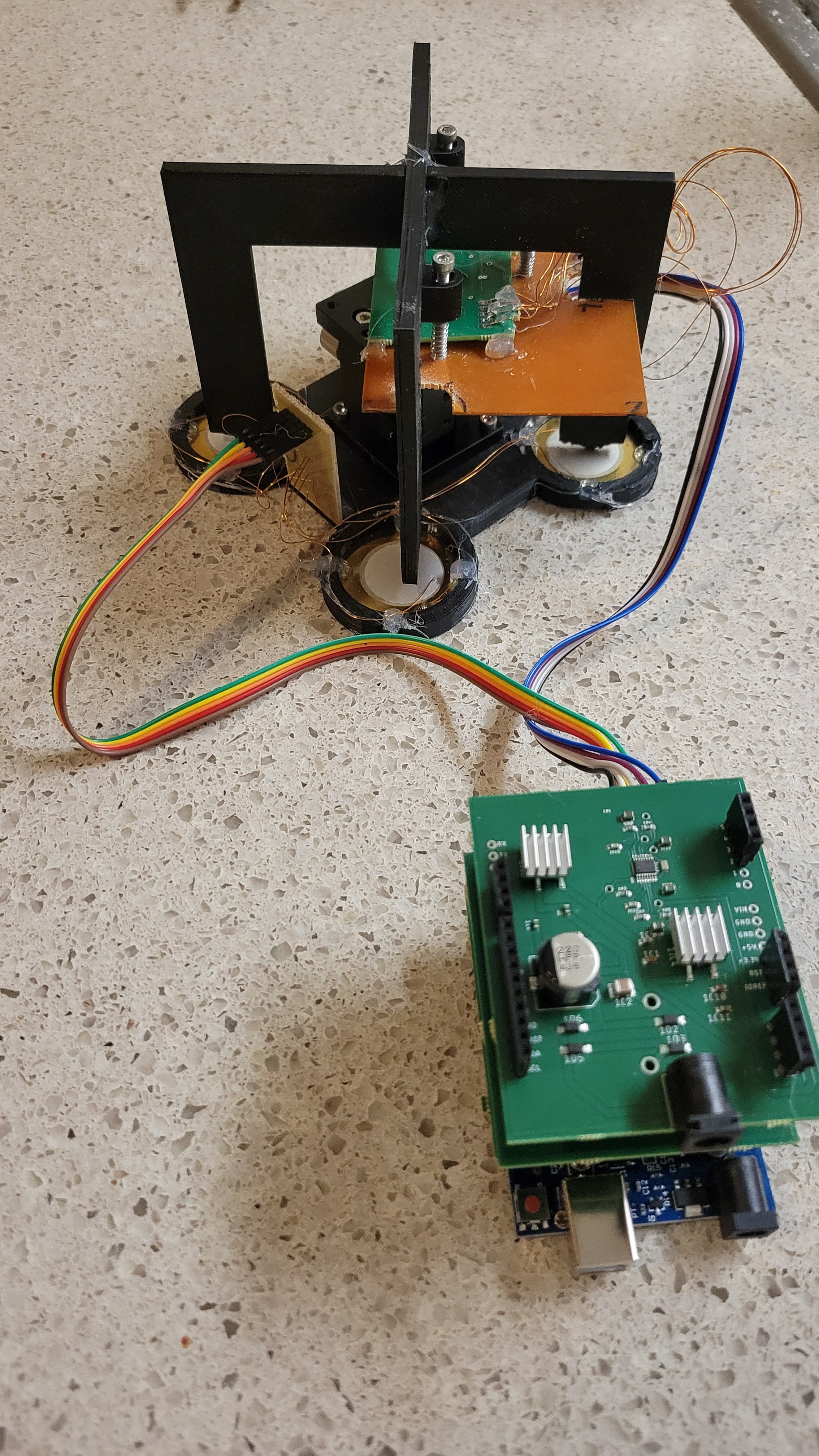
Finally the moment we all waited for so long. Everything is connected including vibration reduction system.
![]()
Note: I had to take a piece of PCB in order to fit it into vibration reduction system.
![]()
Now, I've followed the same procedure. Approach, few times getting closer and then scan. For now I scan only on one axis, so it easily to debug without the need of copying contacting etc. Plus, I prefer to do step by step.
The results were better than I expected.
![]()
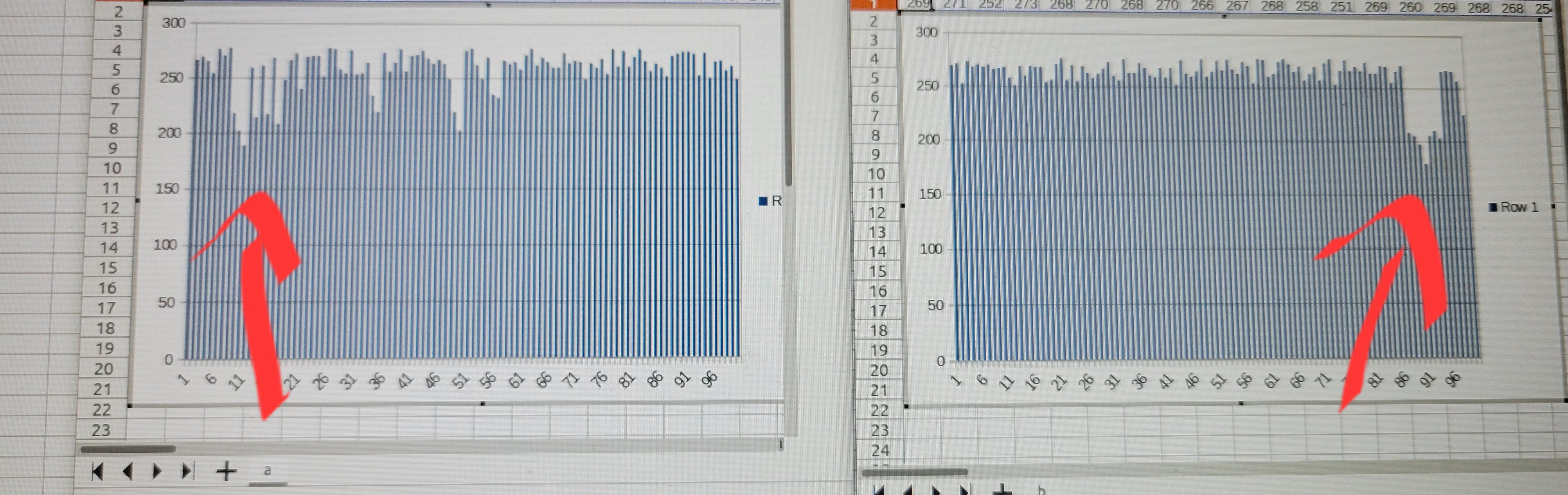
Here is two scans from same point in the sample. one from right to left and second from left to right. You can see the same notch in opposite places.
The 250 is where touching something and about 200 is where nothing detected. This is not a noise as noise is much smaller in range of 5-10.
The graph is quite binary but it can be much smoother when I will reduce the steps from 10 to 1 per hop. ( I've used steps of 10 so more surface would be scanned [I want amplification better than optical but I am not interested in seeing atoms at this point])
The next step would be writing Python based GUI. With GUI we could see 2D images of data.
-
Data acquisition
12/24/2024 at 22:55 • 0 commentsAll the work comes down to this moment, data acquisition. The idea is to get data representing the height of tip as a function of x,y.
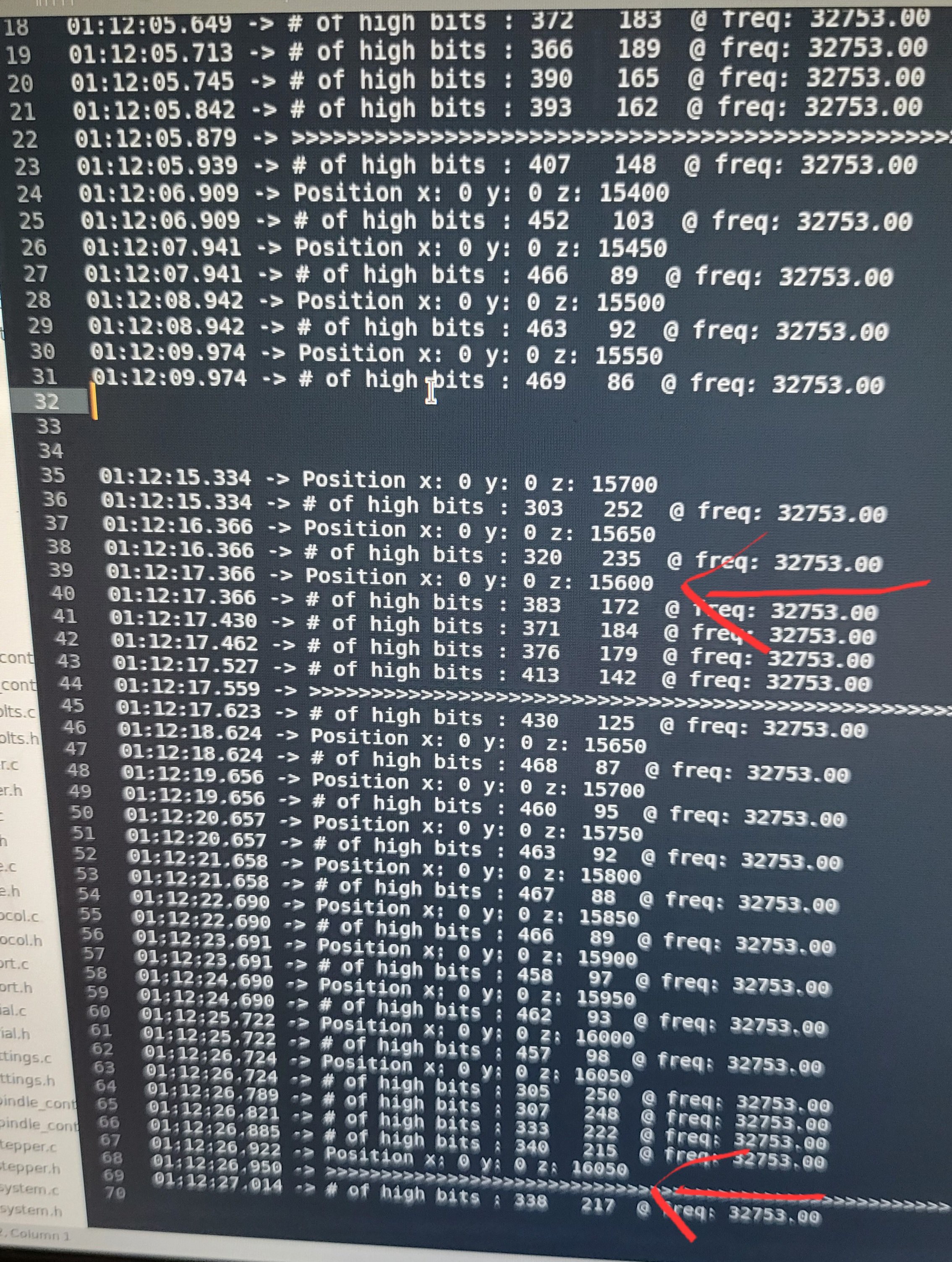
Unfortunately, it's not consistent. I go up and down 2000 steps and I see frequency change. I would expect frequency to change at certain height give or take some noise. Well, I see something similar and the noise is of about 200 steps. Than comes the trouble, if I continue doing it say four five times, the threshold frequency changes qnd goes up. Tried with tip and just clean quartz fork. Added tire to remove vibration and turn off all electrical appliances around. Still same result.
I suspect it's the rubber bands in 3D-printed xyz stage.
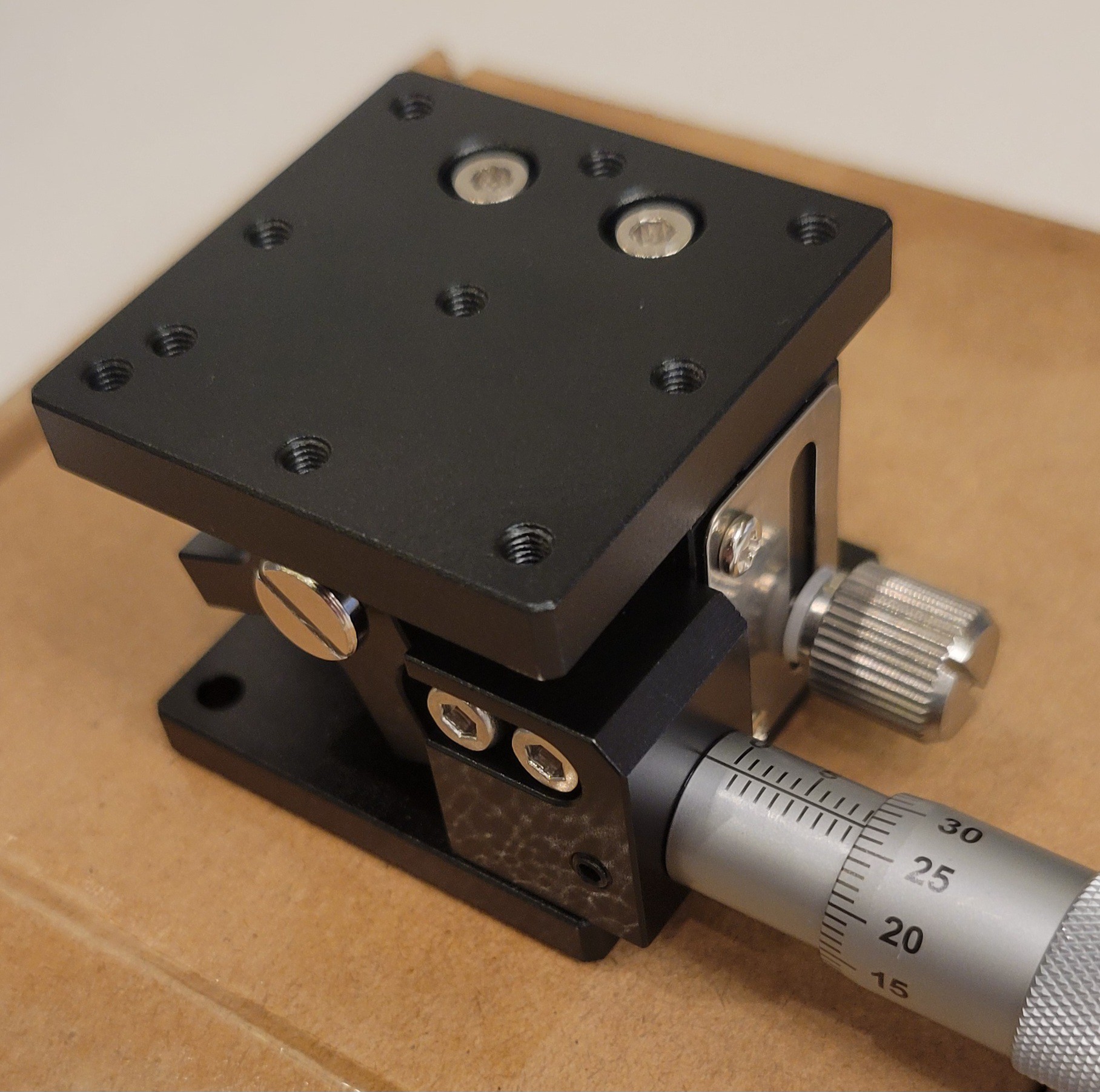
I've ordered cheap Z-stage on aliexpress. https://www.aliexpress.com/item/3256806481789030.html?src=google
Got this beauty
![]()
This beauty is really small, so I need to rebuild all the 3D mechanics again for this miniature size. It will be third time I 3D-print this part... 🤕
I really fed up from this project, instead of printing I've just place hard metallic piece. It's ugly hack but hey that's my name 😉
![]()
Let's see if the creep comes from all the plastic or 3D printed Delta stage.
Still got the creep, now trying different types of quartz forks, maybe it's because of soft metal the quartz fork connected to the tiny PCB board.
![]()
Basically it's same fork now glued to PCB. Other option is one of the fork's prong glued to the tiny PCB. Fingers crossed...
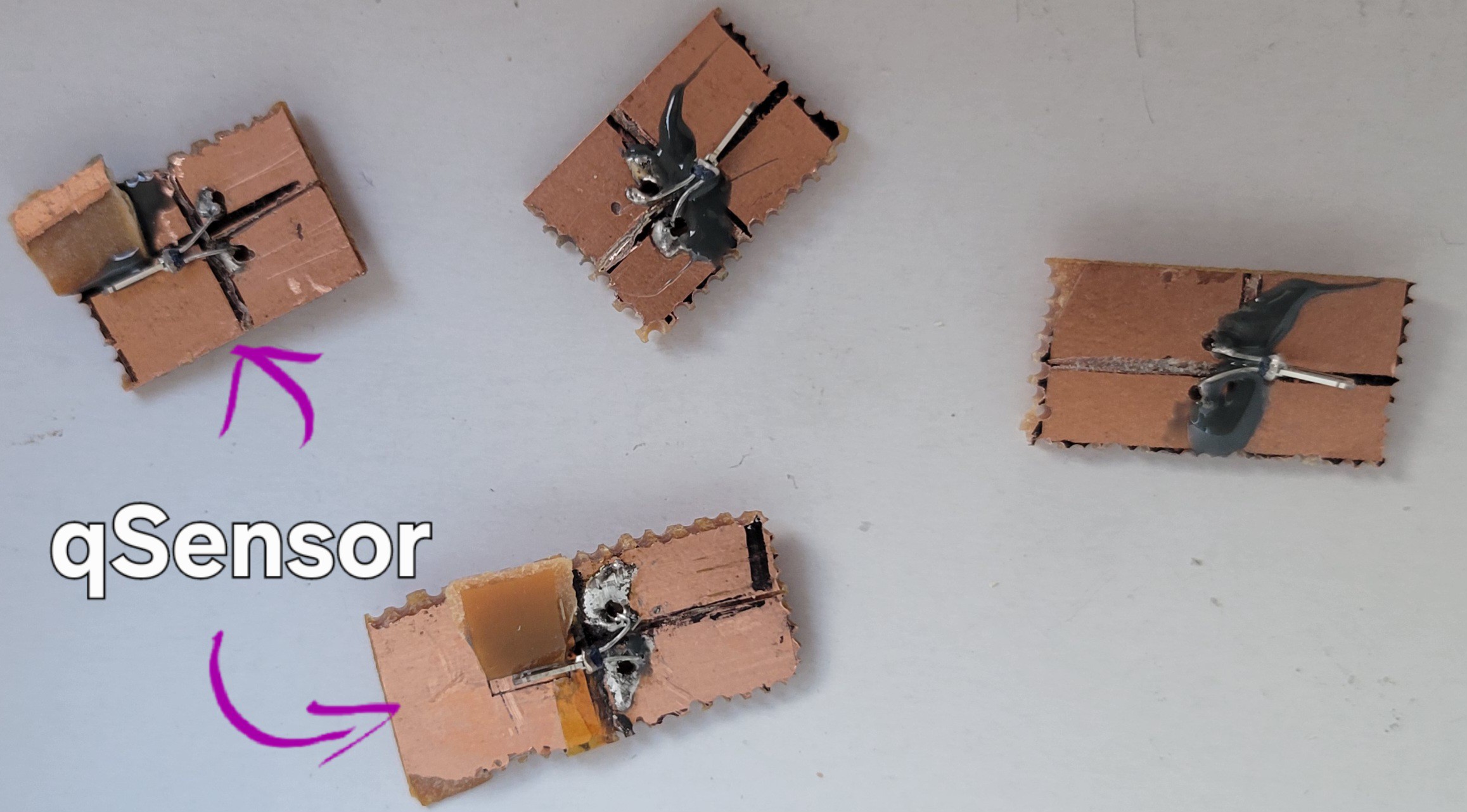
'qSensor' didn't work, one I couldn't find frequency other I could see barely something.
The regular with base glued to PCB one didn't work for some reason ( maybe it got bit of glue on it) other was working and I could find the base frequency. Then I managed to break it.
Ok, made another three quart forks (just to be prepared if anything breaks). Made a few tests, still have the same problem.
It's not the xyz stage, it's not quartz fork (now it's rock solid). What else could it be?
It's not USB connection used little piece of PCB to make it stable. It's not electronic problem rechecked with scope.
What can it be? I have no idea... 😧
Ok, after reading some papers and specs of piezoelectric materials it looks like even the expensive ones have some creep (about 10%) and hysteresis. Moreover, it changes with time...
So I wrote simple piece of code which basically goes up until passes some threshold and then goes down the trick was to make it slow so piezoelectric element will get stable.
Ta-da first time data...
![]()
It stable enough for now with 400 steps diff. I will remind that those readings were done in noisy environment, without vibration dumping and without shielding.
Another setback, although I can achieve precision of 400 steps. It's changing with time, in other words if I do two tests one after another I get close results, but of I take a long break between I got results not even close.
I suspect that this is mechanical, as I've applied too much glue to hold the electric wires when connected piezoelectric elements. Plus used regular electric wire instead of one thin wire
![]()
I will try with using tiny wires and soldering paste and see if it's the problem
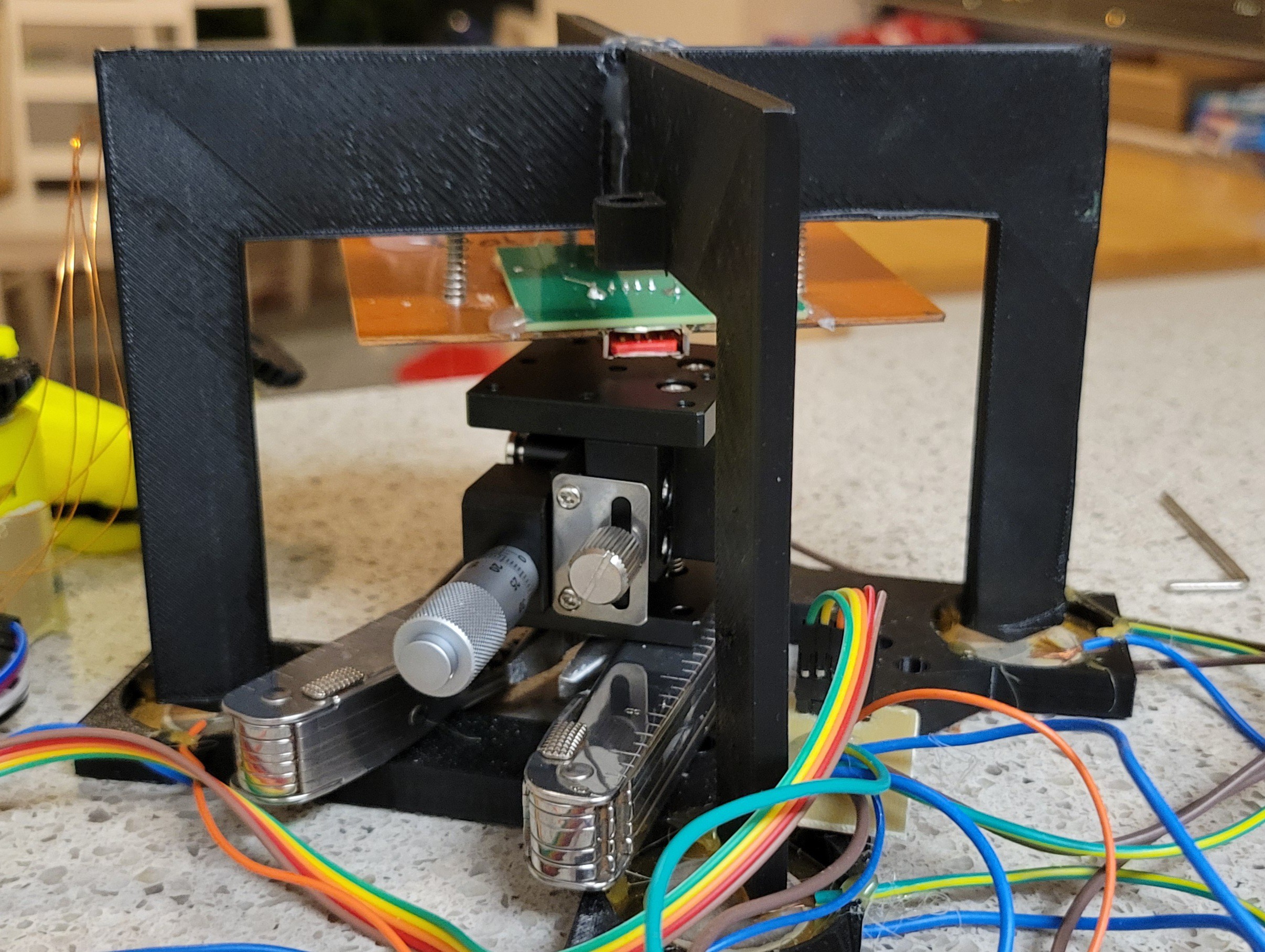
Made another mechanical part version 4.0 I think.
![]()
For now I have used AliExpress micro positioner, only because it's smaller and easy to obtain. I should go back to OpenFlexture Delta stage, since it more accurate ( I think, don't know how to measure it) and can be easily motorized.
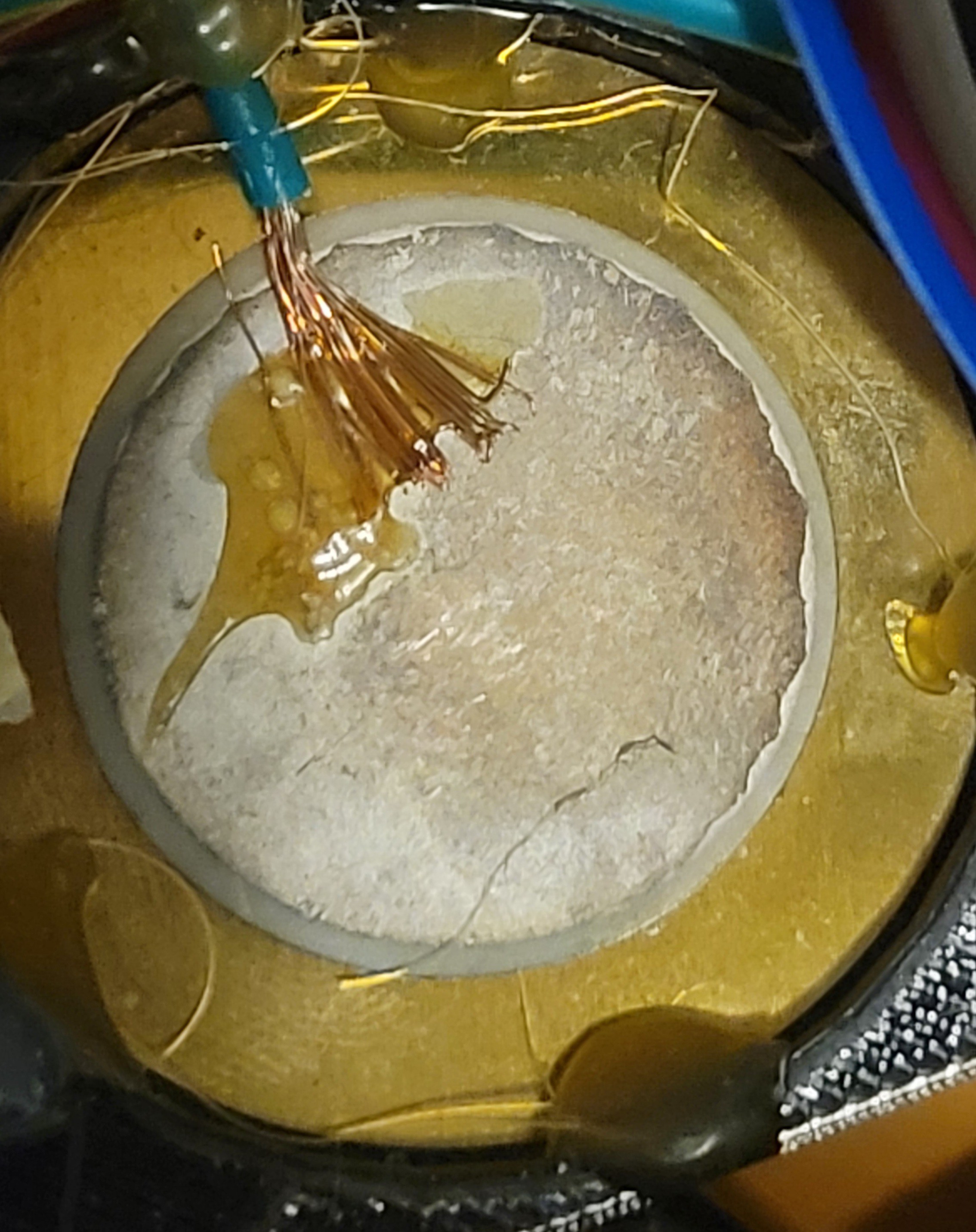
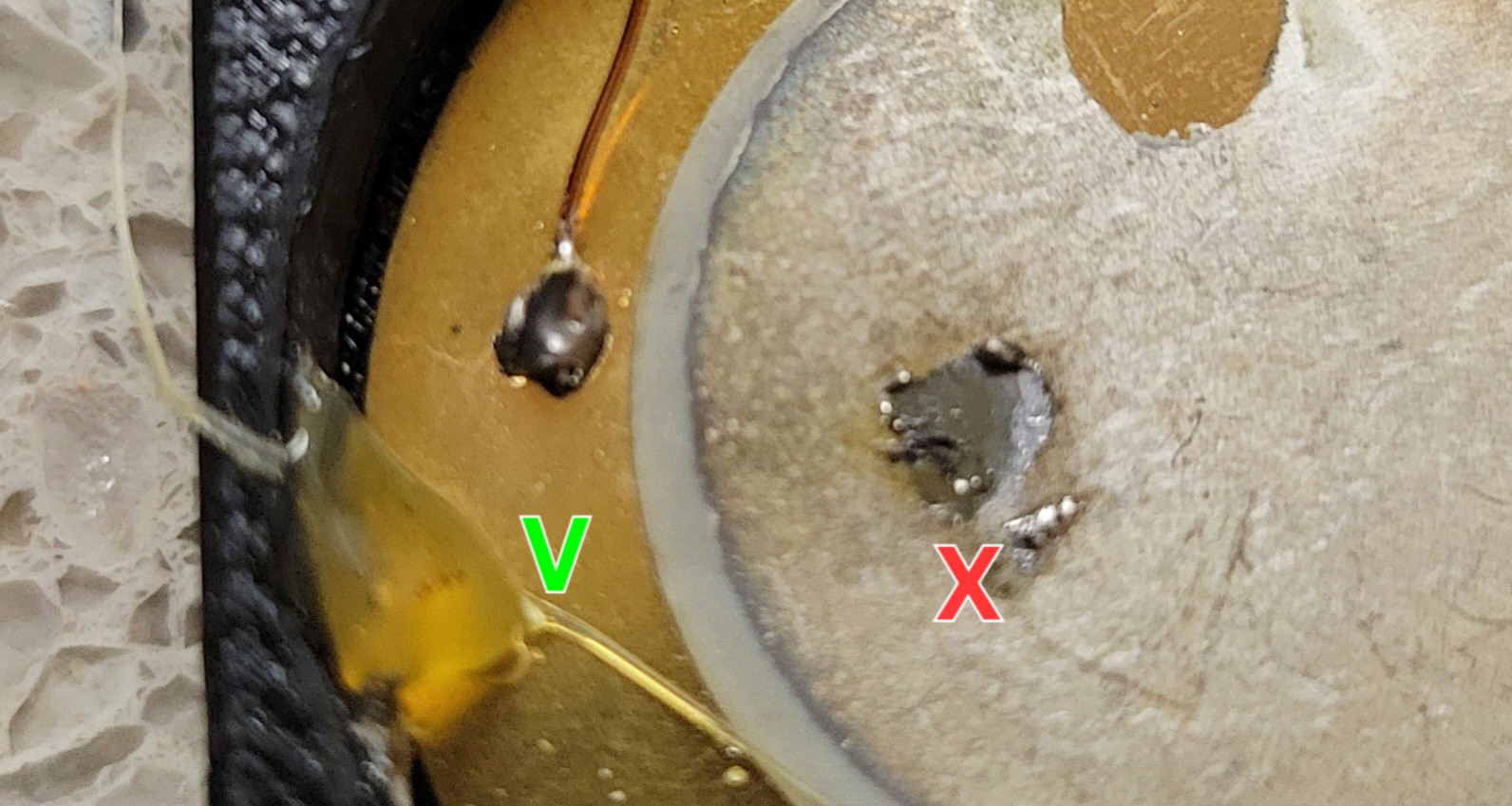
Used old piezoelectric discs to try to learn soldering. It turns out brass part is easy to solder to quartz almost impossible without ruining it.
![]()
So I will use conducting ink(scribepen)+super glue to connect 0.3mm wires.
The result was quite good and even my kids were unable to break it. Let's connect the real one and hope for the best.
Started adding thin wires (ground) so far so good.
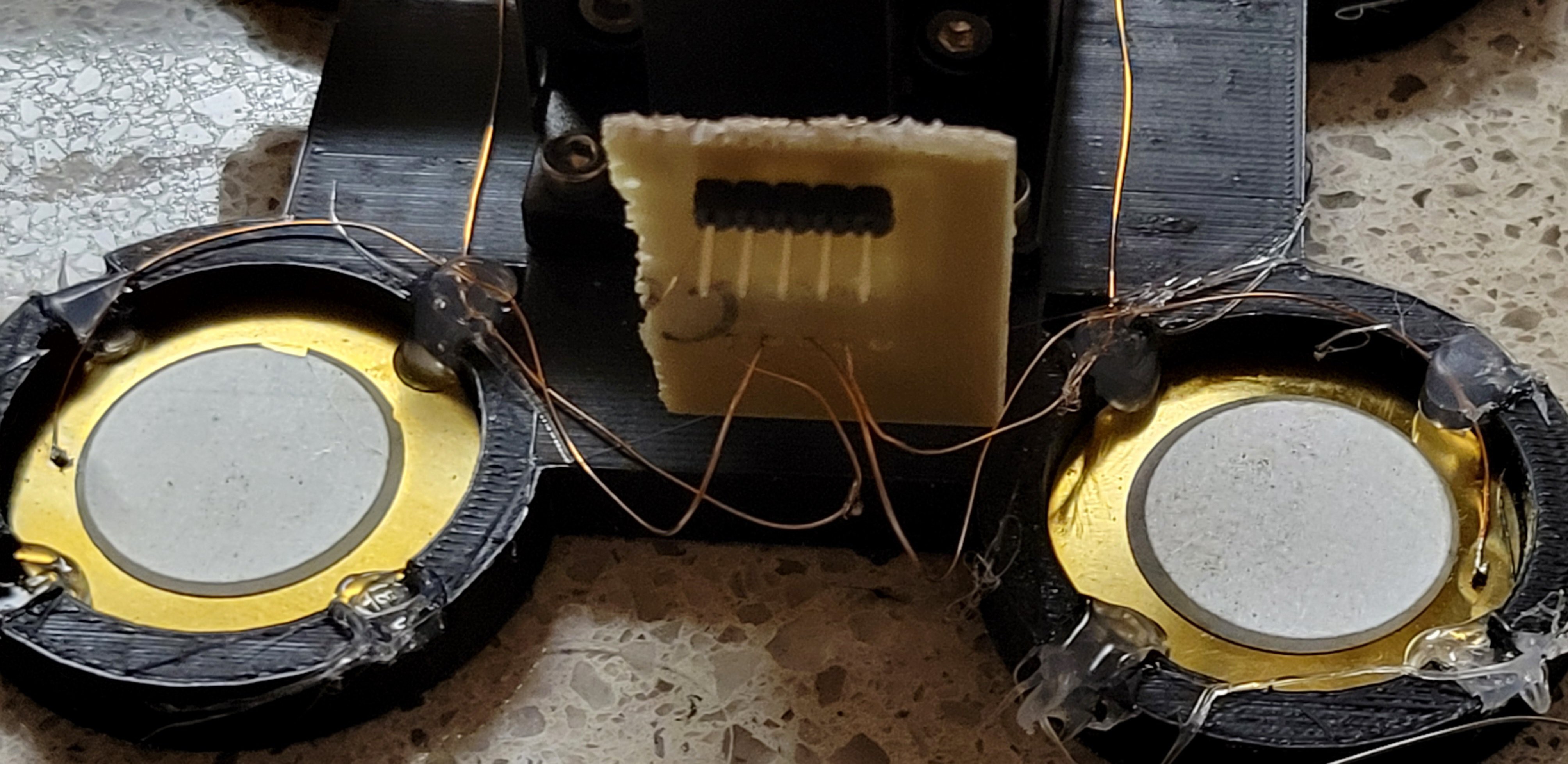
![]()
Now added the connections for each piezoelectric disc, the connection is in clock direction. (To ensure X+ and X- are in negative directions) used bit of scribepen and super glue.
![]()
Let's dry it for the night and see if it is working or this project goes to garbage 🗑️
------------------------------------------------------------------
Good news, the new mechanical part seems to work much better.
![]()
Was able to get to 25 and 10 steps resolution (less than that, I think, is waist of time since 25steps is 25mv which is my currently noise level of the system)
I mean I was able to set position so I was on the edge between touching (the sample) ~250 and not touching ~80. It was about 200 and minor change of three steps of 25 could take you up or down.
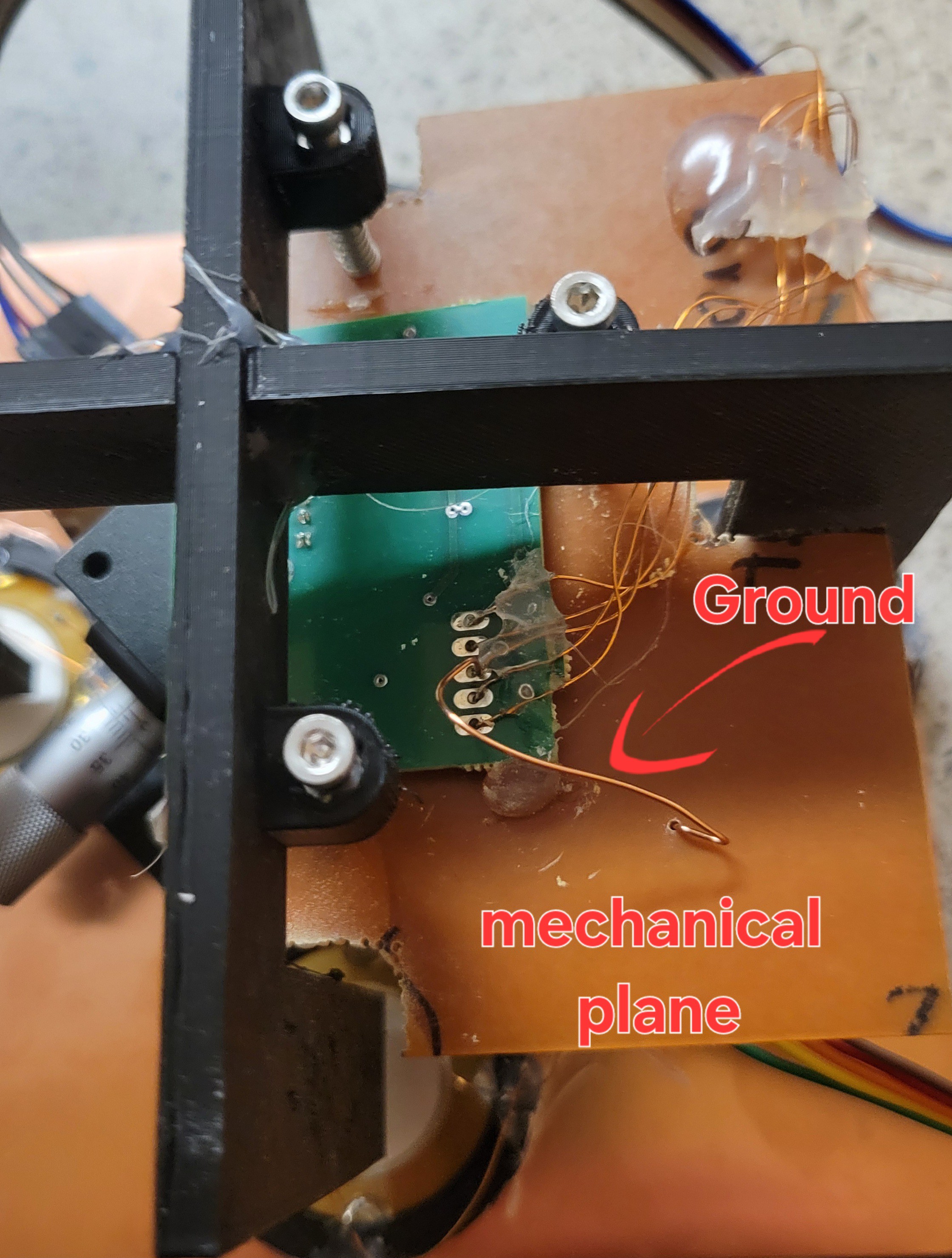
Some important changes: I've connected the plate that holding sensor module (the PCB with USB on it that quartz fork connects to) to ground and got much better SNR. Instead of 180 I got 80.
![]()
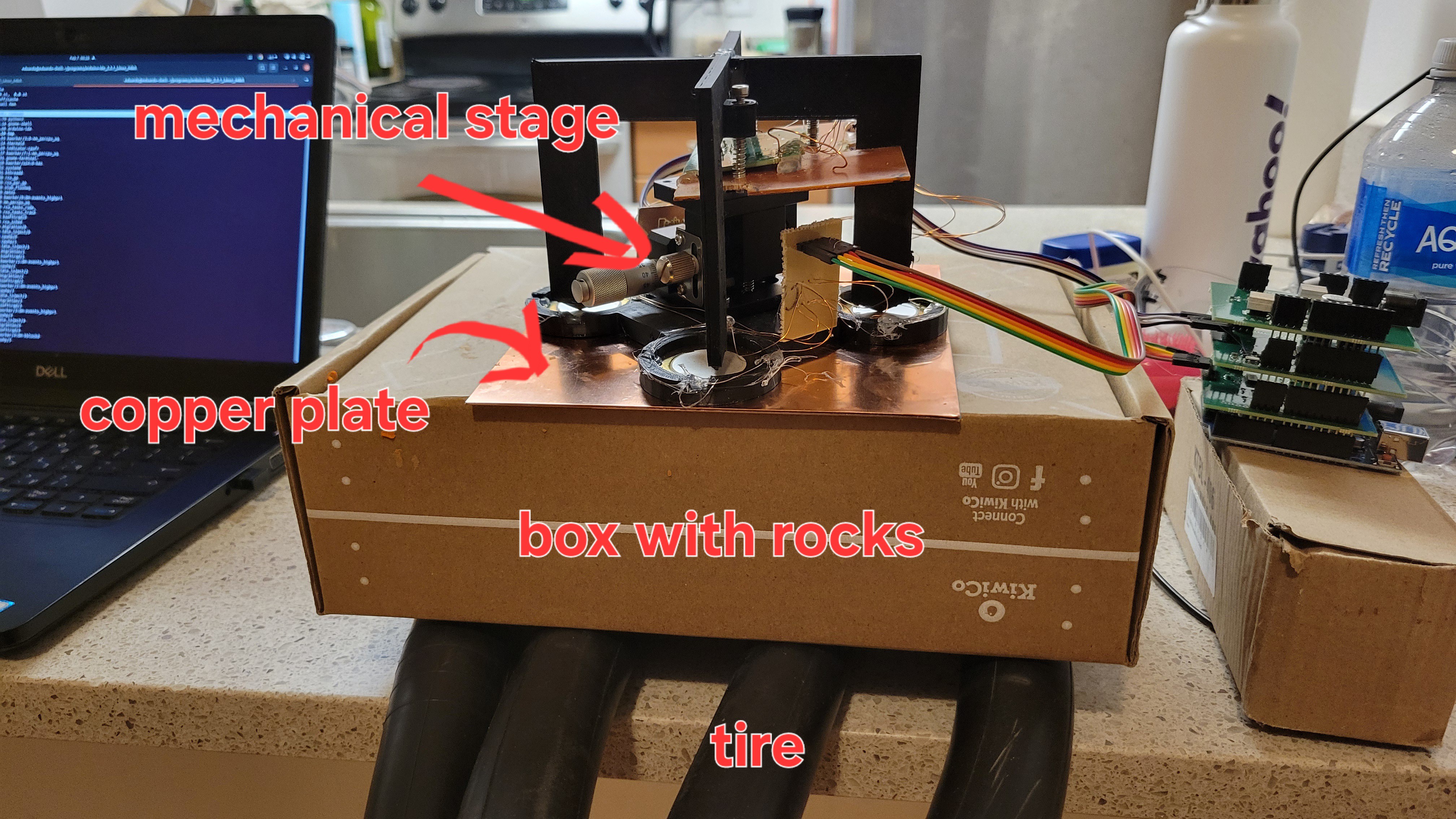
Also, used the vibration reduction system which was a tire above it box with rocks (for weight). On top of the box I've put metallic plate to make sure plastic doesn't get deformed. On top of it all mechanical stage.
![]()
Turning off appliances also helps.
And last but not least is to run changes smaller each time. For example I've started with 30k steps just to see if I am in the range. Then reduce to 10k steps, 2k, 100, 50 and final 25.
I don't know what should I do with a real tip as such a big steps would definitely bent/break it.
But this works for now.
-
From DIY to 'turnkey' project
11/12/2024 at 05:26 • 0 commentsTL;DR -
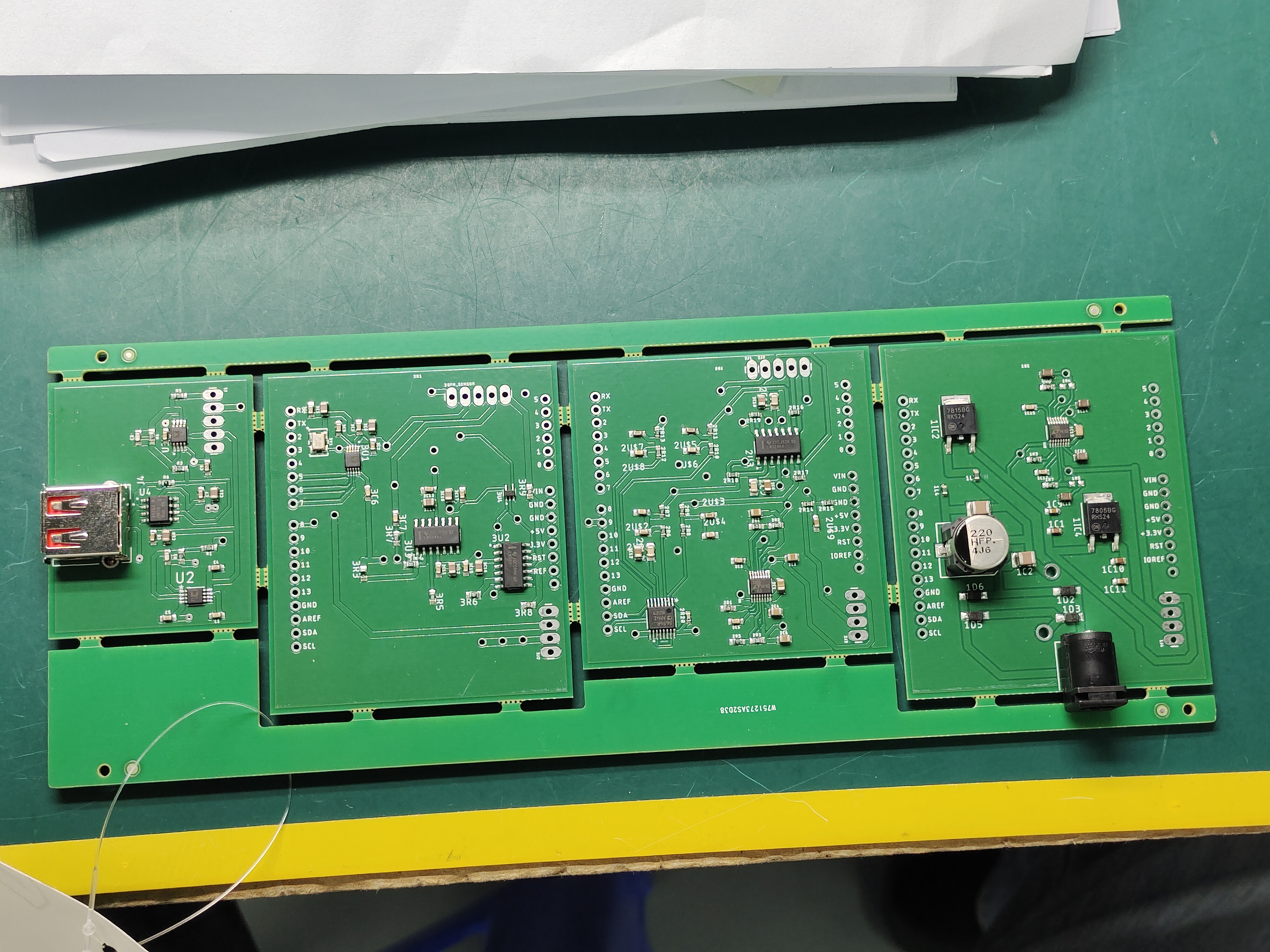
Now you can buy all electroincs of this project (boards with components assembled) just by two clicks on PCBWay. No prior knowledge of electronics required. Plus, you can buy all the bodyworks using 3D-printing services. All is left is some gluing and some minimal soldering that everyone can do.
![]()
The longer version -
The idea is that this project will be accessible to all, not only electronics hobbiest. One of the problem with is that this project has lots of electronics. I was wondering, how someone without soldering skills (no, it's not easy as it looks like) and good electronic knowledge could make this project?In perfect timing (burned most of components by applying wrong voltage) I've been contatcted by a guy from PCBWay who was willing to support the project for a honest review. [Oh well, now I'm biased 😜]
It turns out that PCBWay and other comapnies are providing something that called PCBA. Which stands for PCB Assembly. Wait! What?! It's fantastic I could provide my schematics/boards and people could get assembled board with all the components.
So, I wasn't laizy and checked other companies all had the same answer put the files here (some demanded to convert to some bizzare formats) and engineer will return to you. Big NO,NO! I want people to push the button and get those boards.
I've used OSH Park, they have realy nice sharing option and it's supper easy to buy boards from them but they only provide PCBs.
For example, JLCPCB provide something close to that, you need to provide project files, BOM file and CPL file, then it goes through process of choosing components. In my case it chosen non-standard components and price was dobuled (plus fee of $3 on each non standatd component). After going each component and choosing the basic one price dropped to something reasonable. After that it took me to other window where components were placed for some reason all my ICs were in wrong orientation. So that had to be fixed. The price was the same as PCBWay give or take 10% (but it provides you two assemled boards). I've tried to ask if only one board could be provided but nope. For seasoned hardware developer it could be a good solution but if I want to share it with people who just want to build AFM with minimal electric knowledge it just not an option.
This is the point where I got realy amazed by PCBWay [Maybe I'm bit biased here] they DO have a posiblity of sharing the project, with all components.
To show how things may go easily bad was my experience with OSH Park. I got QFM board shared project in OSH Park, but they provided only the PCB (no assembly) and I failed to solder all the components properly (yeah, took me a week to realize that) and they don't provide the full schematic before you buy. I ended up building my own PCB layout just to make it work.
Biased? Maybe, but until now couldn't find any other service that provided PCB and component assembly which could be easily shared.
We can conclude it with the following: You got mainly three options.
- Mill PCBs and assembly by yourself [fast]
- Buy PCBs and assembly by yourself [cheap]
- Use PCBA services (such as PCBWay) to do it for you. [easy]
Now, lets look at the solution in terms of time and money.
Milling yourself is the fastest (and cheapest) but you have to own CNC machine and the knowledge to make PCBs. (It can be quite tricky). So timewise it will take you few minutes to build PCB board and few hours to assembly if you have good soldering station (plus good hands) and knowledge to solder 0.5mm pitch (distance between each leg of the integrated circuit) components.
Buying PCBs can save you the hussle of building ones but it takes about 2-3 weeks to get to you (unless you pay much more for expedit shipment, then it will take only 7-10 days). You still need a good soldering station (I use hot air gun and tiny tip iron) with magnifier glass (and other gadgets once things go south).
PCBA is great solution which will gurantee that all electronics going to work out-of-the-box but it takes month to get and it cost you much more. In my case I managed to squeeze all my boards into one 'panel board' so the assembly was $30 for all four boards (all electronics in this project). Plus, components which are about the same price I got in Mouser. The funny thing is that they charge you $30 for 'panel PCB' assembly which in my opinion is nothing compared to time you invest doing it manually. Finally it cost only $220. Unless you want practice soldering I strongly advise to use their service.
I guess there is no silver bullet, every one should choose what best for him/her.
Update:
Got the boards and started testing. Power board was missing two resistors (I don't know how I didn't notice it), but it was easily fixed. Sensor board got problem with xor, but it's my fault as I used new component without testing it first. Piezoelectric board got messed up resistors in the dcdc charge pump, so values was not a full range but I could change voltage on DAC via software. Good starting point, few tiny fiexs and we are back to point where we were before.
Update 2:
Fixed resistors values, it's my bad. I changed voltage to 5v and back to 12v but forgot to update schematic. It's looks very stable even on resolution of 20mV.
![]()
With every 50 steps is about 10mV.
Update 3:
Xor problem is actually mine, I removed pullup resistors thinking it belongs to old XOR. Not a big issue will fix it.
Only problem left is QFM module, something weird there, once I fix it we can continue exploring our microscope...
Update 4:
Added non switchimg power source
![]()
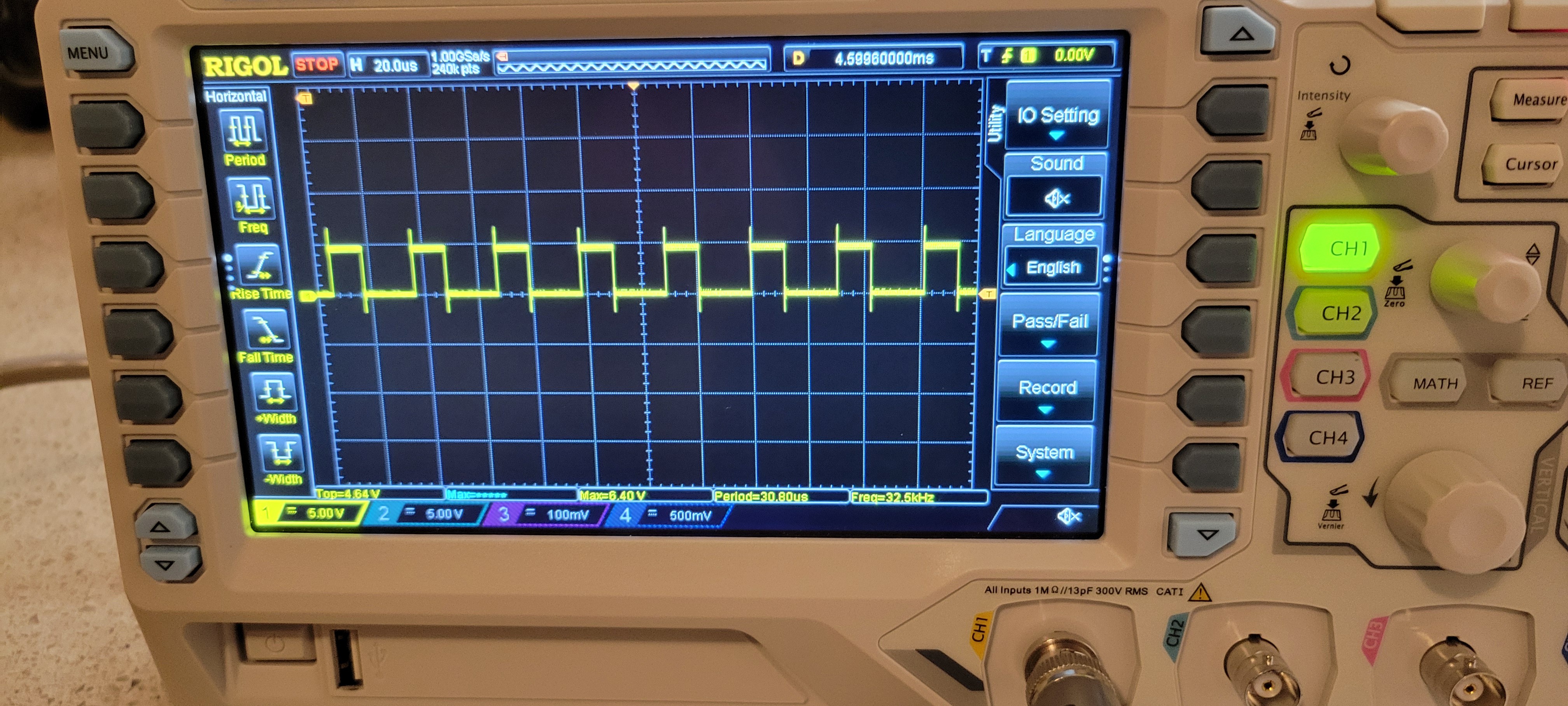
Added two resistors as pullups for lm339 the result is
![]()
The output was noisy but it's ok, since I didn't find the correct frequency. Last thing voltage regulator got pretty hot, I guess heat dissipation is needed. We are in really good starting point
Update 5:
Everything seems to work now. Looks even better than the real one
![]()
The only problem I've noticed is that it takes time to change frequency. Maybe I should rewrite the code so frequency will constant and only check output (blue line in the picture). This can be done fast.
Update 6:
Added heat sink on voltage regulators.
![]()
I found that changing frequency takes 2-3 to stabilize on output of QFM board. Because of that I am changing how software is working. Now I want to find best frequency and stay there until touching something in that case output will be different. By the way, now system looks much more stable
Update 7:
I am working on updating PCBWay project, so all the problems that I found would be fixed in the next version.
-
Final tests
09/24/2024 at 18:07 • 0 commentsI've added new electronics and better mechanics. Now it's easier to position probe as I like and I can easily change probes (no soldering needed).
![]()
Probe #1
![]()
I got it non simetrical for some reason (mainly because it's hand made and not CNC). but it's WORKING! You probably ask yourself why it's important, well because I was afraid that longer lines will add resistance and stray capacitance which will kill oscillation (like in clocks) but it didn't. It works fine! Now it's time for more compex probes.
Probe #2 - quartz fork without the case
![]()
I know we already tested it, but I prefer to go slowly but surely.
![]()
We can see that it's stable without the quartz fork encapsulation.
Sanity check done ✅
Let's start more compex probe designs.
Probe #3 - Quartz fork with Tungsteen wire (sharpened by NaOH)
![]()
If already wrote about how to create supper sharp Tungsteen wires (this project logo :) ) but once I glue it problem begins. If there is too much glue on the fork's prong it kill oscilation. If too little it doesn't hold the Tunsgesteen wire properly. Glue plus wire kills oscilation sometimes only the glus's weight kill oscilation. like in thie case
Probe #4 - One of the prongs connected to the base.![]()
Couldn't find the frequency. Well I've found it but it was too high I am not sure if it's the main or side lobes.
Probe #5 - I was totally clueless of how to continue.
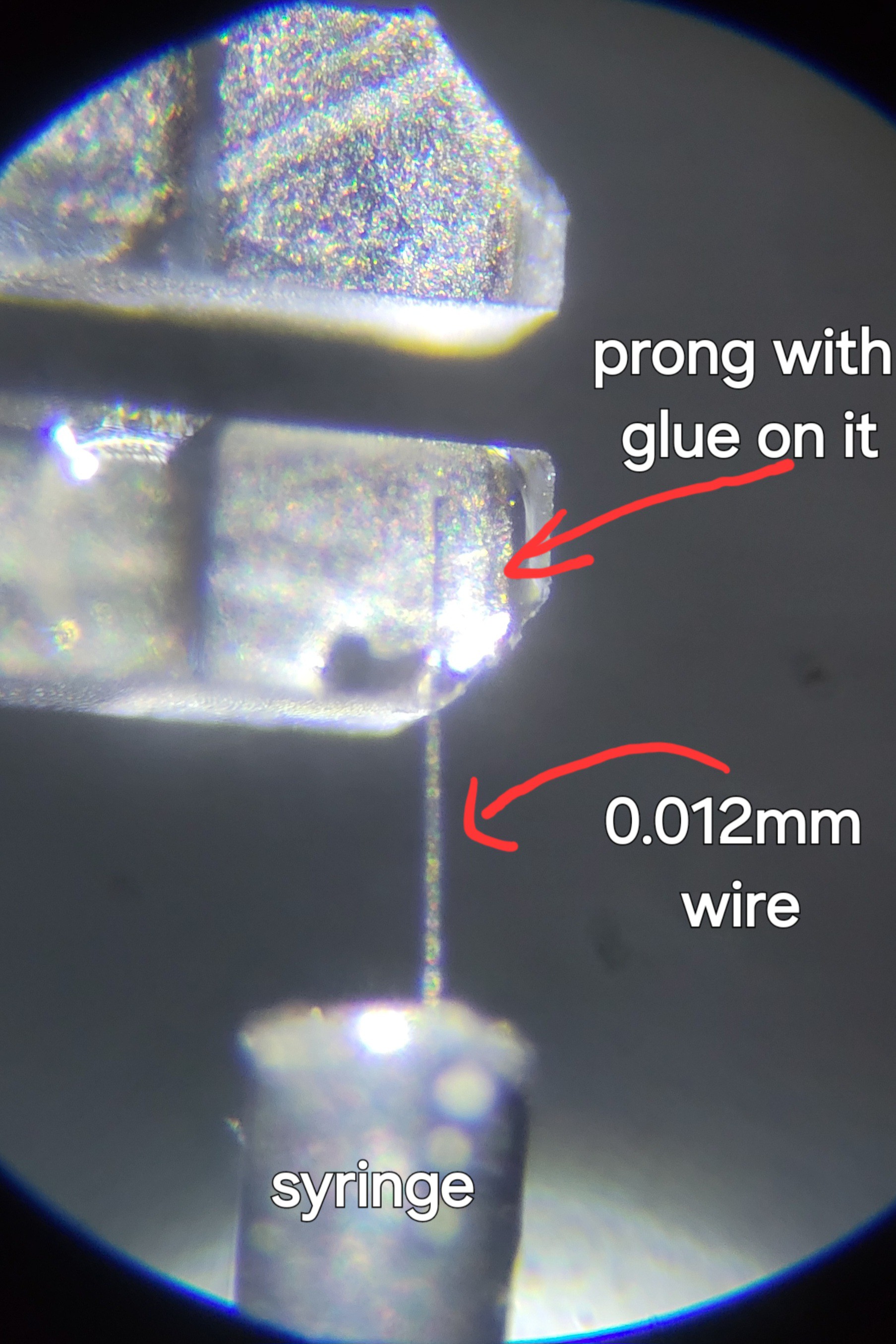
Then I recalled that I own really thin Tungsten wire, of 0.012mm wide. It's so thin it breaks easily in your hands. But now I got more experience and nothing to lose. I managed to push some wire into syringe. Since it was so tiny I thought to use 0.1mm wire to paste the glue (instead of toothpick).
![]()
The glue was strong enough but I had another problem. Since the wire was so short I couldn't etch it. Luckily (yeah, I feel lucky today) I managed to cut it with scissors. (It's impossible to do that with 0.1mm wire, it breaks the glue)
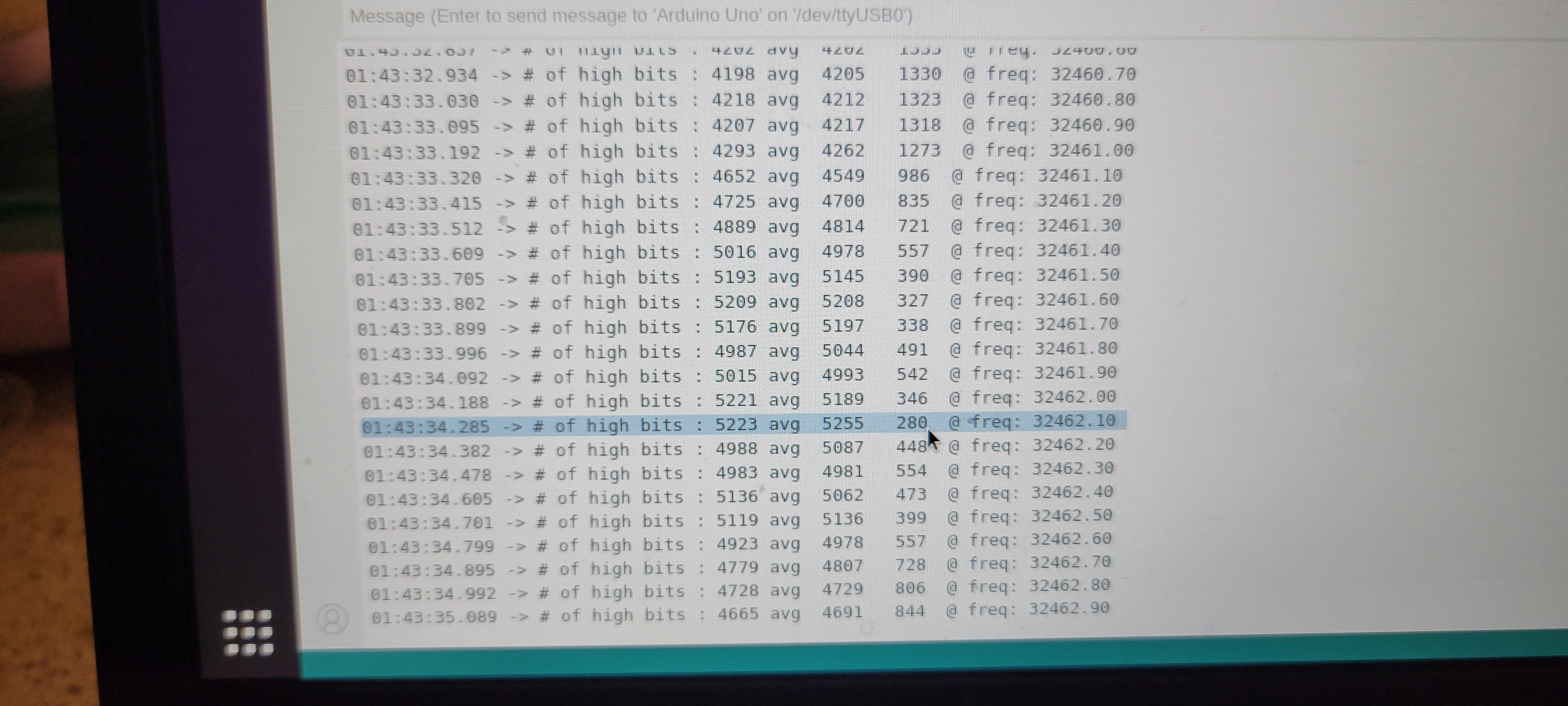
Now I've tried to scan the frequency and TA-DA! I got stable frequency
![]()
Now it's time to lower the probe and see if it successful and we got AFM or all this project goes to garbage.
Stay tuned 😉
P.S.
I found fundamental design flaw in my design. I've noticed that sometimes the difference I got is near zero and sometimes near maximum of 5k.
![]()
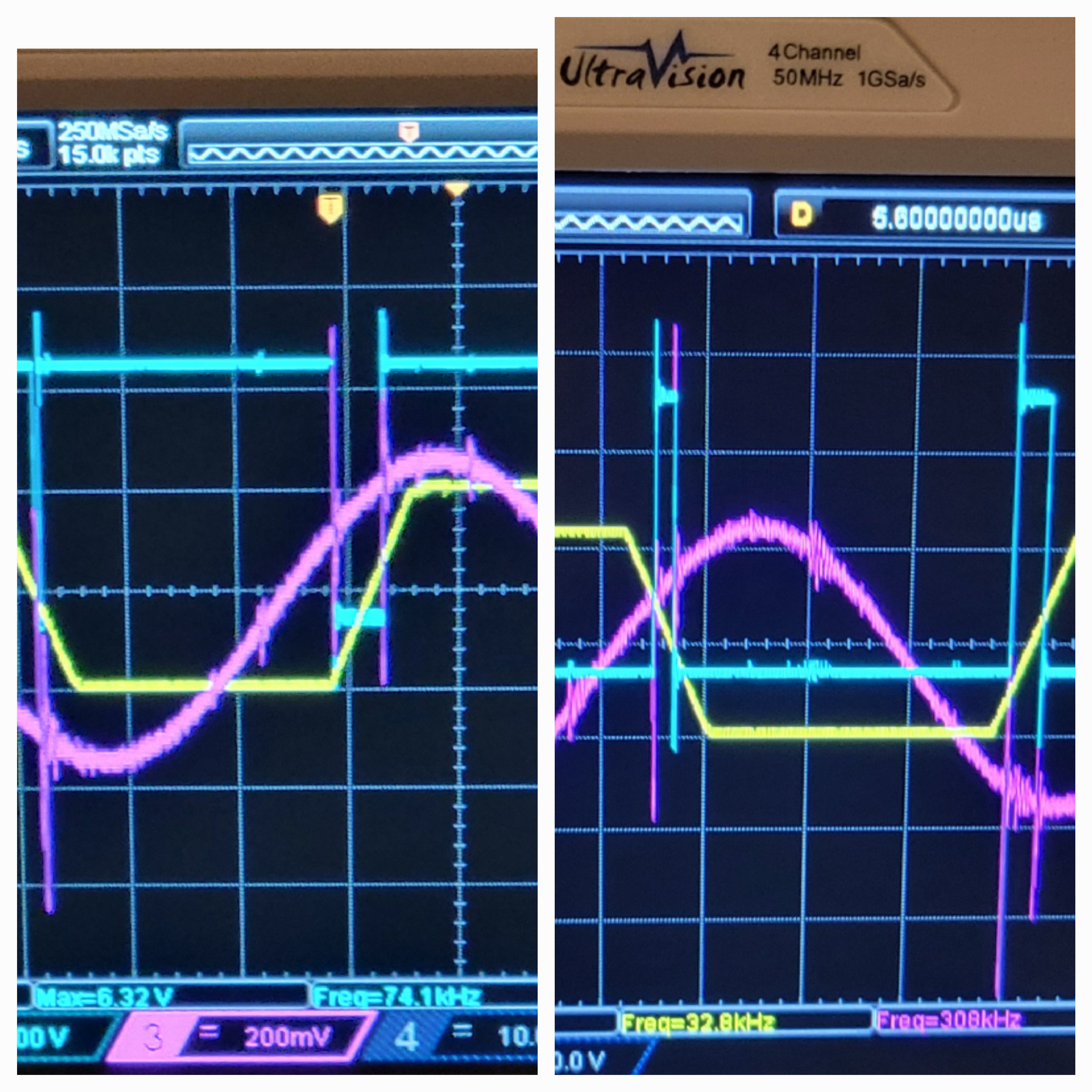
The reason is that quartz fork is oscillator with its frequency and phase.
That's why sometimes I get no signal, it depends on the phase between input and output of quartz fork. There are many ways to solve it but for now I will just restart the system and hope for the best.
After some rethinking, it looks like we have software solutions. AD9833 is able to change it's frequency programmatically. So we can start normally look for high and low. If not successful, change phase by 90° and try again. Once right frequency found try to get better results changing phase, until looked.
Update:
Started another test, failed as the usb metallic cover was on the way. Few power moves the pliers and it ok.
Now we had some issues with frequency. I didn't had mechanisms to set frequency. Now I do. Continuing to the test of soft landing this time with real (not yet sharp) Tungsten probe.
Update II:
Was able to do first measurement with Tungsten wire.
![]()
The procedure is run 'range' which runs coarse frequency change of 1Hz and range of 200. This finds the frequency where maximal/minimal eclipse occurs.
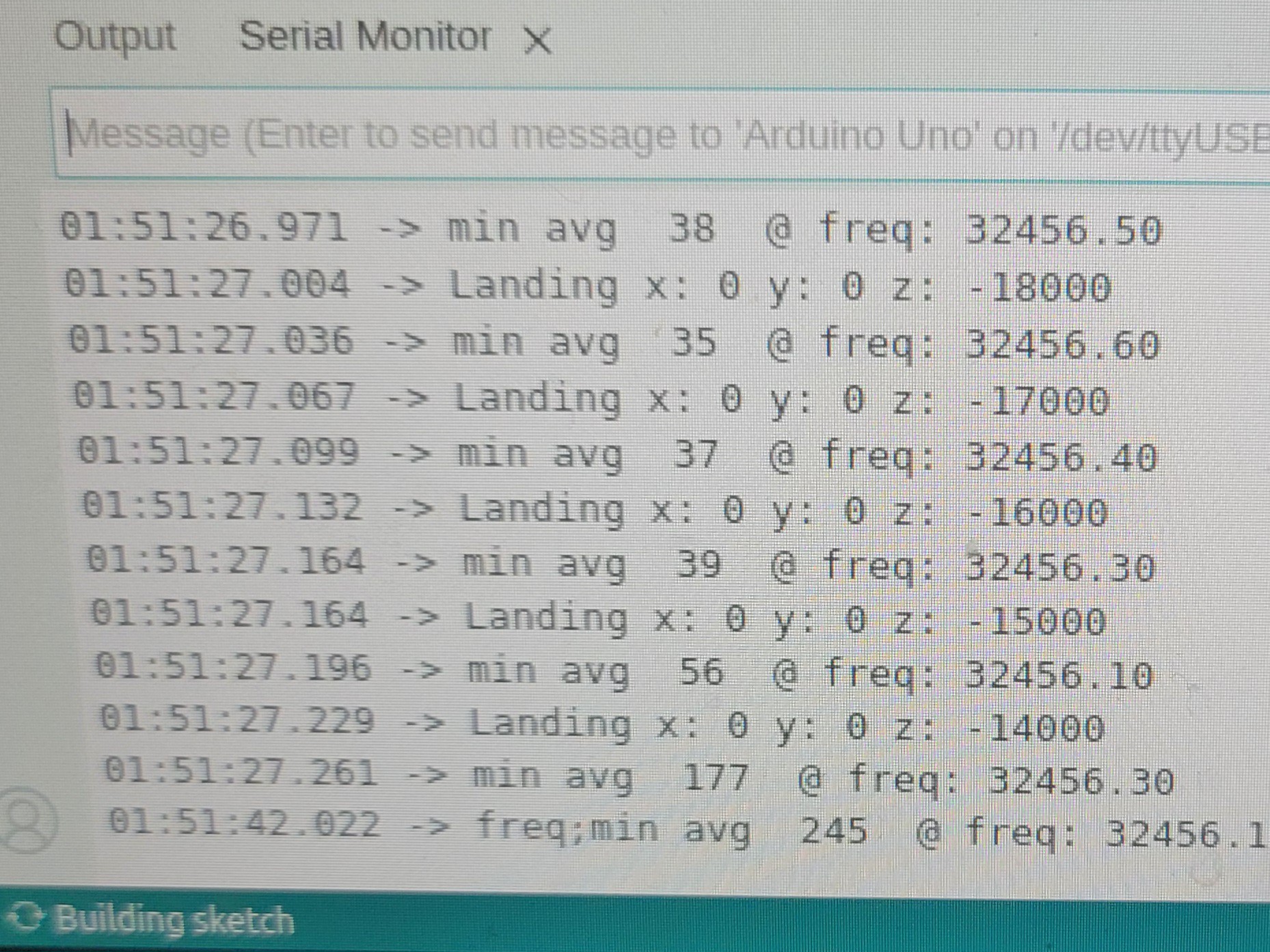
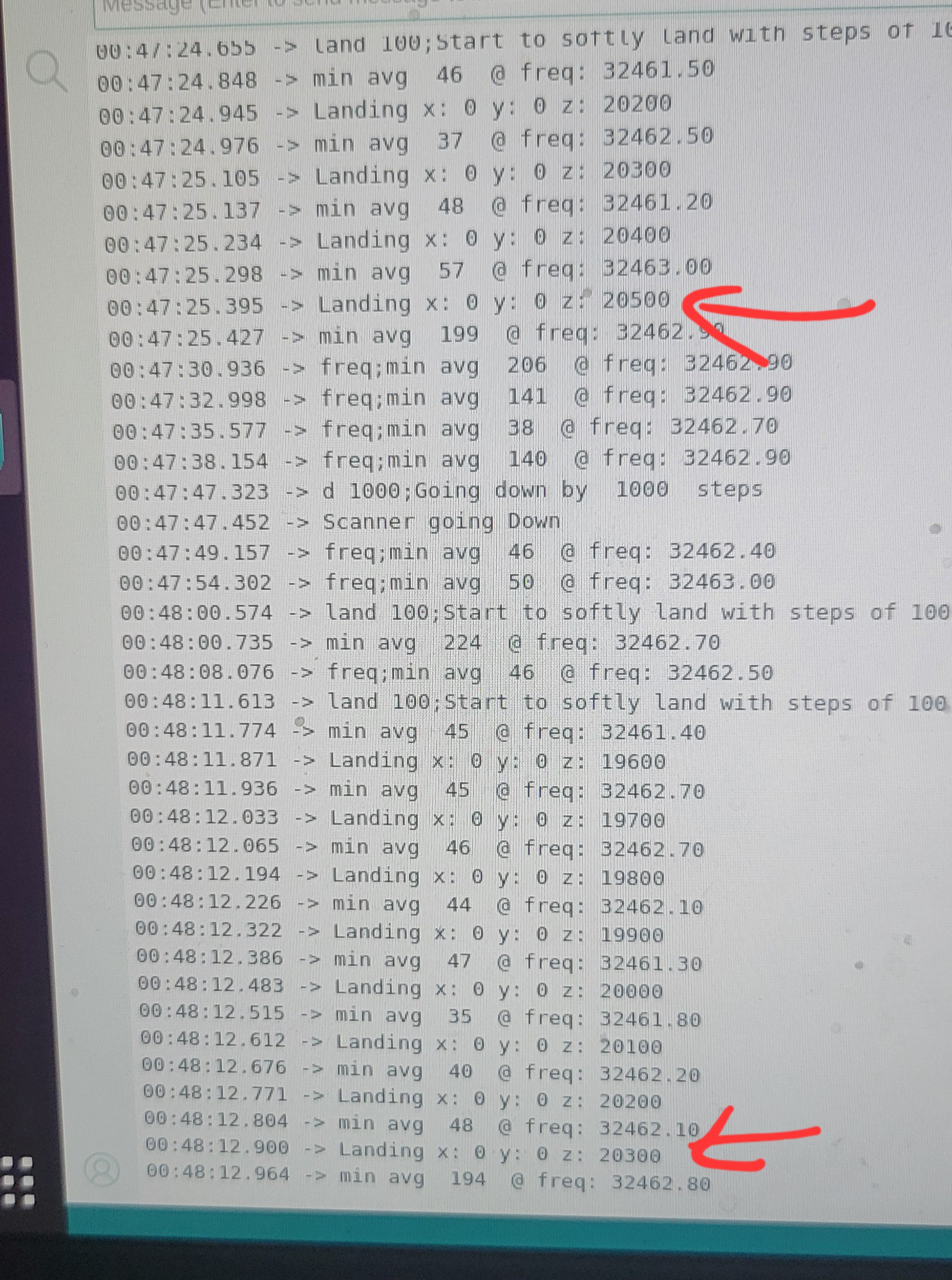
Now we set new base frequency by 'bf' and run 'land' function steps of 100 (I ran with 1000 and crashed into sample). If fails to land change high of micro meter movement (open flexture Delta stage).
![]()
Update III:
Added 'ph'ase function which changes current phase. It helped to change convolution result from ~120 to nice ~ 30. No matter what I did I couldn't go below 30.
Going step by step, I thought it would be a good idea to test the 'land'-ing function is consistent. I tried to descent in big and small steps but the result is same if you find a place where convolution changes and goes up and down again the convolution still high. This is the basic step for measuring height. If this not stable we cannot go to scan. Now when I think of it one of the problem could be phase change once probe touches sample's surface.
Update IV:
Today I was able to depth difference between two consecutive runs of 200.
![]()
It was without shielding and without vibration reduction. The only difference was that now all my appliances are off, and windows shut, as it cold and super late.(I am happy I don't have to rebuild the electronics)
Let's wrap everything in aluminum foil and go to the next step...
Update V:
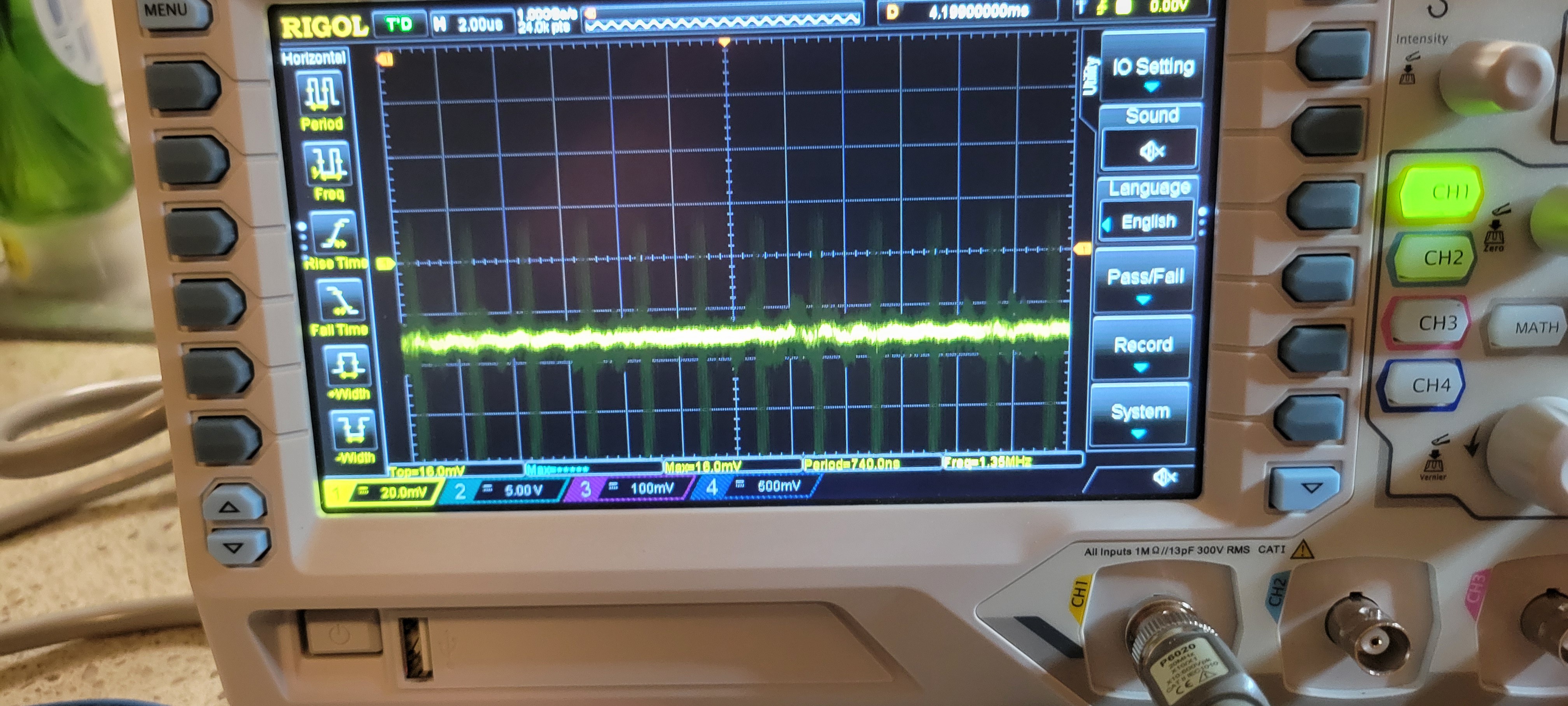
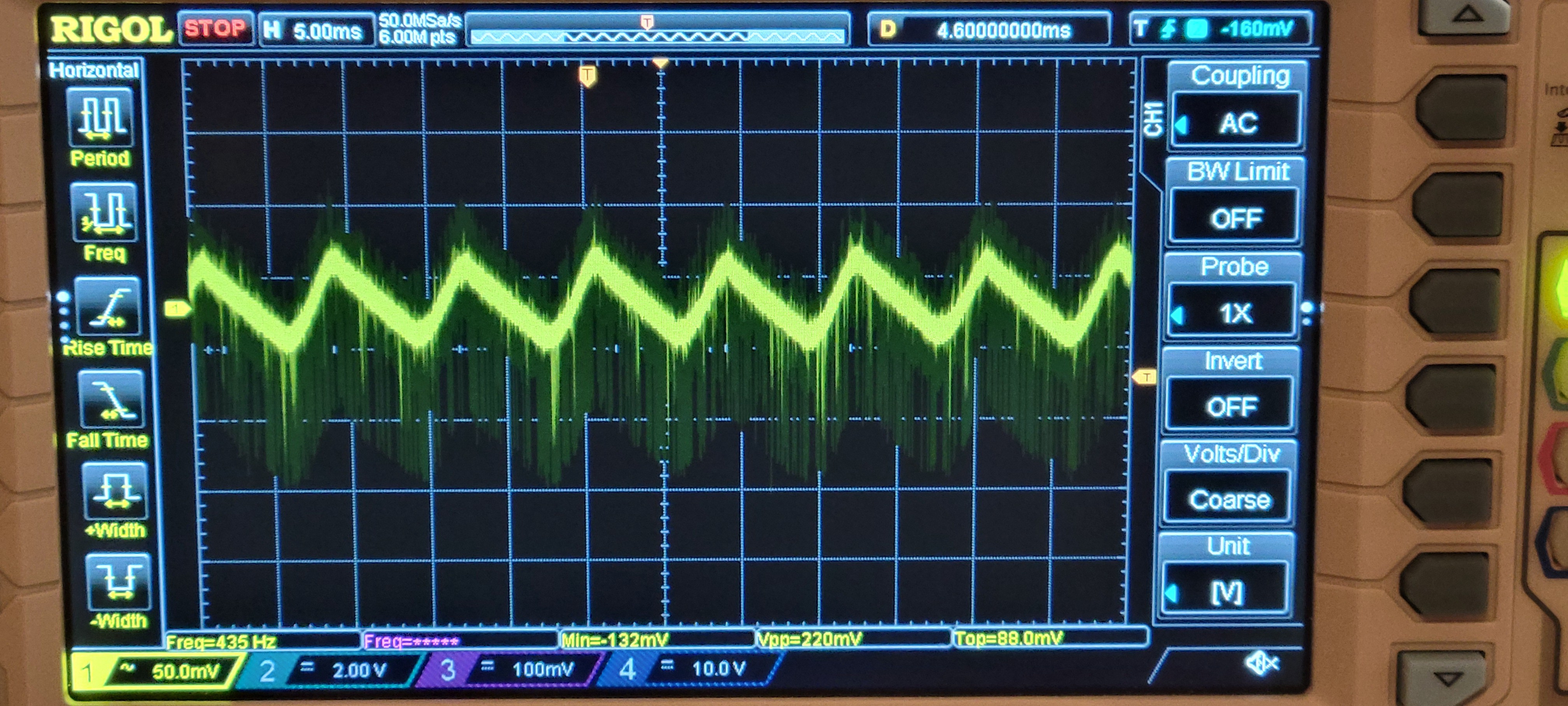
I discovered some disturbing problem. There is ~120Hz stray signal on piezoelectric output of about 75mV.
![]()
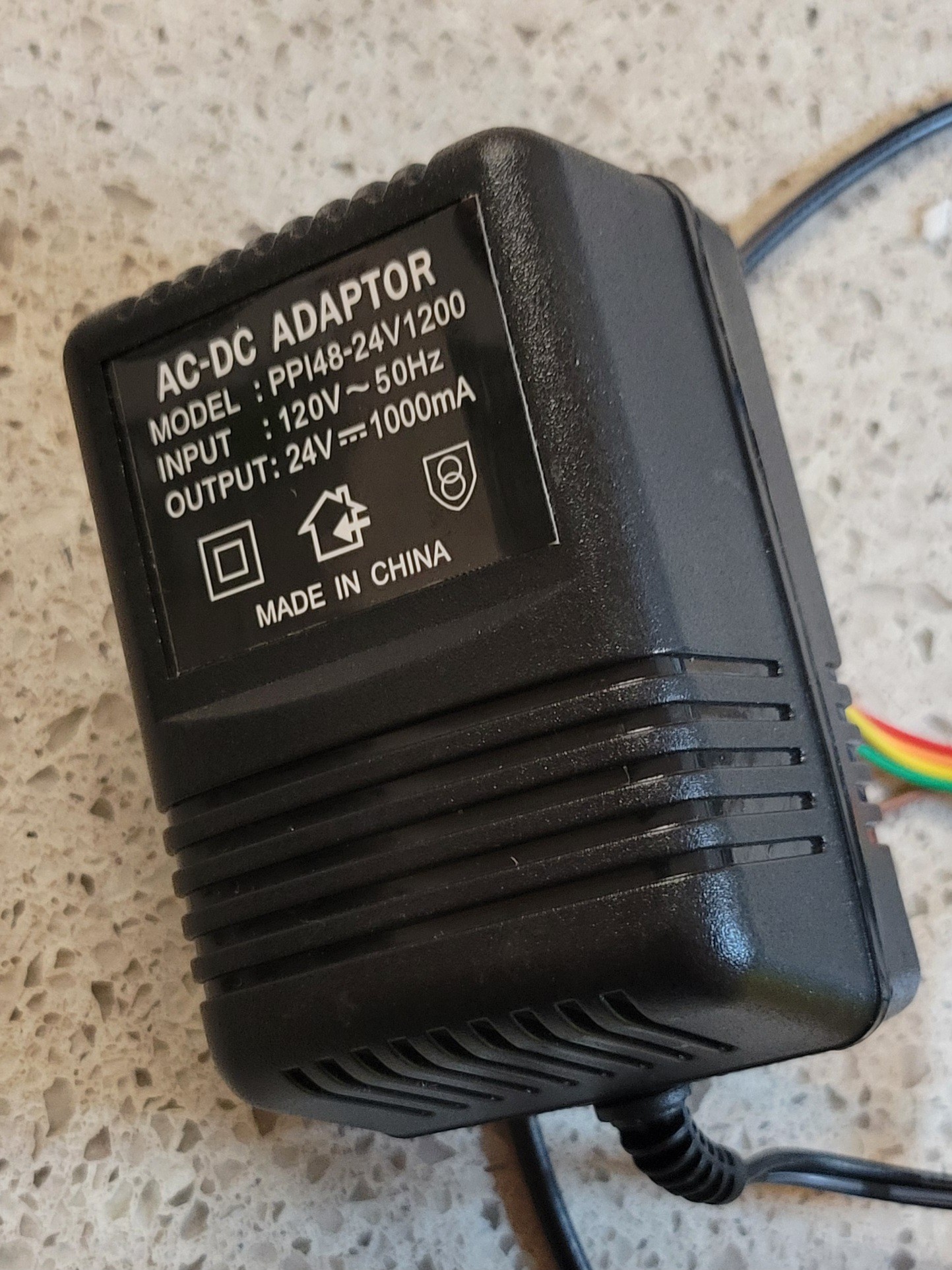
I've traced it back to power supply. The LM7812 was giving those triangle signals. Long story short. My transformers gave me 15VDC. Luckily I got step up transformers. Once I got 30V, after rectifier bridge. I got white noise signal as expected. [Feeling lucky today]
Update VI:
[Not feeling lucky today 😕] It turned out that I burned all my boards, simultaneously. Yeap, I am that talented...
Let see... One of power board components short circuit 15v to 5v rail. The result is 8v on 5v rail, ouch... All sensitive components just went boiling...
On piezoelectric board at least DAC died maybe others too.
On input board at least AD9833 signal generator died, maybe others.
QFM module board is not responding neither.
Although it's super depressing, especially when I was inch from finishing the project.
I staying positive, like Monty Python used to say "Look on the bright side of life".
But don't worry I have really great idea how to elegantly overcome this, kind of 'Make lemonade out of lemons' ver.2.
Stay tuned...
Next step would be a real scan. (And if successful run scan with etched probe, this will the end of this project)
Atomic Force Microscope - from ground up
The aim of this project is to make high grade DIY or turnkey AFM.